Facebook Conversion API 101: Free explanation and action guide [2026]


Do you feel like your Facebook Ads are stuck in a rut these years? Everyone, too. You've fed up with everyone blaming IOS 14 updates for Facebook's dull spending. Yeah, right. But what bugs you, even more, is the flood of Conversion API tools claiming to fix the entire problem. Months wasted, no good in sight.
Scream! You deserve it.
This is the last article you need to stay on top of the tracking game. And it's fluff-free.
What is Facebook conversion API (CAPI) ?
You must first have a basic understanding of the Facebook pixel in order to comprehend the Facebook conversions API.
The Facebook pixel is a browser-side tool, to put it briefly. This just indicates that data is tracked via the user's browser. While Facebook Pixel is easily shut down by browser limitations, Conversion API is not.
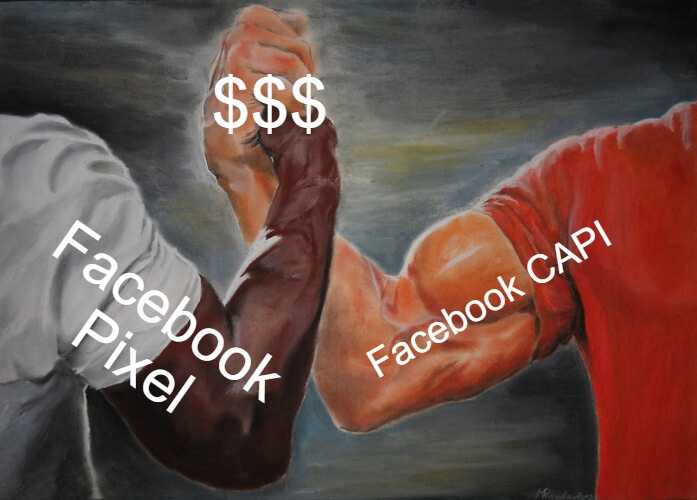
Unstuck your Facebook Ads tracking.
Every ad platform needs data to understand which audience works for you.
When Apple's App Tracking Transparency prompt launched in 2021, it hit Facebook hard: early data showed the vast majority of US iOS users opted out of cross-app tracking. With iOS devices making up roughly half the phones in many markets, that left the Pixel blind to a large share of traffic - and opt-in rates have stayed low ever since.
And IOS devices account for almost half of the smartphones in this world.
Facebook Pixel is blind half of the time.
If you're starting out with a limited budget, you can't afford to lose data. When you're sending Facebook only half of the picture, don't expect it to target full correct.
Lucky for us, Conversion API came into play.
Facebook conversions API is a server-side tool. Instead than using your customer's browser to track conversions, you can do so via the server of your website. It records "server events" as opposed to "browser pixel events".
In fact, Conversion API is the new tracking standard.
Learn More: Conversion API vs Facebook Pixel: Which one to choose?
What is tracked by the Meta Conversions API?
- Standard events: It tracks all standard e-commerce events.
- Custom events: It helps you track custom events like search or time on page.
- Event Match Quality: sending extra event parameters and customer information parameters for Facebook to find a profile match.
Additionally, it offers the data needed for: Facebook Ad targeting, Audience Insights, Dynamic ads, Ad Optmization,...You also have more control over the data you track on Facebook thanks to the conversions API. You can also transmit Facebook the data from offline events directly using the Conversions API.
How to Set Up Facebook CAPI?
There are two ways to set up CAPI: the manual developer route, or a no-code app. Before you start, note that Meta now calls a Pixel a dataset, and Business Manager tools live inside Meta Business Suite.
Manual route (needs a developer):
- In Meta Business Suite, open Events Manager and select your dataset (or create one via "Add new data source").
- Open the dataset's settings, find the Conversions API section, and generate an access token.
- Verify your domain, then send server events to Meta - with a matching event_id on both Pixel and server so they deduplicate.
- Use Test Events to confirm events arrive and show as "Deduplicated," then monitor and optimize.
No-code route (Shopify / Wix / Shopline):
Shopify's native Meta integration and apps like Two Owls – Omega Facebook Pixels handle the token, domain, event_id, and server events for you - no developer or server code required.
What’s next?
Once you've got yourself a decent tracking tool, it's time to get quality data to work for you.
Whether it be optimizing for higher-up funnel events like view content or adding to carts when you are just starting out, or for sale, be sure to watch your campaign performance closely.
Server-side tracking is becoming the standard, not a nice-to-have. In April 2025 Google confirmed it would not remove third-party cookies from Chrome after all, but that doesn't put you in the clear: iOS opt-outs, Safari's ITP, ad blockers, and Shopify's checkout restrictions still erode browser-side data. The Pixel on its own simply can't see enough anymore - pairing it with the Conversions API is what keeps your tracking reliable.
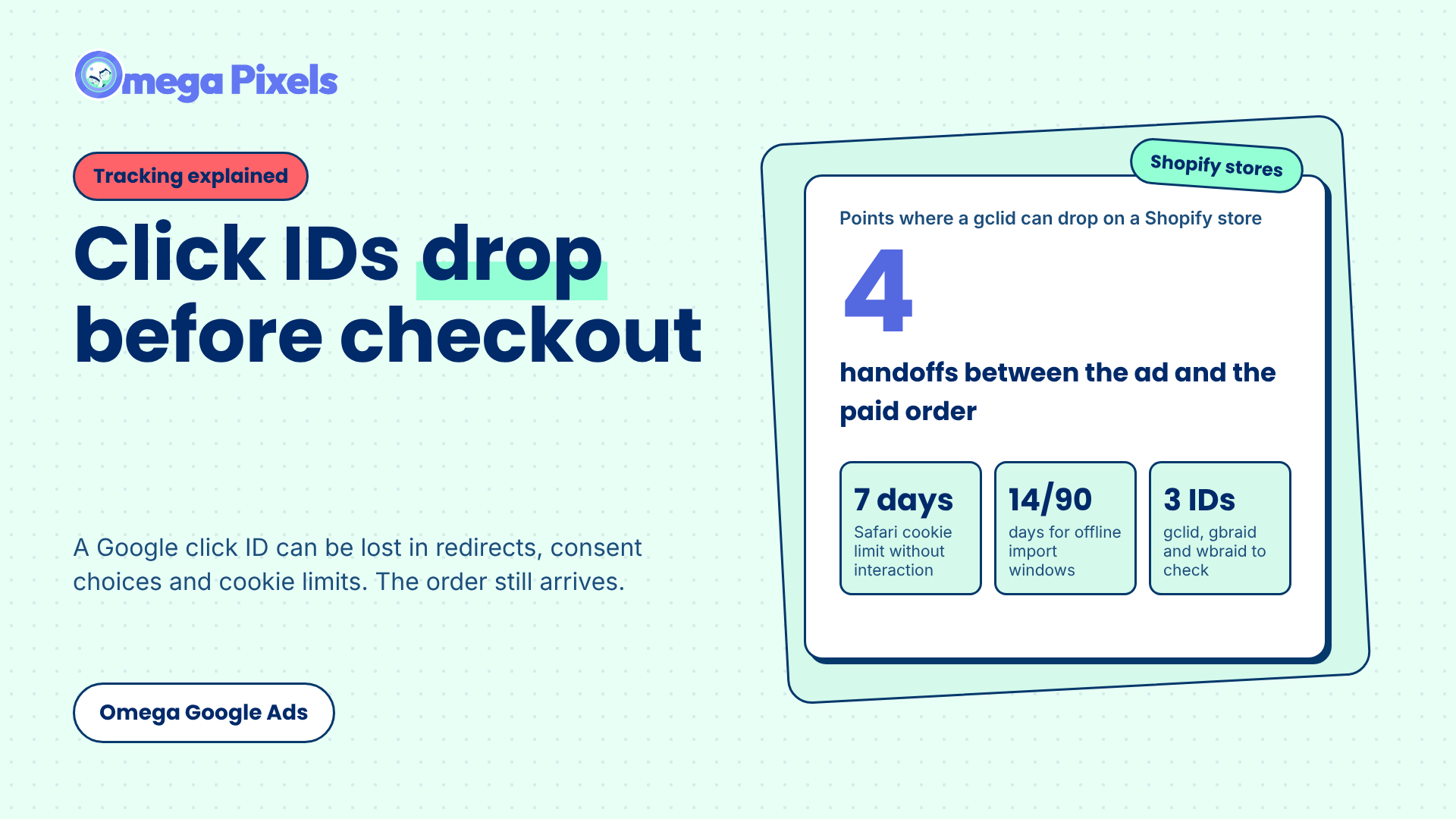
Where Google Click IDs Get Lost Between the Ad and Checkout
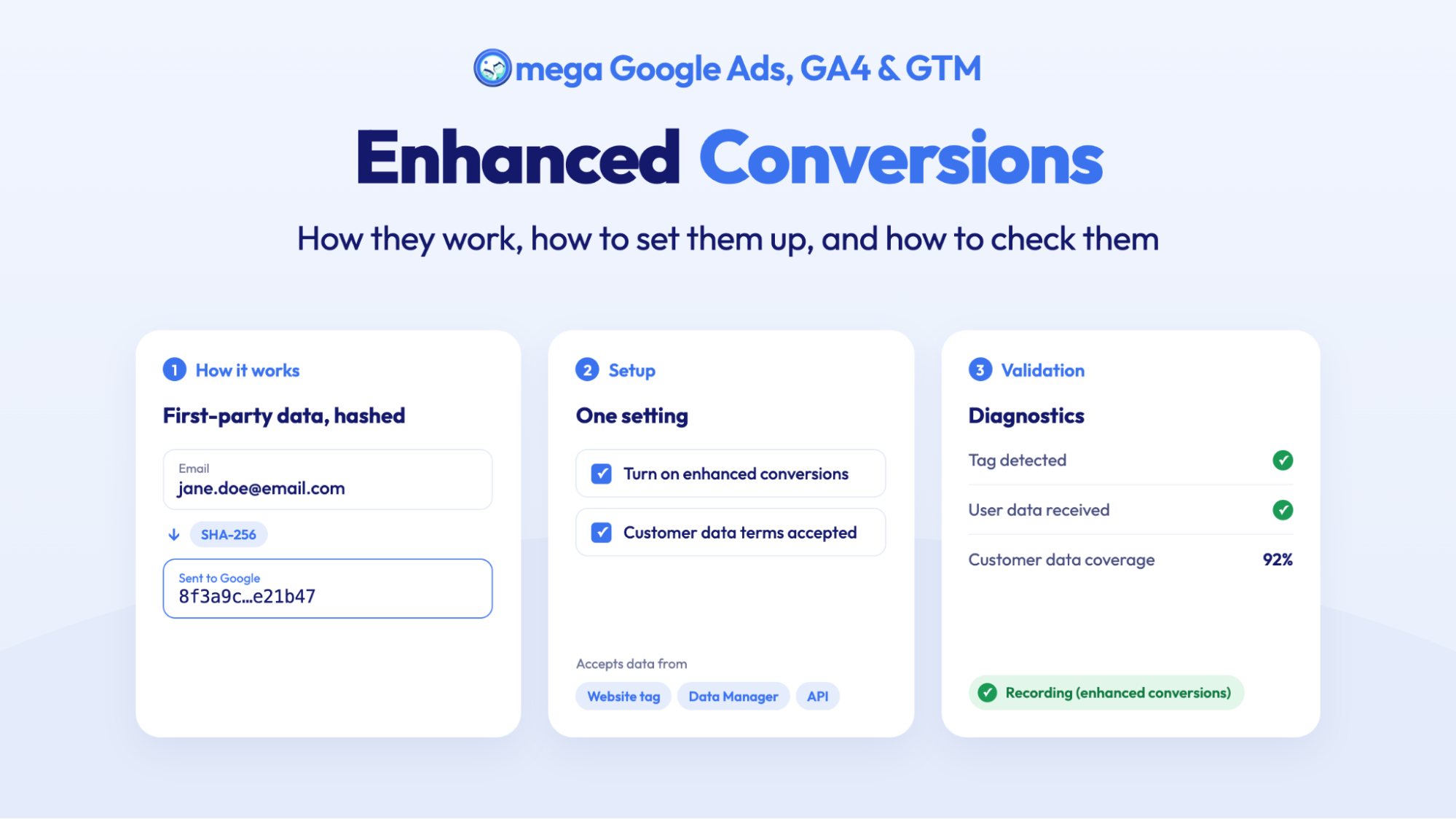
Enhanced Conversions in Google Ads: Turned On Isn’t the Same as Working
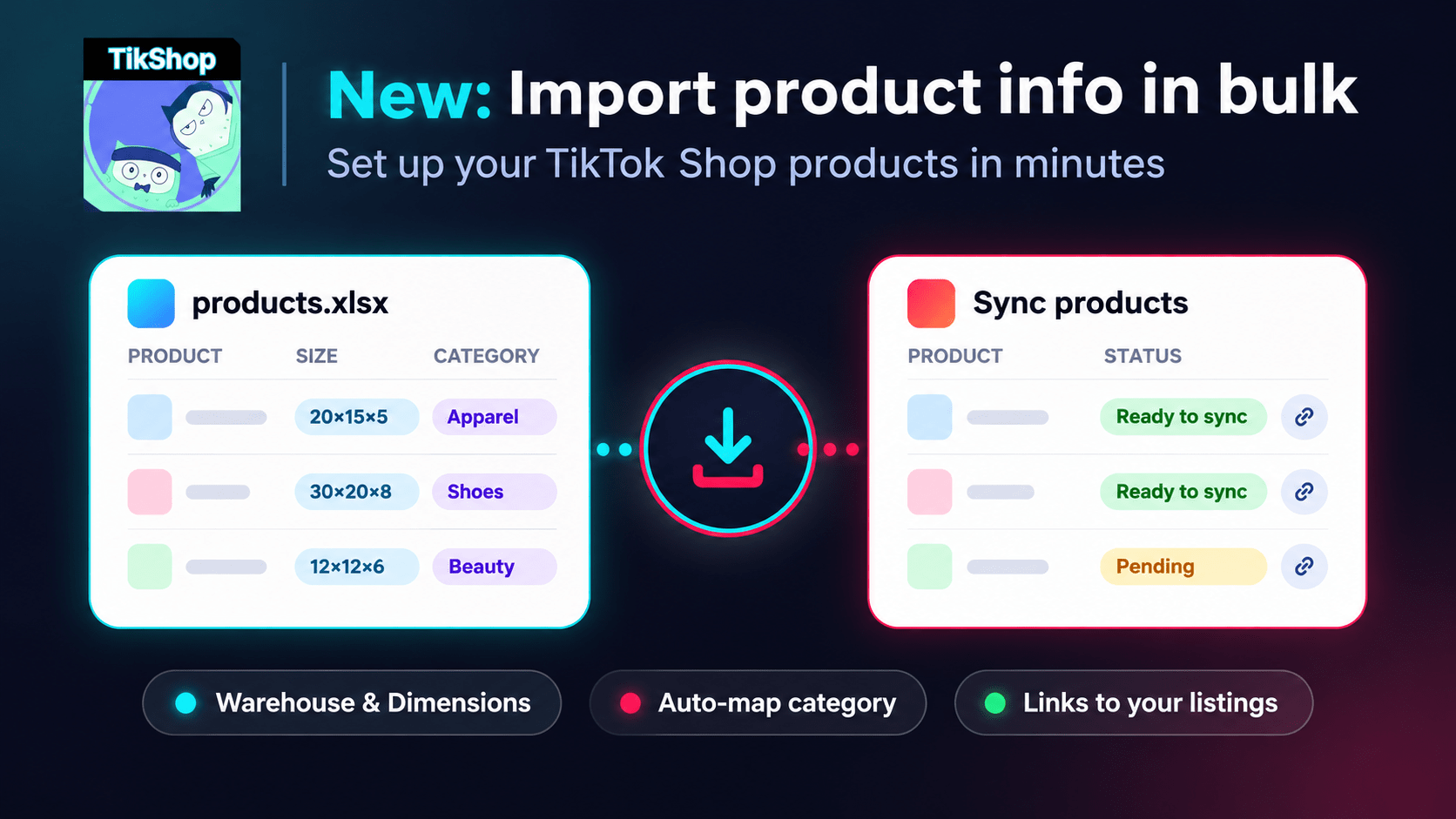
Bulk Import Product Info to TikTok Shop from Wix
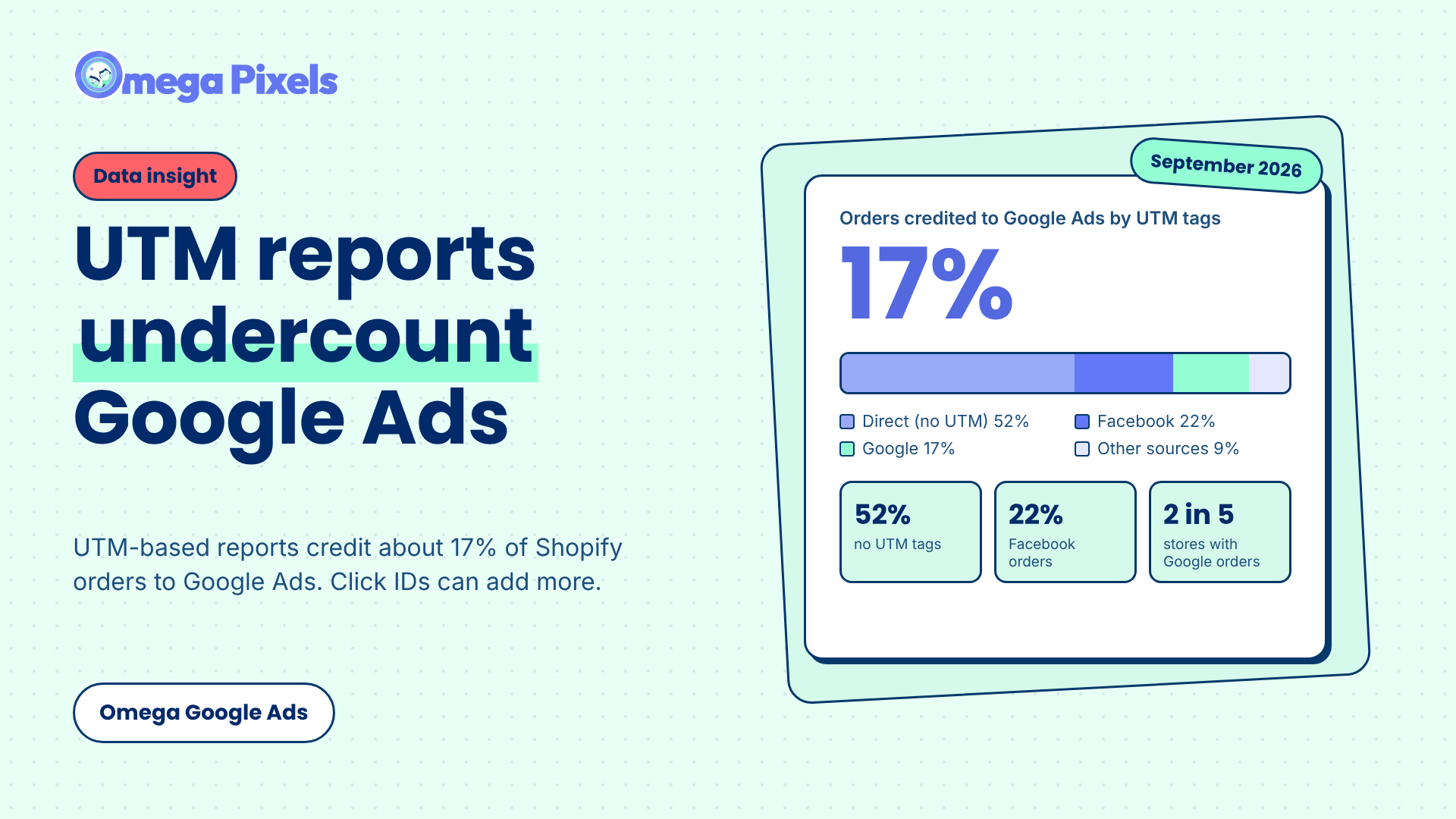
Google Ads Shopify Orders: How Many Are Tracked?
Bulk Import Product Info to TikTok Shop from Wix
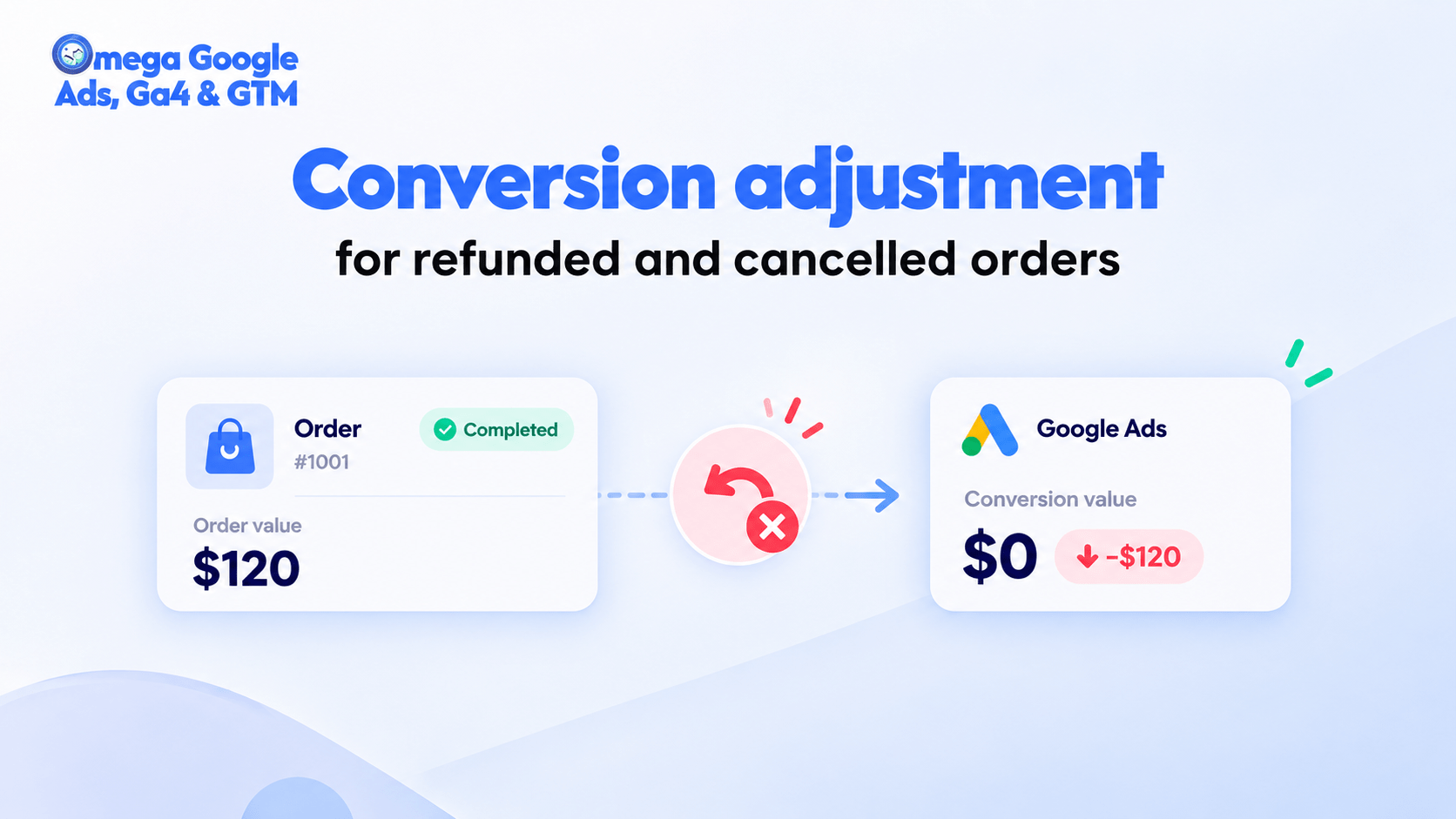
Google Ads Conversion Adjustment for Refunds on Shopify
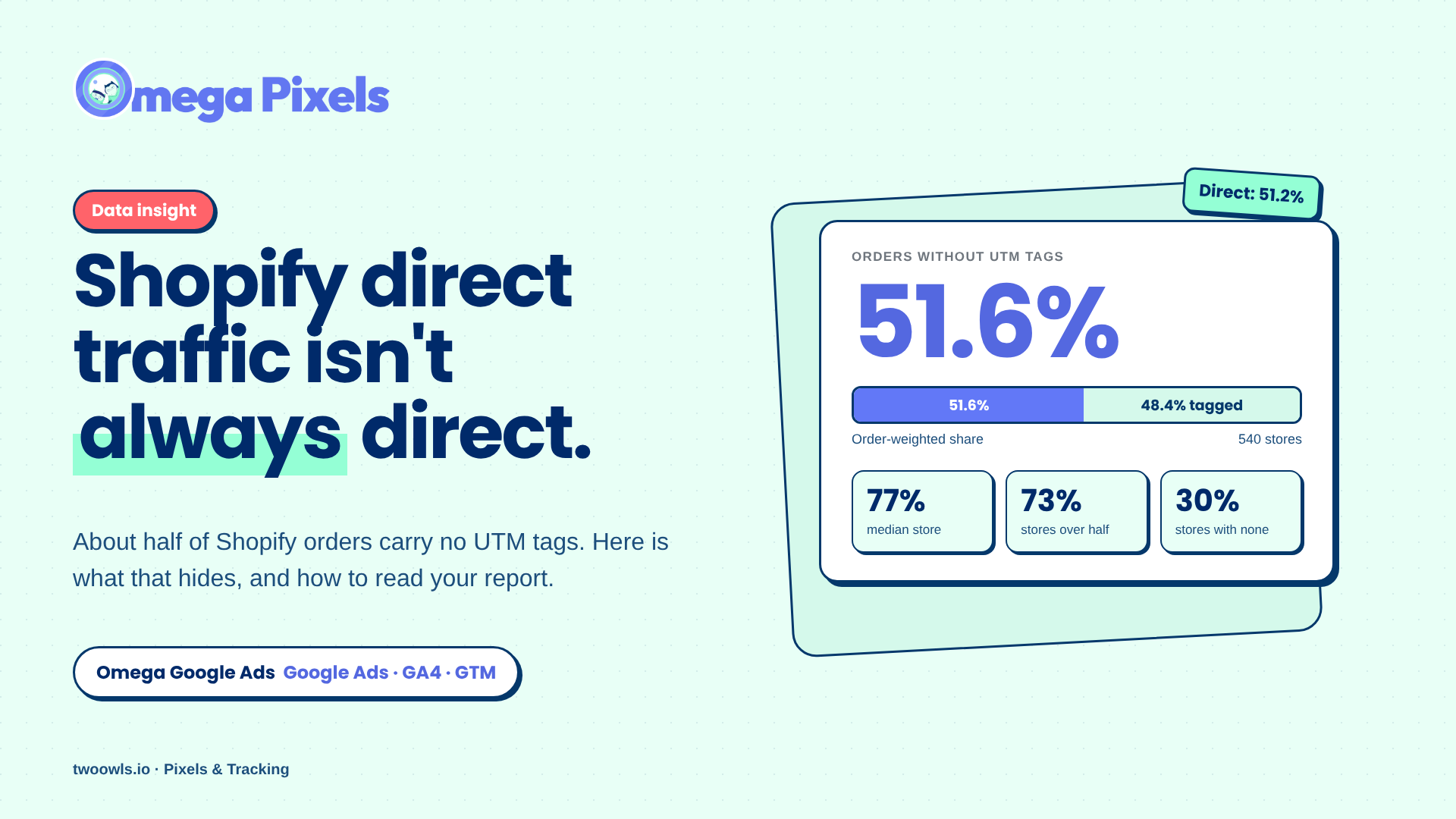
Shopify Direct Traffic Isn't Always Direct
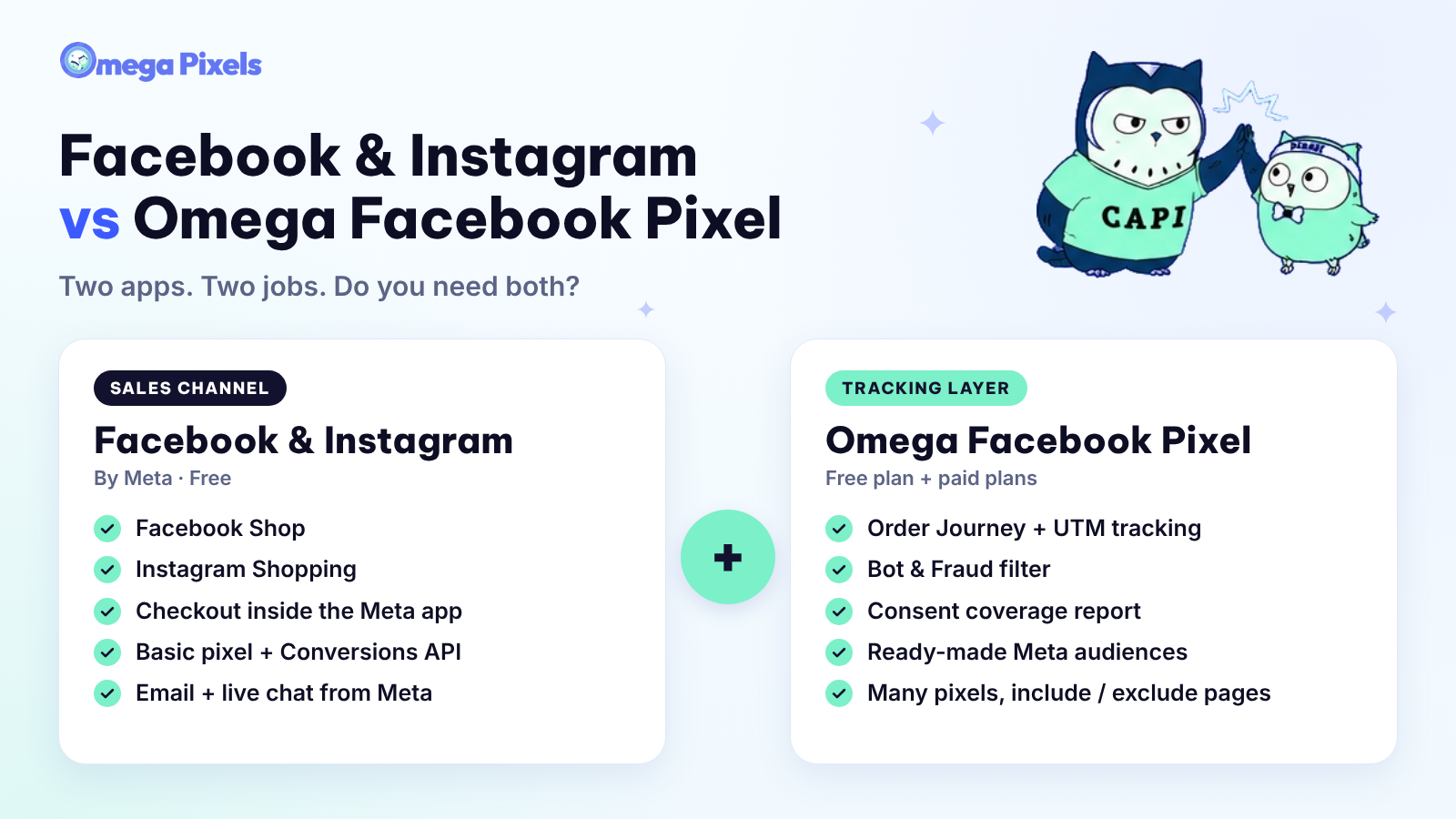
Why Pay for Omega Facebook Pixel When Meta’s Facebook & Instagram App Is Free?
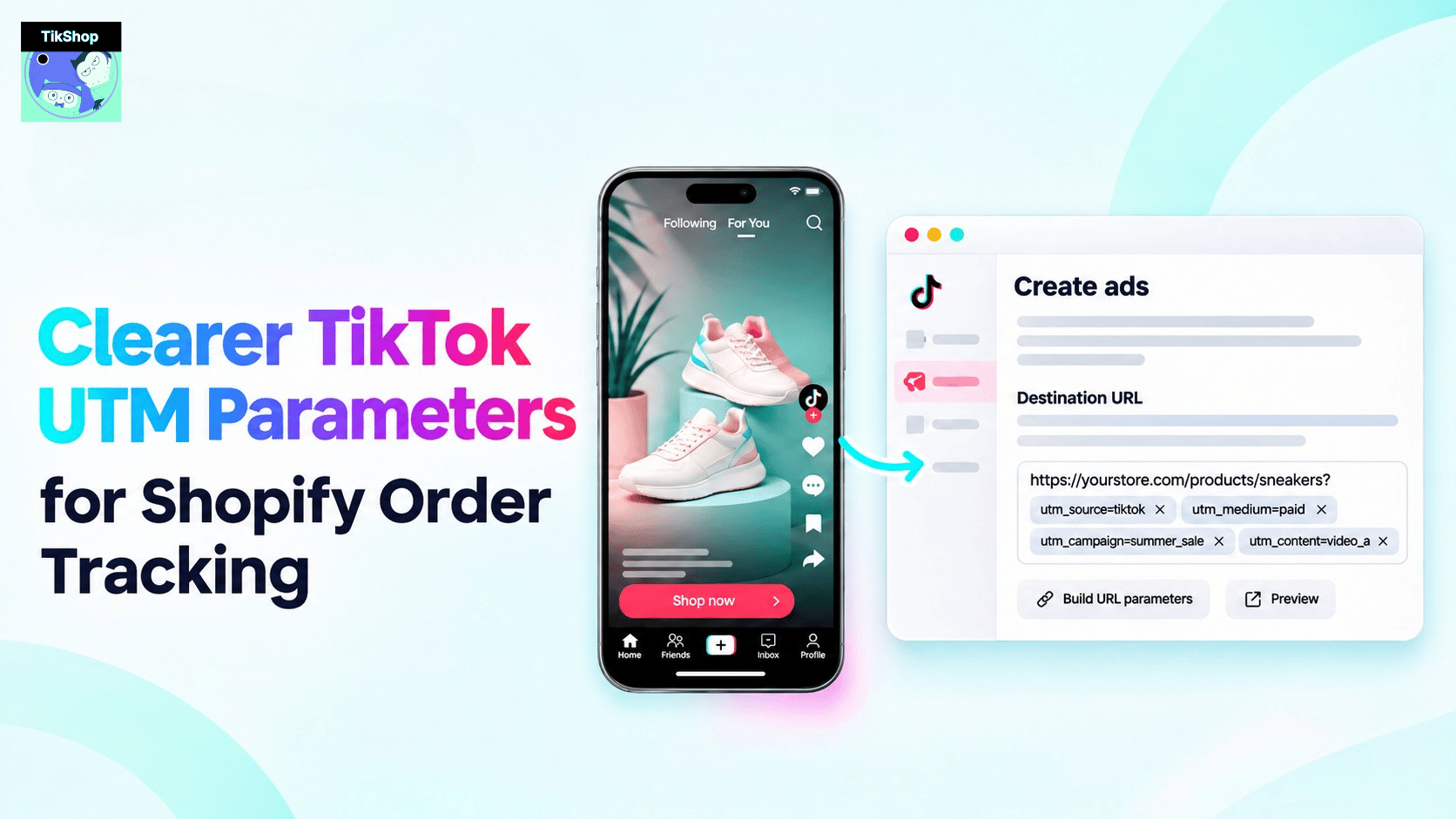
Clearer TikTok UTM Parameters for Shopify Order Tracking
Bulk Import Product Info to TikTok Shop from Wix
Google Ads Conversion Adjustment for Refunds on Shopify
Shopify Direct Traffic Isn't Always Direct
Why Pay for Omega Facebook Pixel When Meta’s Facebook & Instagram App Is Free?