Query Business Insights Directly with Shopify Sidekick | Omega Google Ads


Analyzing store performance typically requires pulling reports across multiple dashboards, adjusting date pickers, exporting tables, and manually calculating period-over-period differences. When you need to understand why revenue dipped, find where shoppers are dropping out of your purchase funnel, or check your customer acquisition cost, navigating disparate analytics screens creates unnecessary friction.
Omega Google Ads now integrates directly with Shopify Sidekick - Shopify’s built-in AI assistant. Instead of manually stitching together reports from separate tabs, you can now ask questions about your store’s performance in plain language and receive real-time answers backed by your Omega Google Ads data.
Shopify Sidekick Integration: Core AI Analytics Features
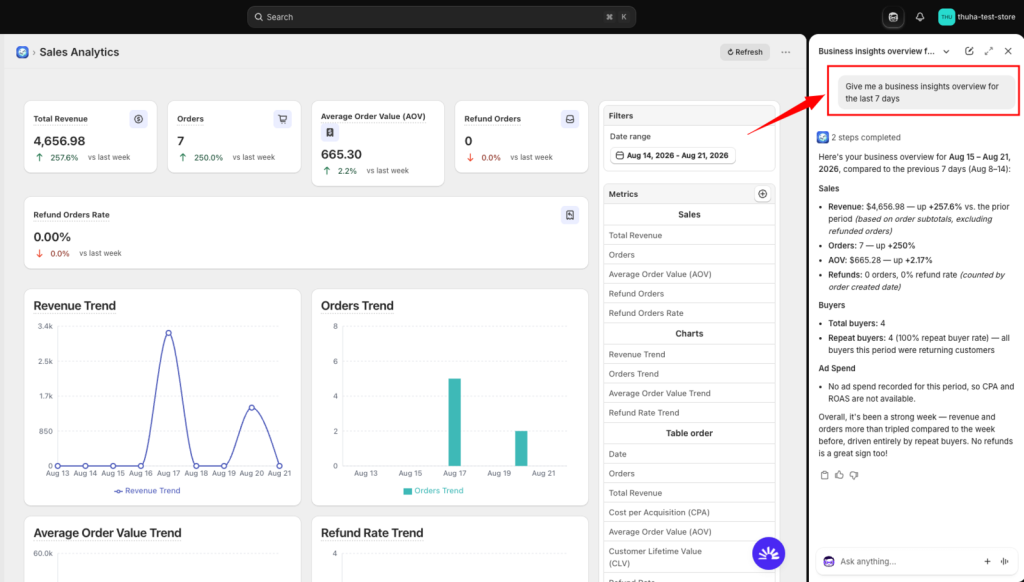
The Sidekick integration connects your actual store data from Omega Google Ads directly into your Shopify admin chat interface. You can query performance using text or voice in your preferred language and receive instant, source-matched metrics without opening separate reporting screens.
Overview Snapshot: Ask for a complete summary of store health in a single prompt. Sidekick delivers revenue, orders, Average Order Value (AOV), buyer counts, repeat buyer rates, refund rates, ad spend, and Cost Per Acquisition (CPA), alongside direct comparisons to the previous period.
Granular Sales & Trend Reporting: Pull specific metrics - such as revenue, orders, AOV, and refund orders - as single figures, day-by-day trends, or structured daily tables.
Customer Retention & Lifetime Value: Access new vs. repeat buyer breakdowns, retention rates, churn rates, Customer Lifetime Value (CLV) trends, and customer acquisition costs over custom intervals.
Product-Level Diagnostics: Review views, add-to-cart events, checkout initiations, purchases, and all four conversion rates (view-to-cart, cart-to-checkout, checkout-to-purchase, and view-to-purchase). Filter for top or bottom performers, locate products with high views but low purchases, and click directly through to product pages in your admin. Data persists even for removed products to keep historical reporting intact.
Google Ads Spend & Acquisition Tracking: Query total Google Ads investment alongside CPA (calculated strictly as ad spend divided by customers acquired) to track real acquisition costs over time.
Full-Funnel Drop-Off Analysis: Trace your complete shopper progression from view to purchase. Sidekick identifies your biggest leaks, cart abandonment rates, and stage-by-stage drop-offs compared to previous periods.
Business Impact: Why AI-Driven Store Insights Matter for Shopify Merchants
Modern e-commerce operators need fast answers to operational questions without getting bogged down in manual reporting routines. Connecting Omega Google Ads with Sidekick shifts analytics from a multi-step investigation to an on-demand conversation.
Faster Decision-Making: Accessing cross-metric summaries in seconds removes the barrier between spotting a trend and responding to it. You can identify underperforming products or funnel bottlenecks immediately during active campaigns.
Consistent, Unified Reporting: Sidekick reads the exact same dataset powering your Omega Business Insights dashboards. Because the figures match your primary reports for any identical date range, your team eliminates discrepancies across reporting channels.
Direct Admin Navigation: Interactive responses allow you to inspect problem areas instantly. Clickable product links generated in chat let you move directly from an identified metric anomaly to product catalog management.
Step-by-Step Guide: How to Query Omega Business Insights in Shopify Admin
The Sidekick integration is accessible directly inside your Shopify admin on desktop and mobile for eligible plans and regions. Ensure Omega Google Ads is installed and active on your store before starting.
- Open Shopify Admin: Log into your store on desktop or the Shopify mobile admin app.
- Launch Sidekick: Click the purple glasses icon located in the admin header. Sidekick can be opened from any admin screen.
- Submit Your Query: Type your question or use voice input in your preferred language.
Best Practices for Querying Sidekick
Specify Time Windows: Define explicit time frames like "last 7 days", "last 30 days", "this week" (from Monday to today), or "this month" (from the 1st to today). If no date range is specified, Sidekick defaults to the last 7 days.
Request Comparisons: Include phrases such as "vs last week" or "compared to the previous period" to receive percentage change figures.
Ask for Trends or Daily Breakdowns: Use terms like "by day" or "trend" to see daily tables or trajectory views rather than a single aggregated total.
Scope and Limitations: What to Expect from Sidekick AI Reporting
To ensure complete data reliability, this integration operates with clear reporting boundaries:
- Read-Only Access: Sidekick queries and displays your existing data; it does not alter store settings, adjust campaigns, or take administrative actions.
- Factual Reporting: The assistant presents objective numbers and identifies data points (e.g., where funnel leaks occur) without issuing prescriptive advice or recommendations.
- Connected Accounts: If your Google Ads account is not connected, ad spend will reflect as
0and CPA will be marked as unavailable. - ROAS Tracking: Return on Ad Spend (ROAS) is currently not calculated by the app and will not be estimated by Sidekick in this release.
Streamline E-commerce Reporting with Omega Google Ads and Sidekick
Eliminate the friction of digging through multiple screens and let your data work for you inside your admin workflow.
Test the Sidekick integration today inside your Shopify admin, or open the Omega Google Ads app dashboard to review your full Business Insights suite. If you need assistance setting up or testing your queries, contact our live support team directly through the app.
- 1 Shopify Sidekick Integration: Core AI Analytics Features
- 2 Business Impact: Why AI-Driven Store Insights Matter for Shopify Merchants
- 3 Step-by-Step Guide: How to Query Omega Business Insights in Shopify Admin
- 4 Best Practices for Querying Sidekick
- 5 Scope and Limitations: What to Expect from Sidekick AI Reporting
- 6 Streamline E-commerce Reporting with Omega Google Ads and Sidekick
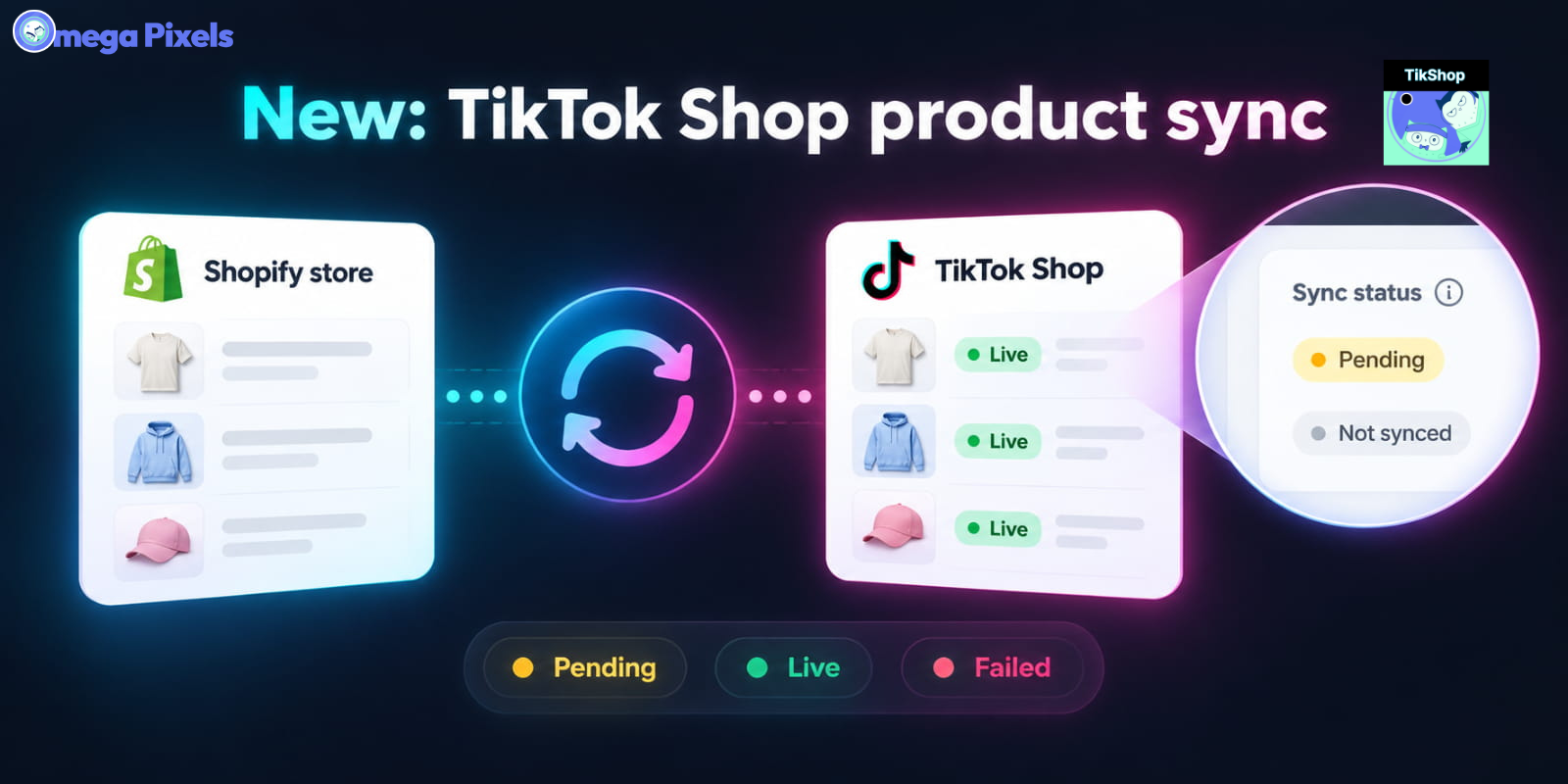
Sync Shopify Products to TikTok Shop directly with Omega TikTok Pixels
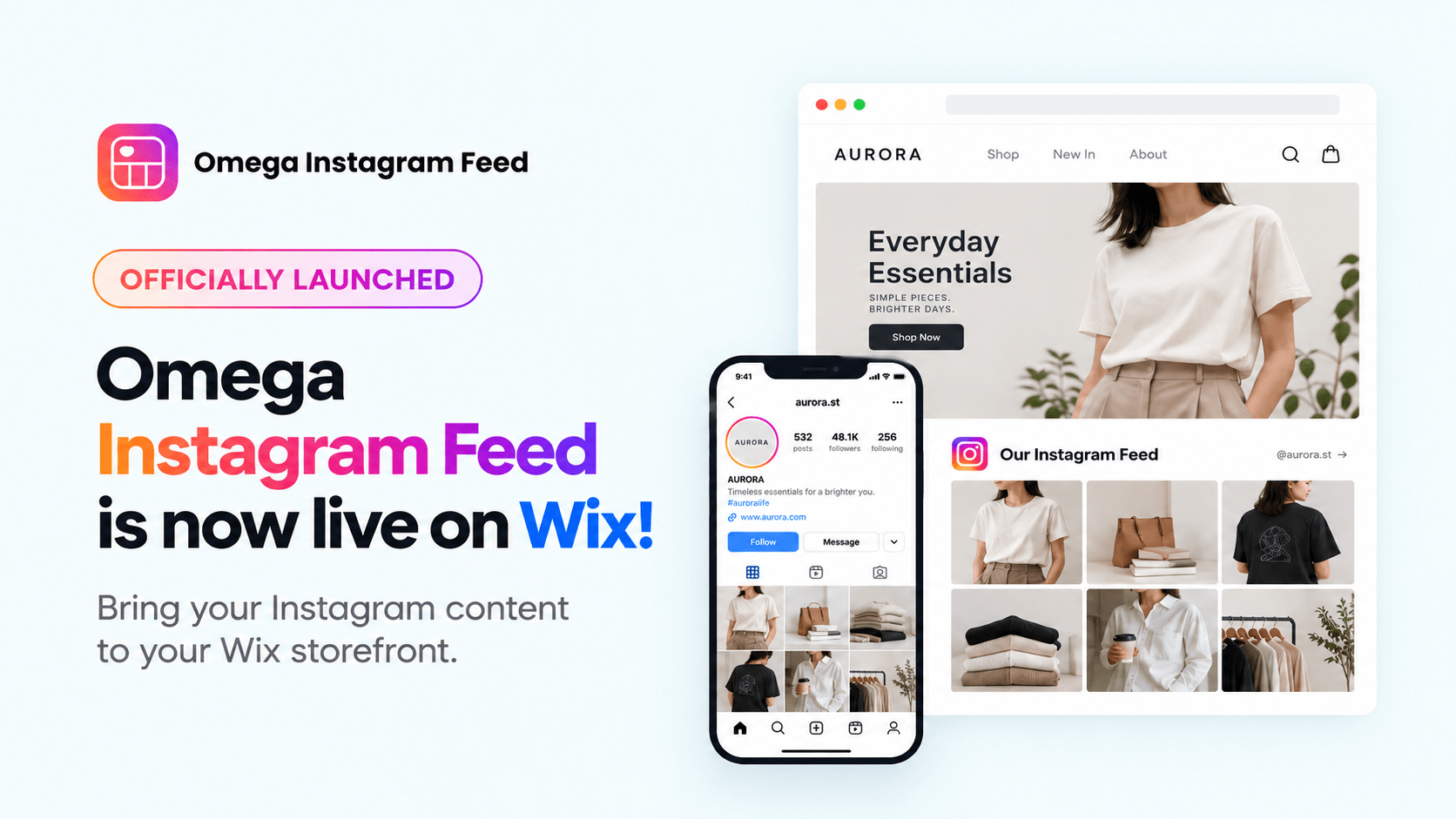
Transform Wix Storefronts with Shoppable Instagram Galleries: Omega Instagram Feed Launch

Stop Bots From Training Your Meta Ads: Introducing Bot & Fraud Protection
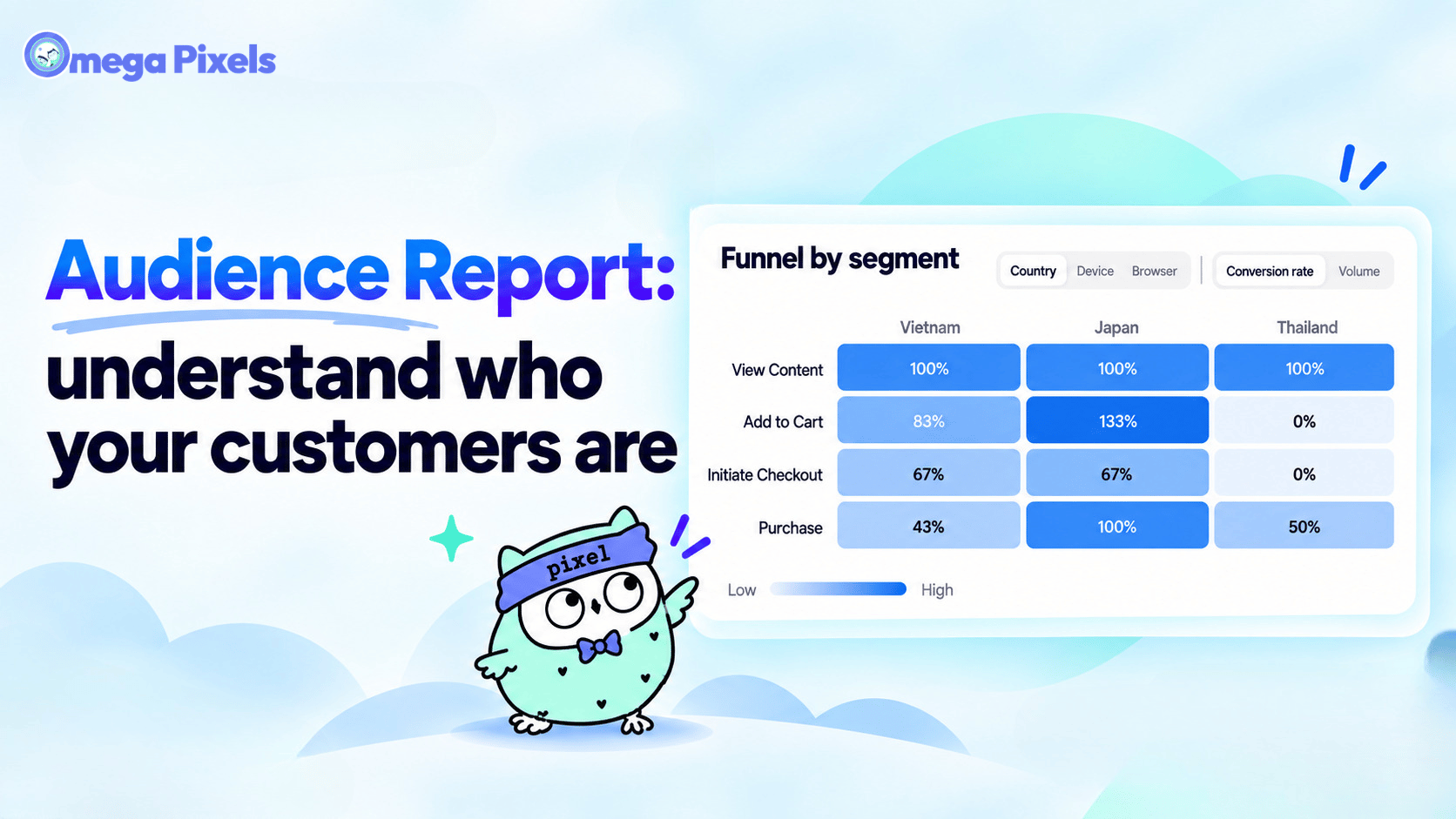
New in Omega Facebook Pixel: Audience Report
Sync Shopify Products to TikTok Shop directly with Omega TikTok Pixels
Transform Wix Storefronts with Shoppable Instagram Galleries: Omega Instagram Feed Launch
Stop Bots From Training Your Meta Ads: Introducing Bot & Fraud Protection
New in Omega Facebook Pixel: Audience Report
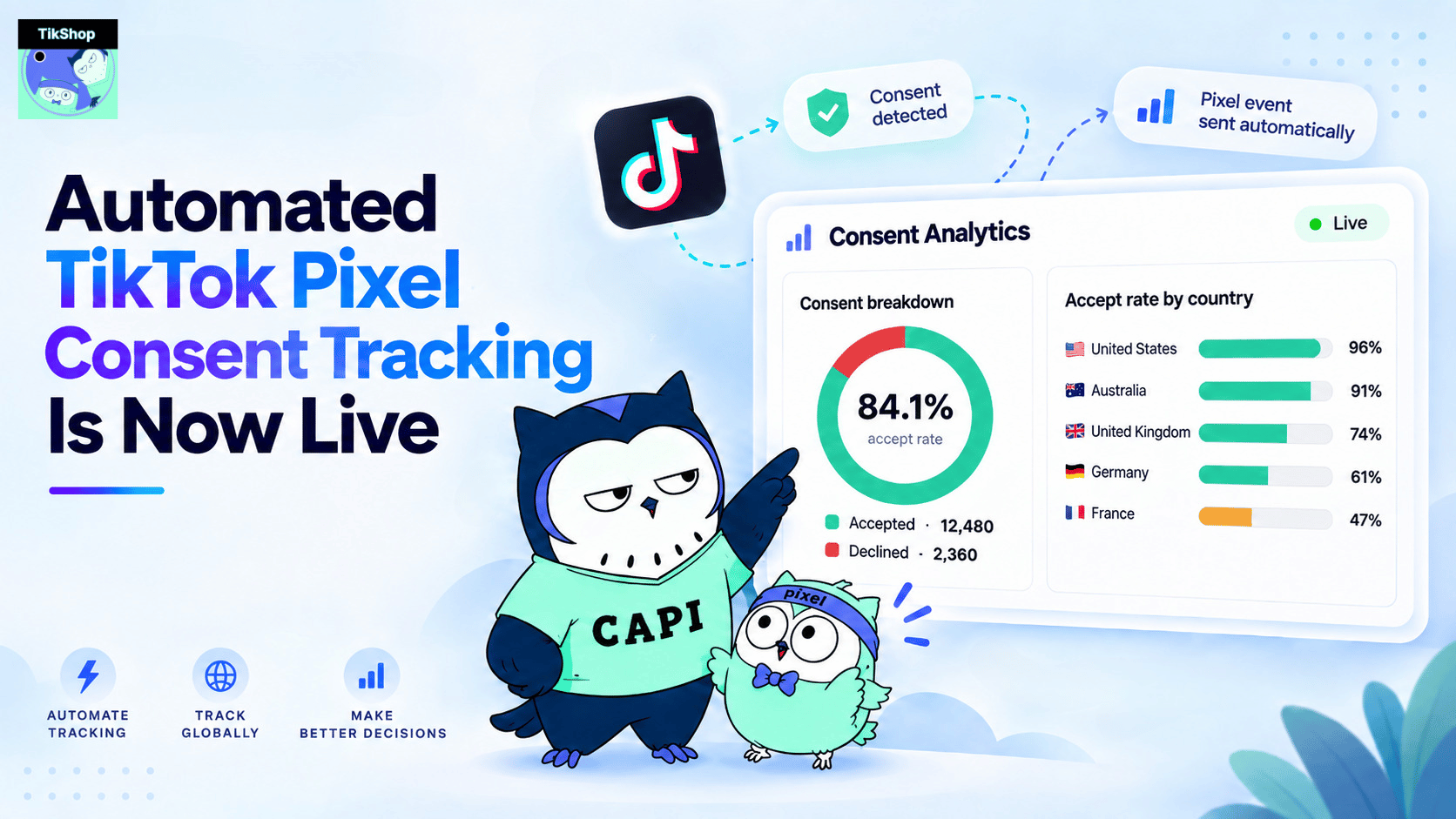
Automated TikTok Pixel Consent Tracking Is Now Live
Sync Shopify Products to TikTok Shop directly with Omega TikTok Pixels
Transform Wix Storefronts with Shoppable Instagram Galleries: Omega Instagram Feed Launch
Stop Bots From Training Your Meta Ads: Introducing Bot & Fraud Protection
New in Omega Facebook Pixel: Audience Report