Bulk Import Product Info to TikTok Shop from Wix


Before a Wix product can go live on TikTok Shop, it needs a package size, a weight and a TikTok Shop category. Filling those in one product at a time is slow, and it is the step where many sellers stop before they sync a single listing.
Omega TikTok Pixel now lets you bulk import product info to TikTok Shop from one CSV or Excel file. Download a template that already lists every product in your Wix store, add the missing package details, upload it, and hundreds of products are ready to sync in minutes instead of an afternoon of clicking.
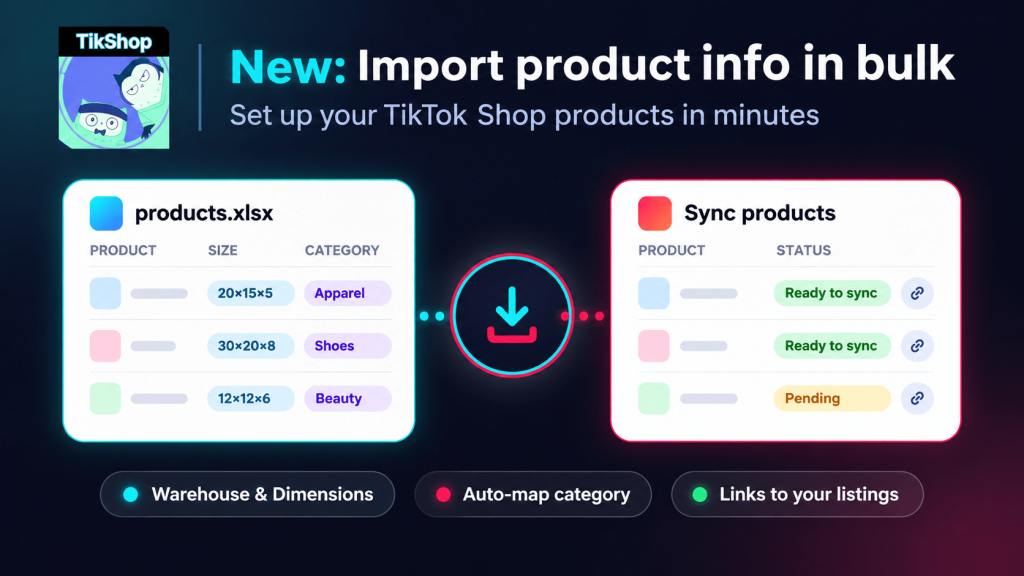
Bulk Import Product Info to TikTok Shop Now Works with CSV and Excel
This update is about getting your catalog TikTok-ready faster. Alongside the import, we shipped three changes that remove the other setup slowdowns:
- Import product info from CSV or Excel: Update hundreds of products with one file. Weight and brand are copied from Wix Stores, so you only add package size, category and barcode.
- Auto-mapped TikTok Shop categories: No more digging through the category tree. The app suggests a category for each product, and you can change it anytime.
- Warehouse and package size, set once: Link your warehouse and set a default package size during onboarding.
- One-click check on TikTok Shop: Once a product is synced, its name links straight to the live listing.
- Your Wix store stays untouched: The import only updates what is sent to TikTok Shop. Your Wix Stores products stay as they are.
Why Bulk Product Setup Gets Your Wix TikTok Shop Selling Sooner
Every product you leave unsynced is a product TikTok shoppers can't buy. Moving setup into one file shortens the gap between installing the app and making your first TikTok Shop sale.
- Hours become minutes: Edit one spreadsheet instead of opening each product. Up to 5,000 rows per file.
- Less data entry: The template is pre-filled with your products, weight and brand from Wix Stores.
- Fewer rejected listings: Rows with zero sizes, unknown categories or no matching product are flagged before anything is saved.
- Safe to re-run: By default the import only fills empty fields, so values you already set in the app are kept.
What You Can Import: TikTok Shop Package Size, Weight, Category and Barcode
| Field | Required |
|---|---|
| Package length, width and height (cm) | Yes |
| Package weight (kg) | Yes |
| TikTok Shop category | No |
| GTIN / barcode | No |
| Brand | No |
Files can be .csv or .xlsx, up to 10 MB and 5,000 rows. For a bigger catalog, split the file and upload each part. Variants use the package size of their parent product.
Step-by-Step: Import Product Info to TikTok Shop by Omega
Prepare your file from the template
- In the app, go to Sync products and click Import product info.
- In the Start from a template box, click Download template. Every product in your store is already listed.
- Fill in the empty columns: packageLength, packageWidth, packageHeight, tiktokCategory and barcode. Keep the handleId column as it is, since that is how each row is matched to a product.
Prefer your own file? That works too, as long as it has a column that identifies each product: handleId, SKU, product name or Wix product ID.
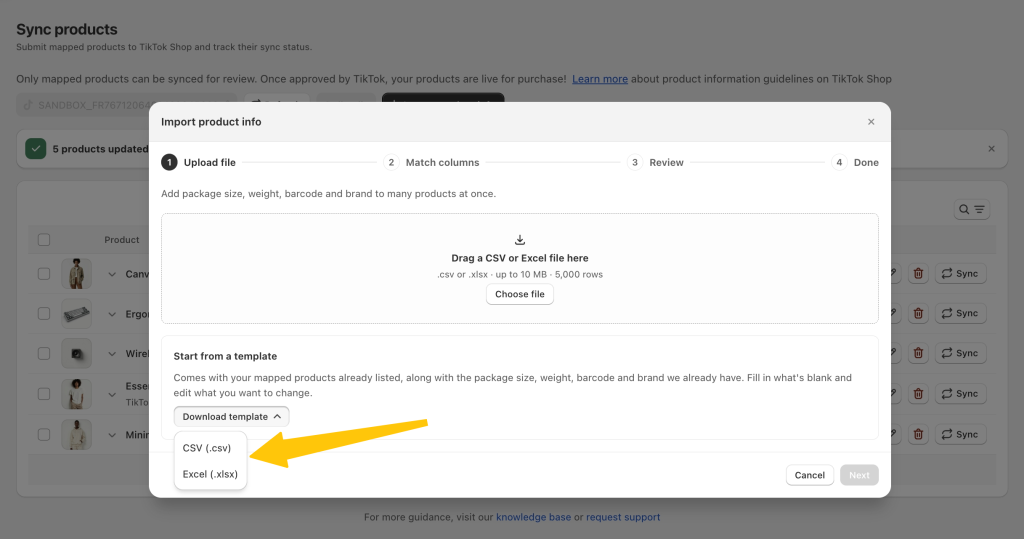
Quick import (4 steps)
- Upload file: Drag your file into the window or click Choose file, then click Next.
- Match columns: Choose how rows match products. handleId is the default and the safest choice. SKU or product name only work if they are unique in your store. Then check that each TikTok Shop field points to the right column using the First row preview. Set anything you don't want to import to Don't import.
- Review: See how many products will update, how many rows match nothing, and how many have errors. Pick Only fill empty fields (default) or Replace with the file, then click Update {n} products.
- Done: See how many products were updated and how many rows were skipped. A green banner on Sync products keeps the summary visible.
Tip: Choose Replace with the file only when you want the file to win for every matched field. Products already submitted to TikTok Shop are synced again with the new values.
Rules and Limitations of the TikTok Shop CSV Import
- Updates only: The import doesn't create new products. Rows that don't match an existing product are skipped.
- No product attributes yet: TikTok Shop asks for different attributes in each category. Fill those in with bulk edit on Sync products after the import, where the app detects which attributes each category needs.
- Nothing saves until you confirm: If you close the window before clicking Update {n} products, no changes are made.
- Multiple TikTok Shop accounts: The import updates the account selected on Sync products when you opened it.
For screenshots of every step, read the full guide: How to import product info to TikTok Shop by Omega. Running TikTok ads too? See how the Omega TikTok Pixel app tracks conversions from those campaigns.
Start Using Bulk Product Import for TikTok Shop Today
The import is live now. Open TikTok Shop by Omega in your Wix dashboard, go to Sync products and click Import product info. Tried it already? Tell our support team what worked and what didn't. Your feedback shapes what we build next.
Get your Wix catalog TikTok Shop ready in minutes
Bulk import package size, category and barcode, then sync your products to TikTok Shop.
Try Omega TikTok Pixel
- 1 Bulk Import Product Info to TikTok Shop Now Works with CSV and Excel
- 2 Why Bulk Product Setup Gets Your Wix TikTok Shop Selling Sooner
- 3 What You Can Import: TikTok Shop Package Size, Weight, Category and Barcode
- 4 Step-by-Step: Import Product Info to TikTok Shop by Omega
- 5 Rules and Limitations of the TikTok Shop CSV Import
- 6 Start Using Bulk Product Import for TikTok Shop Today
- 7 Get your Wix catalog TikTok Shop ready in minutes
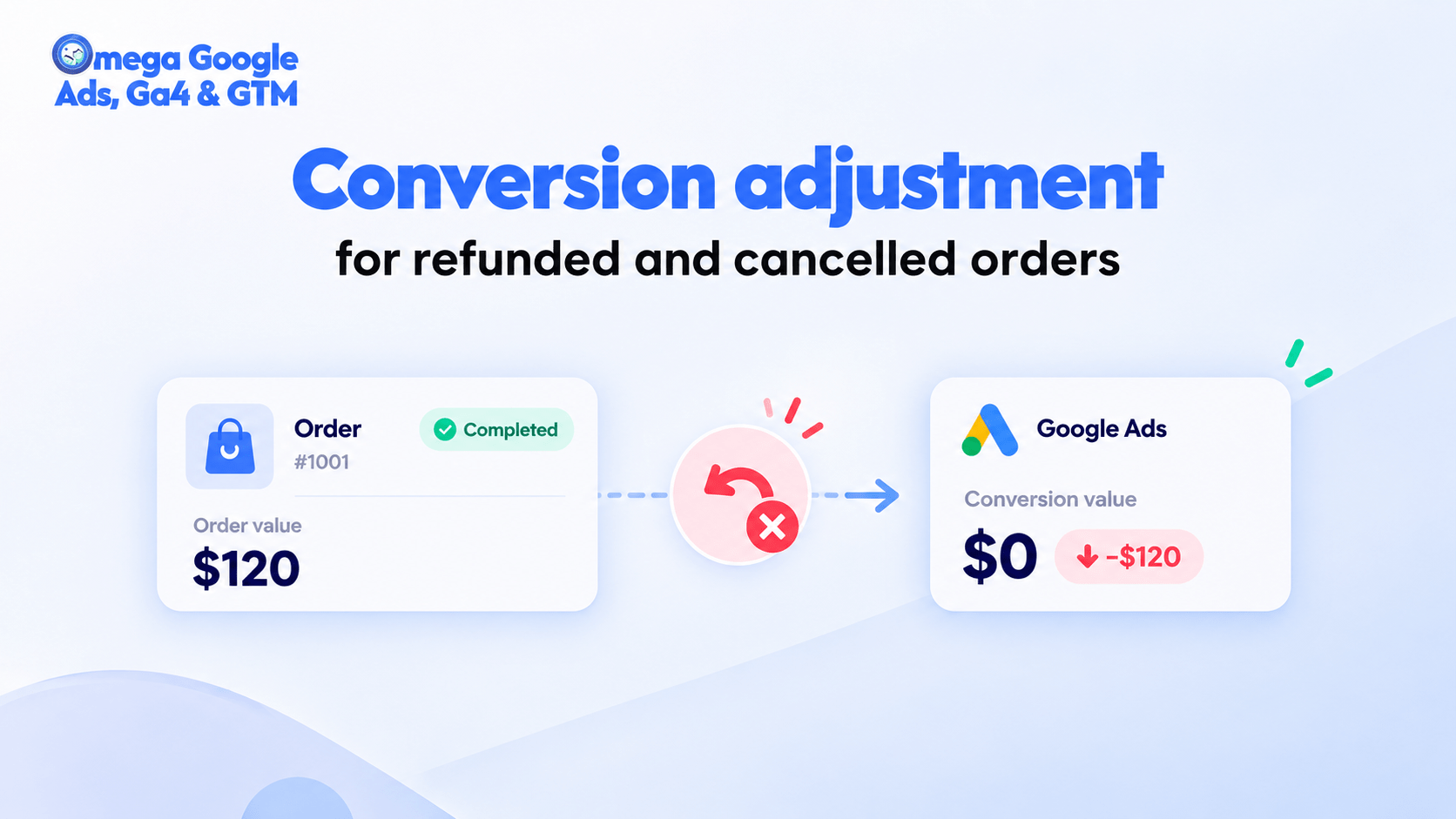
Google Ads Conversion Adjustment for Refunds on Shopify
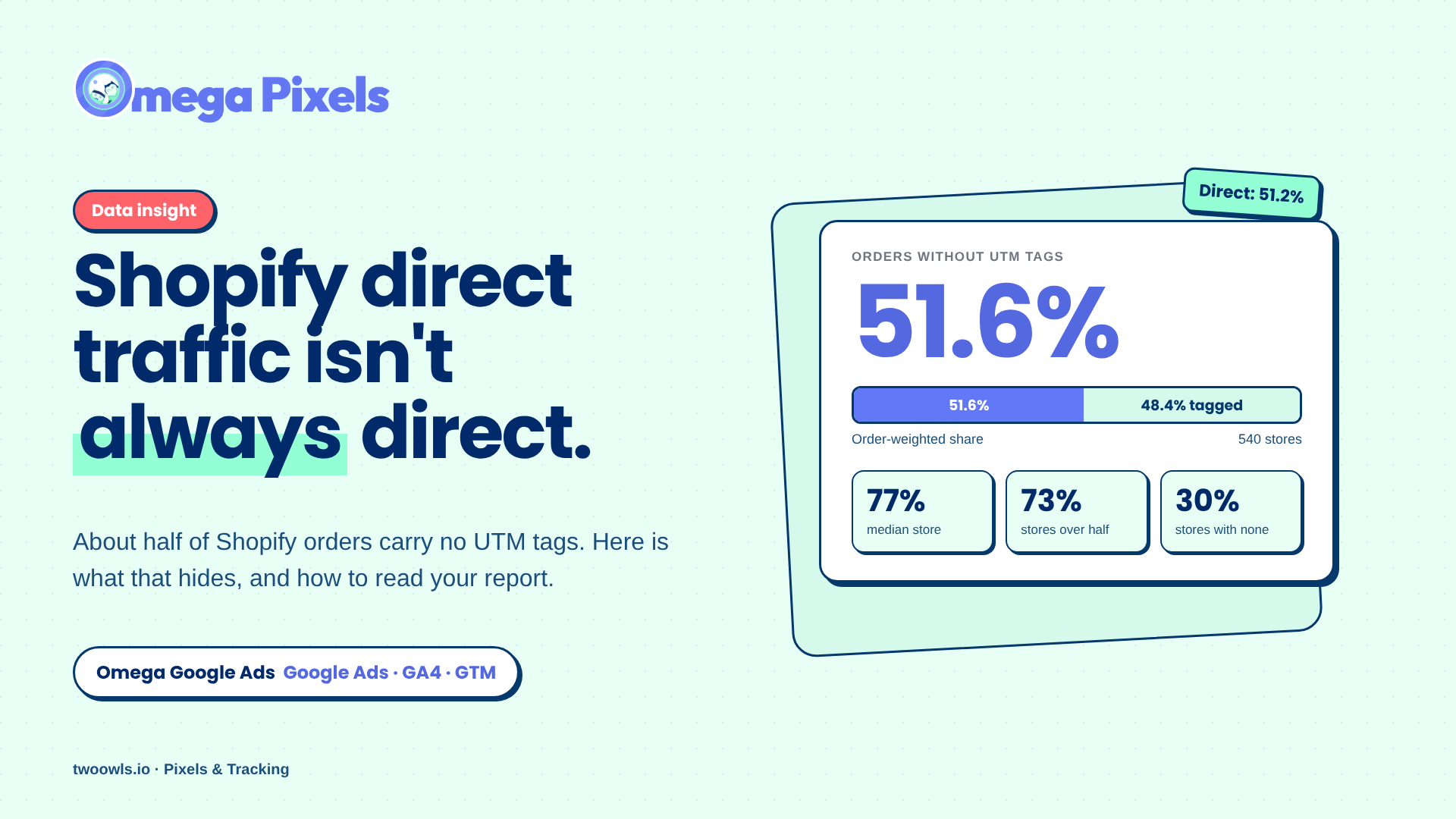
Shopify Direct Traffic Isn't Always Direct

Why Pay for Omega Facebook Pixel When Meta’s Facebook & Instagram App Is Free?
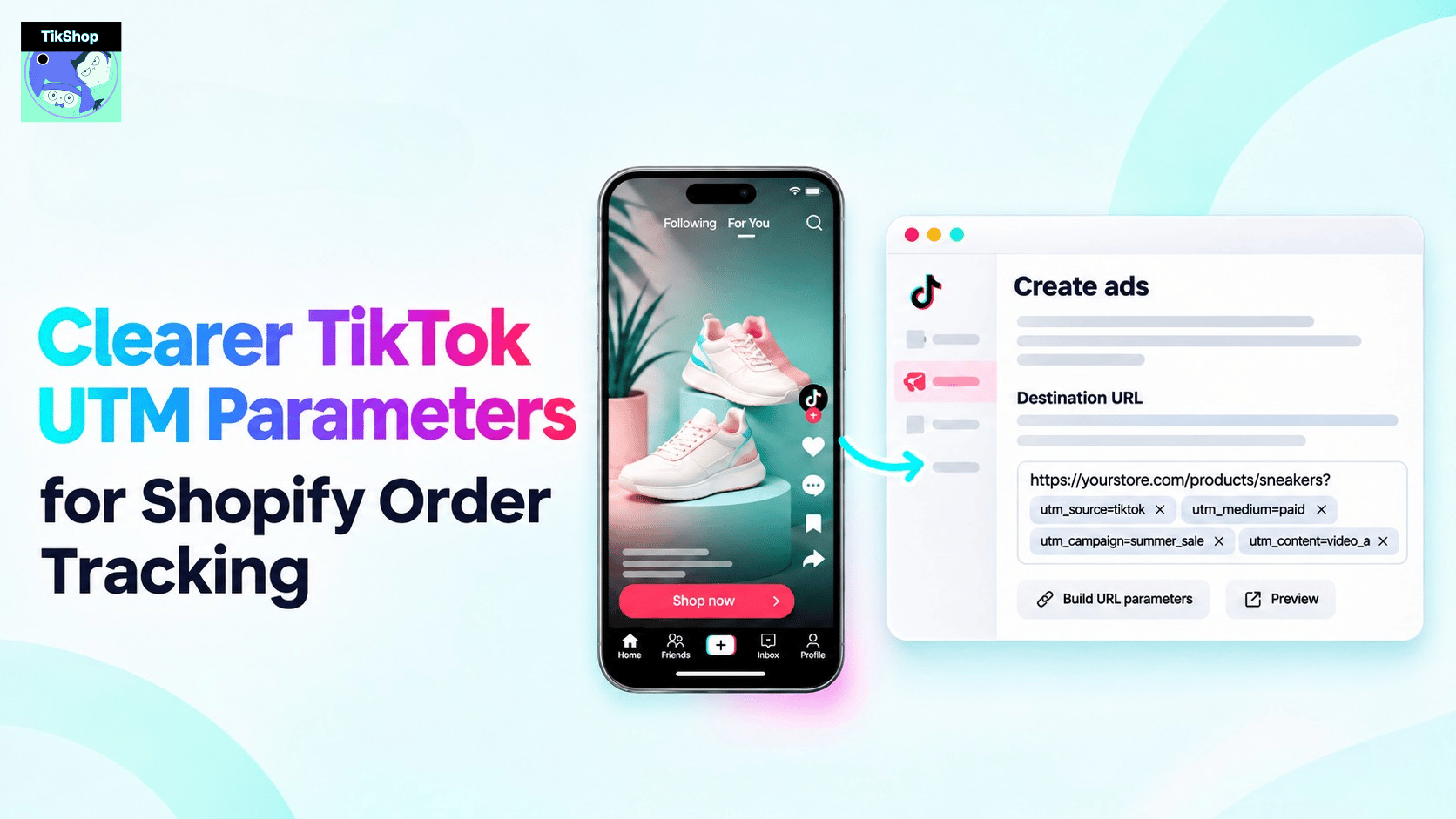
Clearer TikTok UTM Parameters for Shopify Order Tracking

New in Omega TikTok Pixel: Connect your catalog to a pixel
Google Ads Conversion Adjustment for Refunds on Shopify
Shopify Direct Traffic Isn't Always Direct
Why Pay for Omega Facebook Pixel When Meta’s Facebook & Instagram App Is Free?
Clearer TikTok UTM Parameters for Shopify Order Tracking