TikTok Shop by Omega Now Works with Wix Aria


When a product won't sync to TikTok Shop, finding out why means jumping between product fields, sync statuses and your shop connection. Each check takes time, and it's easy to miss the one field that blocks the listing.
TikTok Shop by Omega now works with Wix Aria TikTok Shop requests, so you can ask Wix's AI assistant about a product and request a sync right from your Wix dashboard. You ask a plain question, Aria checks the product and tells you what to do next.
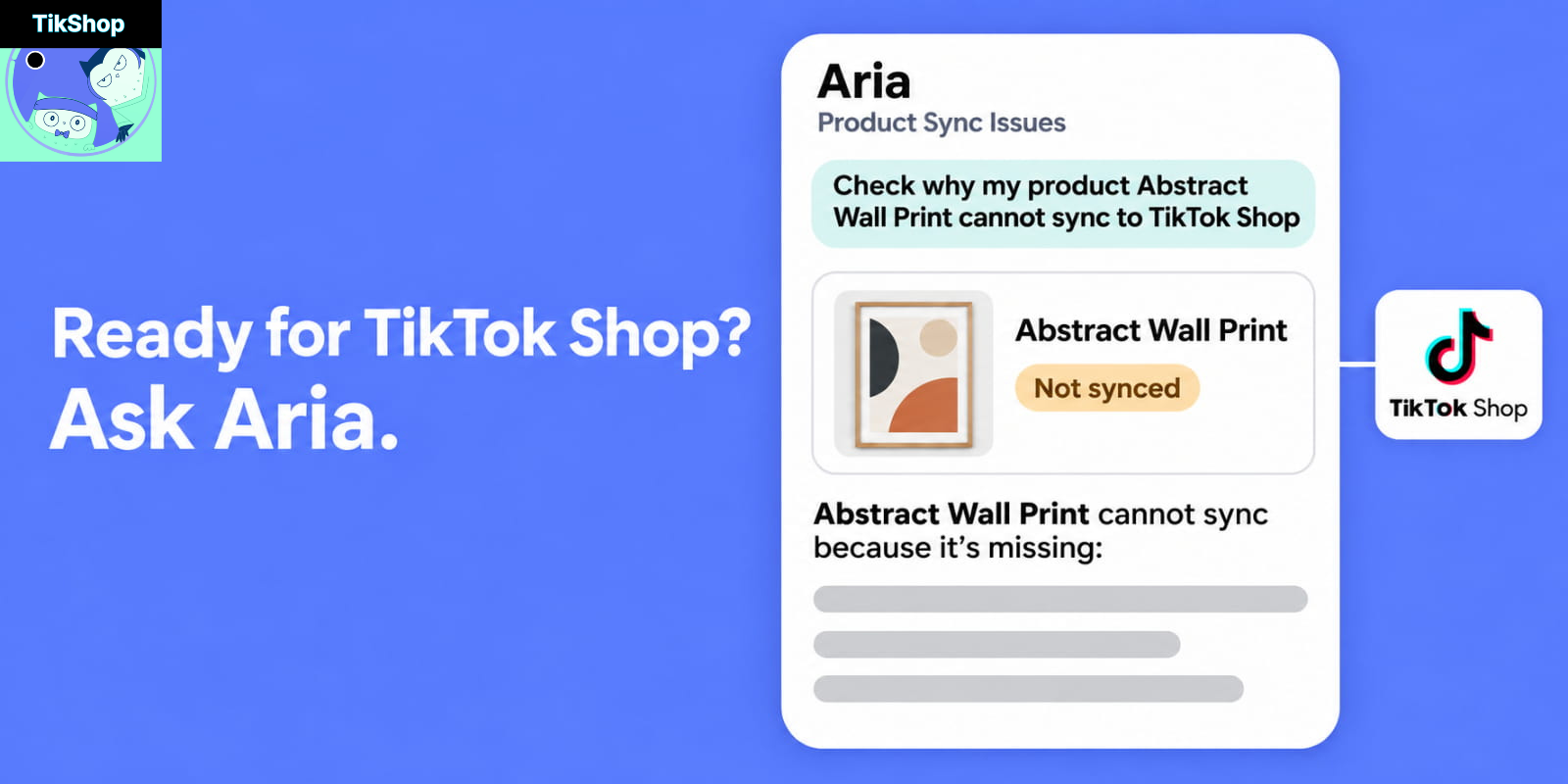
TikTok Shop by Omega Now Works with Wix Aria
Aria is the AI assistant built into the Wix dashboard. With this update, it can read your TikTok Shop by Omega data and act on it in a conversation.
- Check before you sync: ask what information a product is missing before you send it to TikTok Shop.
- Diagnose sync errors: ask why a product failed and get the next step to fix it.
- Request a sync in chat: ask Aria to sync, update or retry a product, then review and confirm before it runs.
- Reads your app edits: Aria sees the titles and images you changed in the app, not only the original Wix product data.
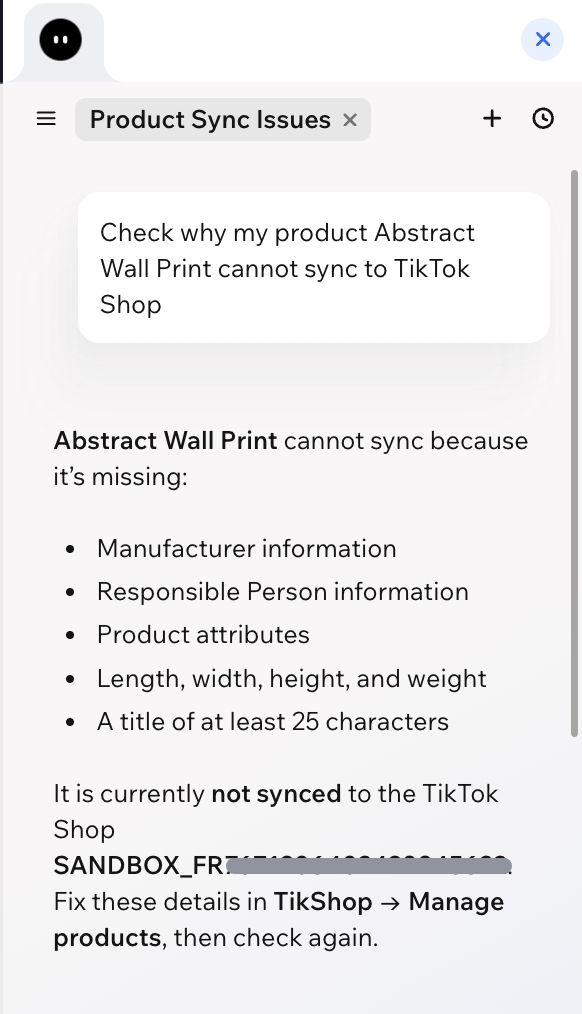
Why Asking Aria Speeds Up TikTok Shop Sync on Wix
- Fewer rejected listings: you catch missing fields before submitting, instead of after TikTok flags them.
- Faster fixes: one question replaces a manual check of product fields, status and connection.
- No guesswork on next steps: Aria tells you whether a product is ready and what needs attention.
How to Sync Wix Products to TikTok Shop with Aria
Before you start, make sure the app is installed on the right Wix site, your TikTok Shop is connected, and you have permission to manage products. Keep the product SKU handy.
Quick setup (4 steps)
- Open Aria. In your Wix dashboard, go to AI Agents -> Aria. You can also type your request in the Ask me anything box on the dashboard Home page. New to Aria? See Wix's guide to its AI agents.
- Check the product. Ask something like: "Check what information is missing for SKU LINEN-WHT-M before syncing it to my UK TikTok Shop." A check never submits the product.
- Fix and request the sync. Save any missing details in the app, then ask: "Sync this product to my UK TikTok Shop."
- Review and confirm. Aria shows the product, the destination shop and whether it creates a new listing or updates an existing one. Confirm only when all three are right.
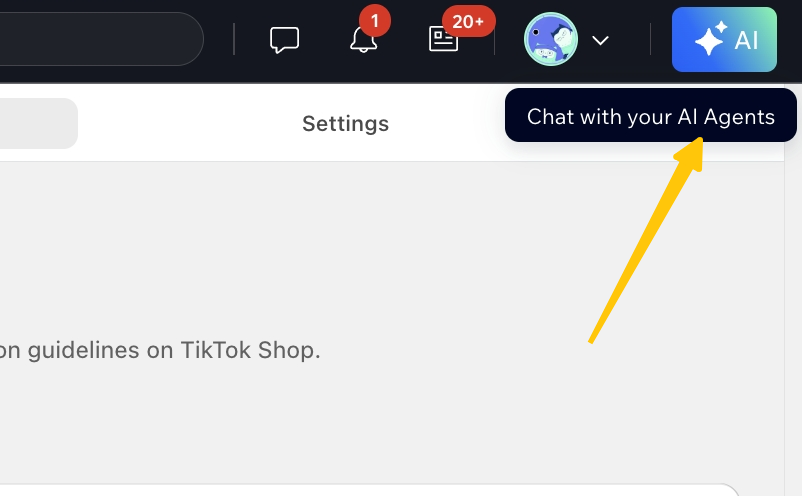
Swap the sample SKU and shop for your own. If you manage several TikTok Shops, always name the destination shop.
Follow the sync result
Ask Aria for the current status, or open Sync Products in the app. The statuses you'll see:
- Not synced / Pending: not submitted yet, or waiting to be sent.
- Submitted: TikTok has the product and is reviewing it.
- Live: the listing is available for sale.
- Sync error / Failed to review: sending failed or TikTok rejected it. Fix the issue, then ask Aria to retry.
Troubleshooting TikTok Shop Sync Errors on Wix
- Aria picks the wrong product: give the SKU and shop name, then choose the right match.
- Shop is disconnected: go to Wix Admin -> Manage apps, reconnect in the app and try again.
- Product is already processing: follow its progress instead of requesting another sync.
- Aria can't finish the request: continue in the app or contact our team through in-app live chat.
Start Using Wix Aria with TikTok Shop by Omega Today
Getting a Wix catalog onto TikTok Shop shouldn't mean hunting through fields and statuses every time a listing stalls. With Wix Aria and TikTok Shop by Omega, the answer to "why won't this sync?" is one question away, so you spend less time troubleshooting and more time selling.
The integration is live now for every TikTok Shop by Omega merchant on Wix, and our team is on 24/7 live chat whenever you need a hand.
Sync Wix Products to TikTok Shop Faster
Check, fix and sync your products with Wix Aria and TikTok Shop by Omega.
Install TikTok Shop by Omega

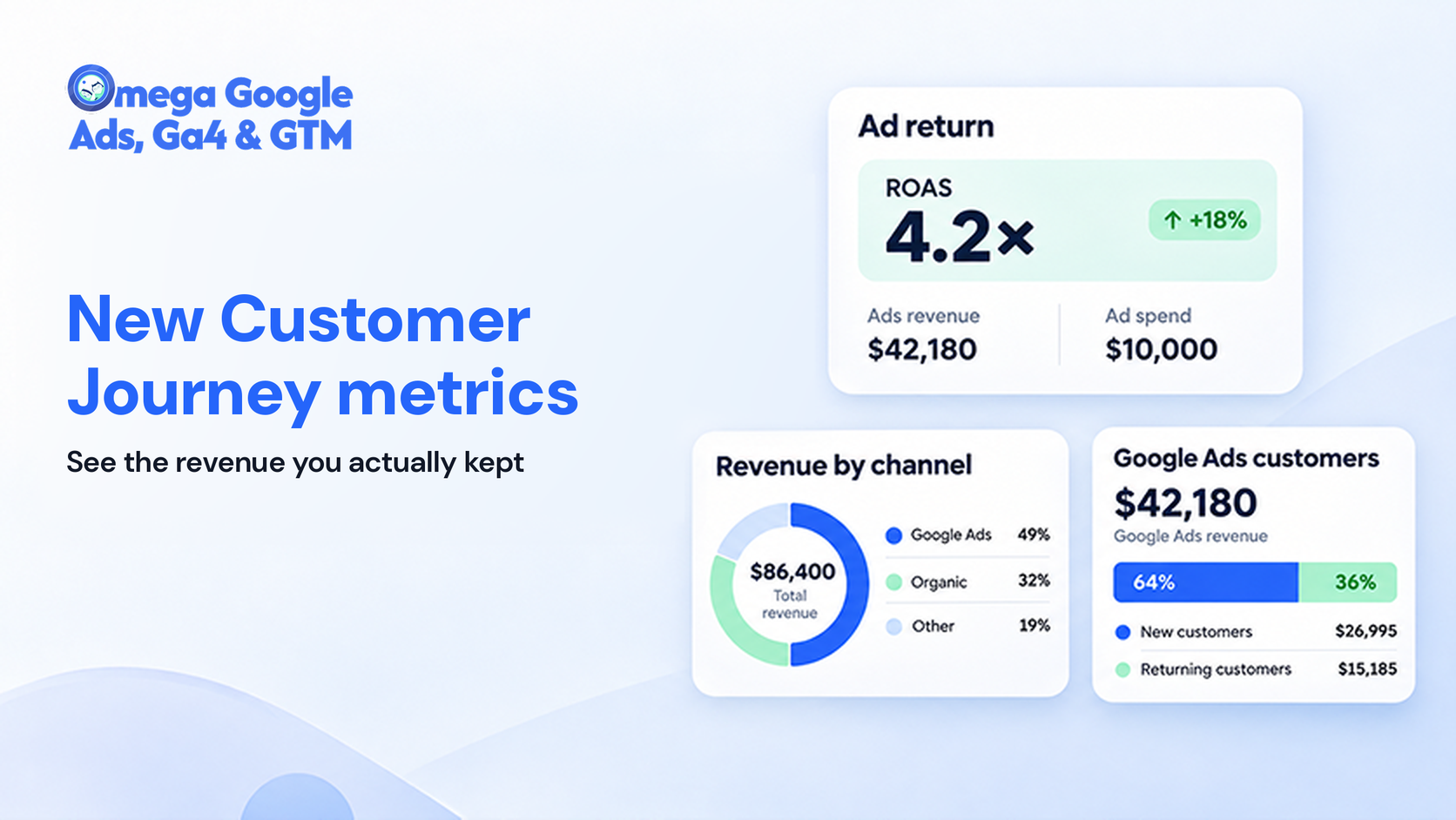
Omega Google Ads Now Shows Your Real Shopify Google Ads ROAS
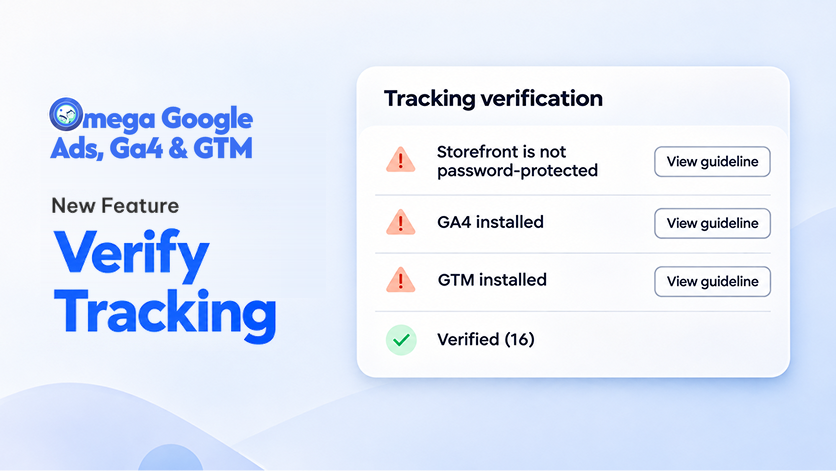
Verify Google Ads Tracking on Shopify in One Click with Omega Google Ads
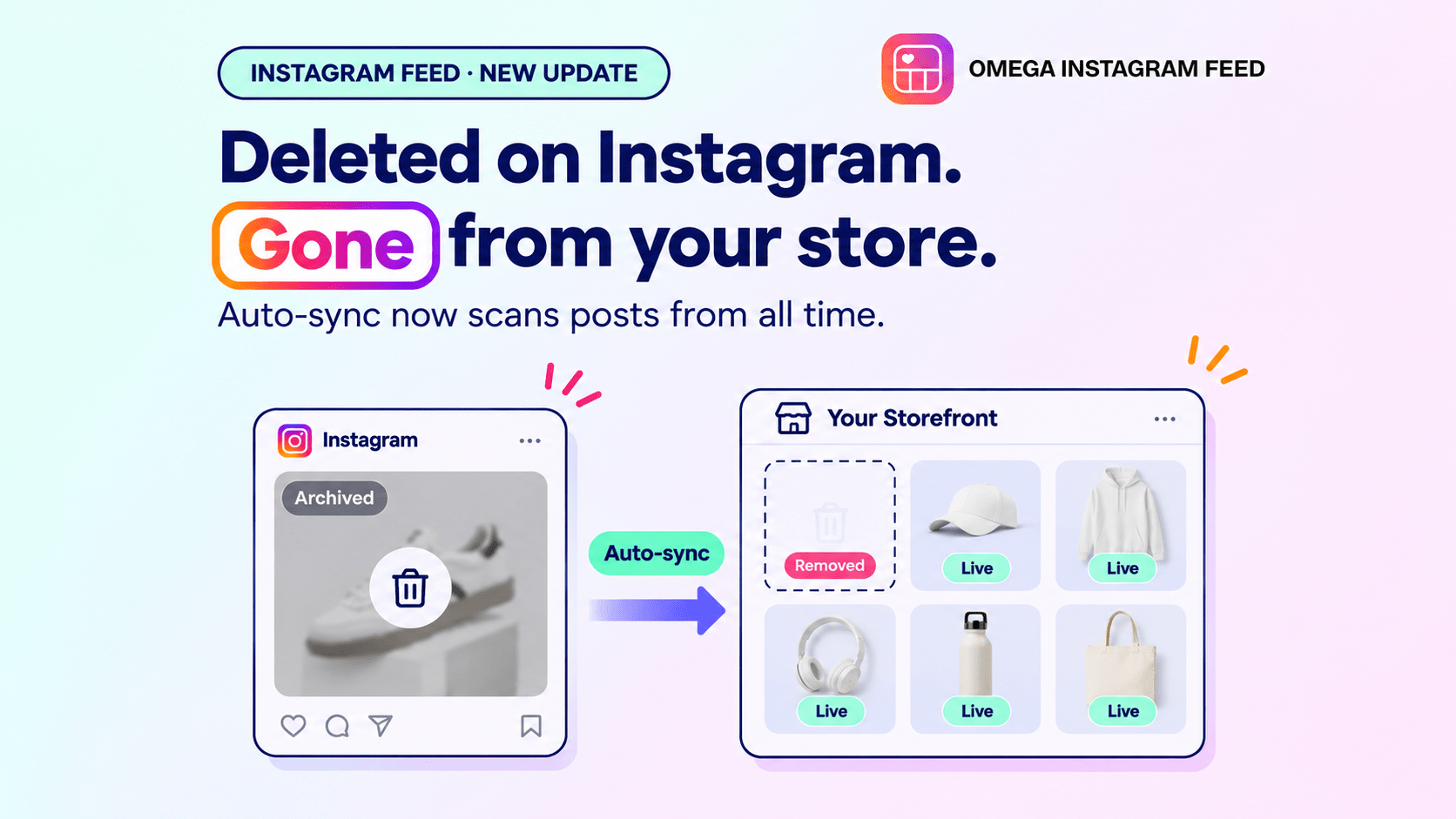
Remove Deleted Instagram Posts From Shopline Automatically
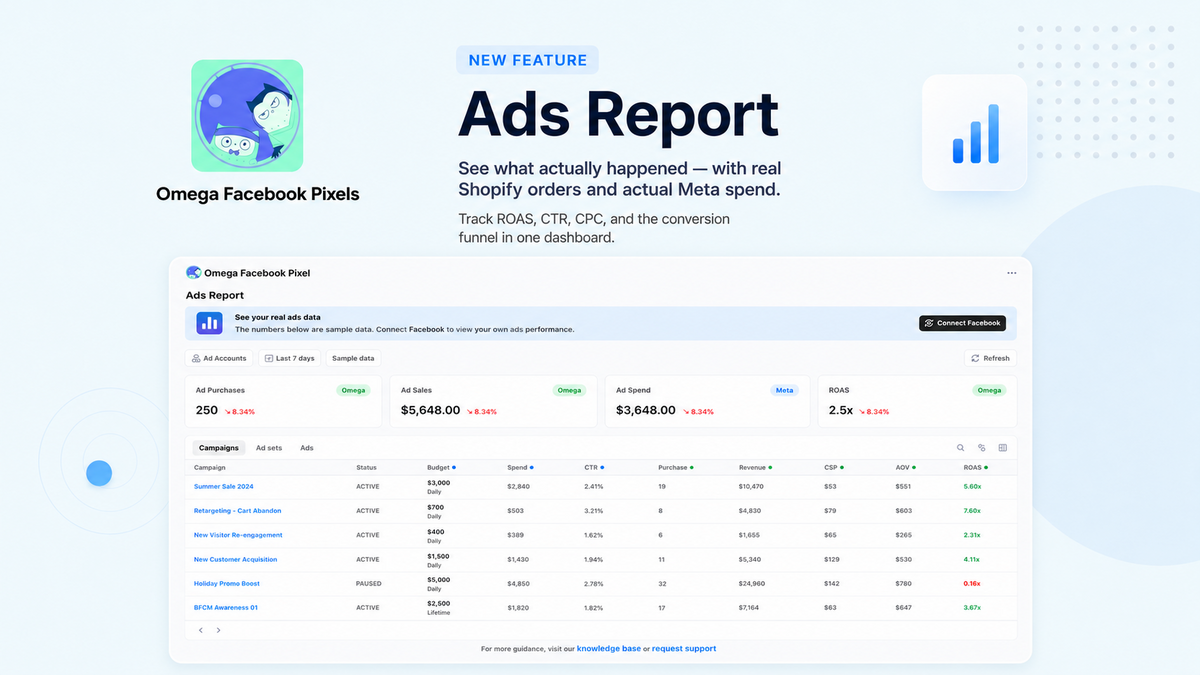
Meet the New Real-Time Ads Report by Omega Facebook Pixels
Verify TikTok Pixel Tracking on Shopify in One Check with Omega TikTok Pixels
Omega Google Ads Now Shows Your Real Shopify Google Ads ROAS
Verify Google Ads Tracking on Shopify in One Click with Omega Google Ads
Remove Deleted Instagram Posts From Shopline Automatically
Meet the New Real-Time Ads Report by Omega Facebook Pixels