Meet the New Real-Time Ads Report by Omega Facebook Pixels


If you’ve ever stared at Meta Ads Manager, scratching your head because reported conversions don't even come close to matching your Shopify admin- you aren't alone. Meta's conversion reporting is notorious for lagging, over-reporting, and leaving you guessing which ads are actually driving real dollars into your bank account.
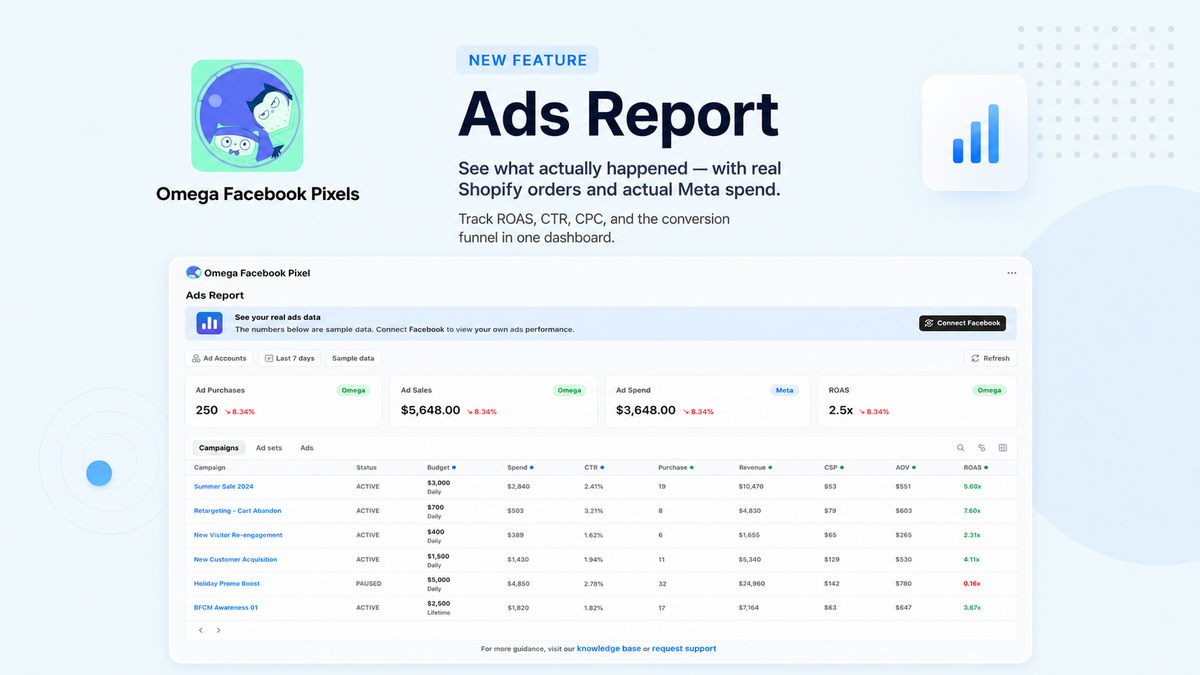
That’s why Omega Facebook Pixels built the Ads Report: a single, real-time dashboard that puts your actual orders side-by-side with your real Meta spend.
No more guesswork. No more tab-switching. Just clear, defensible data so you know exactly which campaigns to scale and which to kill.
What Makes the Ads Report a Game-Changer?
Instead of relying solely on Meta's delayed estimates, Omega starts from the absolute truth: your real orders.
True Attribution: Every real order is mapped directly back to the exact campaign, ad set, and ad that brought the customer to your store.
Near Real-Time Data: While Meta's native reporting often lags by hours or days, Omega’s tracking updates in near real-time. Spot your winning campaigns long before Meta catches up.
Apples-to-Apples Comparison: We automatically convert all Meta ad spend into your local store currency. No mental math or inaccurate ROAS calculations - just clean, synchronized figures.
3 New Signal-Cleaning Features for Cleaner Pixels
Accurate reporting relies on sending clean data back to Meta. Depending on how your store operates, these 3 new settings keep your pixel data spotless:
| Selling Strategy | The Problem | The Omega Pixels Fix |
|---|---|---|
| Cash on Delivery (COD) | Optimizing for uncollected/canceled orders | Fire Purchase events on payment or fulfillment rather than checkout. |
| Subscriptions | Returning customer renewals skewing your ROAS | Exclude recurring renewal orders to focus purely on new customer acquisition. |
| Bundles & Free Gifts | $0 items inflating Add-to-Cart signals | Skip Add to Cart events for $0 items so freebies don't pollute your tracking. |
How to Get Started in 2 Easy Steps
Setting up your Ads Report takes less than five minutes.
Step 1: Connect Your Facebook Account
Link the Facebook account running your ads so Omega Facebook Pixels can pull campaign metrics and spend data seamlessly into your dashboard.
Step 2: Sync Your UTM Parameters
Omega uses last-click attribution to match orders back to your ads, which relies on matching UTM parameters.
- Option 1 (Recommended): Copy Omega Pixels' default UTM string from the app and paste it into the URL Parameters field in Meta Ads Manager.
- Option 2 (Custom): Paste your existing UTM structure into Omega Pixels, then copy the generated string to apply to your ads.
💡 Pro Tip: Ensure the live UTMs on Meta match the setting in Omega Pixels word-for-word. Matching UTMs guarantee zero dropped attribution signals!
Ready to Make Decisions You Can Defend?
Stop relying on delayed reports and phantom conversions. Take full control of your ad performance today.
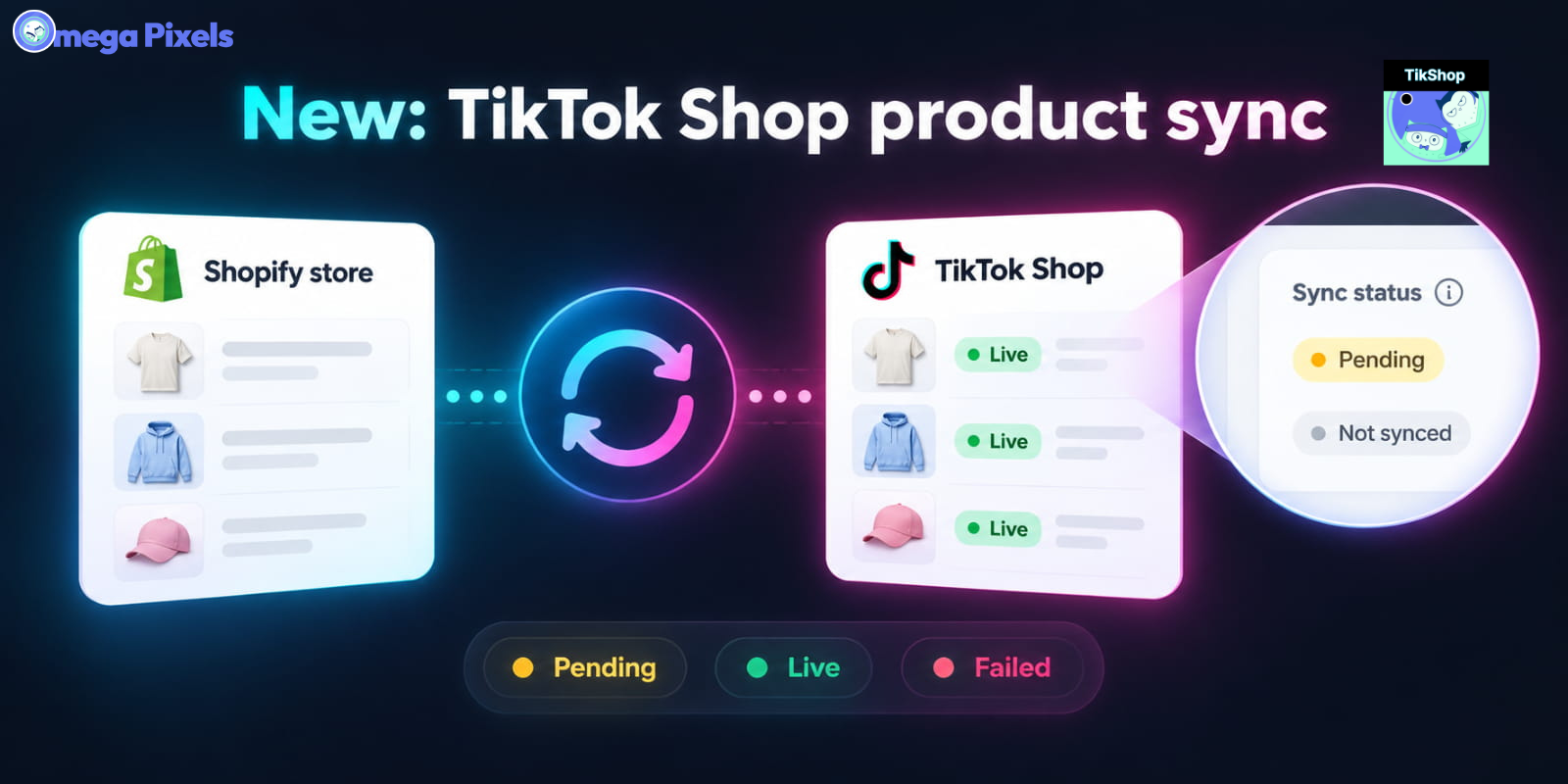
Sync Shopify Products to TikTok Shop directly with Omega TikTok Pixels
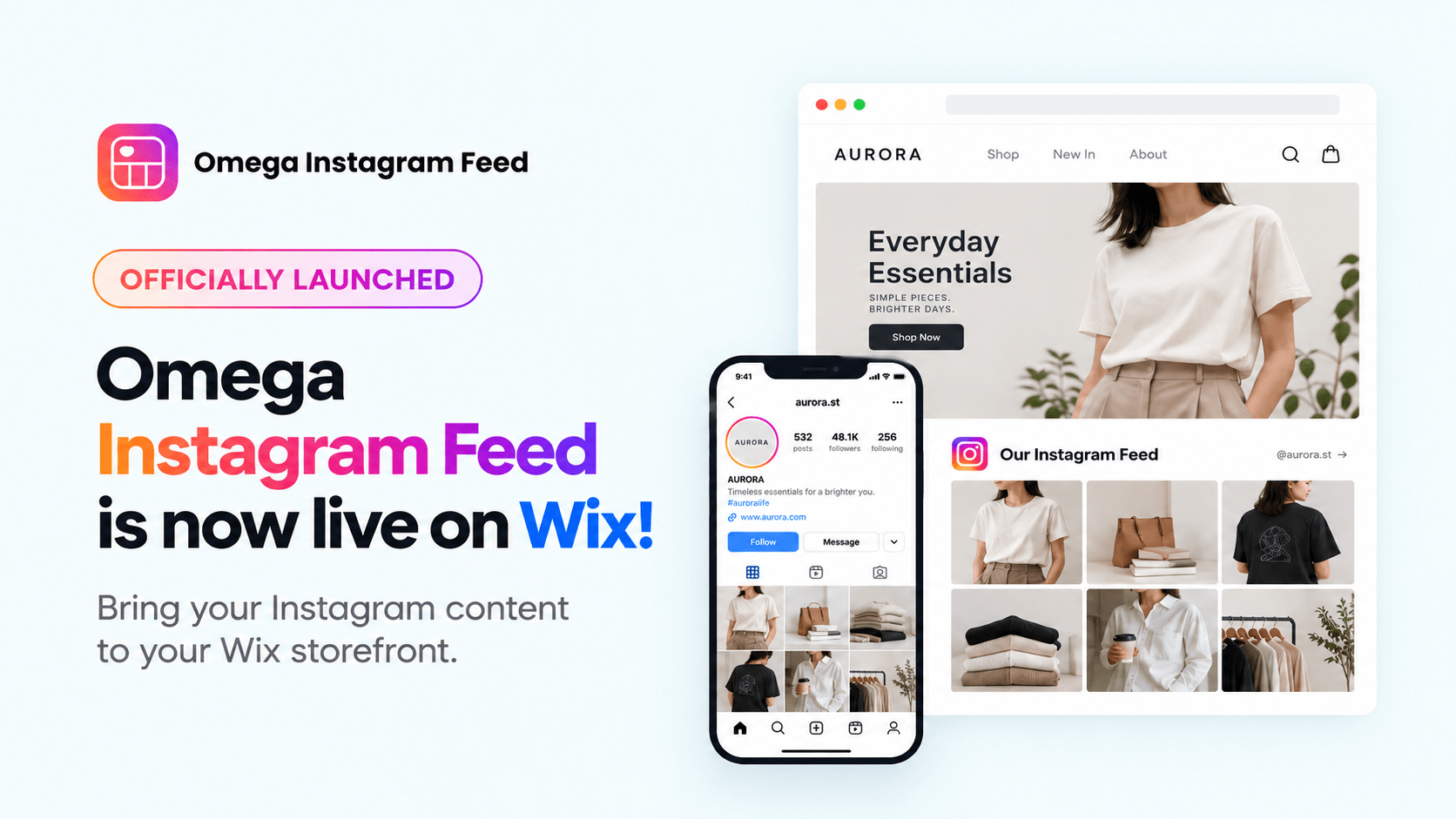
Transform Wix Storefronts with Shoppable Instagram Galleries: Omega Instagram Feed Launch

Stop Bots From Training Your Meta Ads: Introducing Bot & Fraud Protection
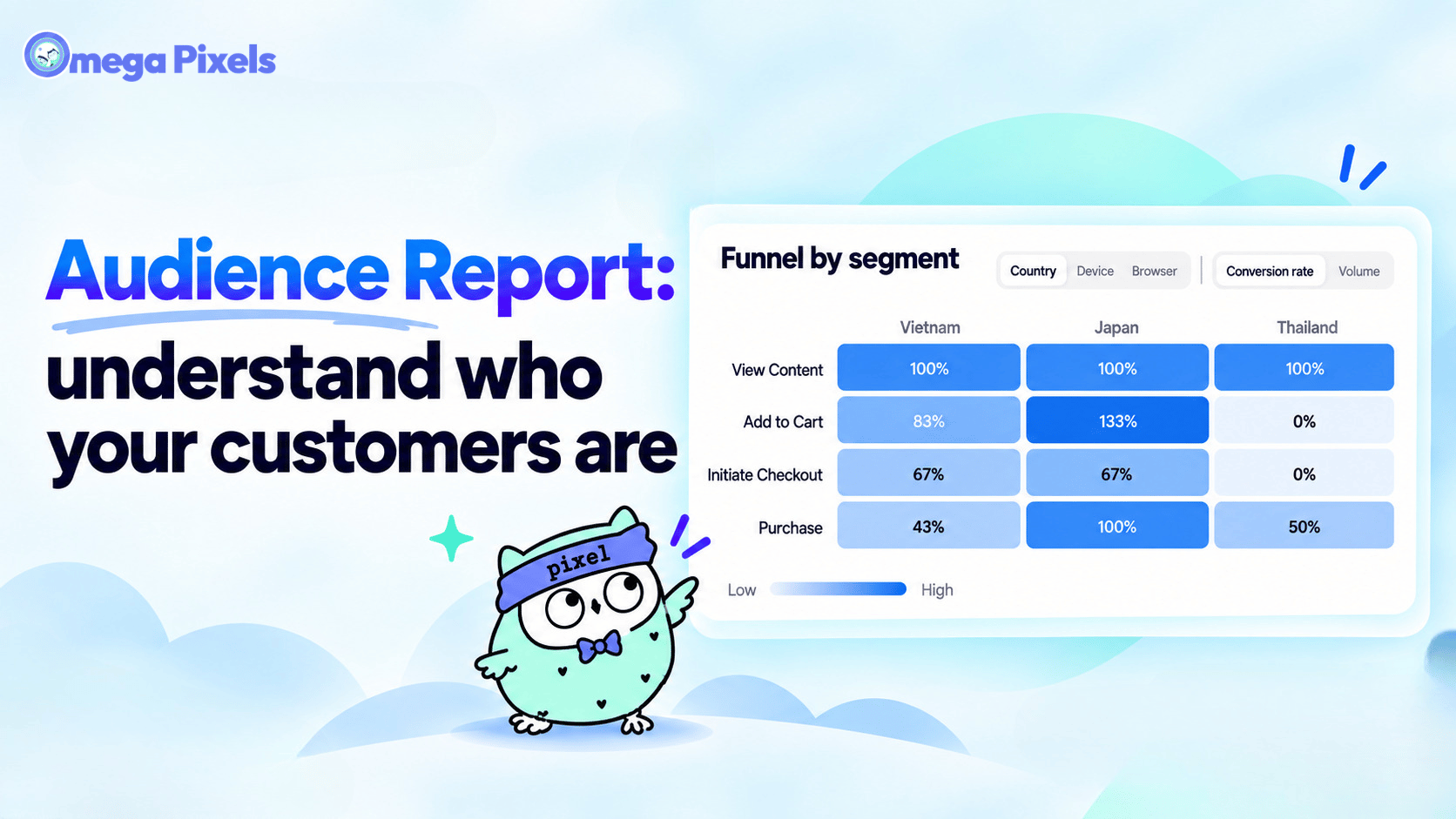
New in Omega Facebook Pixel: Audience Report
Sync Shopify Products to TikTok Shop directly with Omega TikTok Pixels
Transform Wix Storefronts with Shoppable Instagram Galleries: Omega Instagram Feed Launch
Stop Bots From Training Your Meta Ads: Introducing Bot & Fraud Protection
New in Omega Facebook Pixel: Audience Report
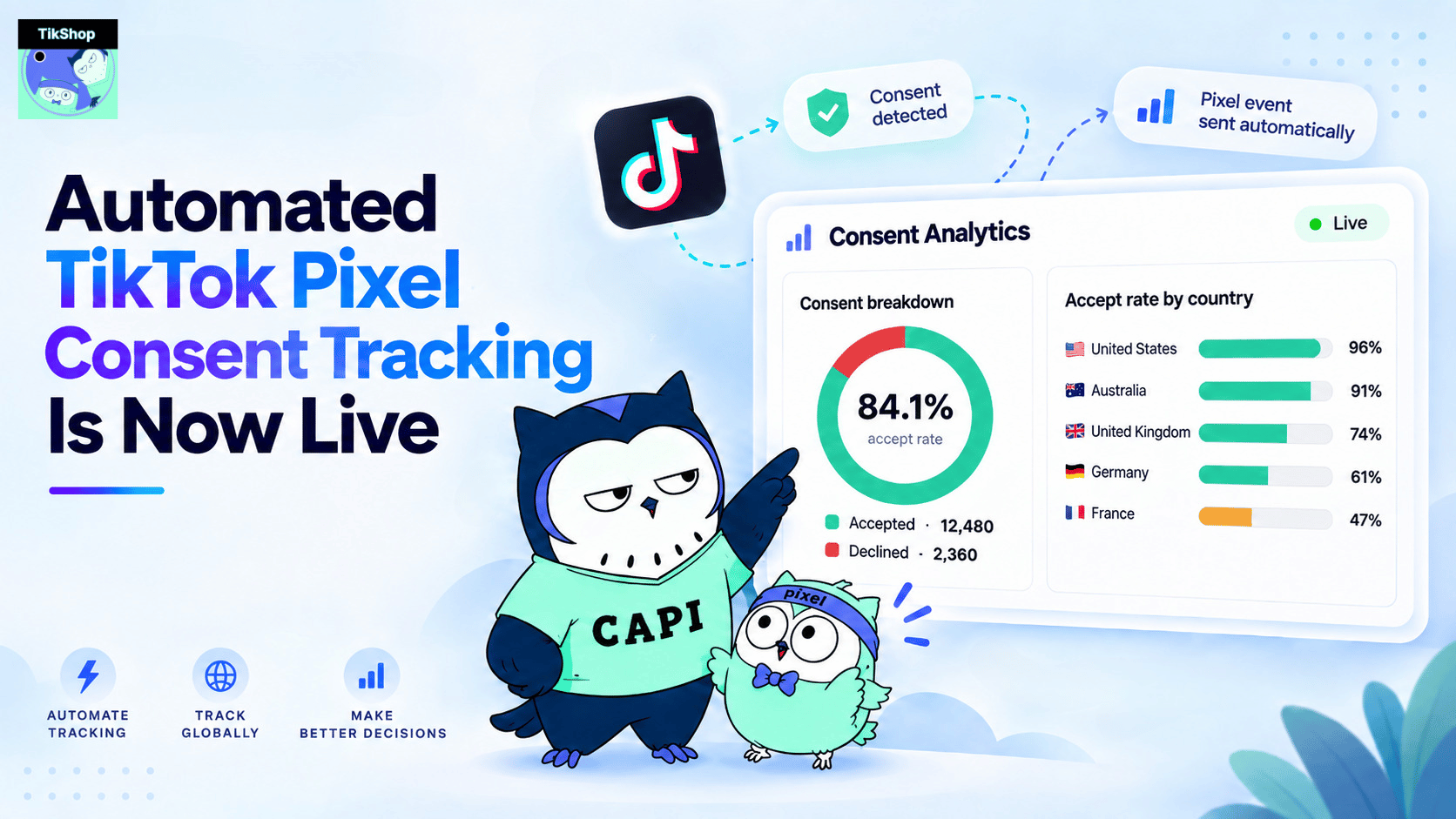
Automated TikTok Pixel Consent Tracking Is Now Live
Sync Shopify Products to TikTok Shop directly with Omega TikTok Pixels
Transform Wix Storefronts with Shoppable Instagram Galleries: Omega Instagram Feed Launch
Stop Bots From Training Your Meta Ads: Introducing Bot & Fraud Protection
New in Omega Facebook Pixel: Audience Report