Where Google Click IDs Get Lost Between the Ad and Checkout


If your Shopify store runs Google Ads, a click ID is the thread that ties a paid order back to the ad click that started it. It is a short code, such as a gclid, that Google adds to the ad link. On a Shopify store, that thread has to survive the landing page, any redirect to your primary domain, the shopper's consent choice, and the cookie rules of their browser. When one of these fails, the order still arrives in Shopify, so the loss is silent. This article explains what each click ID is, where it breaks on a Shopify store, and how to test your own store before you decide that your Google Ads numbers are wrong.
What a click ID means on a Shopify store
Shopify reports attribute an order to the channel the shopper last came from, and Google Ads matches a conversion to a click. Those are two different systems. A click ID is the bridge between them: it is generated by Google for each ad click, not written by you, and it lets Google connect the order to the click. Because the two systems count differently, a Shopify order report and Google Ads can disagree even when nothing is broken. A lost click ID makes the gap larger, and it is one of the few causes you can test directly.
It is also worth separating a click ID from a UTM tag. A UTM tag is text that you add to a link, and your analytics tool reads it. A click ID is created by Google and read by Google Ads. An order can carry a click ID and no UTM tag, a UTM tag and no click ID, both, or neither. Most confusion about Google Ads orders on Shopify comes from mixing the two up.
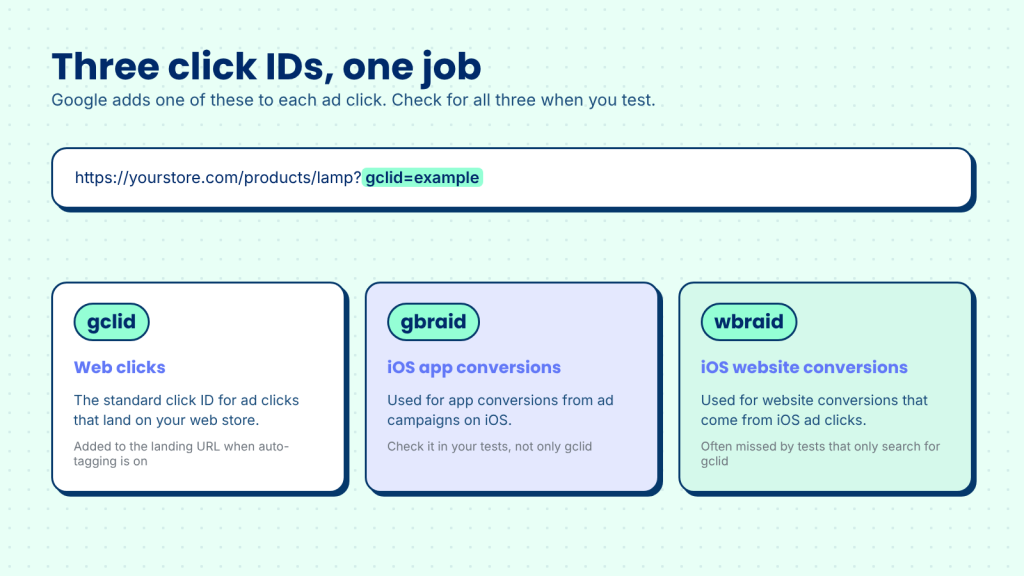
gclid: the click ID for web clicks
The gclid is the identifier for standard web clicks. When auto-tagging is on in your Google Ads account, Google adds the gclid parameter to the landing page URL of each ad click. Google's auto-tagging guidance says the gclid is stored in a new Google Analytics cookie on your site's domain when auto-tagging is on and a Google Analytics tag is present. After the landing page, that cookie is what keeps the identifier available for a later order.
Two details matter on Shopify. First, Google adds the click ID to the ad's landing URL, not to every link the shopper clicks afterwards. Second, adding UTM tags to your ad links does not create a click ID. If auto-tagging is off, the gclid is not added at all.
gbraid and wbraid: the click IDs for iOS
Google's guidance on iOS 14 campaign measurement describes two related identifiers. The gbraid is used for app conversions driven by ad campaigns on iOS. The wbraid is used to attribute website conversions that come from iOS ad clicks. An iOS shopper may come back with a gbraid or wbraid instead of the gclid you expected. A test that only looks for gclid can therefore report a loss that did not happen. Check for all three identifiers when you test.
Why the match is the part that matters
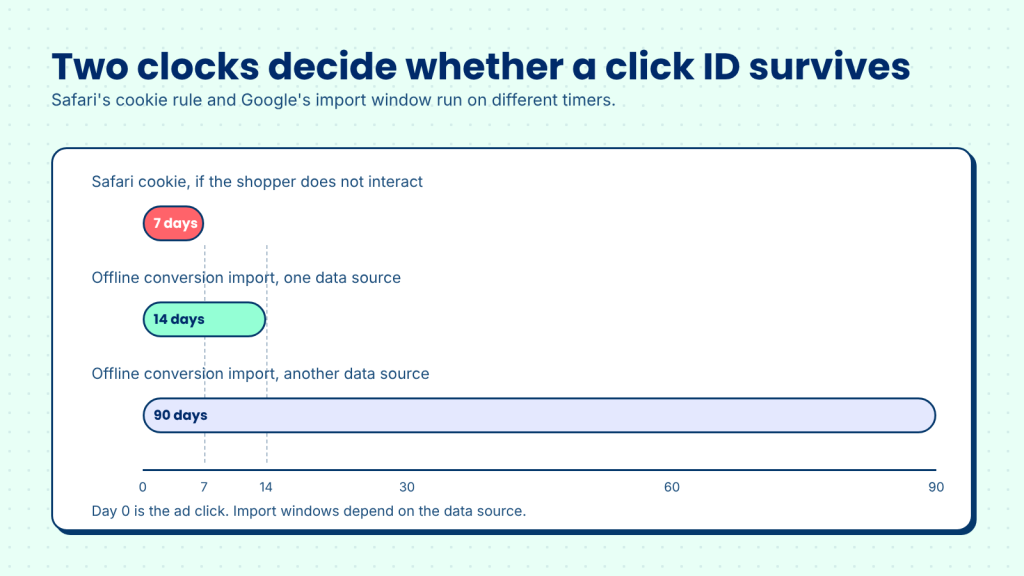
Google uses the click ID to match a conversion back to the click. Google's guidance on importing offline conversions with a GCLID says the identifier is case sensitive, so it must be uploaded exactly as Google sent it. The same guidance sets a click-to-conversion limit of either 14 days or 90 days, depending on the data source. That limit matters on Shopify, because a shopper can click an ad on Monday and buy the following week.
Google Ads then uses the conversion data it receives. Google's Smart Bidding guidance explains that these bidding strategies depend on conversion tracking. An order that never reaches Google as a conversion is one fewer signal for bidding, as well as one fewer conversion in your report. For a walkthrough of conversion tracking set up on Shopify, see our guide to Shopify Google Ads conversion tracking.
Where click IDs break on a Shopify store
On a Shopify store, the click ID appears in the URL once, when the shopper lands from the ad. After that, the cookie carries it. Each step between the landing page and the paid order is a chance to lose it. The diagram below shows the four drop points that cover most cases.
1. URL redirects and rewritten links remove the click ID
The first place the click ID can disappear is the landing URL itself. Common causes on Shopify stores include URL redirects you have set up in your admin, redirects added by apps or themes, and links built by hand or by a tool that creates a new URL from scratch and drops the parameters already in the ad URL. A link shortener in the middle of the path can do the same thing.
Google's auto-tagging guidance says the gclid must be passed to the final landing page in order to track conversions. Most failures here are silent. The page loads, the shopper buys, and the identifier has simply gone missing on the way. The check is to follow the path: click your own ad, record the first URL, and follow every redirect until you reach a product page.
2. A redirect to your primary domain drops the parameter
Shopify stores often have more than one address. A shopper may arrive through the myshopify.com address, an older domain, or a link that points at a subdomain. Shopify's developer changelog describes the behavior that matters here. Checkout runs on the shop domain the shopper is browsing, and if a merchant forces redirects to a primary domain, all checkouts happen on that domain. A redirect is therefore part of the normal path for many stores, and every redirect is a place where the parameter can be lost.
For that reason, test each address separately. Open your ad link through your primary domain, through the myshopify.com address, and through any older domain that still gets traffic. Confirm the identifier survives each redirect. If you use a landing page builder or a page on another domain, Google's cross-domain guidance applies as well. It explains that the _gl parameter used for cross-domain measurement can be dropped when a destination page redirects or does not accept arbitrary query parameters.
3. Declined or unknown consent means no advertising cookie
Consent is the one drop point where a missing click ID can be the correct result. Google's Consent Mode documentation says that when ad_storage is denied, new advertising cookies are not set. The full page URL, including ad click parameters, can still be sent to Google, unless you set ads_data_redaction to true, which redacts ad click identifiers when ad_storage is denied.
Shopify's Customer Privacy API reports each shopper's marketing and analytics choice as yes, no, or an empty string. An empty string means the visitor has not yet granted or denied consent for that purpose. That third state is the one merchants forget. A shopper who leaves before your banner loads, or who never answers it, is in a state where advertising cookies should not be set yet, so a click ID from that visit may never be stored.
Treat this point differently from the others. A declined choice is a decision your banner is meant to respect, and it is not a setup failure to fix. An unknown state caused by a slow or broken banner is different, because it is a setup issue you can find. Check how your banner loads on your store, and keep declined consent separate from setup losses when you judge performance. The Google & YouTube app on Shopify also asks merchants to get consent where it is legally required for ad personalization, so the consent setup affects both the app and your own tags.
4. The browser limits the cookie
The click ID reaches your store once, in the URL. After that, it is kept in a first-party cookie so that a later visit or order can still be matched. Safari's Intelligent Tracking Prevention limits how long that cookie lasts. WebKit's tracking prevention documentation says ITP deletes all cookies created in JavaScript and other script-writeable storage after 7 days of no user interaction with the website. For visits that arrive through link decoration, it caps the expiry of JavaScript-created cookies on the landing page at 24 hours.
Here is what that means for a Shopify order. A shopper clicks your ad on Monday in Safari, comes back the following Monday, and buys. If the shopper did not interact with your store in between, the cookie that held the click ID may already be gone. The order arrives without a click ID, even though the click happened. Other browsers and privacy extensions have their own rules, so test on more than one.
How to test your Shopify store
Testing finds the drop point, and it takes less time than most merchants expect. Work through these steps in a clean browser session, and write down what you see at each one.
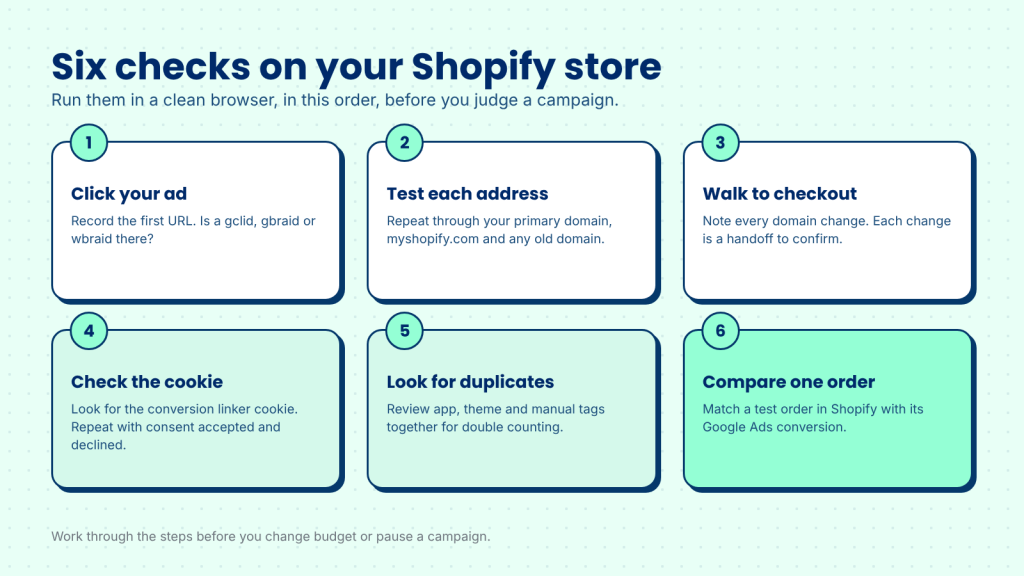
- Click your own Google ad. Record the first URL. Does it contain a gclid, gbraid or wbraid? If not, check auto-tagging and the ad's final URL first.
- Repeat through each address. Open the same ad link through your primary domain, the myshopify.com address and any older domain. Confirm the identifier survives every redirect.
- Walk to checkout. Note every domain change between the product page and the payment step. Each change is a handoff to confirm.
- Check the cookie. In the browser's developer tools, look for the Google Ads conversion linker cookie on your domain. Google's conversion linker guidance names
_gcl_awas one of these cookies. Repeat the test with consent accepted, then with consent declined, and compare the results. - Check for duplicate tags. Google's guidance for the Google & YouTube app on Shopify warns merchants to check for duplicate tags when conversions are also set up elsewhere. Duplicates can inflate one channel and hide the real gap in another, so review the tags from the app, your theme and any manual setup together.
- Place a test order and compare. Allow time for the conversion to appear in Google Ads, then compare it with the order in Shopify. Note any order that is missing.
If every step passes and an order is still missing, the cause is more likely to be timing or attribution rules than a lost identifier. If a step fails, you have found the drop point, and the fix sits at that step. If conversions still do not appear once the steps pass, our article on Google Ads conversion tracking not working covers the remaining causes.
What a lost click ID looks like in Shopify reports
When a click ID is lost, the order still exists in Shopify. It simply has no Google signal attached. If the link also has no UTM tag, the order lands in the Direct (no UTM) group that our earlier article on Google Ads Shopify orders described. Under last non-direct click attribution, an order with no earlier non-direct visit is credited as direct. So the loss can show up as Direct in Shopify's own reports, even though the shopper came from an ad.
In practice, a lost click ID is visible only as a gap: fewer Google orders in your Shopify reports than conversions in Google Ads, with no error message anywhere. That silence is why this loss is easy to miss, and why testing the path is more useful than reading the totals alone.
What this means for your Shopify store
Start with your setup, not with the ad. Most of the gap comes from redirects, a second address for the store, a banner that loads slowly, or a browser that clears cookies early. No tool can match a click that never reached your store, so the first job is always to fix what you can find on your own site.
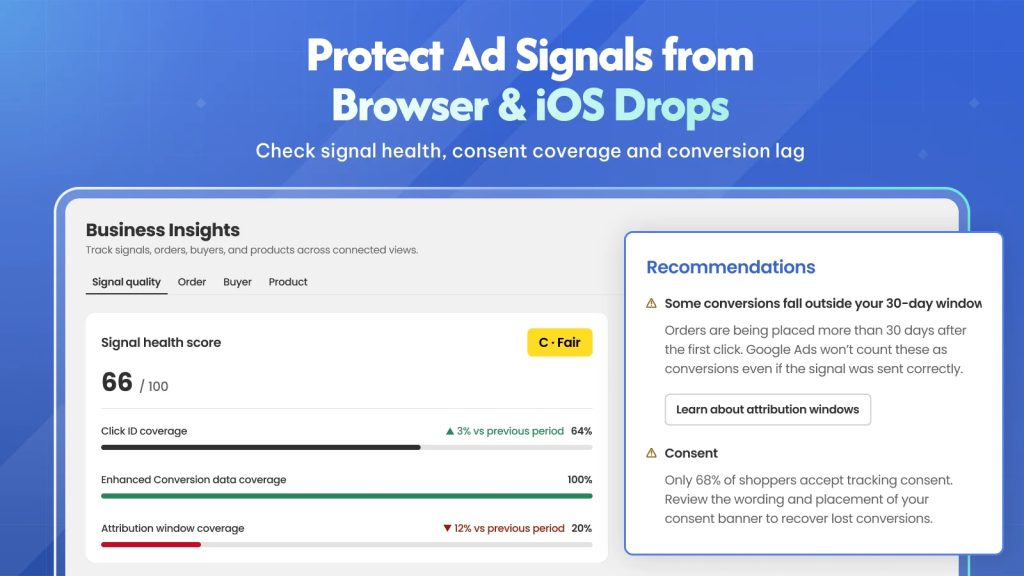
Once the setup is sound, a tool can help with the part that is left. Omega Google Ads keeps the click ID from the moment a shopper enters your Shopify store until the order is placed, and helps recover most of what would otherwise be lost.
Conclusion: where to look first
A Google click ID is simple in concept. It is a code that ties a sale to a click. On a Shopify store it is fragile, because it has to survive a redirect, a change of domain, a consent decision and the cookie rules of the shopper's browser. When it fails, your Shopify order report still shows the order, and nothing tells you that the link was lost.
The way to find the loss is to test the path, step by step, and then compare your Google Ads conversions with your Shopify orders for the same window. Start with the redirects, because they are the cheapest place to fix a problem.
When your Google Ads conversions and Shopify orders disagree, which of the four drop points have you tested on your own store?
FAQs aboout Click IDs on Shopify
What is a gclid on a Shopify store?
A gclid is the click ID that Google adds to the landing page URL of a web ad click when auto-tagging is on. It lets Google Ads match a later conversion, such as a paid Shopify order, back to that click.
How is gbraid different from gclid?
The gclid is the standard click ID for web clicks. Google documents gbraid and wbraid as identifiers for iOS ad clicks: gbraid for app conversions and wbraid for website conversions. Check for all three when you test your store.
Why does my Shopify order show as Direct when I ran Google Ads?
Either the click ID was lost before the order, or the last visit before the order was direct under Shopify's last non-direct click attribution. Test the drop points in this article to find out which one applies.
Does a declined consent choice mean a lost conversion?
Not in the sense of a setup failure. A shopper who declines consent has made a choice that your banner is meant to respect, so their click data is not sent to Google for that purpose. Track setup losses separately from consent declines.
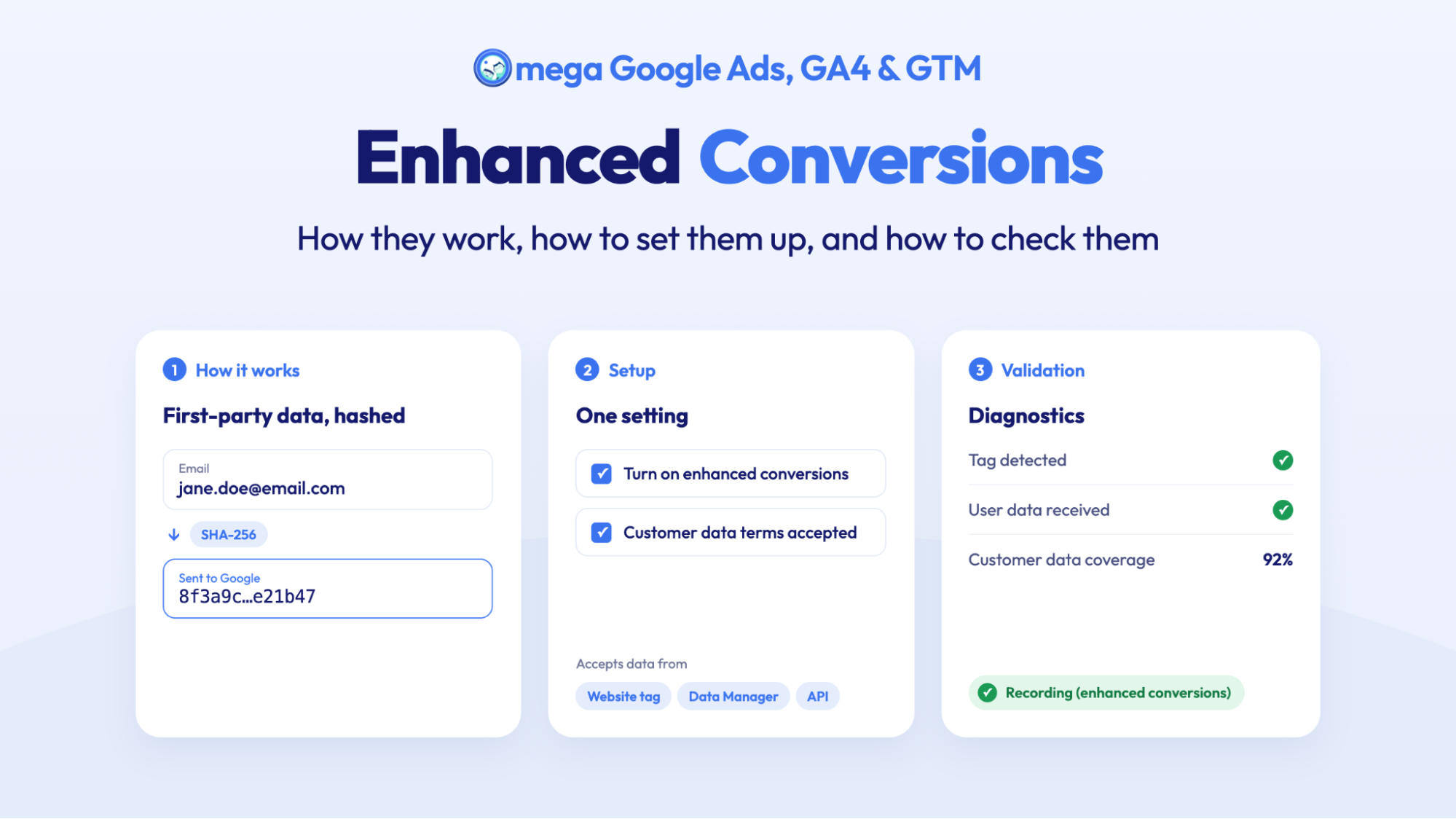
Enhanced Conversions in Google Ads: Turned On Isn’t the Same as Working
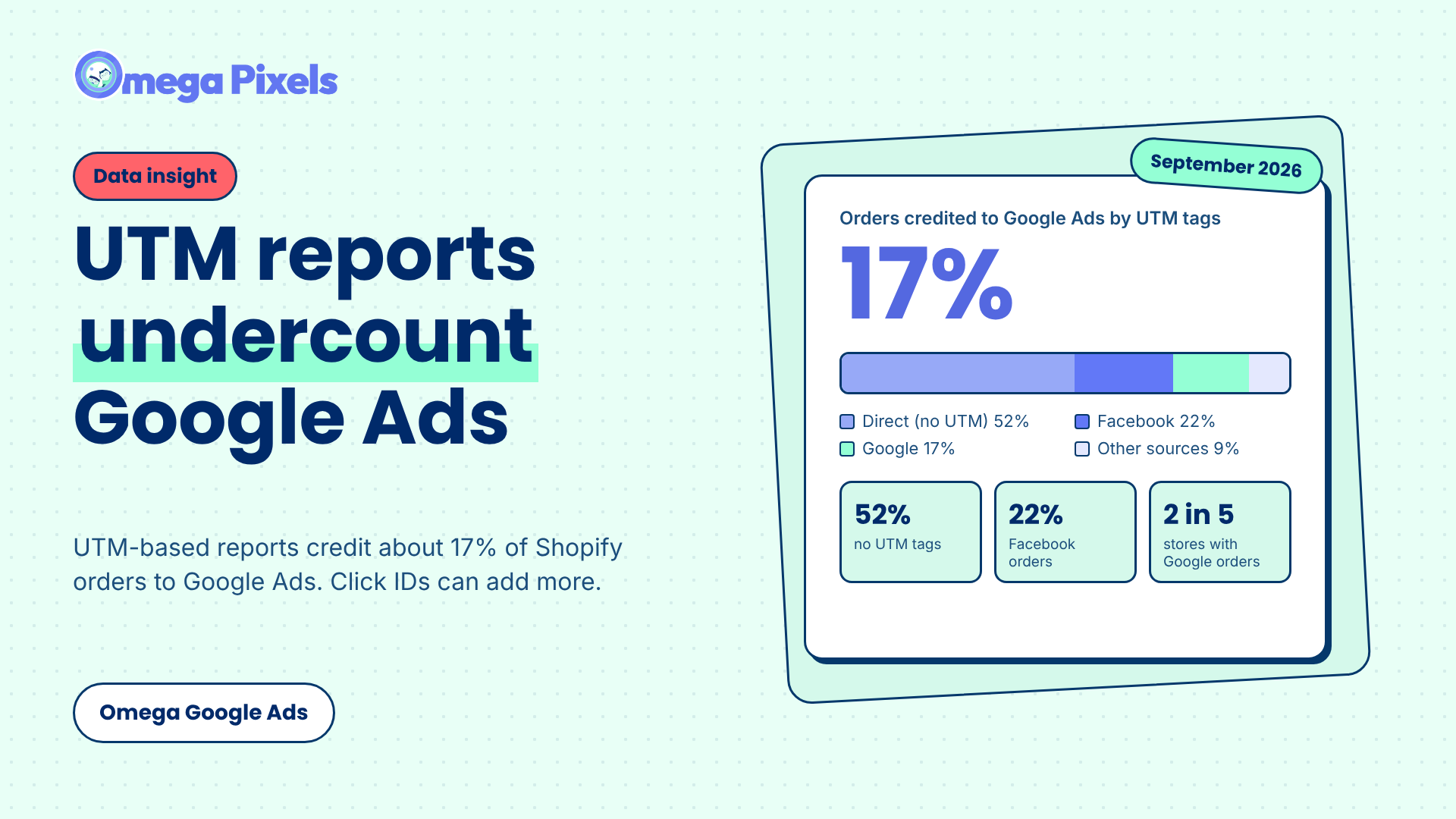
Google Ads Shopify Orders: How Many Are Tracked?
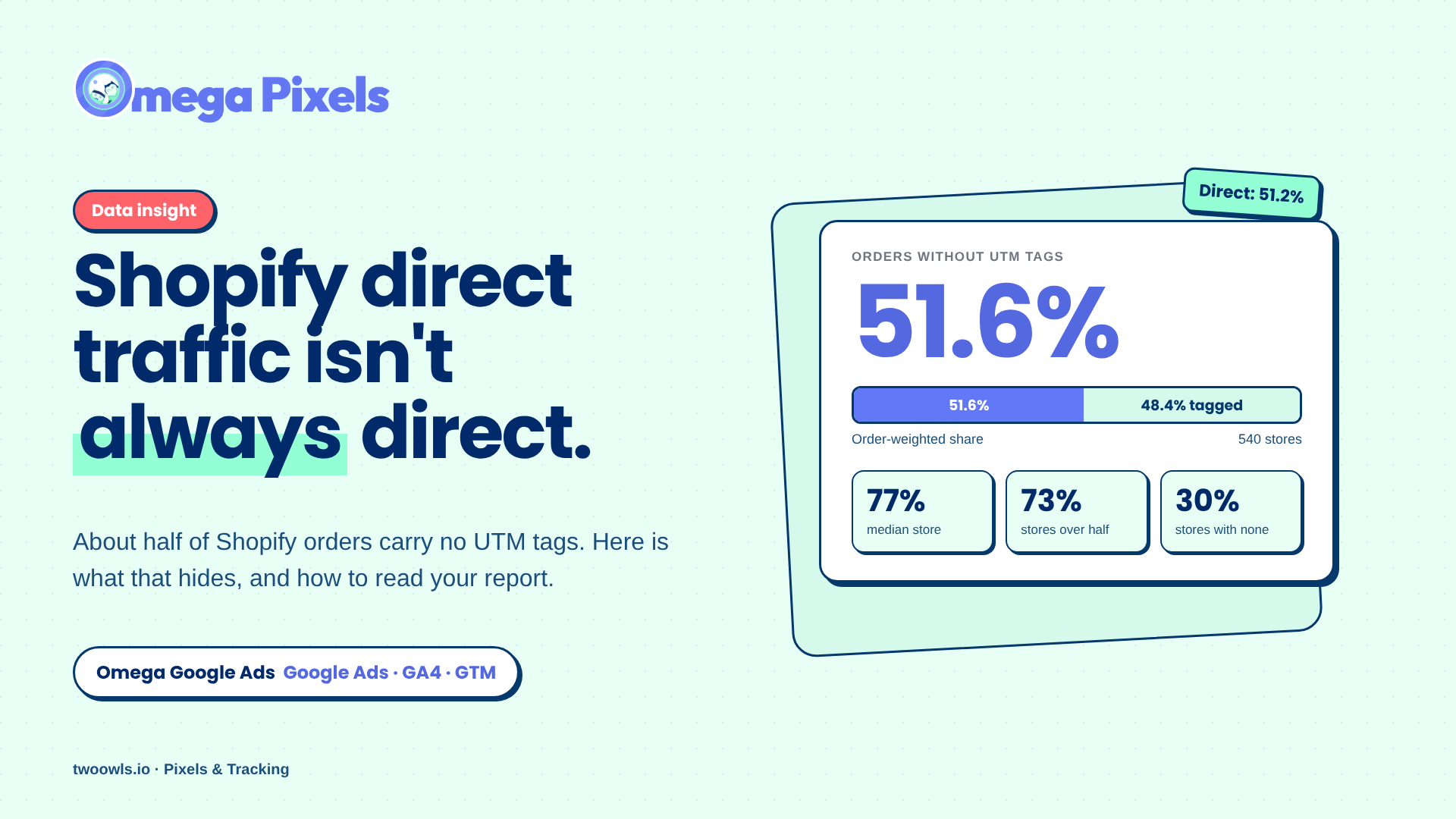
Shopify Direct Traffic Isn't Always Direct
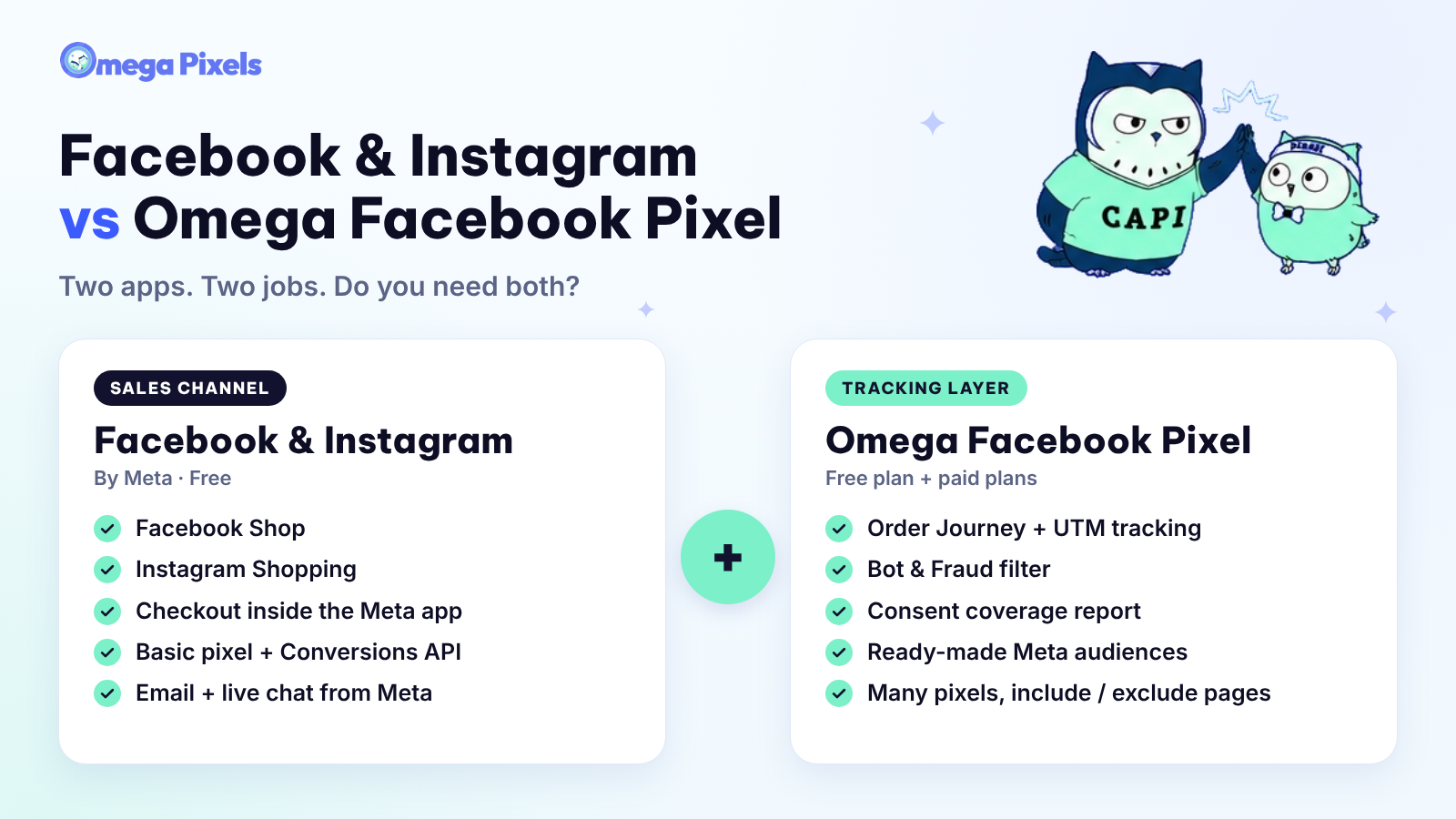
Why Pay for Omega Facebook Pixel When Meta’s Facebook & Instagram App Is Free?
11+ ChatGPT ads examples for online stores (with copy templates)
Enhanced Conversions in Google Ads: Turned On Isn’t the Same as Working
Google Ads Shopify Orders: How Many Are Tracked?
Shopify Direct Traffic Isn't Always Direct
Why Pay for Omega Facebook Pixel When Meta’s Facebook & Instagram App Is Free?