Performance Max audience signals: What they are and how to use them


Add a list of past customers to a Performance Max asset group, and it is easy to assume your ads will now reach people like them and no one else. That is not how Performance Max audience signals work. They are suggestions that tell Google’s AI who is most likely to convert, so it knows where to start looking. The campaign can, and often does, reach people outside the audiences you add. Treating PMax audience signals as targeting is one of the most common reasons advertisers misread their results.
What follows covers how audience signals differ from real targeting controls, the types you can add, including search themes, and how to add them step by step. It also covers how to organize asset groups around them and how to judge whether they are helping. Setting up signals takes a few minutes. Telling whether they work depends on conversion data you can trust.
What are Performance Max audience signals?
Audience signals let you share the demographics, interests, and behaviors of your customers to help Google AI find the most relevant audience. In Performance Max, they can be applied to an asset group to let you specify which audience is most likely to convert for that asset group.
In practice, a signal works as a starting point. Performance Max uses these signals to look for new impressions with similar or stronger intent to find conversions across Search, Display, Video, and more. If your signal is a list of past buyers, the campaign starts with people who resemble them, then widens its search to anyone it predicts is likely to convert.
Google groups signals into two kinds:
- Audience signals: who your customers are, such as your own customer lists, website visitors, custom segments, interests, and demographics.
- Search themes: what your customers search for, such as the products, categories, or problems your store covers.
Both are added in the same place, the Signals section of each asset group, and both are optional. Standard Performance Max campaigns can operate without asset group signals. Adding them gives the campaign a clearer place to start, which matters most when it has little conversion history of its own.
Audience signals vs targeting: What’s the difference?
Performance Max does not offer the broad audience targeting of some other campaign types, but it does provide a set of specific controls alongside signals. The difference is simple. A signal says “start here.” A control says “only here,” or “never here.”
| If you want to… | Use |
|---|---|
| Suggest who is likely to buy | Audience signals |
| Suggest what customers search for | Search themes |
| Show ads only in certain countries or languages | Location and language settings |
| Exclude certain age ranges or genders | Demographic exclusions in campaign settings |
| Keep ads away from people on your own lists | Your data exclusions |
| Focus on new customers rather than past buyers | The customer acquisition goal |
| Keep ads off searches for certain brands | Brand exclusions |
| Block specific search queries | Negative keywords, which apply to Search and Shopping inventory only |
The difference often shows up in practice. Adding “women aged 25–34” as a demographic signal does not stop the campaign from reaching people outside that group. If you need a firm age or gender restriction, use demographic exclusions instead. Likewise, adding a past-customer list as a signal does not exclude past customers. To focus on new buyers, use the customer acquisition goal, or exclude your customer lists directly.
Types of audience signals in Performance Max
Four of these are audience signals; the fifth, search themes, tells the campaign what people search for. Each type of signal tells the campaign something different about your customers. Some come from your own data, others from how Google understands people’s interests and searches. Here is what each one is good for, starting with the most direct.
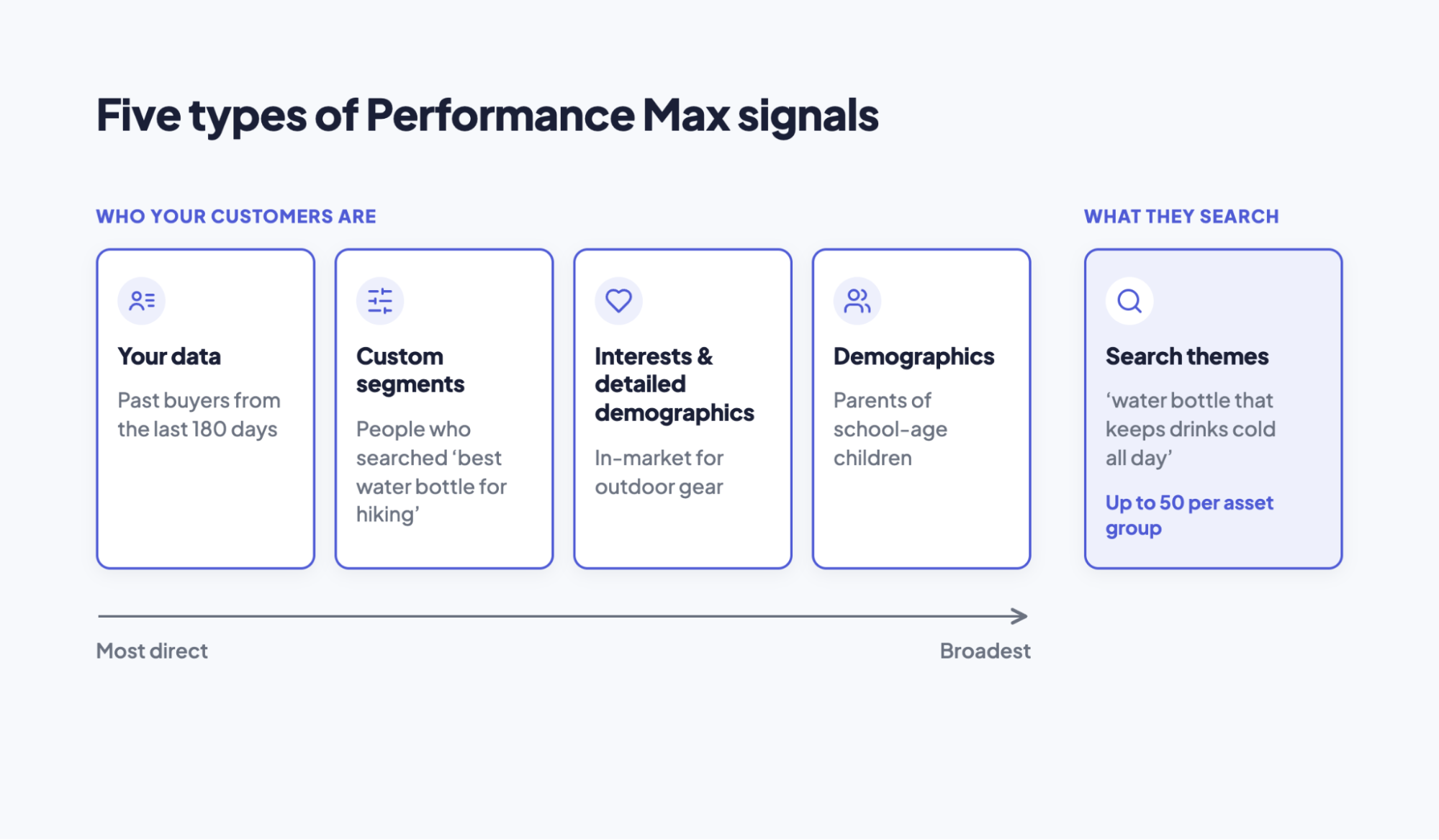
1. Your data (first-party)
Your data segments are built from people who have already interacted with your business, which makes them the most direct signal you can give. They include:
- Customer lists: uploaded through Customer Match, such as past buyers or newsletter subscribers. Customer Match has its own eligibility requirements, so check that your account qualifies before planning around it.
- Website visitors: people collected by your Google tag, such as everyone who viewed a product or started checkout.
- App users: people who installed or used your app, if you have one.
The most useful lists are usually the most relevant and recent. A list of customers who bought in the last six months says far more about who converts than a list of everyone who visited your homepage. If you have a segment of your highest-value buyers, it is worth testing on its own.
Keep these lists current. A customer list uploaded once and never refreshed slowly drifts away from who is buying today, so it may become less representative over time. Updating lists on a regular schedule keeps them useful.
2. Custom segments
Custom segments describe people by what they do online rather than who they are. You build one from a mix of:
- Search terms people have used on Google
- Websites they browse, entered as URLs
- Apps they use
- Interests or purchase intentions, described with keywords
They are most useful when you have little first-party data, such as a new store with few past buyers. For the insulated water bottle, a custom segment might combine searches like “best water bottle for hiking” and “keep water cold on a hike” with URLs of popular hiking gear review sites.
When building one, the option based on what people searched for on Google tends to reflect stronger intent than broad interest keywords, because it describes something they actively looked for. Competitor websites can also be added as URLs, which tells the campaign to look at people who browse similar stores.
Keep each segment focused on one product type or need. A segment that mixes hiking, gym, and school-lunch keywords describes three different shoppers, and the campaign gets a blurrier picture of who converts. As with every signal, a custom segment in Performance Max is a starting point, not a boundary.
3. Interests and detailed demographics
If you do not have enough of your own data, Google’s ready-made segments offer a broader starting point. They fall into a few groups:
- Affinity segments describe long-term interests and lifestyles, such as outdoor enthusiasts.
- In-market segments describe people actively researching or planning a purchase in a category.
- Life events cover moments like moving house or getting married, when buying habits change.
- Detailed demographics go beyond age and gender to traits such as parental status or homeownership.
For most online stores, in-market segments are often the most useful of these, because they reflect current buying intent rather than general interest. A water bottle store would get more from an in-market segment for outdoor gear than from a broad affinity for sports fans, since many sports fans are not shopping for anything right now.
These segments are also the broadest signals you can give. They work best alongside your own data or a custom segment, not as the only signal in an asset group.
4. Demographics
Demographic signals cover age, gender, parental status, and, in some countries, household income. They are the simplest signal to add and the easiest to get wrong.
The risk is guessing. It is tempting to assume a hiking bottle sells mostly to people in their twenties, but your own sales data may show strong orders from parents in their forties buying for family trips. Before adding a demographic signal, check who actually buys from you in your store analytics or Google Analytics, and use that rather than an assumption.
Demographics alone usually provide limited context. “Women aged 25–34” covers millions of people with nothing else in common. Use demographics to sharpen another signal, such as a customer list or a custom segment, rather than as the main one. And as covered earlier, an age range added as a signal does not stop the campaign from reaching people outside it. Demographic exclusions are the setting for that.
5. Search themes
Search themes tell the campaign what your customers search for, rather than who they are. According to Google’s search themes guide, search themes are optional and additive to the queries and placements Performance Max predicts will perform well based on your assets, feeds, and landing pages. You can add up to 50 search themes per asset group.
They are most useful for searches your assets and product feed might not make obvious. If your product pages focus on “insulated bottles” but customers also search for “water bottle that keeps drinks cold all day,” a search theme helps the campaign cover that phrasing.
Three habits make search themes more useful:
- Keep them distinct. Google suggests adding unique search themes, for example, avoiding “car” and “automobile,” as they’ll reach the same audience. Fifty variations of “water bottle” add little.
- Match each asset group’s focus. Themes for kids’ school bottles belong in that asset group, not alongside themes for hiking gear.
- Check approval. Unlike audience signals, search themes go through Google Ads policy review and can be disapproved.
To see what your themes are bringing in, check the search terms insights report. It shows which new search terms you’re reaching based on the themes you’ve added, at the account or campaign level.
Here is how the five signal types compare:
| Signal type | Best for | Common mistake |
|---|---|---|
| Your data | Showing who already buys from you | Uploading a list once and never updating it |
| Custom segments | Stores with little first-party data | Mixing several products or needs in one segment |
| Interests and detailed demographics | A broad starting point | Using them as the only signal |
| Demographics | Sharpening another signal | Guessing instead of checking real sales data |
| Search themes | Searches your assets don’t make obvious | Adding near-duplicate themes |
How to add audience signals to Performance Max
Signals are added at the asset group level, either while you build a new campaign or later from the asset group itself. The steps below cover an existing campaign. Google’s interface changes from time to time, so labels in your account may differ slightly.
To add an audience signal:
- In Google Ads, open your Performance Max campaign and go to Asset groups.
- On the asset group card, select the pencil icon next to Signals.
- Under the audience signal section, choose an existing audience, or select the option to create a new one.
- If you are creating one, give it a clear name. Under Include people who match any of the following, add the segments you want: custom segments, your data, and interests and detailed demographics. You can also add exclusions and narrow the audience by demographics further down the page.
- Save the audience, then save the asset group.
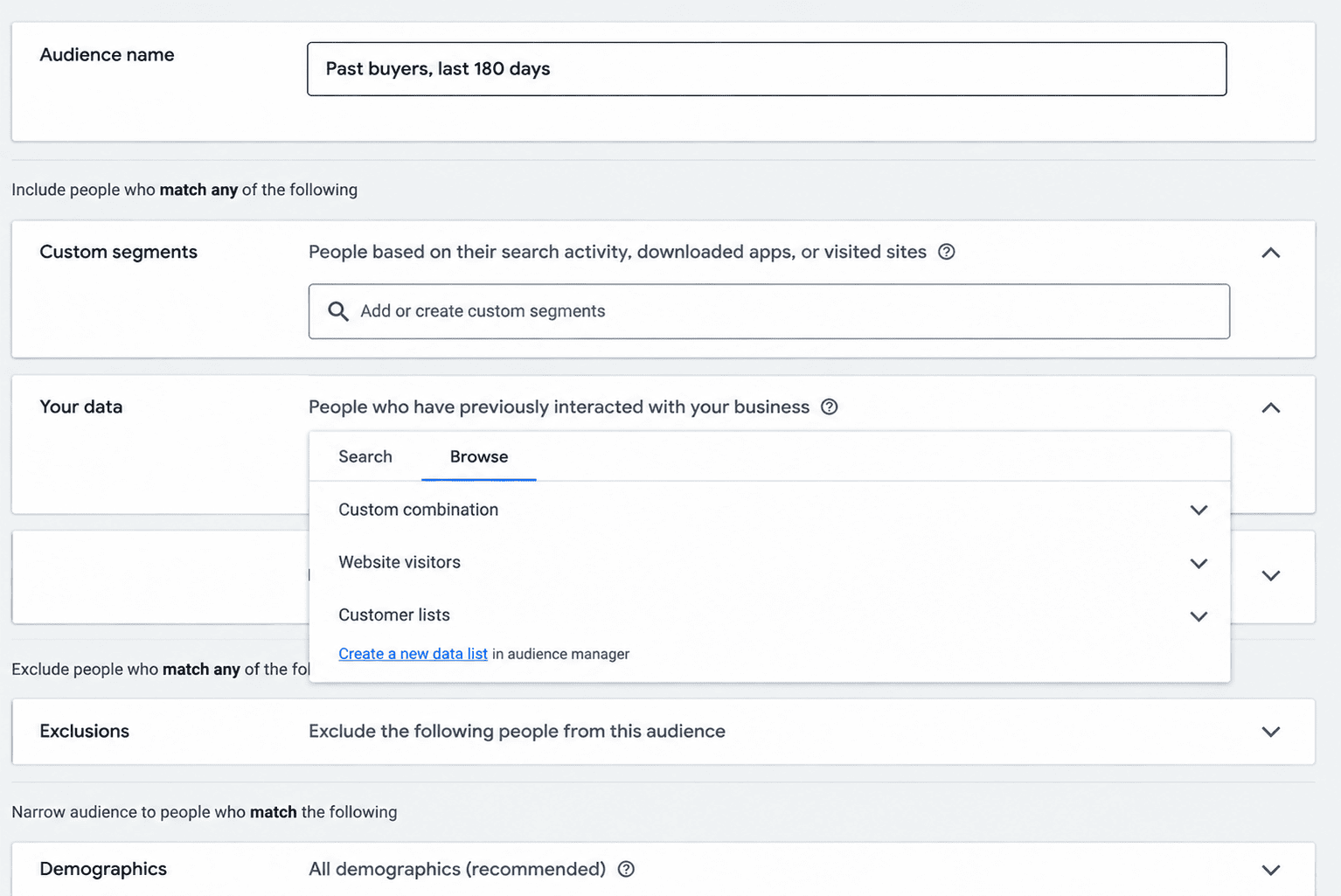
To add search themes:
- Go to Asset groups within the Campaigns menu, select the pencil icon next to “Signals” on the right side of the asset group card, and on the “Signals” card, select Search themes.
- Add up to 50 unique search themes, pressing “Enter” after typing each one.
- Save the asset group.
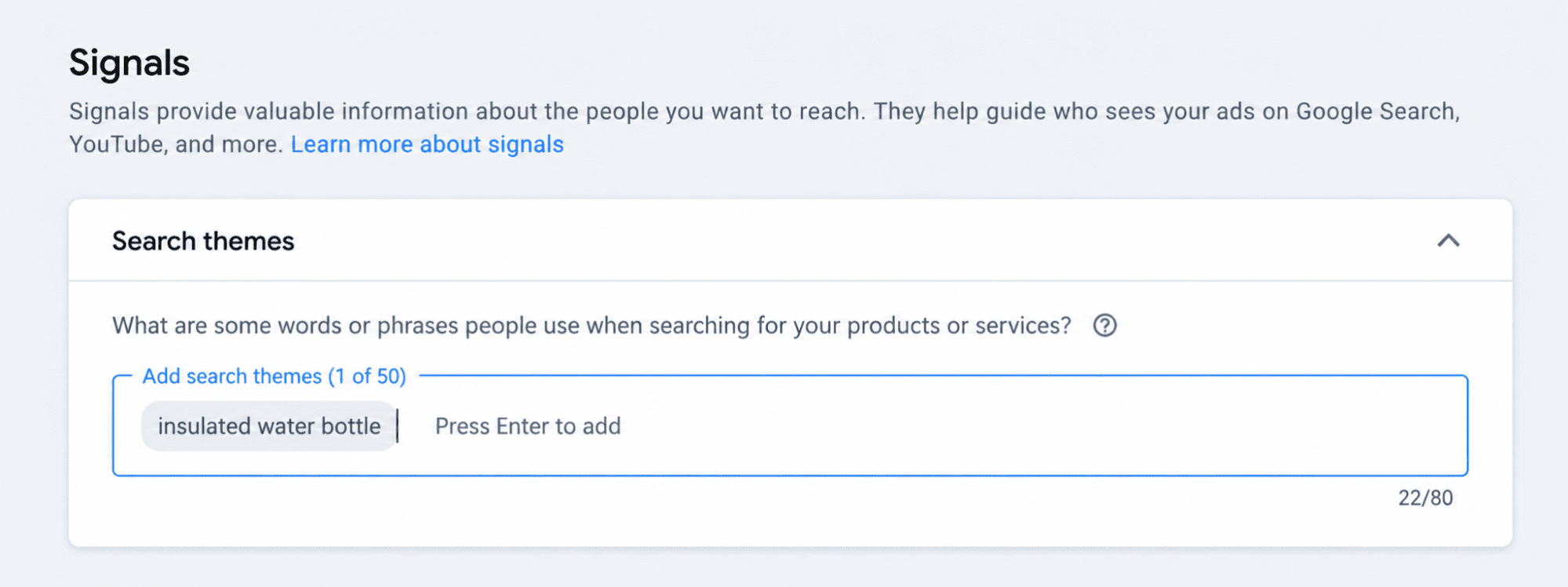
A few details save time later. Audiences you create are saved to your account, so you can reuse the same audience across asset groups instead of rebuilding it. Name them by what they contain, such as “Past buyers, last 180 days,” so you can tell them apart in reports. Each asset group can use an audience that combines several segments, such as a customer list, a custom segment, and interests. Build it from the parts that best describe that group’s customer.
How should you structure asset groups around signals?
Because signals sit inside asset groups, they work best when each asset group has one clear focus. A good asset group pairs one product line or customer need with the assets, product listings, search themes, and audience signal that all describe it. When those pieces point in the same direction, the campaign gets a consistent picture of who to look for and what to show them.
The harder question is when to change a signal and when to change the structure. A simple way to decide:
- Same products and message, different idea about the audience: keep one asset group and refine its signal. Creating a second asset group with the same products and assets but a different signal mostly splits your data, because the signal does not keep the two groups apart.
- Different products, message, or landing page: create a new asset group, with its own audience signal and search themes. Kids’ school bottles and hiking bottles need different images, copy, and themes, so they belong in separate groups.
- Different budget, goal, or ROAS target: use a separate campaign. Asset groups in one campaign share the same budget and bidding, so signals cannot give one product line a different budget or bid strategy from another.
- Need to stop reaching certain people or searches: use exclusions or campaign settings, such as brand exclusions or the customer acquisition goal, not a narrower signal.
Most stores need only a handful of asset groups. Splitting into many small groups, each with a slightly different signal, spreads conversions thin and makes it harder for any one group to learn. Start with a few groups built around real differences in products or customers, and add more only when the data shows a clear reason to.
How to evaluate your audience signals
Judging signals is harder than adding them. Performance Max does not report results signal by signal, and the signal is only one of several inputs, alongside your assets, product feed, and bidding. So the realistic question is not “Is this signal working?” but “Is this asset group finding buyers at a cost I can accept, and do the people it reaches look like the ones I described?”
Three places help answer that:
- Asset group results: conversions, conversion value, and ROAS or cost per purchase for each asset group. This is the clearest measure of whether the group as a whole is working.
- Search terms insights: shows which searches the campaign is reaching, including new ones linked to your search themes.
- Audience insights on the Insights page: shows which audience segments are driving conversions, which tells you whether real buyers resemble the signals you added.
Give changes time before you judge them. Google’s guidance on Smart Bidding learning says that changes to budgets, targets, creatives, or targeting settings such as locations, audiences, and language do not erase historical data or trigger a “Learning” status, and that the Learning status never lasts more than 7 days. Google says it can take up to 2 weeks for new audience signals to be fully reflected, so judge them after enough conversions have come in, not after a day or two.
It also helps to keep signals in perspective. Search Engine Land overview describes both audience signals and search themes as optional hints rather than strict targeting. In practice, a well-built signal helps the campaign start in the right place, but what keeps it improving is the conversion data it learns from.
When results disappoint, this table points to the likely cause:
| Symptom | Likely cause | Fix |
|---|---|---|
| Spend goes to irrelevant searches or placements | Assets and feed are too broad, or search themes are vague | Tighten asset group focus and add specific themes |
| Very little delivery | Budget, bid target, or feed limits, rather than the signal | Check budget, target, and product eligibility first |
| Asset group converts poorly despite a strong signal | Weak landing pages, offers, or missing conversion data | Check landing pages and conversion tracking before changing the signal |
| A search theme shows as disapproved | It did not pass Google Ads policy review | Edit or replace the theme |
| Results fade over months | Customer lists are out of date | Refresh your data segments regularly |
The third row is the one that catches many stores. If purchases are missing or counted twice, Performance Max learns from the wrong data, and no signal can correct that. Omega Google Ads helps keep that data complete for Shopify stores, with Enhanced Conversions to recover purchases cookies miss, a Signal Quality score that shows how complete your conversion signals are, and support for running separate setups across Shopify Markets.
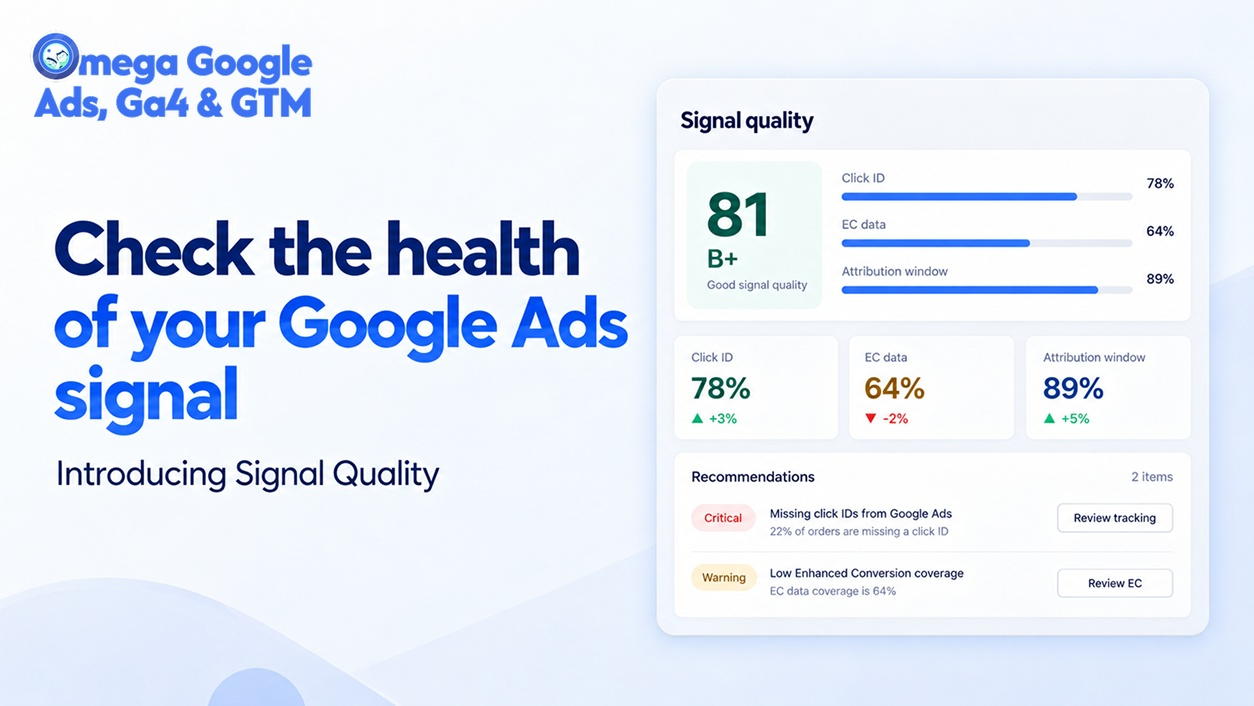
Our guide to enhanced conversions in Google Ads explains why that matters for campaigns like Performance Max.
Final thoughts
Performance Max audience signals work best when you treat them as directions, not fences. They tell the campaign where to start looking for buyers, and Performance Max is free to go further when it finds people likely to convert. Your own customer data and focused custom segments usually make the strongest starting points, and a short list of distinct search themes fills in the searches your assets might miss.
Keep the structure simple. Build asset groups around real differences in products or customers, use exclusions and campaign settings for anything you need to rule out, and give each change a conversion cycle or two before deciding what worked.
Behind all of it sits the conversion data the campaign learns from. Omega Google Ads helps Shopify stores keep that data complete, so your signals and your results are judged against more complete purchase data.

- 1 What are Performance Max audience signals?
- 2 Audience signals vs targeting: What’s the difference?
- 3 Types of audience signals in Performance Max
- 4 How to add audience signals to Performance Max
- 5 How should you structure asset groups around signals?
- 6 How to evaluate your audience signals
- 7 Final thoughts
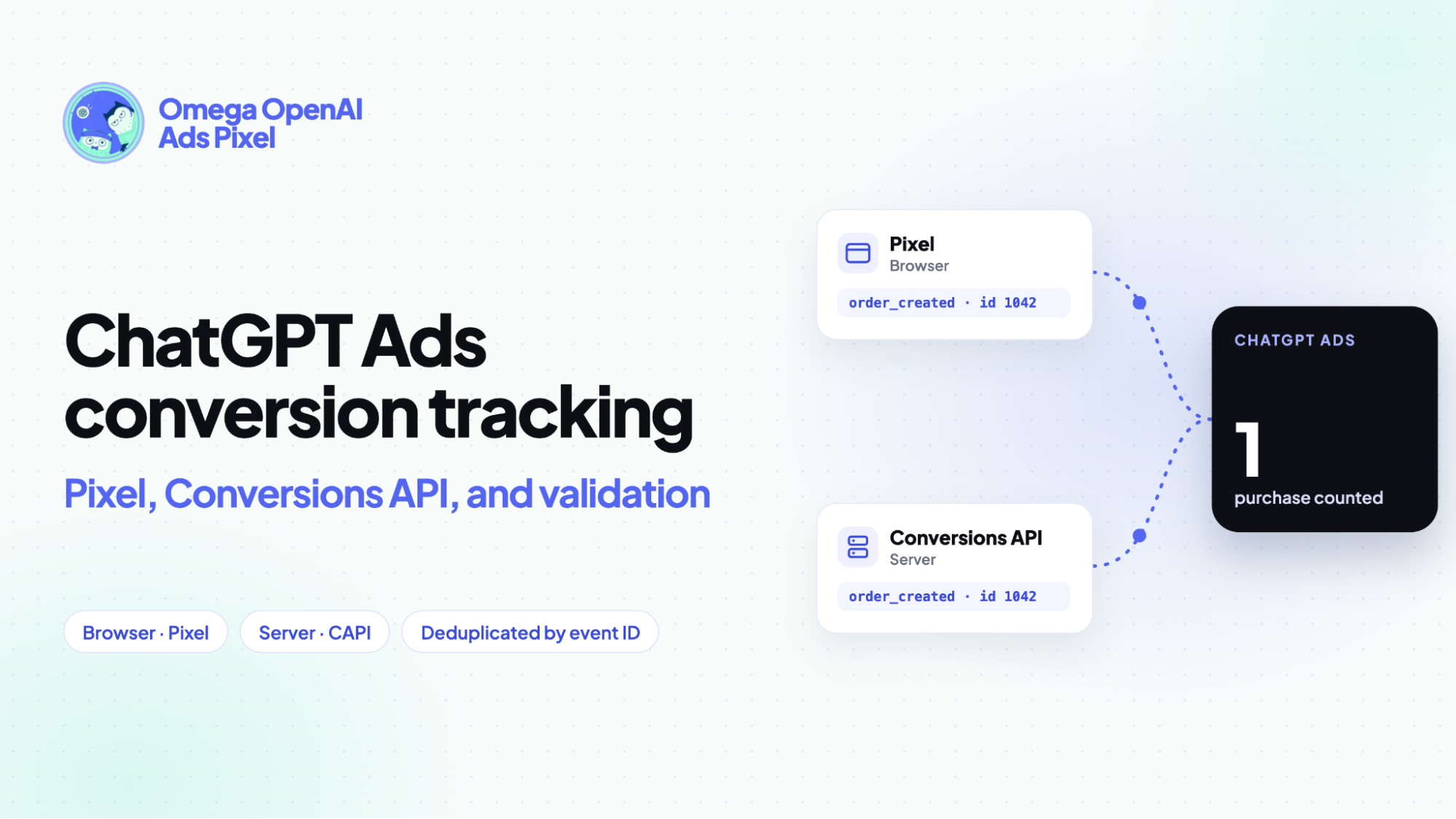
ChatGPT Ads conversion tracking: Pixel, Conversions API, and validation
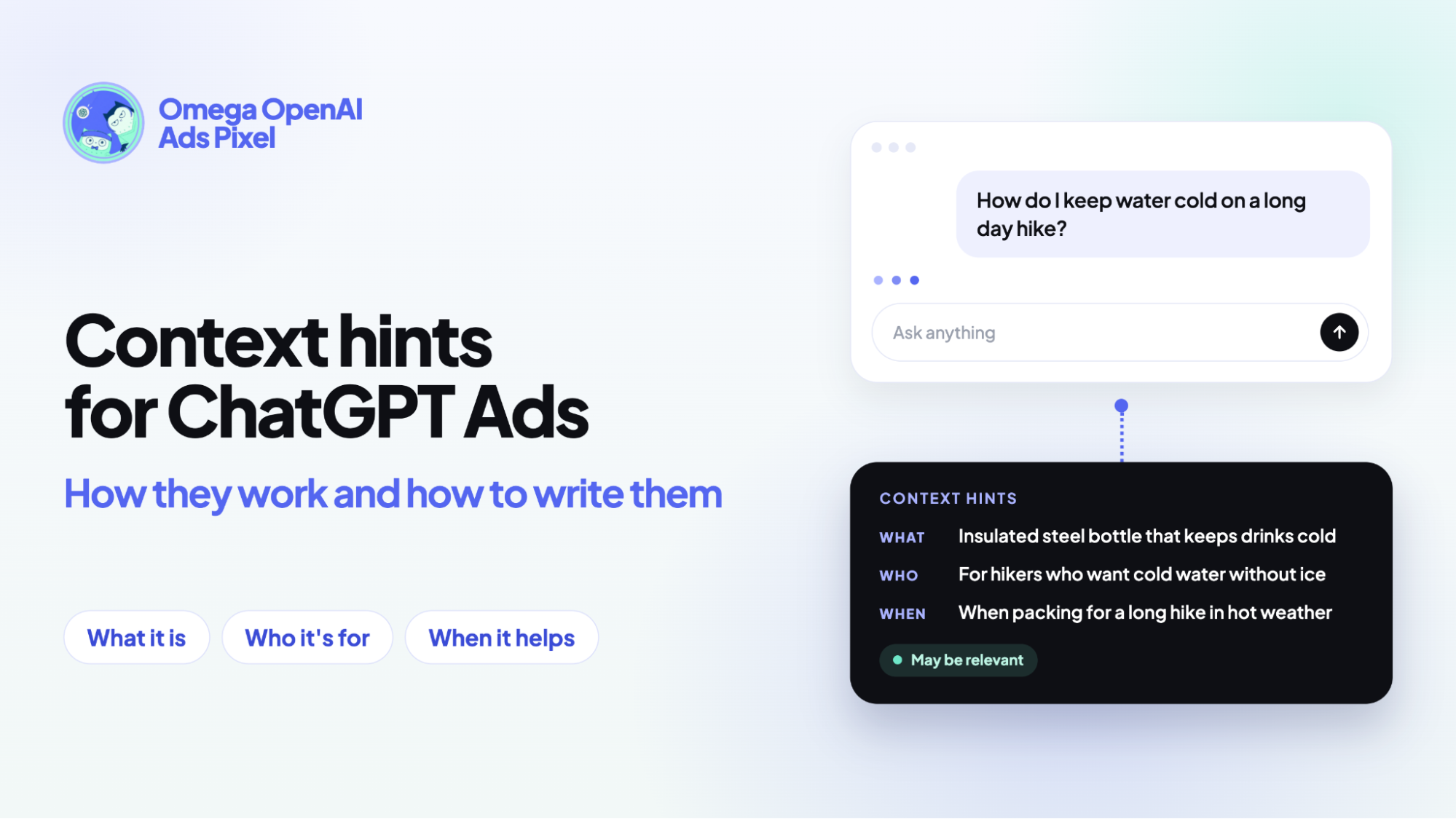
Context hints for ChatGPT Ads: How they work and how to write them
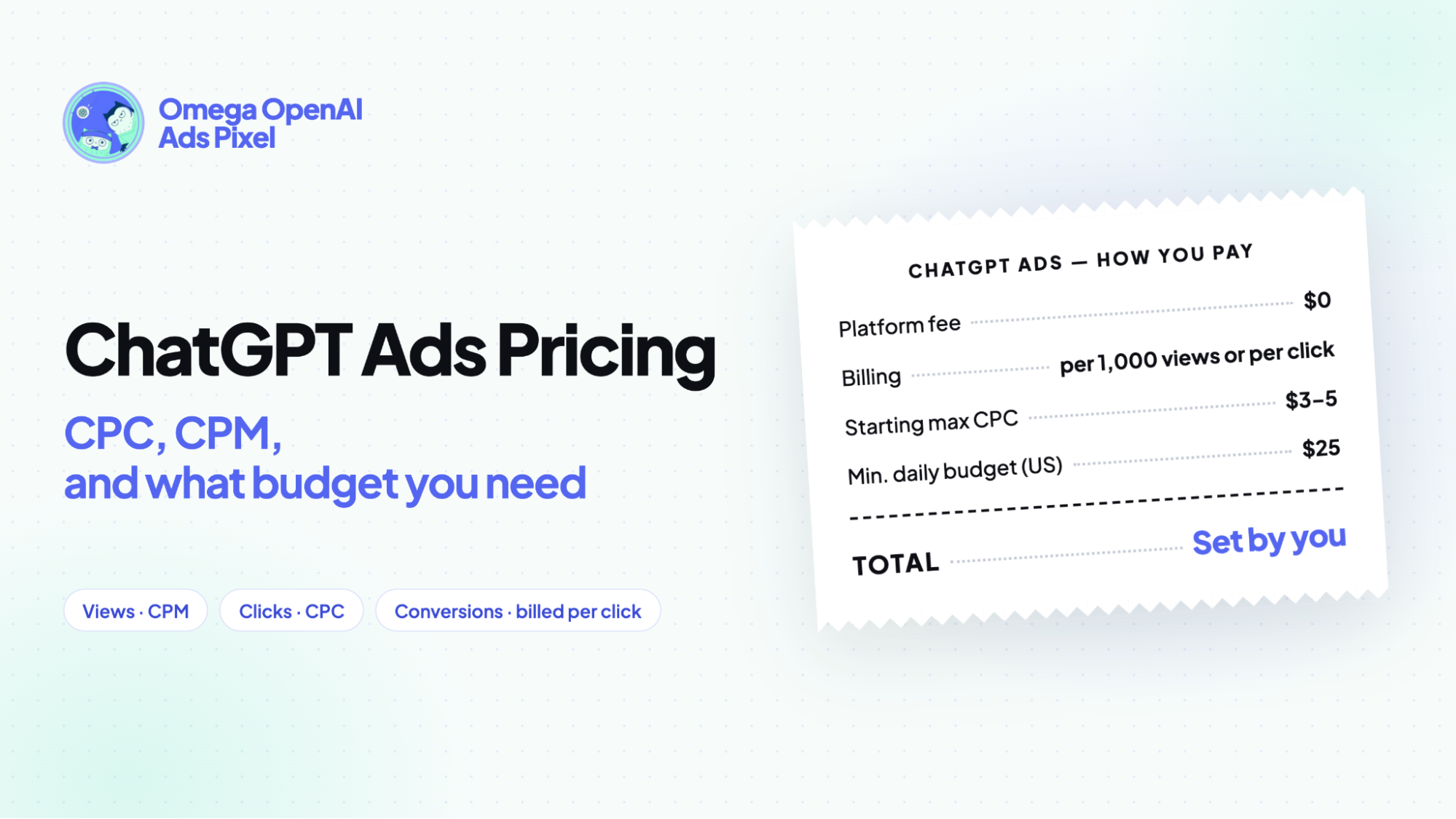
ChatGPT ads pricing: CPC, CPM, and what budget you need
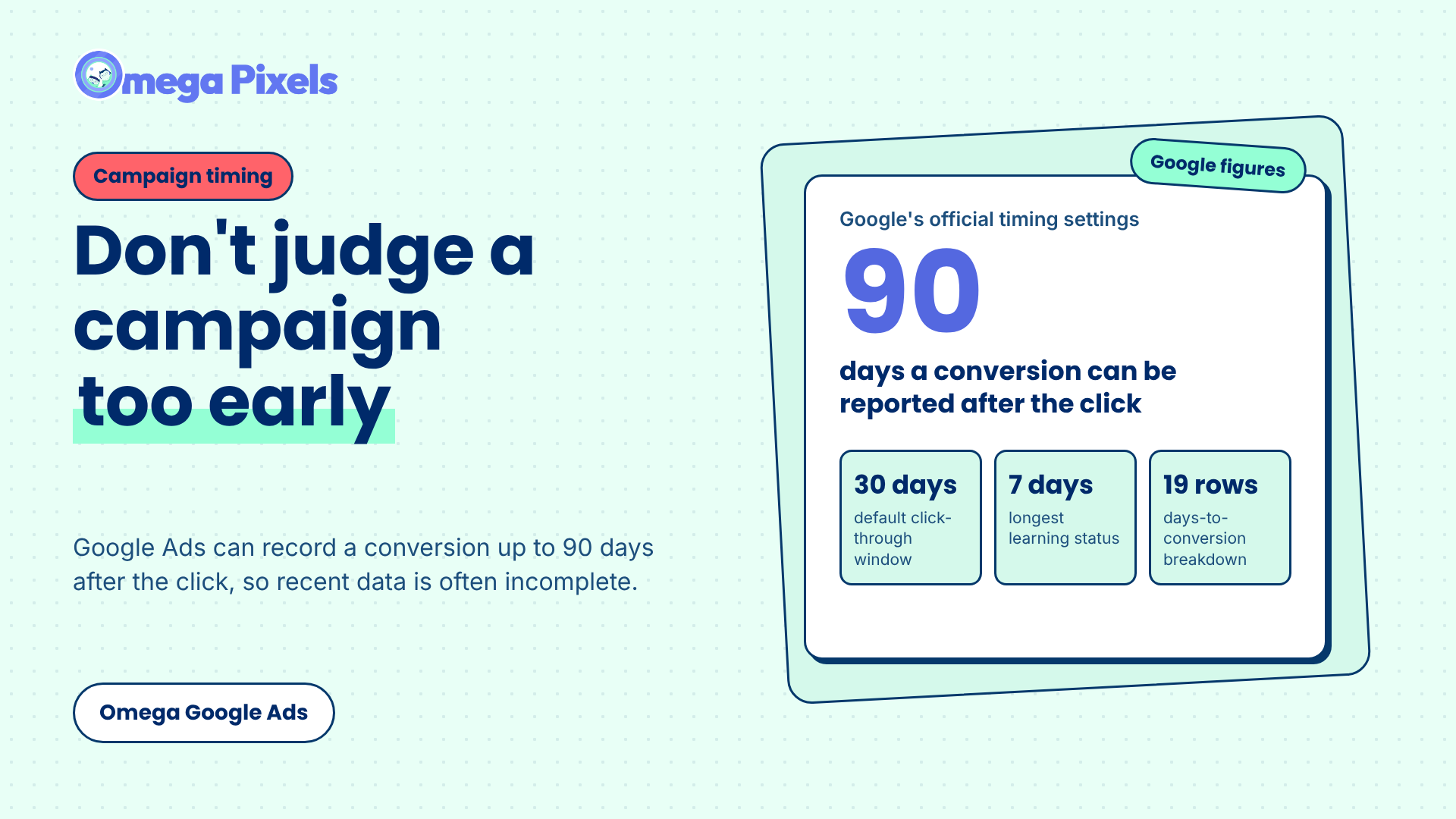
How Long Should You Wait Before Judging a Google Ads Campaign?
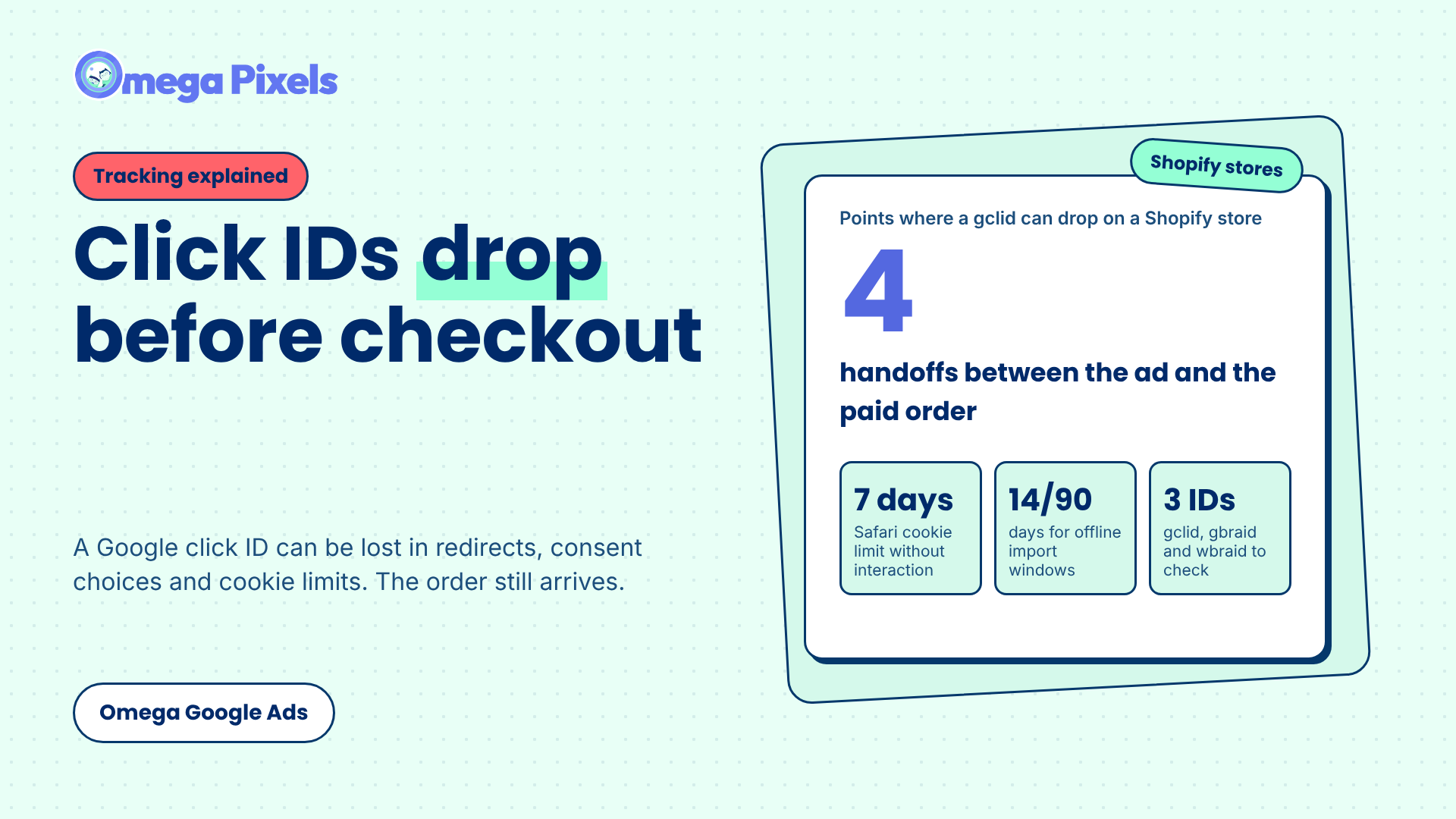
Where Google Click IDs Get Lost Between the Ad and Checkout
ChatGPT Ads conversion tracking: Pixel, Conversions API, and validation
Context hints for ChatGPT Ads: How they work and how to write them
ChatGPT ads pricing: CPC, CPM, and what budget you need
How Long Should You Wait Before Judging a Google Ads Campaign?