How Long Should You Wait Before Judging a Google Ads Campaign?


Google Ads can record a conversion up to 90 days after the click. A campaign judged in its first few days is therefore judged on only part of its buyers. This article explains how long to wait before you decide a Google Ads campaign is not working, what research says about buying cycles, and how to measure the wait for your own Shopify store.
The short answer: wait for the window, the learning period, and your own data
Wait for the learning status to end and for most of your conversions to arrive. There is no single number that fits every store. A practical rule has three parts. First, do not judge a campaign before its learning period has finished, because the bidding system is still changing its approach during that time. Second, do not judge it before most of the conversions it can earn have had time to arrive. Third, use your own click-to-purchase data to set that second point, rather than a figure copied from a benchmark. The rest of this article explains each part and shows where to find the numbers in Google Ads.
Key numbers from Google's own documentation
These are the figures that set the timing inside a Google Ads account. Each one comes from a Google help page listed in the sources at the end of this article.
| Setting | Figure | Where it applies |
|---|---|---|
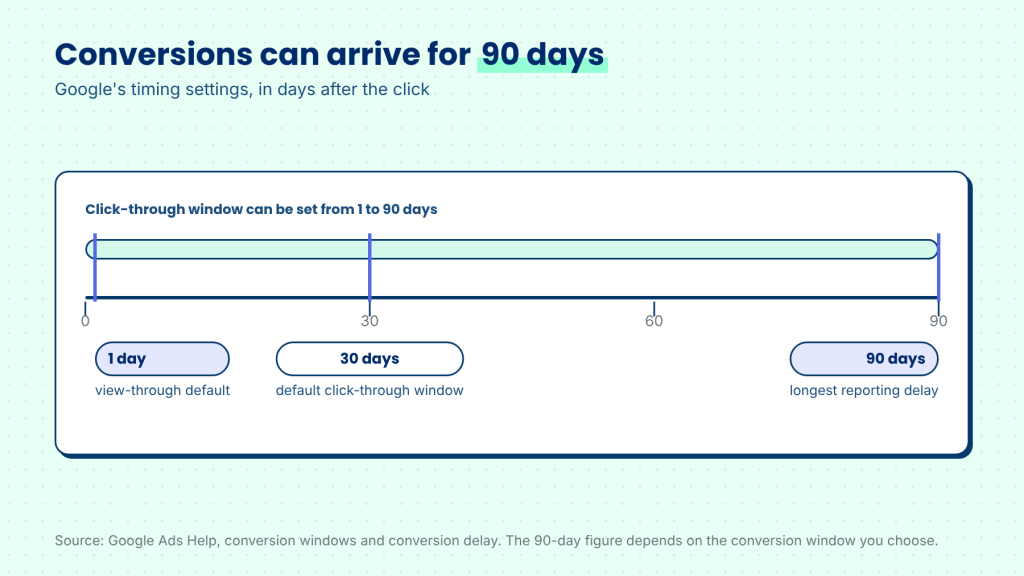
| Default click-through conversion window | 30 days (adjustable from 1 to 90 days) | Conversion windows |
| Default view-through conversion window | 1 day | Conversion windows |
| Reporting delay | Conversions can be reported up to 90 days after the click | Conversion delay |
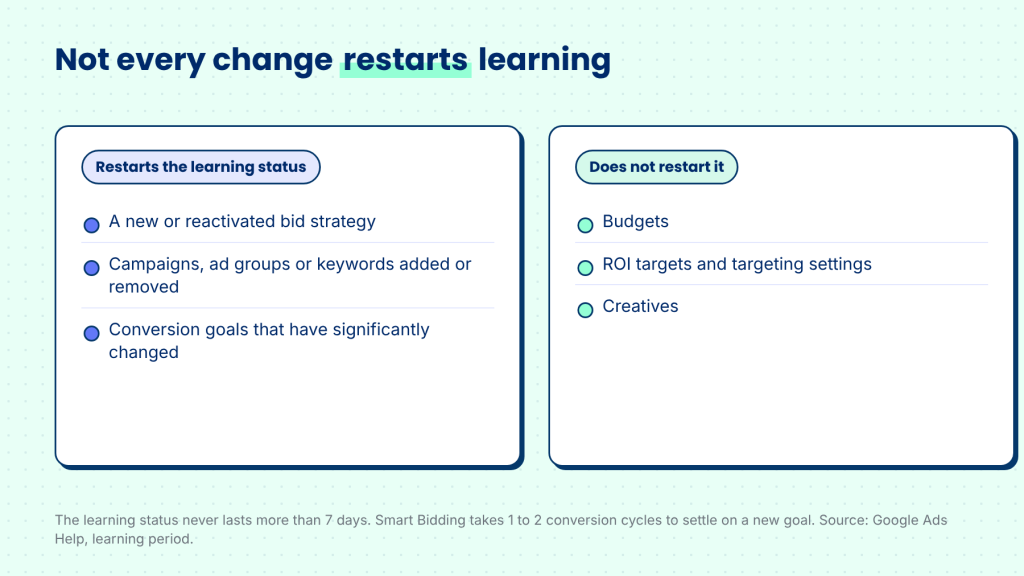
| Learning status | Never lasts more than 7 days | Learning period |
| Time to settle on a new goal | 1 to 2 conversion cycles | Learning period |
| Days-to-conversion breakdown | Up to 19 rows | Days to conversion segment |
| Date range end for timing reports | At least 30 days ago, or longer if your window is longer | Days to conversion segment |
What click-to-purchase time actually measures
Click-to-purchase time is the gap between the moment a shopper clicks an ad and the moment they buy. It sounds simple, but it is not one number. Some shoppers buy in the same session they click. Others return the next day, the next week, or after a month. A campaign's results at any point in time therefore reflect only the shoppers who have already bought, and the rest are still on their way.
Google Ads has a setting that decides how long it waits. The click-through conversion window is the period after a click during which a conversion can still be counted. Google's guidance on conversion windows gives 30 days as the default for the click-through window and 1 day as the default for the view-through window. Google explains that the click-through window sets how long to track conversions after someone clicks an ad, and that conversions after the window closes are not recorded.
The window is a limit on counting, not a guide to behavior. Shoppers can still buy after the window closes, but Google Ads will not attribute those purchases to the click. For that reason, a window shorter than your buying cycle will undercount a campaign's results.
Why recent Google Ads data looks worse than it will finally be
Recent Google Ads data can be incomplete, because a conversion for a click can be reported long after the click happened. Google's guidance on conversion delay explains that recent performance can look weaker than it is, because some people who clicked the ad have not converted yet. In that case, the most recent days may show fewer conversions and a higher cost per conversion than the campaign will finally report.
The same guidance says conversions can be reported up to 90 days after the click. That range matters for any store with a purchase decision that takes weeks. A campaign that looks expensive on day five may look very different on day thirty, even when nothing about the ad has changed.
Why public benchmarks are not enough
Public data on how long shoppers take from an ad click to a purchase is scarce. The category-level studies we could find are either old, measure time from starting online research rather than from an ad click, or are published without a stated method. That is why this article does not give a benchmark for your industry. Your own data is the more reliable source.
What you can rely on is how Google describes timing in its own reporting. In some cases a conversion happens within a day of the click. Conversions can be reported up to 90 days after the click, depending on the conversion window you choose. That makes recent data the least complete data in the account.
The right wait therefore depends on your own curve. Two stores selling similar products can have different buying cycles because of price, comparison behavior, and whether the buyer must consult someone else. As a working assumption, a store selling a higher-priced product should expect a longer tail of conversions than one selling a low-cost, repeat purchase. Test that assumption with your own days-to-conversion data rather than treating it as a rule.
Why a longer buying cycle needs a longer window
The longer the decision, the more time a campaign needs before its results become readable. For example, a shopper who clicks a Google Ad on Monday, compares options for two weeks, and then buys is a real Google Ads conversion. If the campaign is judged after five days, that buyer does not exist yet in the report. The campaign looks weaker than it is, and the decision to cut or pause it is based on the part of the buying cycle that has been measured, not the whole cycle.
The effect is larger for stores that sell higher-priced products, products that require comparison, or products where the buyer must involve someone else. Those products have a longer tail of conversions, so their campaigns need a longer wait. A repeat purchase or a low-cost product usually has a shorter tail, and its campaigns can be judged sooner. The right wait depends on the shape of your own buying cycle, not on the name of your industry.
What happens when you pause a Google Ads campaign too early
Pausing too early has three costs. The first is that the decision is made on partial data. The second is that the bidding system is still adjusting to its goal, so the results you see are not yet steady. The third is that changes such as switching to a new bid strategy restart the learning status.
The learning period is the main reason to avoid early judgments. Google's guidance on the learning period says the learning status can last up to 7 days, and that Smart Bidding usually takes one to two conversion cycles to settle on a new goal. Adding or removing campaigns, ad groups or keywords from a bid strategy, changing its conversion goals, or creating a new bid strategy can trigger the status again. Changes to budgets, targets, creatives or targeting settings do not. A campaign that is rebuilt or switched to a new bid strategy in the middle of its learning period is judged on a system that is still changing.
There is also a reporting cost. Pausing a campaign stops new clicks, but conversions from clicks that already happened can still arrive within the conversion window. A campaign judged on day five is therefore compared against a report with many of its conversions still missing. In practice, a campaign can be stopped for results it had not yet had time to report.
How to set your own wait in Google Ads
You can measure your own buying cycle with the days-to-conversion view in Google Ads. Google's guidance on how long customers take to convert describes the steps. Set a date range that ends at least 30 days ago, or longer if your conversion window is longer, so that the data is complete. Then segment the conversion columns by days to conversion. Google describes this segment as splitting the conversion columns into up to 19 rows.
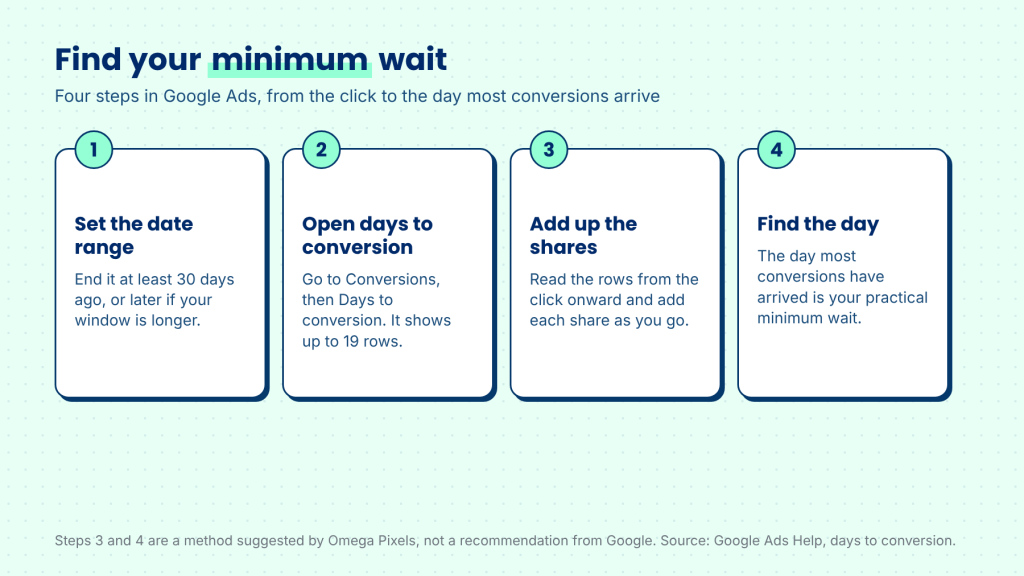
Once you have the rows, read them in order. Add up the share of conversions that arrive on each row, starting from the click. Find the day by which most of your conversions have arrived. That day is your practical minimum wait. This is a method we suggest, not a recommendation from Google. A campaign judged before that day is judged on partial data. A campaign judged after that day, and after its learning status has cleared, is judged on a fair sample of its buyers.
Use the same method each month. A seasonal peak, a new product line, or a change in pricing can change the shape of the curve, so a wait set in one season may need to be checked in the next. When you compare campaigns, compare them over the same window. Comparing a campaign's last three days against another campaign's full month will make the newer campaign look worse for a reason that has nothing to do with the ad.
Practical checks before you pause a campaign
- Check the learning status. Do not judge a campaign while its learning status is still active.
- Check the window. Make sure the date range ends after your conversion window and reporting delay have passed.
- Check the days-to-conversion split. If many conversions still arrive in the later rows, the campaign has not finished showing its results.
- Compare over the same period. Judge campaigns on the same window, not on the most recent days.
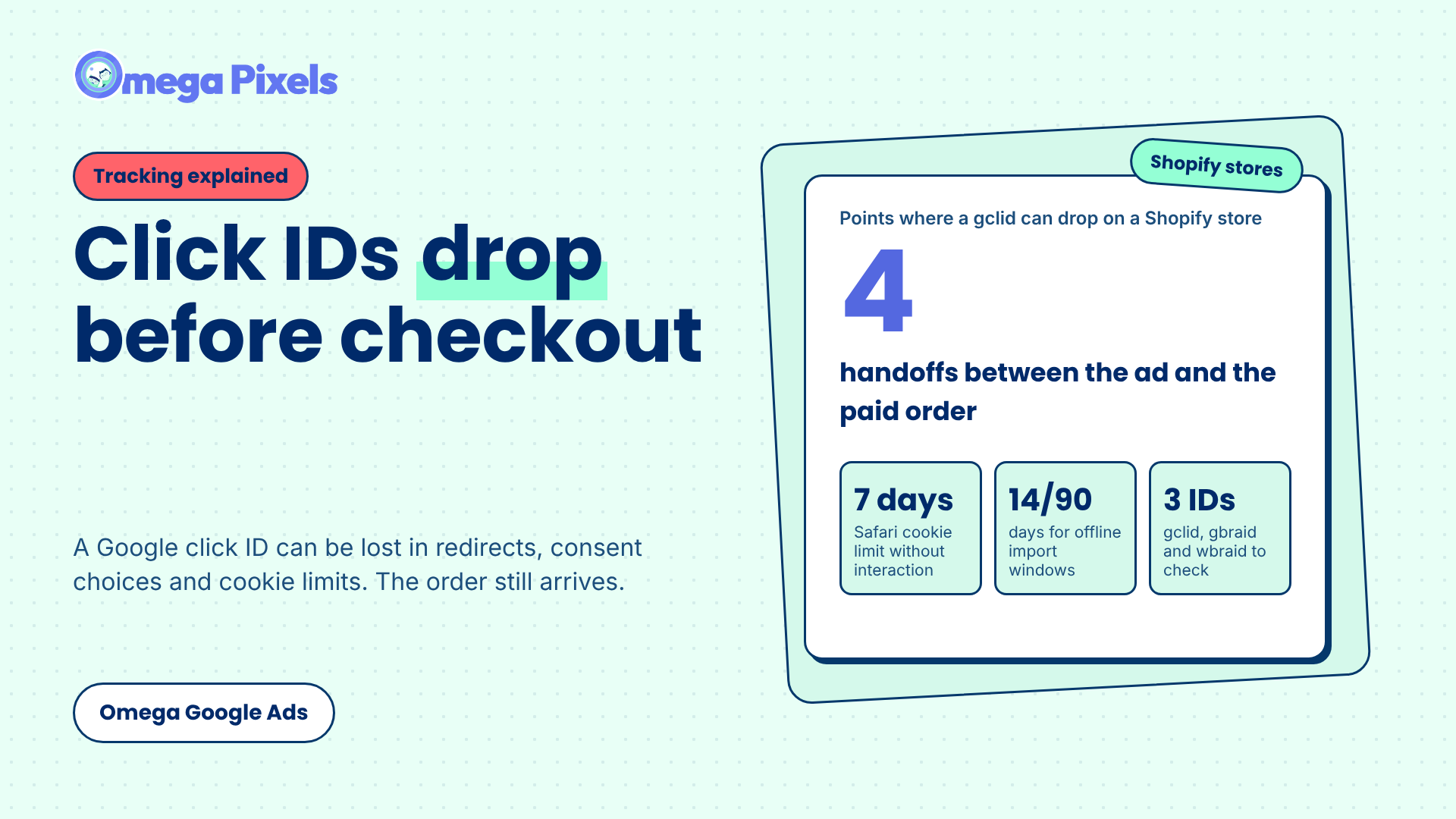
- Check your Shopify orders. Confirm that the orders behind Google Ads conversions are also in your Shopify reports, so that the timing question is not mixed with a tracking question. If the numbers still do not match, read how many Google Ads orders Shopify reports and where Google Ads click IDs get lost on Shopify.
What this means for your store
Start by finding your own click-to-purchase curve, not by copying a number from a benchmark. Once you know the day by which most of your conversions arrive, set that as the minimum wait, and wait for the learning status to clear before you act on the result.
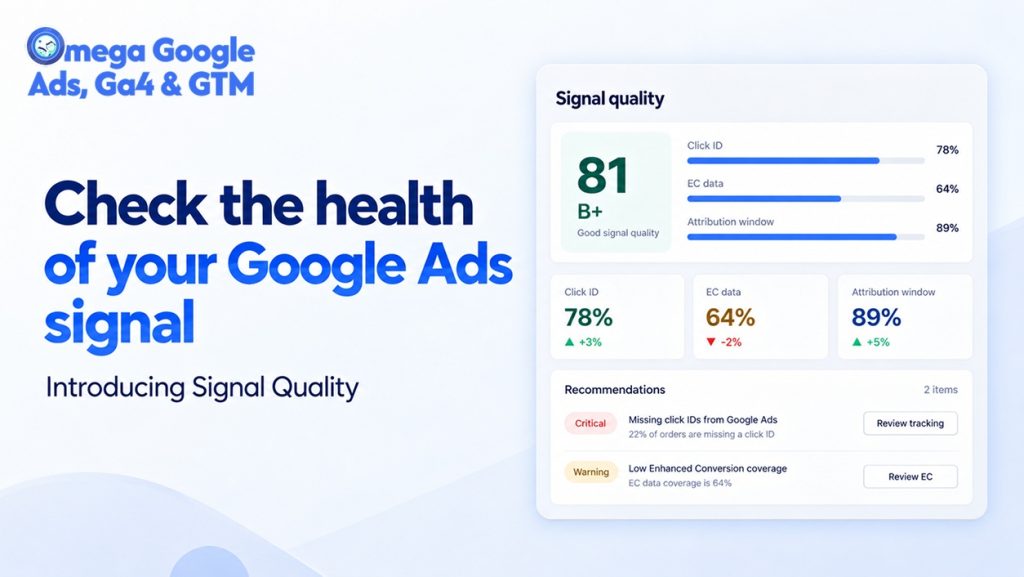
In Omega Google Ads, the click-to-purchase time card in the Signal quality tab shows how long your own shoppers usually take from click to purchase.
Conclusion
Judging a campaign too early can stop a campaign that was working. The fix is not a magic number. It is a simple check: know how long your shoppers take from click to purchase, respect the learning period, and compare campaigns over the same window. Once you have that picture, the decision to keep, change or pause a campaign becomes much easier to defend.
When you look at your Google Ads report today, what share of your conversions arrived more than a week after the click?
Google Ads campaign timing: frequently asked questions
What is the default Google Ads conversion window?
Google's conversion windows guidance gives 30 days as the default click-through conversion window and 1 day as the default view-through window. Conversions that happen after the window closes are not recorded.
How long can a conversion take to show up in Google Ads?
Google's guidance says conversions can be reported up to 90 days after the click. Some conversions happen within a day of the click, but others arrive later, which is why recent data can look weaker than it finally becomes.
How long does the learning status last?
Google's learning period guidance says the learning status can last up to 7 days. Smart Bidding usually takes one to two conversion cycles to settle on a new goal, and that can continue after the status clears.
Does changing my budget restart learning?
According to Google's learning period guidance, changes to budgets, targets, creatives or targeting settings do not trigger the learning status. Changes to a bid strategy, its conversion goals, or the campaigns and keywords it contains do.
- 1 Key numbers from Google’s own documentation
- 2 What click-to-purchase time actually measures
- 3 Why recent Google Ads data looks worse than it will finally be
- 4 Why public benchmarks are not enough
- 5 Why a longer buying cycle needs a longer window
- 6 What happens when you pause a Google Ads campaign too early
- 7 How to set your own wait in Google Ads
- 8 Practical checks before you pause a campaign
- 9 What this means for your store
- 10 Conclusion
- 11 Google Ads campaign timing: frequently asked questions
Where Google Click IDs Get Lost Between the Ad and Checkout
Enhanced Conversions in Google Ads: Turned On Isn’t the Same as Working
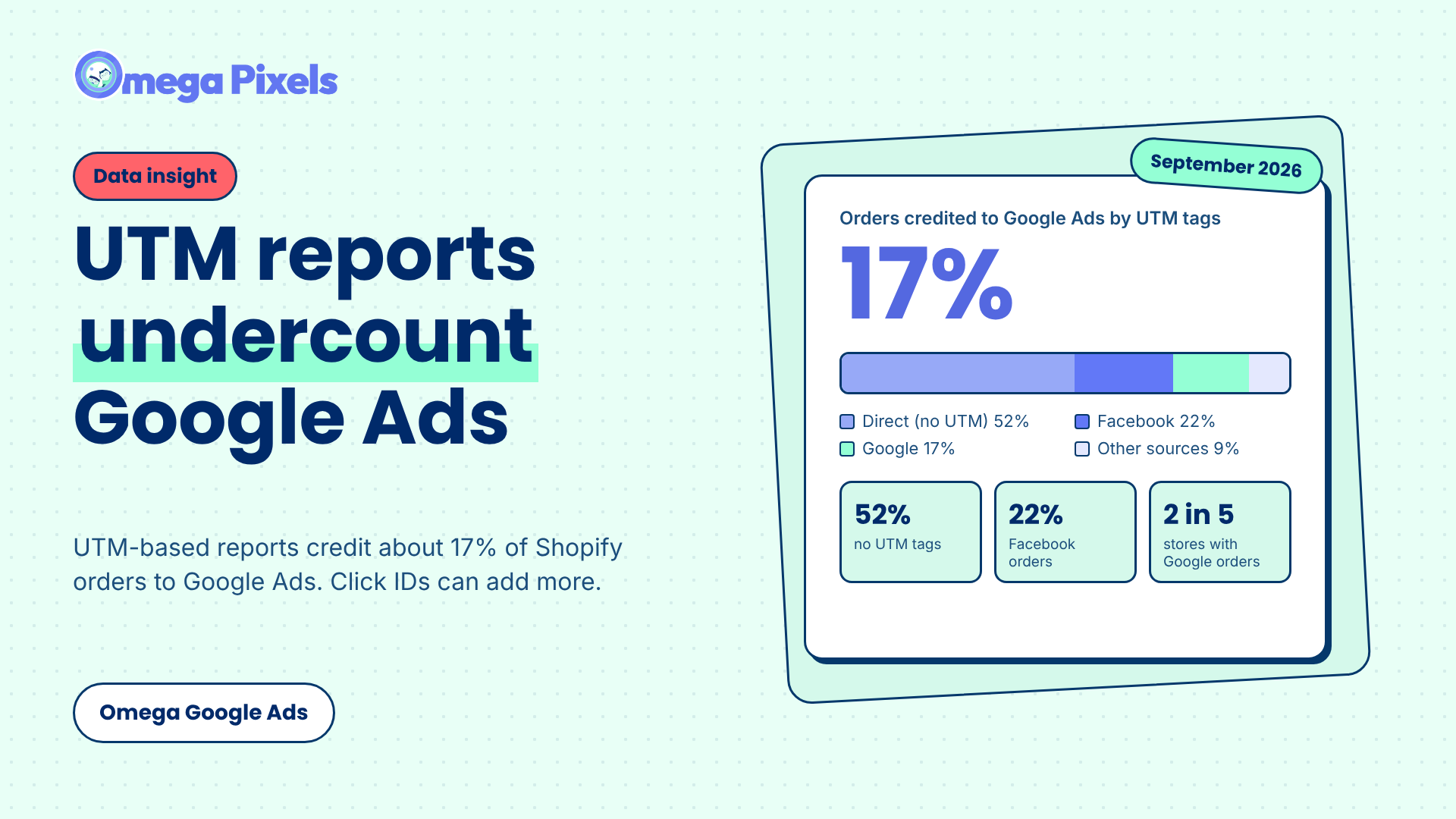
Google Ads Shopify Orders: How Many Are Tracked?
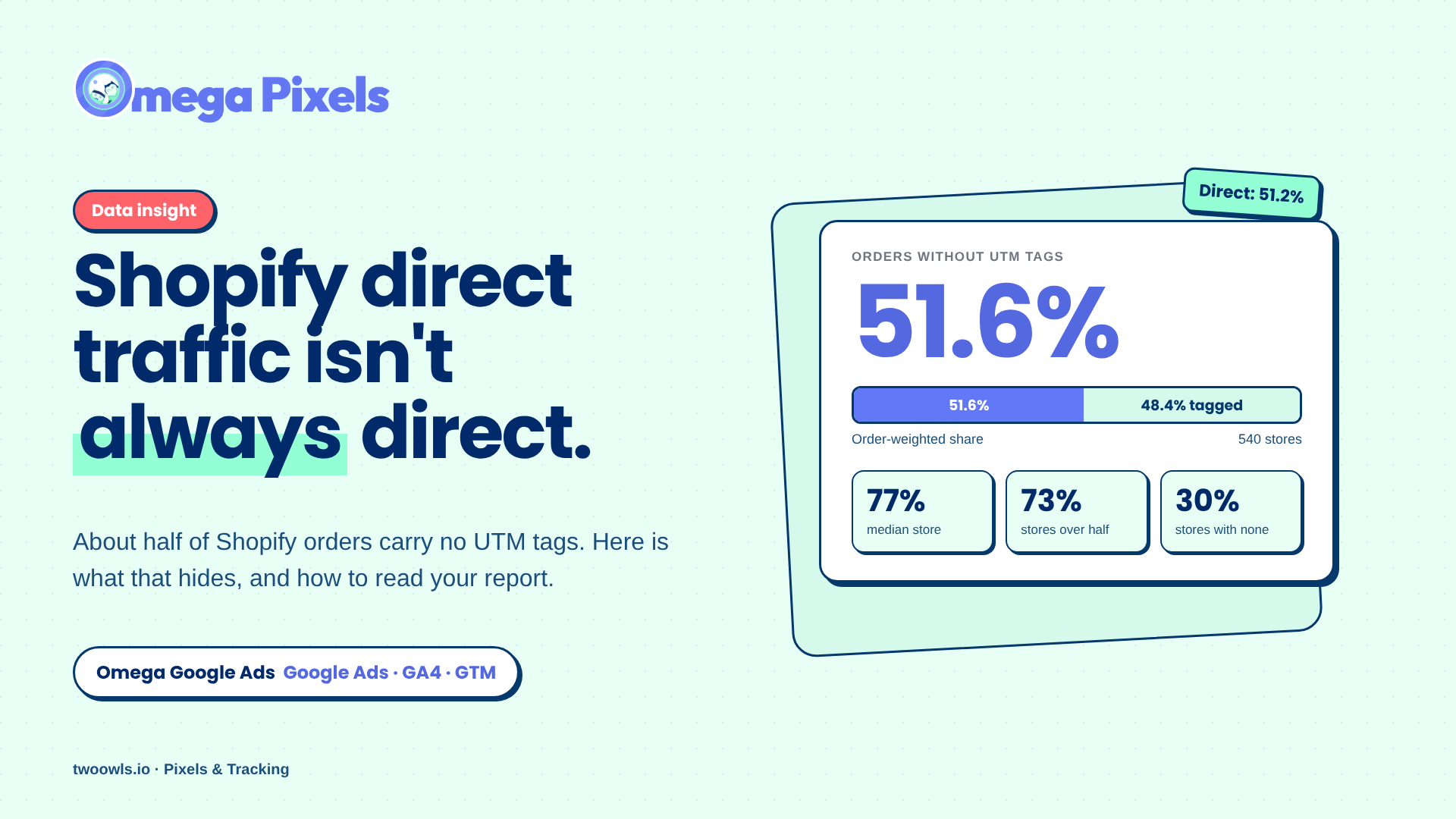
Shopify Direct Traffic Isn't Always Direct
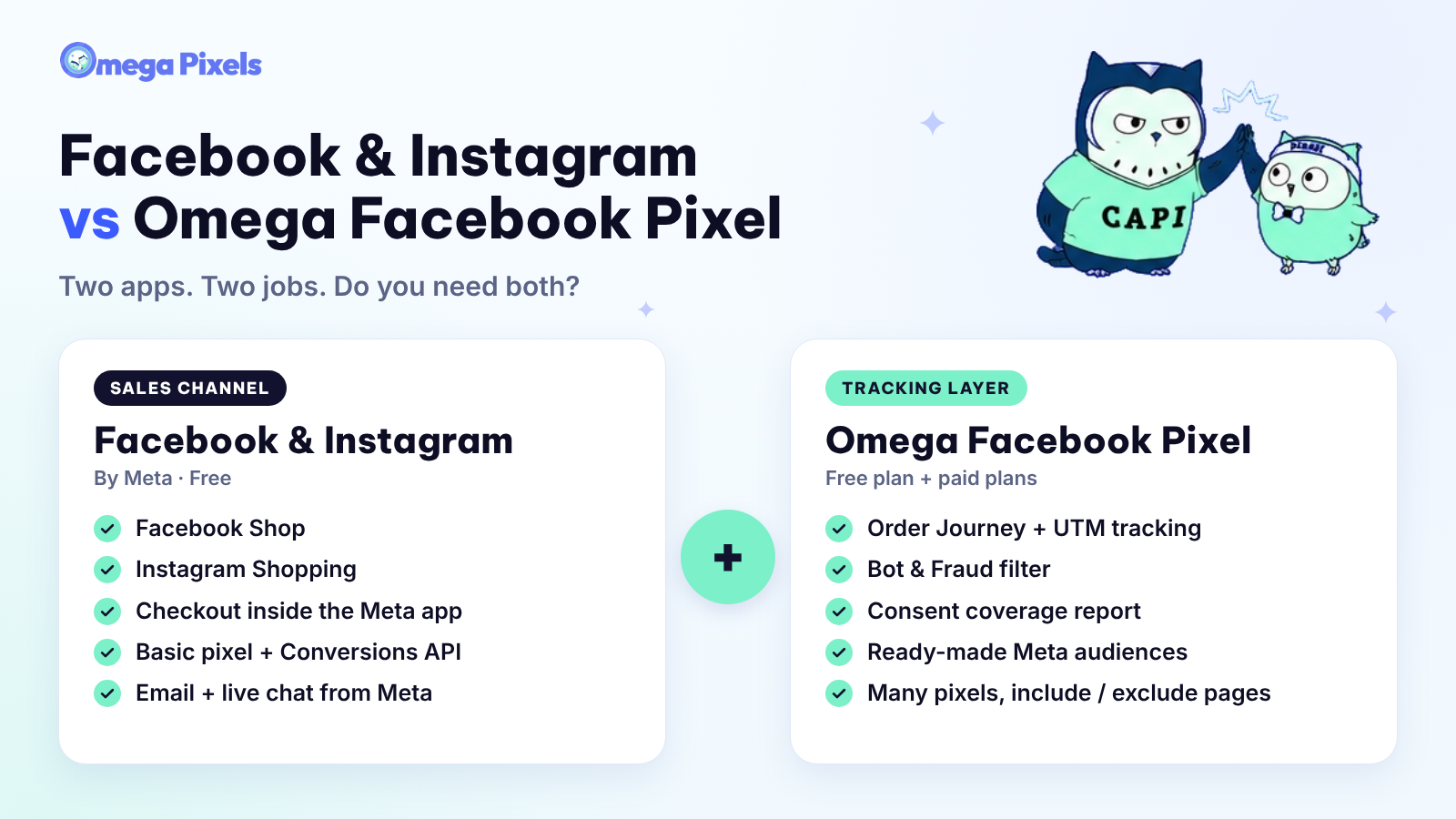
Why Pay for Omega Facebook Pixel When Meta’s Facebook & Instagram App Is Free?
Where Google Click IDs Get Lost Between the Ad and Checkout
Enhanced Conversions in Google Ads: Turned On Isn’t the Same as Working
Google Ads Shopify Orders: How Many Are Tracked?
Shopify Direct Traffic Isn't Always Direct