Google Ads ROI: 7 Ways to Get More Value From Every Ad Dollar


Every dollar spent on Google Ads should generate more than a click. It should generate profit. Yet many merchants track clicks, impressions, and conversions without ever answering the one question that matters most: does this campaign actually make money? That question has one answer, and it lives inside ROI.
| What you’ll learn in this article: ● What Is ROI in Google Ads? ● What is Considered a Good ROI for Google Ads? ● How to Calculate Google Ads ROI ● How to Measure ROI Accurately in Google Ads ● 7 Proven Ways to Improve Google Ads ROI |
What Is ROI in Google Ads?
ROI stands for return on investment. In Google Ads, ROI measures the profit a campaign generates compared to the total cost of running it. Unlike surface-level metrics such as clicks or click-through rate, ROI connects ad performance directly to business outcomes.
A campaign with thousands of clicks can still lose money. A campaign with a smaller budget can still be highly profitable. ROI reveals the difference, and it does so in a language every business owner understands: dollars earned versus dollars spent.
Why ROI Matters More Than Clicks and Conversions
Clicks and conversions describe activity. ROI describes outcome. A merchant can generate hundreds of conversions and still operate at a loss if the cost per conversion outweighs the profit margin on each sale. For that reason, marketers who optimize only for conversion volume often miss the bigger picture.
ROI forces a shift in focus. Instead of asking "how many people converted," the question becomes "how much profit did those conversions produce." That shift changes budget decisions, bidding strategy, and even which products get promoted through paid search.
What is Considered a Good ROI for Google Ads?
Benchmarks vary by industry, margin structure, and business model. Google's own Economic Impact research estimates that businesses earn about $8 in profit for every $1 spent on Google Search and Ads, based on observed cost-per-click activity across a large sample of advertisers.
Independent benchmark data from WebFX puts the average Google Ads ROAS at 200%, meaning businesses generate about $2 in revenue for every $1 spent on advertising.
WebFX also notes that a 400% ROAS, or $4 in revenue for every $1 spent, is generally considered a good ROAS. These figures describe ROAS, not ROI, so they should not be presented as direct ROI benchmarks.
For Shopify merchants, the right ROI target should therefore be based on actual profit margins and total business costs. A campaign generating a 2:1 or even 4:1 ROAS may still have a low or negative ROI if product costs, fulfillment, payment processing, and other expenses consume most of the revenue.
A few factors shift this benchmark:
- Product margin: high-margin products can sustain a lower ROAS while still hitting strong ROI.
- Customer lifetime value: businesses with high repeat purchase rates can accept a lower first-purchase ROI.
- Industry norms: competitive niches like fashion or electronics often see tighter ROI than niche or B2B products.
No universal number fits every account. Still, tracking ROI consistently over time matters far more than chasing an arbitrary target.
How to Calculate Google Ads ROI
The standard formula looks like this:
ROI = (Net Profit ÷ Total Cost) × 100
Net profit equals total revenue minus total cost, including ad spend and other business expenses tied to the sale. Total cost includes every dollar invested to generate that revenue, not just the media spend.
Consider a Shopify store running Google Shopping Ads for a $50 product with a $20 cost of goods sold.
- Ad spend for the month: $2,000
- Revenue generated: $8,000
- Cost of goods sold on those sales: $3,200
- Total cost (ad spend + COGS): $5,200
- Net profit: $8,000 − $5,200 = $2,800
Applying the formula:
ROI = ($2,800 ÷ $5,200) × 100 = 53.8%
The math here tells a very different story than ROAS alone. A 4x ROAS might look impressive on the surface, yet once product cost enters the equation, the real return often looks smaller.
Accurate ROI depends on capturing every relevant cost, not just ad spend. Merchants should include:
- Ad spend: the direct media cost paid to Google Ads.
- Cost of goods sold (COGS): production, sourcing, or wholesale cost per unit sold.
- Agency or freelancer fees: any external cost tied to managing or optimizing the campaigns.
- Software and tracking costs: tools used for conversion tracking, analytics, or attribution.
- Operational expenses: shipping, payment processing fees, and fulfillment costs tied to the sale.
A merchant who leaves any of these out inflates ROI and ends up with a misleading picture of profitability.
Google Ads ROI vs. ROAS: What's the Difference?
Marketers often use ROI and ROAS interchangeably, but the two metrics answer different questions.
| Metric | ROI | ROAS |
|---|---|---|
| Measures | Profitability | Revenue efficiency |
| Formula | (Profit ÷ Total Cost) × 100 | Revenue ÷ Ad Spend |
| Includes business costs | Yes | No |
| Best for | Business decisions | Campaign optimization |
| Can show true profitability | Yes | No |
When to use ROI
ROI works best for high-level business decisions. Store owners rely on it to decide whether a product line deserves more budget, whether an entire campaign should continue, or whether a marketing channel earns its place in the mix. Because ROI accounts for real business costs, it gives founders and finance teams a number they can trust.
When to use ROAS
ROAS fits daily campaign optimization. Media buyers use it to compare ad groups, test bidding strategies, or evaluate keyword performance in real time. Since ROAS calculates faster and requires less data setup, it works well for quick, tactical decisions inside the Google Ads dashboard.
Why high ROAS does not always mean high ROI
A campaign can post an impressive 6x ROAS and still deliver poor ROI once product cost, shipping, and operational expenses enter the picture. Low-margin products often generate strong ROAS numbers because revenue looks high relative to ad spend, yet the actual profit left over can be thin.
How to Measure ROI Accurately in Google Ads
Measuring ROI accurately requires more than plugging numbers into a formula. You need reliable revenue data, consistent conversion tracking, and enough cost information to connect ad performance with actual profit.
Set up conversion tracking correctly
Accurate ROI starts with accurate conversion data. Google Ads needs to know exactly which clicks led to purchases, and that requires proper conversion tracking through Google Tag, Google Tag Manager, or enhanced conversions. Broken or misconfigured tracking distorts every downstream calculation, so this step deserves priority over everything else.
Assign conversion values
Every conversion action should carry a dynamic value tied to the actual transaction amount, not a flat estimate. Dynamic values allow Google Ads to report real revenue per conversion, which then feeds directly into ROI calculations. Static or default values create a gap between reported numbers and actual business results.
Import revenue data from GA4 or eCommerce platforms
Google Ads alone cannot see full-funnel revenue, product margin, or order-level cost. A direct connection to GA4 or the Shopify order data closes that visibility gap. With revenue data flowing in from the actual ecommerce platform, ROI calculations reflect real transactions instead of estimated conversion values.
Common tracking mistakes that distort ROI
Several recurring issues quietly distort reported ROI:
- Duplicate conversion tracking across GA4, Google Ads, and third-party pixels, which can inflate conversion counts.
- Missing iOS 14+ conversions due to weak first-party tracking.
- Static conversion values that fail to reflect discounts, refunds, or upsells.
- Attribution model mismatches between GA4 and Google Ads, which can create conflicting revenue figures.
- Consent tracking gaps, especially for traffic from the EU/EEA, where tracking that does not properly respect user consent can limit conversion data and leave gaps in attribution.
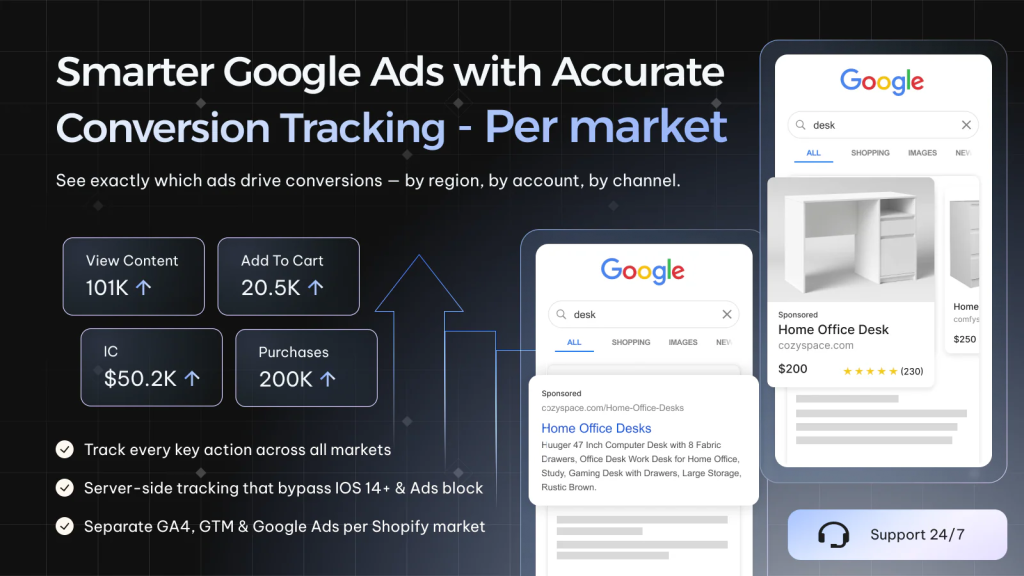
Server-side conversion tracking solves many of these problems by capturing events directly from the server rather than relying solely on the browser. It can also help maintain more reliable conversion data when combined with a consent-aware setup that respects users’ privacy choices and ensures consent is properly collected and honored.
Streamlining Google Ads Conversion Tracking with Omega Google Ads walks through exactly how that setup works for Shopify merchants who want cleaner, more accurate conversion data while maintaining proper consent compliance.
7 Proven Ways to Improve Google Ads ROI
Improving Google Ads ROI comes down to two things: generating more valuable conversions and reducing the cost of acquiring them. The following strategies address both sides of that equation, from keyword selection to tracking accuracy.
Focus on high-intent keywords
High-intent keywords convert at a higher rate and typically carry stronger purchase readiness. Terms like "buy," "best," or a specific product name usually signal a shopper closer to checkout than broad, generic terms. A budget shift toward these keywords raises both conversion rate and profit per click.
Improve Quality Score
Quality Score directly affects cost per click and ad rank. A higher score lowers CPC while improving ad position, and that combination stretches every dollar of ad spend further. Relevant ad copy, tightly themed ad groups, and strong landing page experience all contribute to a better score.
Optimize landing page conversion rates
Traffic means nothing without conversion. Fast load times, clear product information, and a frictionless checkout path all increase the percentage of visitors who become buyers. Since ROI depends on revenue per dollar spent, even a small lift in conversion rate compounds into a meaningful ROI improvement.
Use audience targeting and remarketing
Warm audiences convert more efficiently than cold traffic. Remarketing campaigns that target past visitors, cart abandoners, and previous customers typically produce a lower cost per acquisition, and that directly boosts ROI. Audience signals layered on top of keyword targeting sharpen who actually sees the ads.
Exclude low-performing search terms
Wasted spend on irrelevant search terms quietly erodes ROI over time. Regular negative keyword audits remove traffic that never converts, and that alone frees up budget for terms that already prove their value.
Automate bidding with Target ROAS or Maximize Conversion Value
Google's automated bidding strategies use machine learning to bid based on the likelihood and value of conversion. Target ROAS and Maximize Conversion Value both push spend toward higher-value transactions, which raises overall ROI when conversion value data stays accurate.
Because these strategies depend heavily on tracking quality, clean data becomes even more important once automation takes over.
Improve tracking accuracy with server-side conversion tracking
Browser-based tracking alone misses a growing share of conversions due to ad blockers, cookie restrictions, and iOS privacy changes. Server-side tracking captures those missing events directly from the store's backend, which restores visibility into true campaign performance.
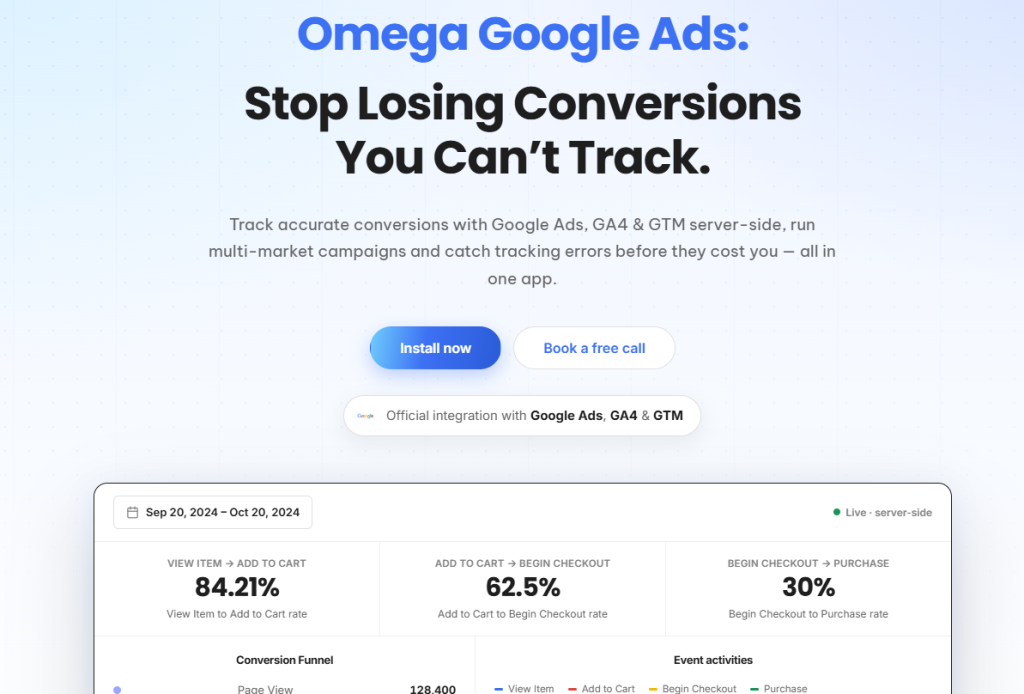
Omega Google Ads handles this setup specifically for Shopify merchants, connecting server-side data, enhanced conversions, and multi-account reporting into one accurate attribution layer. Tracking accuracy at that level turns ROI from a rough estimate into a number merchants can actually act on.
Frequently Asked Questions About Google Ads ROI
Why might Google Ads and GA4 report different revenue figures?
Google Ads and GA4 can report different revenue figures because they may attribute conversions to different dates. Google Ads generally attributes a conversion to the date the customer clicked the ad, while GA4 reports the conversion on the date the customer completed the purchase.
Beyond these attribution differences, duplicate conversions, missing events, and inconsistent conversion values can also create reporting gaps. Omega Google Ads helps address these tracking issues and provides Signal Health monitoring to help identify potential problems with your conversion tracking.
Is ROI more important than ROAS?
ROI gives a more complete picture because it accounts for real business costs, while ROAS only measures revenue against ad spend. Both metrics serve a purpose, but ROI matters more for overall profitability decisions.
Can Google Ads show ROI automatically?
Google Ads shows ROAS by default, but true ROI requires importing cost of goods sold and other business expenses through GA4 or a dedicated tracking platform like Omega Google Ads, since Google Ads alone does not account for product cost or operational expenses.
Conclusion
ROAS answers whether a campaign performs well on paper. ROI answers whether it actually makes money. Merchants who track both metrics side by side make far better budget decisions than those who chase revenue alone, and that distinction becomes more important as ad costs keep rising.
Omega Google Ads builds exactly that foundation for Shopify merchants, connecting enhanced conversions, multi-account tracking, and profit data into one accurate view of Google Ads performance. Merchants who want to move past guesswork and start optimizing for real profit can start there.

- 1 What Is ROI in Google Ads?
- 2 Why ROI Matters More Than Clicks and Conversions
- 3 What is Considered a Good ROI for Google Ads?
- 4 How to Calculate Google Ads ROI
- 5 Google Ads ROI vs. ROAS: What’s the Difference?
- 6 How to Measure ROI Accurately in Google Ads
- 7 7 Proven Ways to Improve Google Ads ROI
- 7.1 Focus on high-intent keywords
- 7.2 Improve Quality Score
- 7.3 Optimize landing page conversion rates
- 7.4 Use audience targeting and remarketing
- 7.5 Exclude low-performing search terms
- 7.6 Automate bidding with Target ROAS or Maximize Conversion Value
- 7.7 Improve tracking accuracy with server-side conversion tracking
- 8 Frequently Asked Questions About Google Ads ROI
Where Google Click IDs Get Lost Between the Ad and Checkout
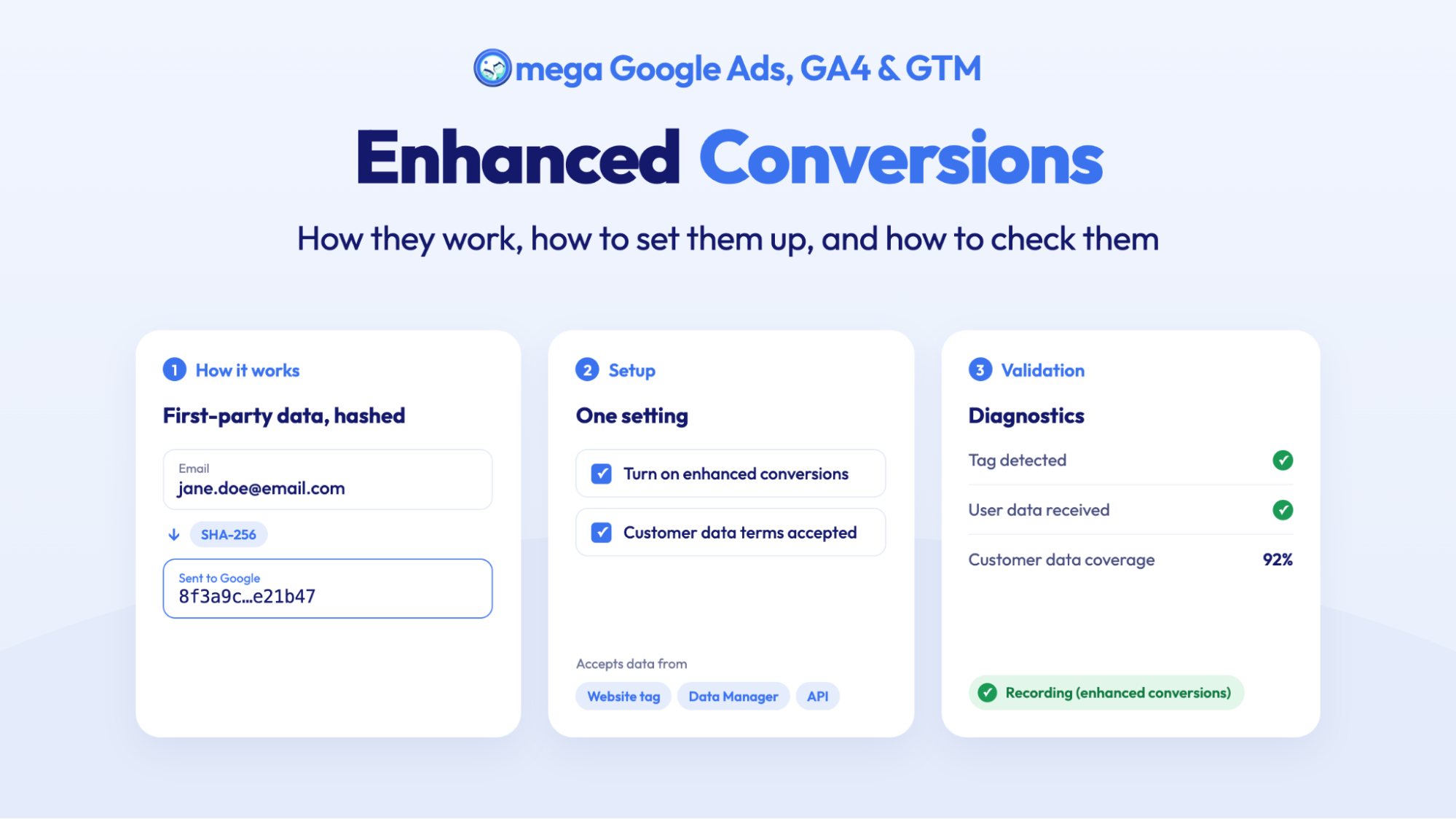
Enhanced Conversions in Google Ads: Turned On Isn’t the Same as Working
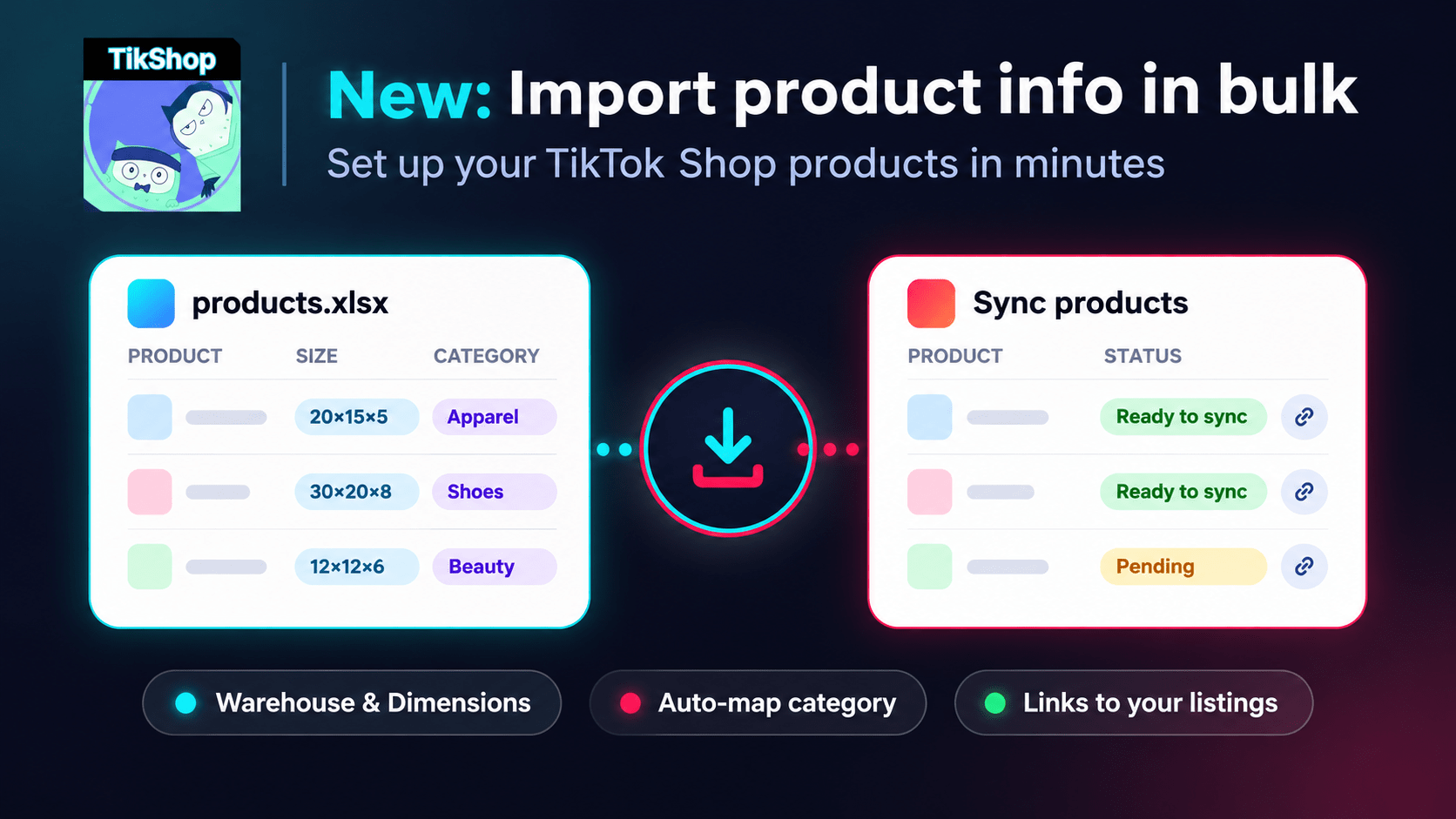
Bulk Import Product Info to TikTok Shop from Wix
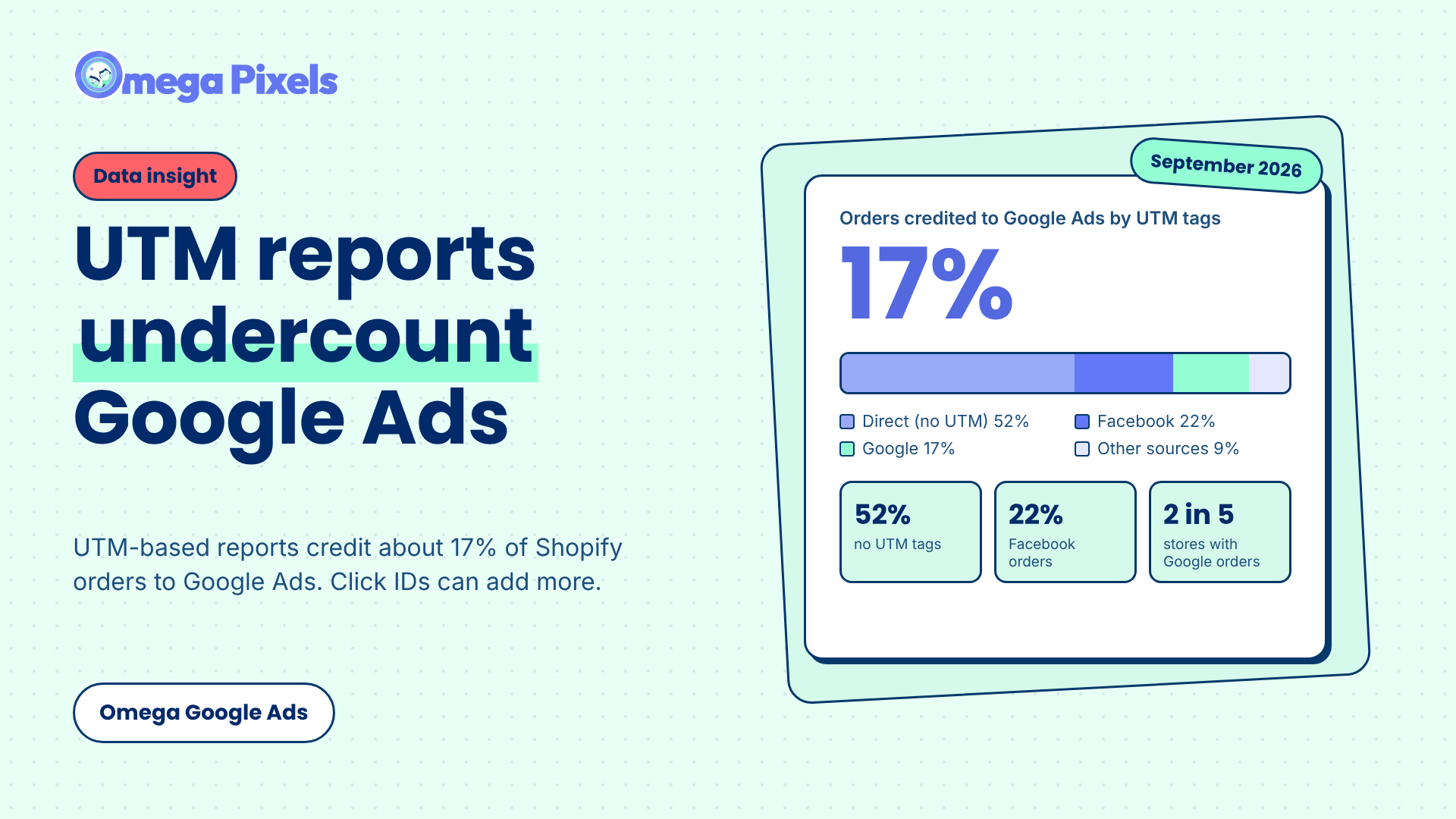
Google Ads Shopify Orders: How Many Are Tracked?
Enhanced Conversions in Google Ads: Turned On Isn’t the Same as Working
Bulk Import Product Info to TikTok Shop from Wix
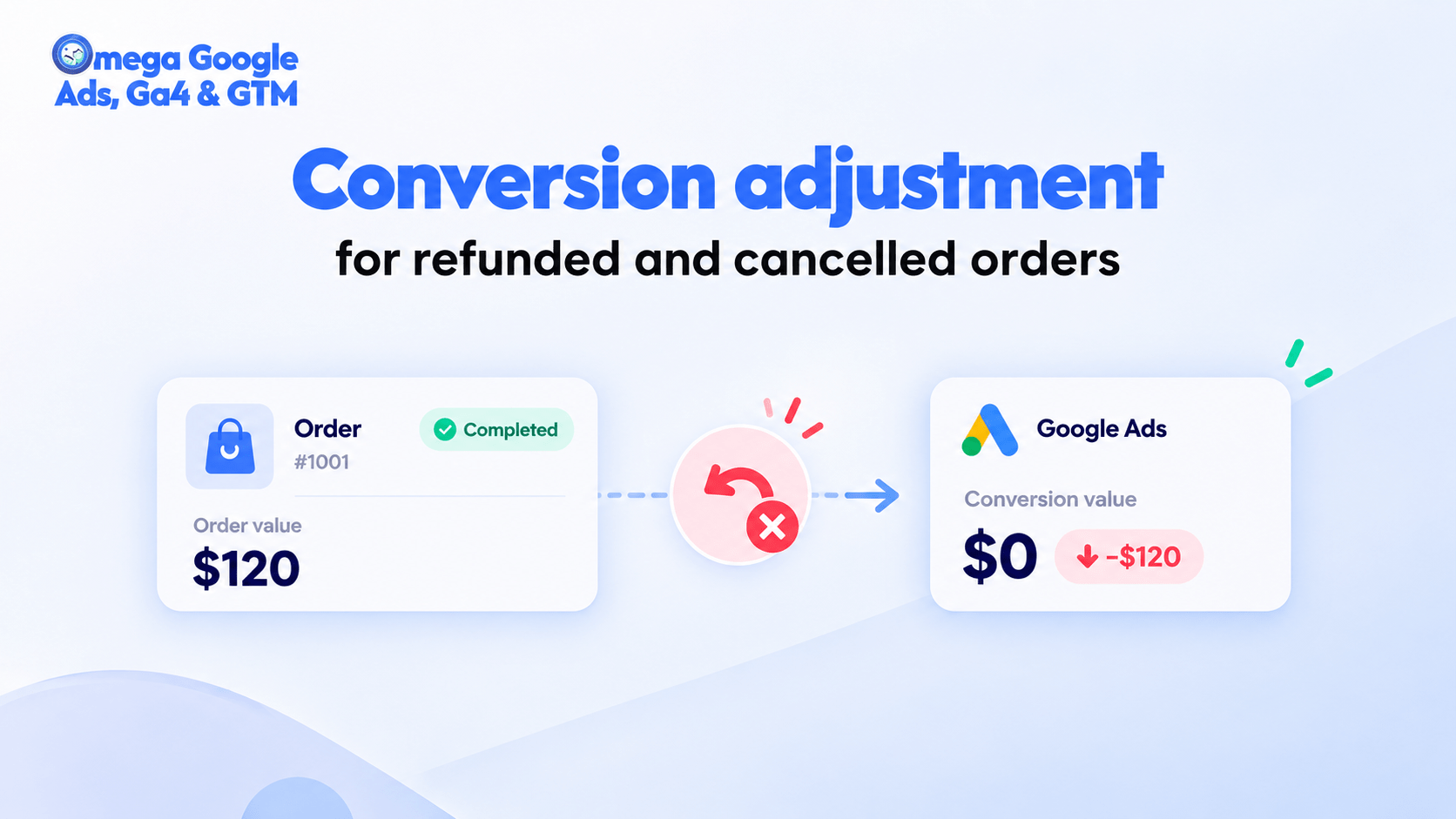
Google Ads Conversion Adjustment for Refunds on Shopify
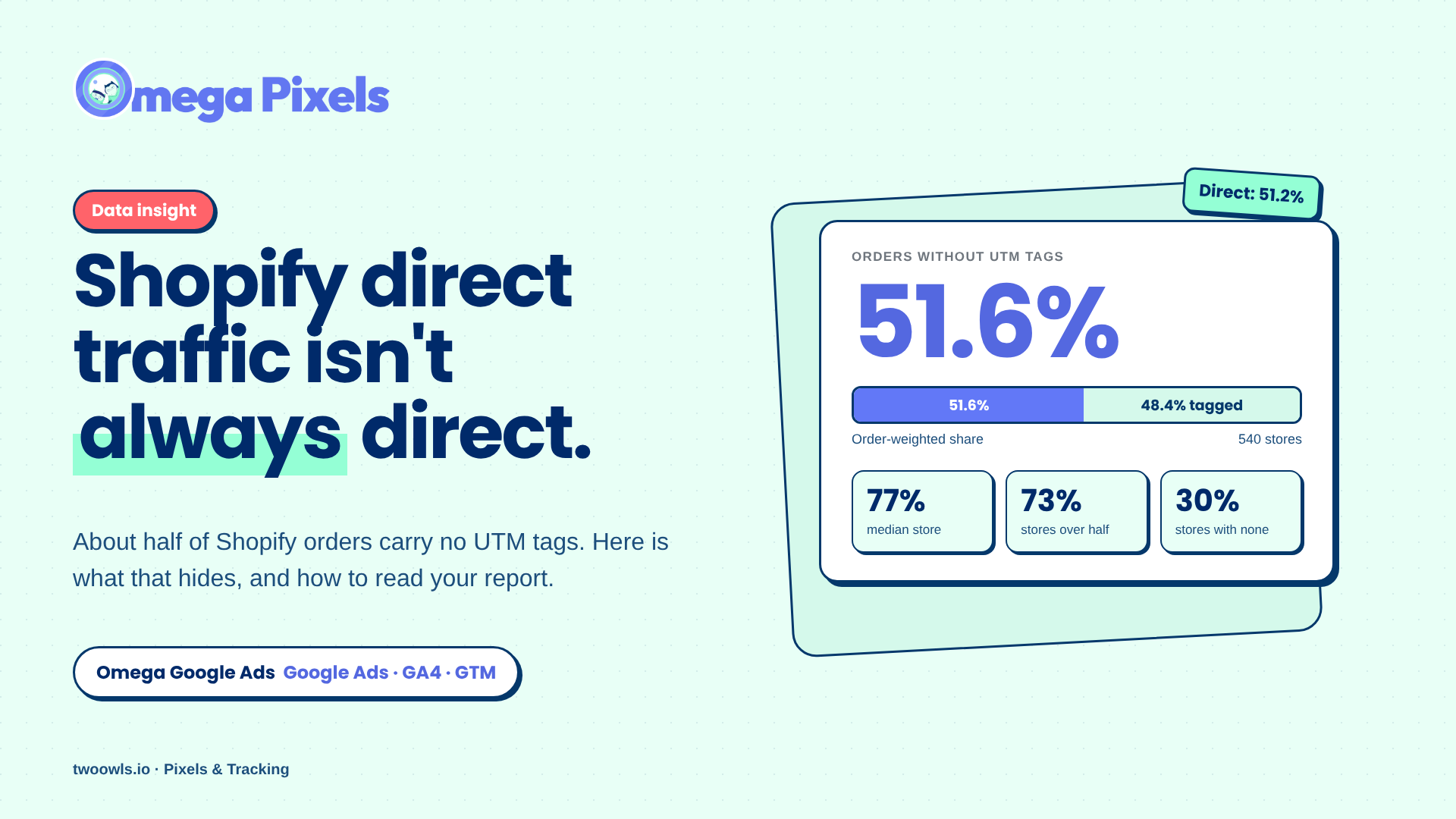
Shopify Direct Traffic Isn't Always Direct
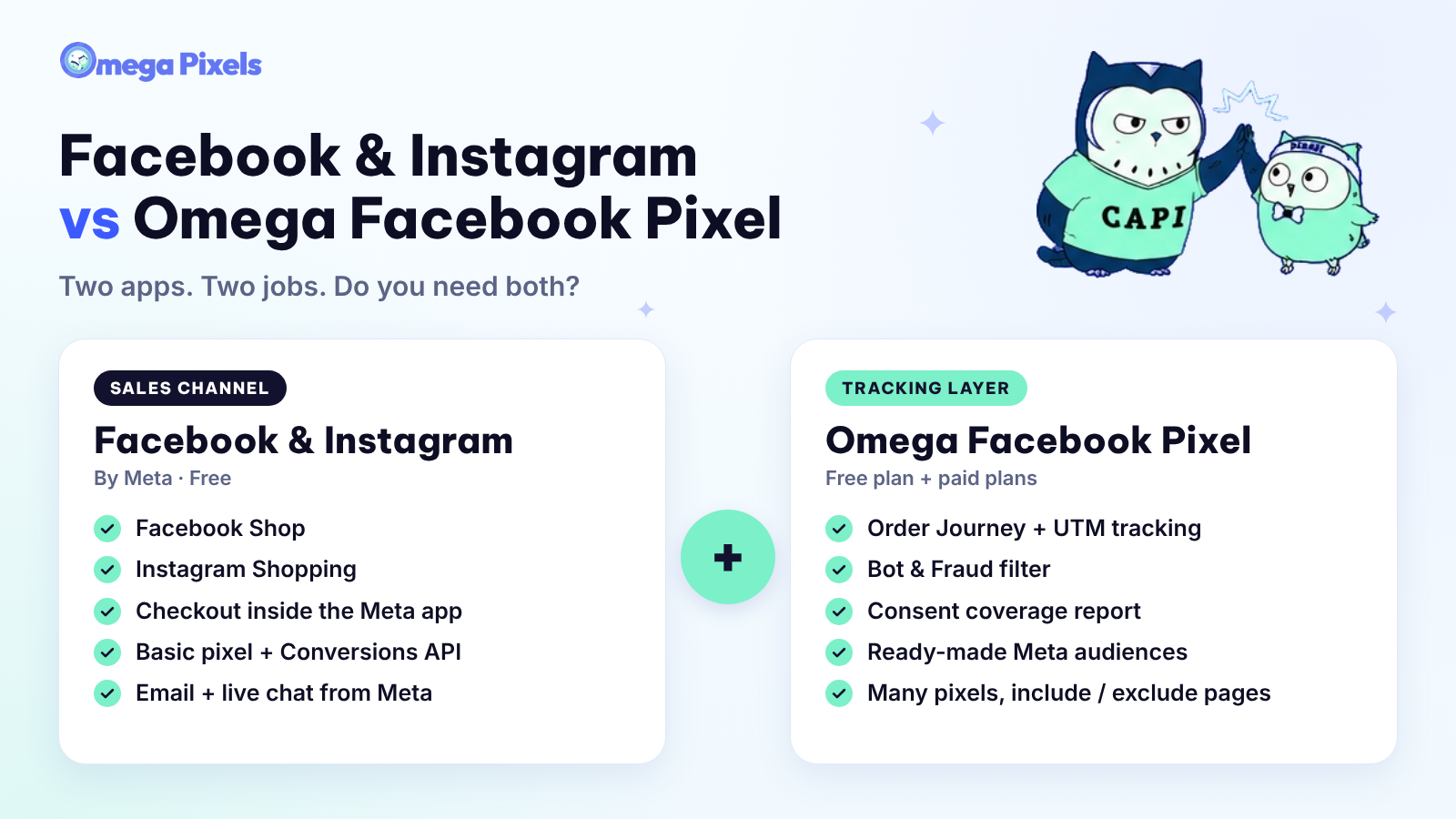
Why Pay for Omega Facebook Pixel When Meta’s Facebook & Instagram App Is Free?
Enhanced Conversions in Google Ads: Turned On Isn’t the Same as Working
Bulk Import Product Info to TikTok Shop from Wix
Google Ads Conversion Adjustment for Refunds on Shopify
Shopify Direct Traffic Isn't Always Direct