Sync Shopify Products to TikTok Shop directly with Omega TikTok Pixels


Managing multi-channel sales across social platforms often forces merchants to toggle between disparate dashboards, install standalone connector tools, and manually fix catalog errors. As TikTok continues to evolve into a primary commerce discovery engine, speed-to-market and catalog accuracy directly dictate your storefront revenue.
Omega TikTok Pixel solves this operational bottleneck by introducing full automated TikTok Shop product sync directly within the app interface. Merchants running Shopify stores across 13 approved local regions can now map categories in bulk, publish product lines, and manage live listing statuses without installing additional middleware or navigating third-party connectors.
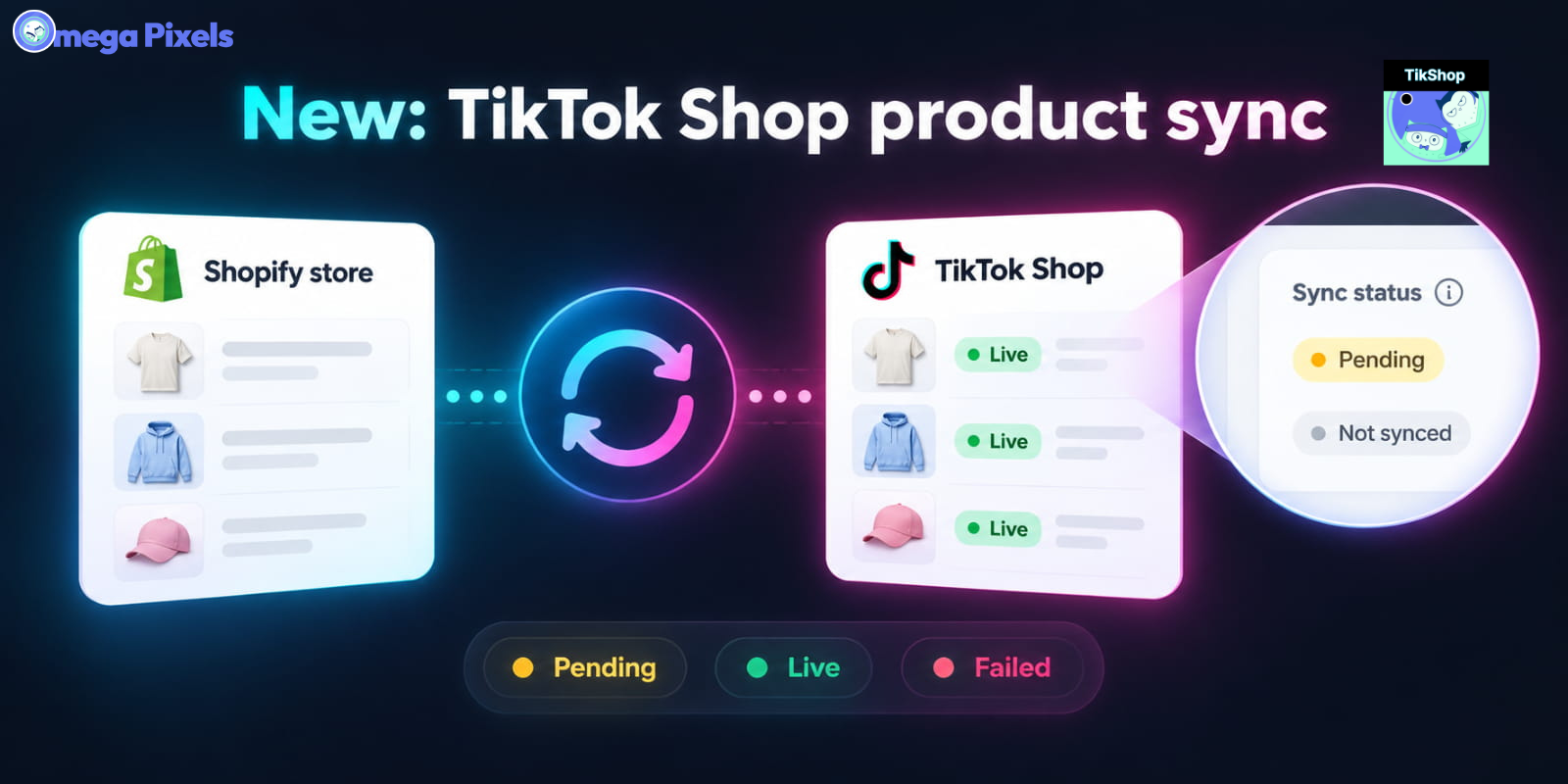
TikTok Shop Product Sync Capabilities and Features
Omega TikTok Pixel unifies pixel tracking and catalog management into a single interface, streamlining how product catalog data transfers from your e-commerce platform to TikTok Shop Seller Center.
- 13-Country Local Seller Coverage: Connect and sync product lines automatically in the United States, United Kingdom, Spain, Mexico, Ireland, China, Hong Kong, Philippines, Indonesia, Vietnam, Malaysia, Singapore, and Thailand.
- Automated Region & Currency Matching: The app detects your active TikTok Shop region during authorization and applies the corresponding currency structure (such as USD for US storefronts) alongside automated currency exchange rules.
- Bulk Category Mapping Engine: Group unmapped products by store collection or category and assign required TikTok Shop product categories in bulk to reduce manual setup time.
- Centralized Status Dashboard: Monitor product review progress across dedicated status filters including All, Not mapped, Needs attention, Ready to sync, Live, and Failed, complete with live item counters.
- Granular Rejection Diagnostics: Inspect exact TikTok review error messages (such as missing GTINs, incorrect image aspect ratios, or absent attributes) directly on individual product records.
- EU Qualification Compliance Suite: Select or create required EU Manufacturer and Responsible Person details globally via app Settings or override them on individual product edit pages to comply with EU selling regulations.
- Background Batch Processing: Publish large batches of SKUs simultaneously without locking your dashboard, letting you track progress via background queues and refreshing review statuses on demand.
Commercial Benefits of Native TikTok Shop Synchronization
Connecting catalog workflows directly inside your analytics and pixel tracking platform brings measurable operational efficiency to growing e-commerce businesses.
- Eliminated Software Redundancy: Eliminate extra monthly subscription fees and complex third-party integration setups by using a unified application for both pixel data and TikTok Shop catalog syncing.
- Accelerated Time to Market: Map hundreds of catalog items into correct TikTok product taxonomies in seconds, reducing onboarding time from days to minutes.
- Reduced Order & Inventory Friction: Sync existing products directly against default warehouse and store locations, ensuring SKU data, pricing, and stock levels remain synchronized without duplicate listings.
- Proactive Error Resolution: Identify and correct listing failures instantly through explicit diagnostic error codes before they disrupt active social ad campaigns or influencer shop tag links.
Step-by-Step Guide: How to Sync Shopify Products to TikTok Shop
Setting up TikTok Shop catalog synchronization requires an approved TikTok Shop Seller account with admin permissions.
Step 1: Connect Your TikTok Shop Account
Navigate to the TikTok Shop tab in Omega TikTok Pixel and click Connect. Choose your region, log into TikTok, and authorize the app. The app automatically detects your Shop ID, currency, and default warehouse.
Step 2: Map Product Categories in Bulk
Go to Manage Products to view unmapped inventory. Filter items by collection or category, select the target products, assign them to the matching TikTok Shop taxonomy, and save.
Step 3: Review Attributes and Custom Settings
Under Sync Products, verify titles, media, SKUs, pricing, and dimensions. Use Bulk Edit for shared fields like brand or weight. EU sellers must assign a Manufacturer and Responsible Person in Settings or on individual product pages before syncing.
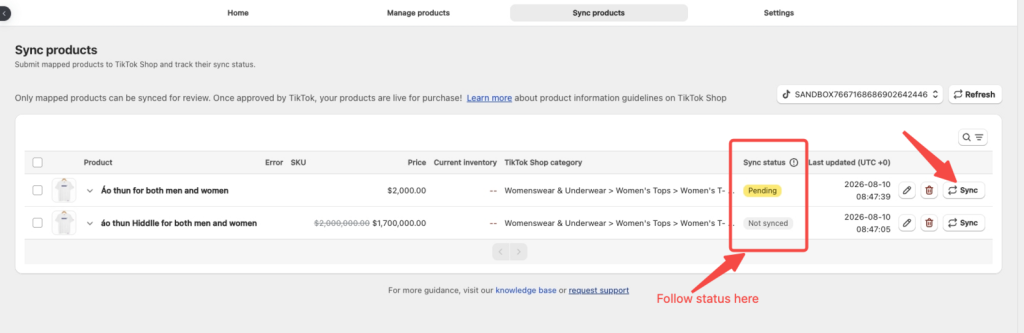
Step 4: Sync Products and Track Statuses
Select your prepared products and click Sync Products. The app processes catalog updates in background batches. Track product progress across status filters (Pending, Submitted, Live, or Sync Error/Failed) and click Refresh statuses to fetch the latest TikTok review results.
Expand Your Social Commerce Reach Today
Streamline your social selling workflow by combining pixel data tracking and TikTok Shop inventory synchronization into a single dashboard. Launch your products on TikTok Shop directly from Omega TikTok Pixel today, or reach out to our team via in-app chat for dedicated onboarding assistance.


Transform Wix Storefronts with Shoppable Instagram Galleries: Omega Instagram Feed Launch

Stop Bots From Training Your Meta Ads: Introducing Bot & Fraud Protection
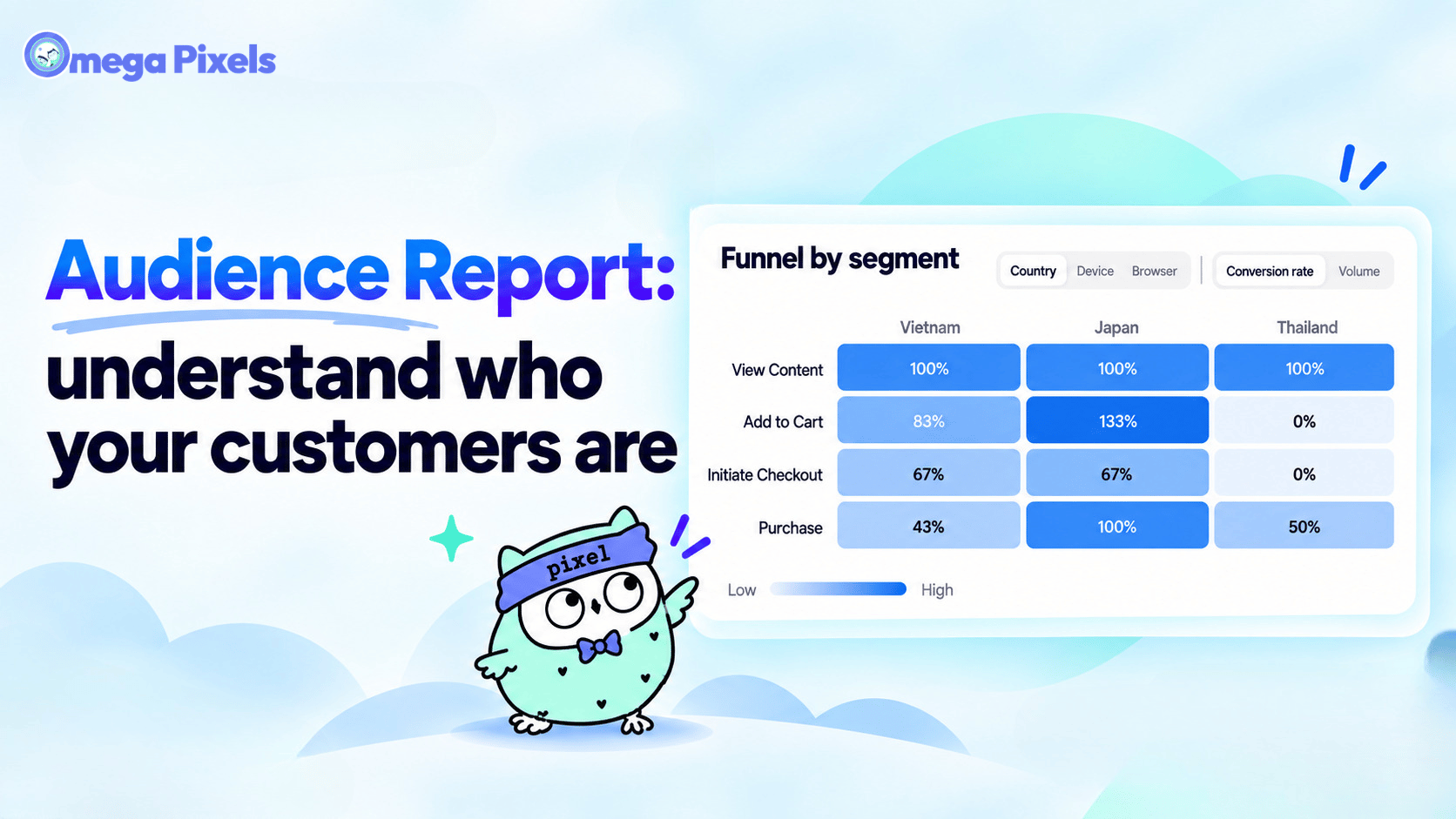
New in Omega Facebook Pixel: Audience Report

Automated TikTok Pixel Consent Tracking Is Now Live
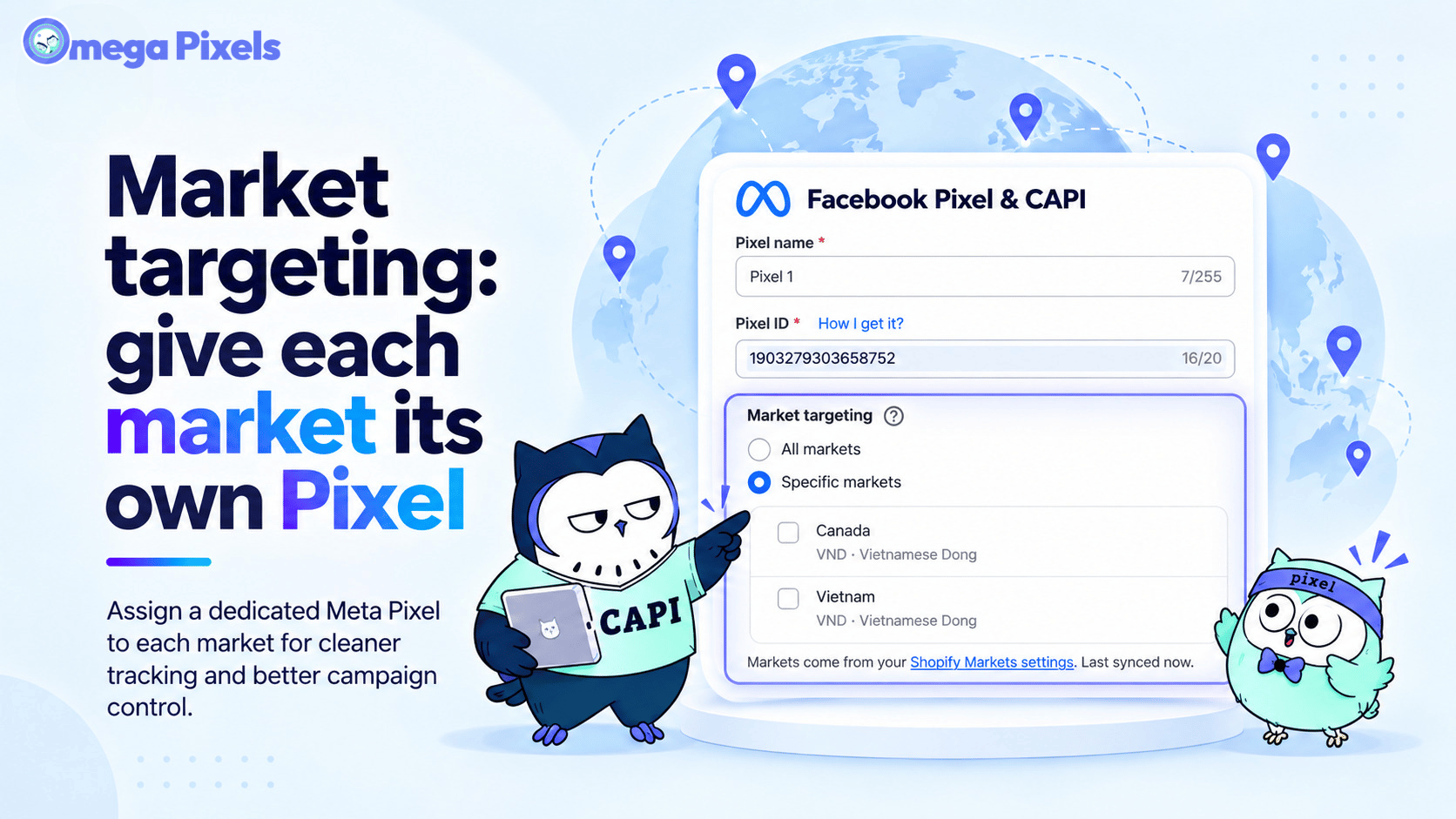
Track Each Shopify Market Separately with Specific-Market Facebook Pixels
Transform Wix Storefronts with Shoppable Instagram Galleries: Omega Instagram Feed Launch
Stop Bots From Training Your Meta Ads: Introducing Bot & Fraud Protection
New in Omega Facebook Pixel: Audience Report
Automated TikTok Pixel Consent Tracking Is Now Live