Clean Data, Better ROAS: Exclude Any Specific URL From Pixel Tracking Instantly


As a Shopify merchant running paid ad campaigns, your pixel data is the ultimate lifeblood of your store's optimization. Every signal sent to Meta guides its algorithm on who to target, when to optimize, and how to allocate your precious ad budget.
Until now, standard setups allowed you to restrict pixel tracking strictly by macro-categories: specific collections, product types, tags, or individual products.
But what happens when you need to exclude pages that don't fit into these standard product categories? Landing pages, custom marketing funnels, internal staging URLs, legal policies, or wholesale portals can easily dilute your pixel signals if left unmonitored.
To give you total sovereignty over your merchant data, Omega Facebook Pixels has rolled out an essential infrastructure update: the Exact URL Exclusion feature. You can now pause tracking on any specific internal page in a single step - no complex code, no custom liquid scripts, and zero workarounds.
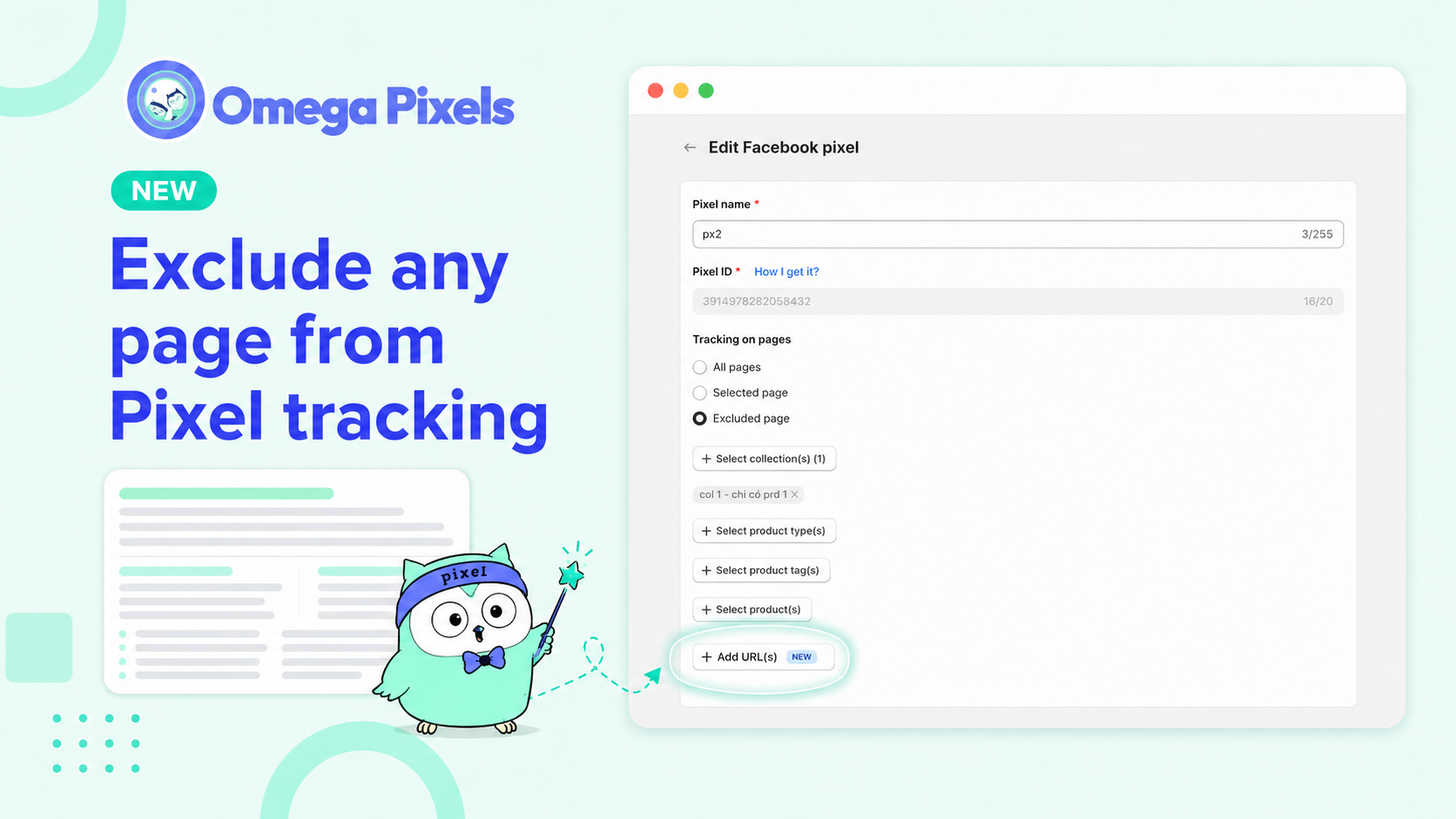
Why This Matters for Your Ad Performance and ROAS
When the Meta pixel tracks pages that don't reflect genuine consumer shopping intent, it skews your core metrics. For example, internal wholesale traffic, employee testing on staging environments, or repeated visits to long-form policy pages can trigger unnecessary events.
By keeping non-transactional or internal traffic separate, you ensure that Meta optimizes its budget purely on the signals that impact your bottom line. Sweeping away non-essential interactions directly stabilizes your conversion tracking accuracy and boosts overall ROAS.
Perfect Use Cases for URL Tracking Exclusion
Stand-alone Landing Pages: Custom informational funnels or pre-launch pages built outside regular collections.
Policy & Documentation Pages: Terms of Service, Privacy Policies, or FAQs that capture long, repetitive reading sessions with zero purchase intent.
Internal & Wholesale Portals: Secure operational areas where bulk buyers or internal staff operate, which skew normal B2C consumer profiles.
Staging & Testing Layouts: Active development or design preview URLs that don't correspond to live product traffic.
Step-by-Step Implementation Guide
Configuring your exclusion map takes less than a minute. Follow these precise steps in your admin panel:
- Navigate to your dashboard and select Edit Pixel.
- Scroll down and expand the Tracking on pages module.
- Locate the Excluded page configuration section.
- Click on Add URL(s), paste the precise path, and hit save. Your configuration updates instantly.
⚠️ CRITICAL INTEGRATION NOTE: This feature applies exclusively to domains mapped natively within your own Shopify store environment. External outbound tracking or external domains cannot be modified through this local filter. Ensure you copy and paste the direct internal handle/path from your verified Shopify store URL structure.
Continuous Optimization and Support
Data management is dynamic. As you launch new marketing tests, introduce regional portals, or adjust your store architecture, you can modify or expand your URL exclusion list instantly. This ensures your tracking strategy evolves seamlessly alongside your operational footprint. If you have any questions or require custom assistance deploying this setup, our technical support engineers are available 24/7 to guide you through your optimization goals.
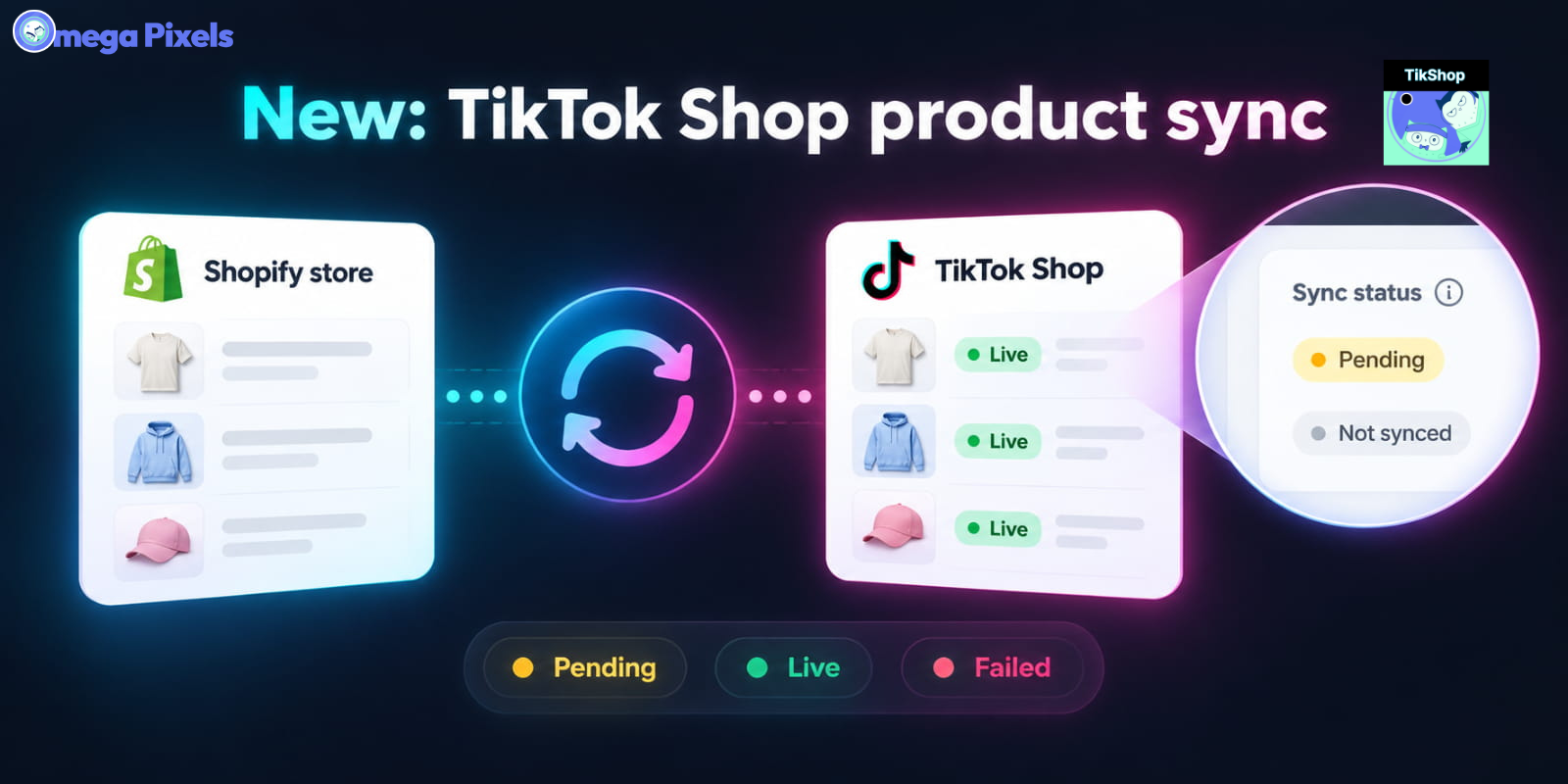
Sync Shopify Products to TikTok Shop directly with Omega TikTok Pixels
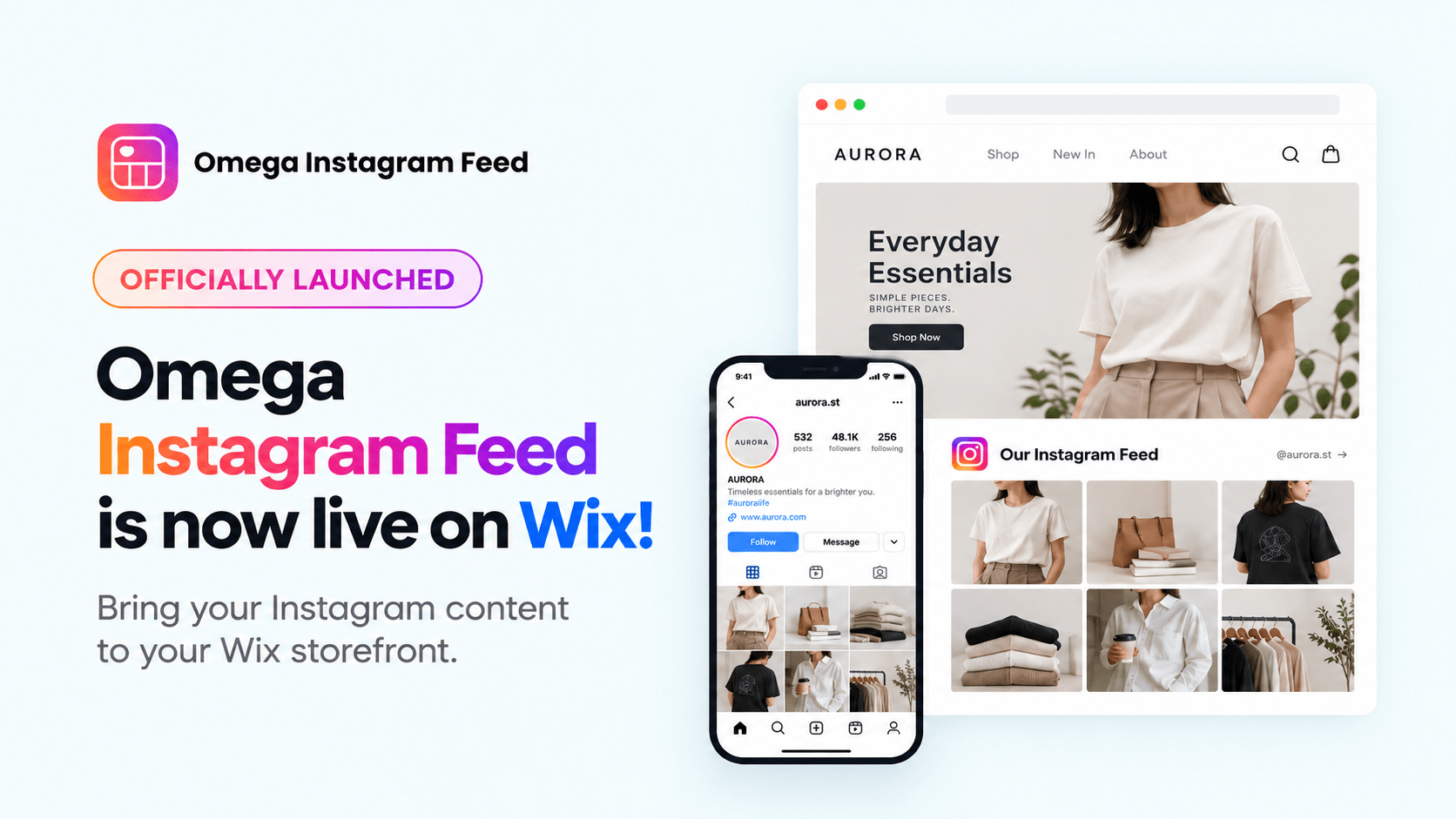
Transform Wix Storefronts with Shoppable Instagram Galleries: Omega Instagram Feed Launch

Stop Bots From Training Your Meta Ads: Introducing Bot & Fraud Protection
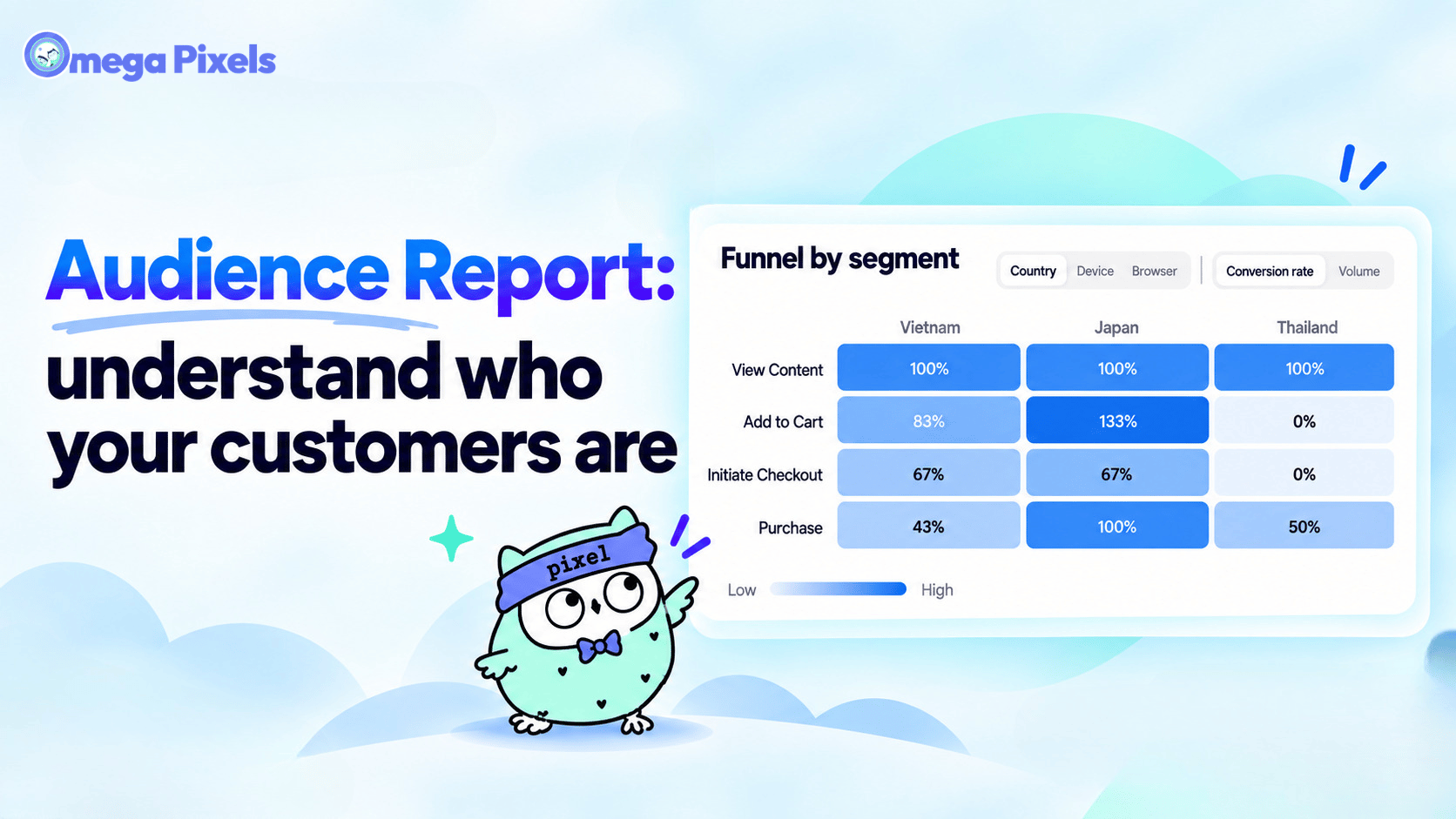
New in Omega Facebook Pixel: Audience Report
Sync Shopify Products to TikTok Shop directly with Omega TikTok Pixels
Transform Wix Storefronts with Shoppable Instagram Galleries: Omega Instagram Feed Launch
Stop Bots From Training Your Meta Ads: Introducing Bot & Fraud Protection
New in Omega Facebook Pixel: Audience Report
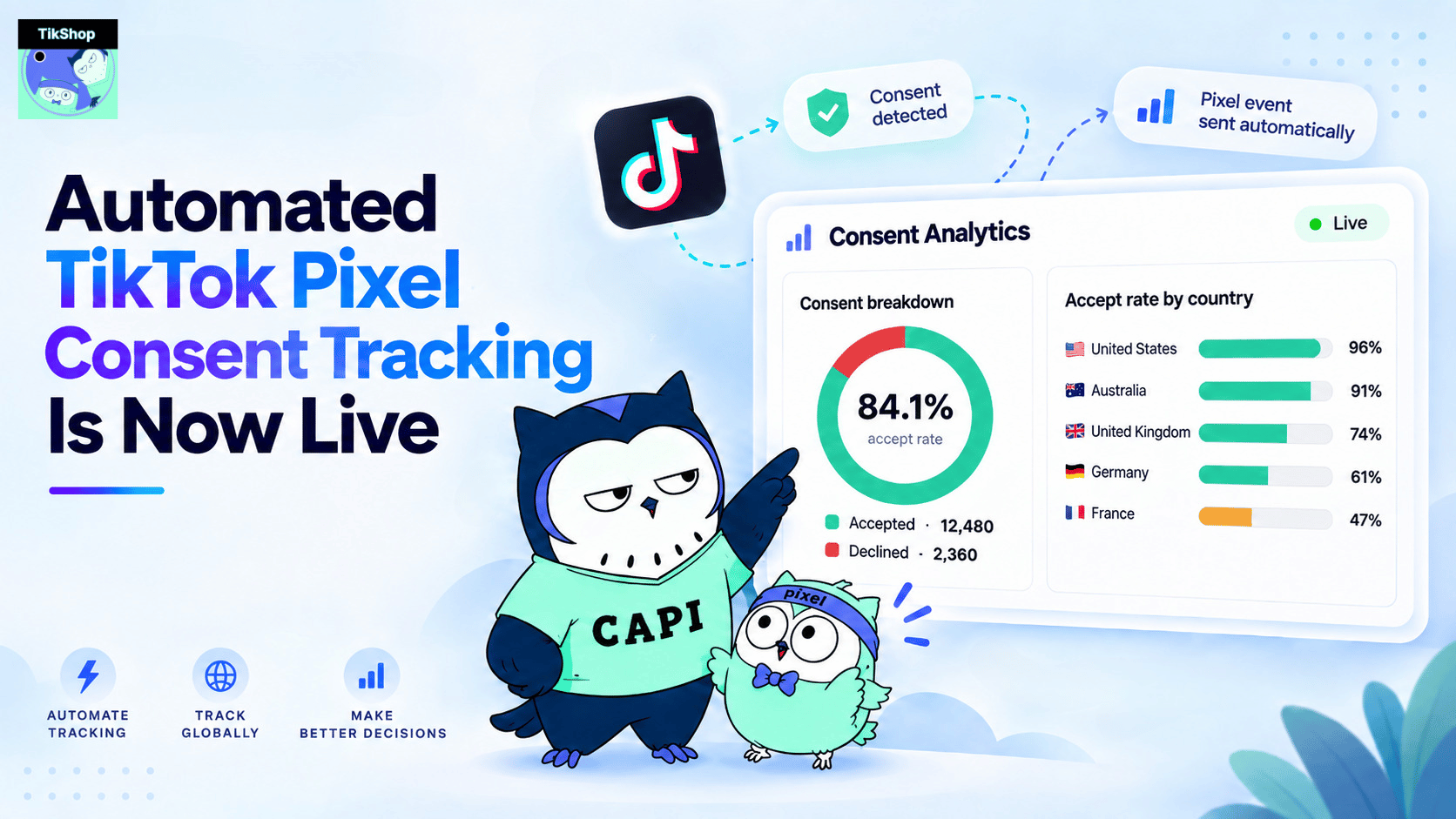
Automated TikTok Pixel Consent Tracking Is Now Live
Sync Shopify Products to TikTok Shop directly with Omega TikTok Pixels
Transform Wix Storefronts with Shoppable Instagram Galleries: Omega Instagram Feed Launch
Stop Bots From Training Your Meta Ads: Introducing Bot & Fraud Protection
New in Omega Facebook Pixel: Audience Report