Shopify Flow Automations with Omega Google Ads, Ga4 & GTM


Collecting tracking data from your Google Ads campaigns is only half the job. Once conversion data starts flowing into your store, you still face repetitive manual work: identifying which buyers should be tagged for VIP campaigns, calculating cumulative customer spend across ad channels, and manually pulling weekly performance reports. On top of that, if a conversion upload quietly fails due to a temporary network timeout, you might not notice until that attribution data is permanently lost.
To remove this operational friction, Omega Google Ads, GA4 & GTM integrates directly with Shopify Flow. By converting the Google Ads and UTM tracking signals our app already captures into automated workflow triggers, you can immediately tag high-value buyers, receive automated weekly channel summaries, and protect your conversion tracking - all without touching manual spreadsheets or custom scripts.
4 Pre-Built Shopify Flow Templates to Automate Google Ads Tracking
Omega Google Ads provides four ready-to-use Shopify Flow templates designed to run independently on top of your existing tracking setup. Because these automations reuse your existing click ID and UTM signals, they add immediate workflow automation without altering how your conversions upload to Google Ads, GA4, or GTM.
Every template identifies Google Ads traffic using a reliable attribution hierarchy: an order qualifies when it captures a Google click ID (GCLID, GBRAID, or WBRAID) at checkout, or when its utm_source=google. Click IDs are prioritized first, meaning orders with missing UTM parameters are still accurately attributed if a click ID is present.
1. Tag High-Value Google Ads Orders
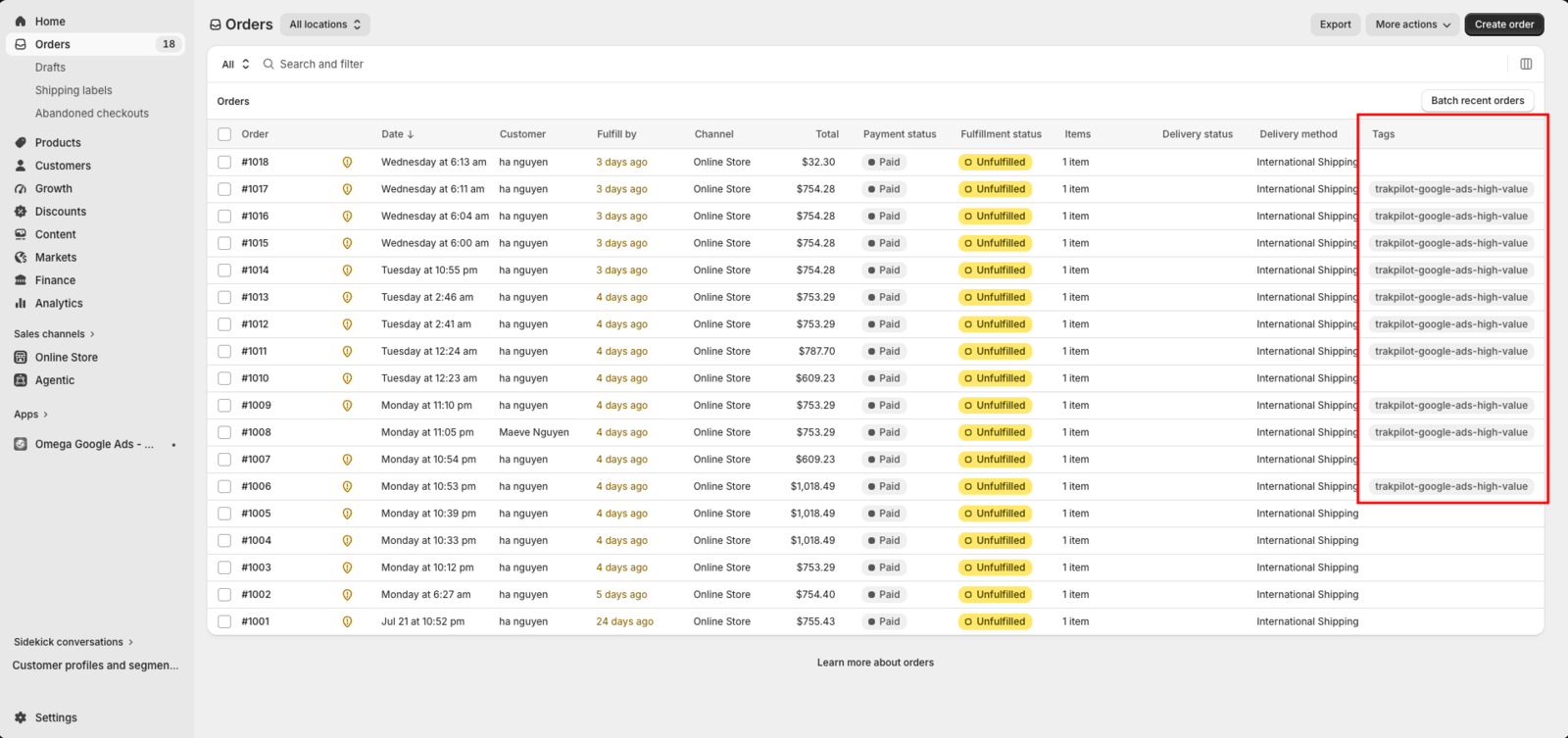
How it works: Evaluates qualifying Google Ads purchases in real time as they occur. When a single order reaches or exceeds your threshold, the customer profile is automatically tagged with trakpilot-google-ads-high-value.
Default threshold: Order value of 200 in your store’s currency (fully customizable in Shopify Flow).
Operational safeguards: If an order qualifies again, tags are not duplicated. Guest checkouts without an associated customer account are automatically skipped.
2. Weekly UTM and Multi-Channel Performance Summary
How it works: Aggregates and emails a consolidated store performance report every Monday at 9:00 AM in your store’s local timezone.
Report breakdown: Summarizes total orders, revenue, Average Order Value (AOV), and channel contribution across Google, Facebook, TikTok, Email, Organic, and Other traffic sources.
Operational safeguards: Sent via Shopify Flow's built-in email action with subject lines starting with [Omega Google] for easy filtering. If no orders occurred during the week, the email is skipped by default to prevent inbox clutter.
3. Tag Lifetime High-Value Customers (LTV) Over 90 Days
How it works: Recalculates a customer’s cumulative Google Ads spend over a rolling 90-day window on each new purchase. When total spend meets your criteria, the customer is tagged with trakpilot-google-ads-ltv-high.
Default threshold: Net revenue of 500 in your store’s currency (or an order count you define).
Operational safeguards: Calculates net revenue after refunds rather than gross sales, ensuring refunded orders lower the total fairly. Customers are tagged only once per 90-day window to avoid repetitive triggers.
4. Automatically Retry Failed Google Ads Conversions
How it works: When a conversion upload to Google Ads encounters a temporary error (such as an API rate limit, network timeout, or a click that is too recent), the conversion is automatically routed back into the upload queue and retried up to 3 times.
Operational safeguards: Permanent errors (such as misconfigured conversion actions or missing account permissions) are not retried and can be audited inside your ROI Optimization dashboard. Retries are strictly deduplicated so the same conversion is never uploaded twice.
Why Shopify Flow Automations Improve Store Operations and Attribution Accuracy
Connecting real-time attribution data to Shopify's native automation engine allows your marketing and operations teams to react faster while protecting data integrity. Instead of treating tracking data as a passive reporting metric, your store actively uses attribution signals to drive revenue and streamline management.
- Know who your high-value customers are: Automatically tag customers when a Google Ads order passes your chosen value.
- Spot customers who keep bringing value: Tag customers whose Google Ads purchases add up over time, based on revenue after refunds.
- Stay updated without checking dashboards: Get a weekly email with orders, revenue, AOV, and channel contribution every Monday.
- Lose fewer conversions to temporary errors: Omega automatically retries failed conversion uploads caused by temporary issues, up to 3 times.
How to Set Up Google Ads Automations in Shopify Flow
Setting up these workflows takes only a few minutes and requires no coding. You can install all four templates or select only the specific workflows your store requires.
- Verify App Prerequisites: Ensure Omega Google Ads, GA4 & GTM is installed on your store with your Google Ads account connected and a valid conversion action configured.
- Install Shopify Flow: Ensure the free Shopify Flow app is installed from the Shopify App Store.
- Choose and Install Templates: Select the pre-built templates you want inside Shopify Flow. Each template operates independently.
- Customize Thresholds (Optional): Open any installed template in Shopify Flow to adjust the default value thresholds (e.g., setting the high-value order threshold to 150 or the LTV threshold to 1,000) to fit your store's average order benchmarks.
- Review Logs: Monitor execution statuses, customer tags, and retry attempts directly in the Flow automation history tab inside your Omega Google Ads dashboard.
Start Automating Your Google Ads Workflows
Turn your tracking data into automated customer segmentation, consolidated reporting, and reliable conversion recovery in minutes.

New in Omega TikTok Pixel: Connect your catalog to a pixel
11+ ChatGPT ads examples for online stores (with copy templates)
ChatGPT ads: What they are, how they work, and what advertisers need to know in 2026
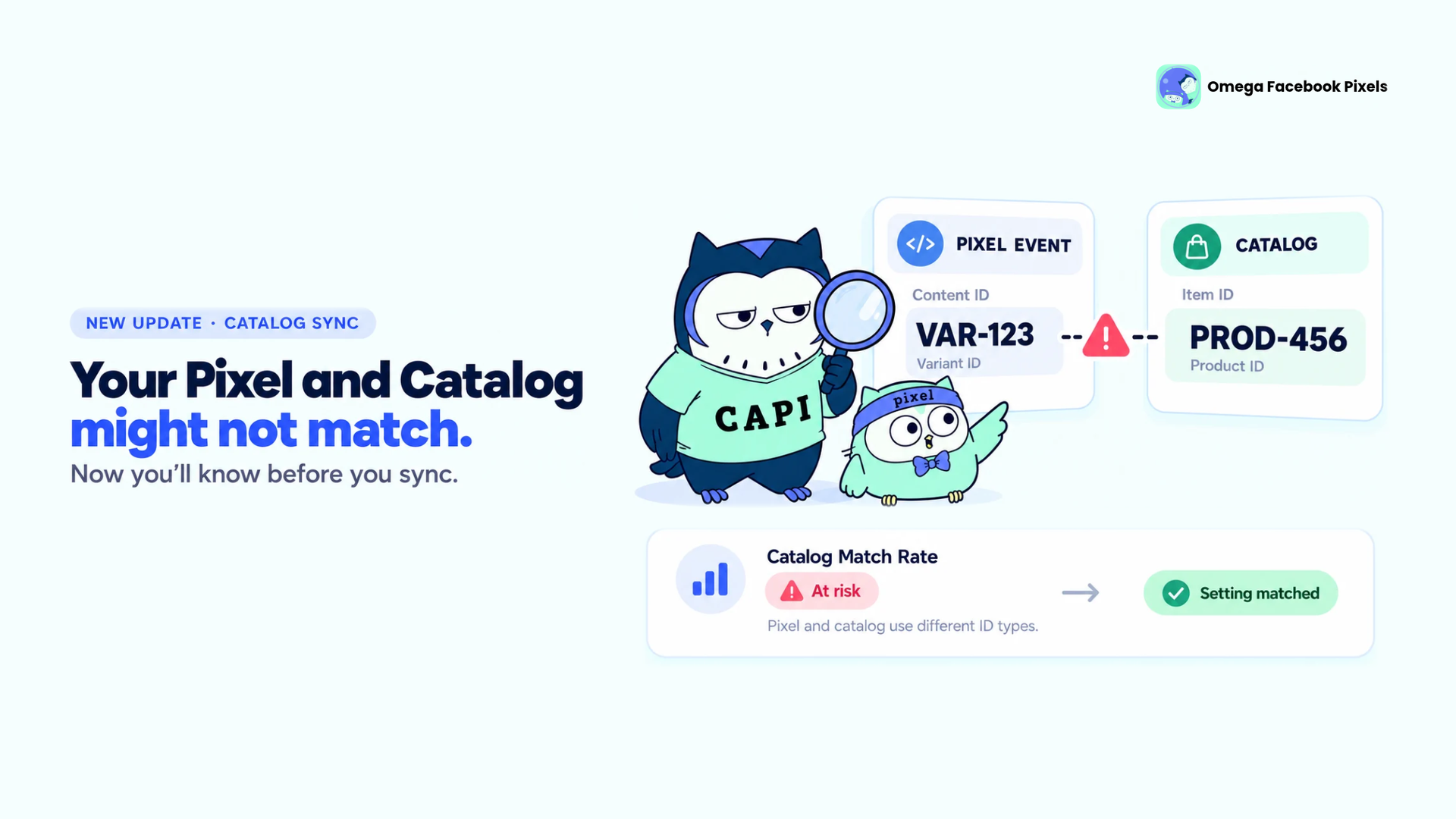
Omega Facebook Pixels Catches Catalog and Pixel Mismatches Before Your Match Rate Drops
New in Omega TikTok Pixel: Connect your catalog to a pixel
11+ ChatGPT ads examples for online stores (with copy templates)
Omega Facebook Pixels Catches Catalog and Pixel Mismatches Before Your Match Rate Drops
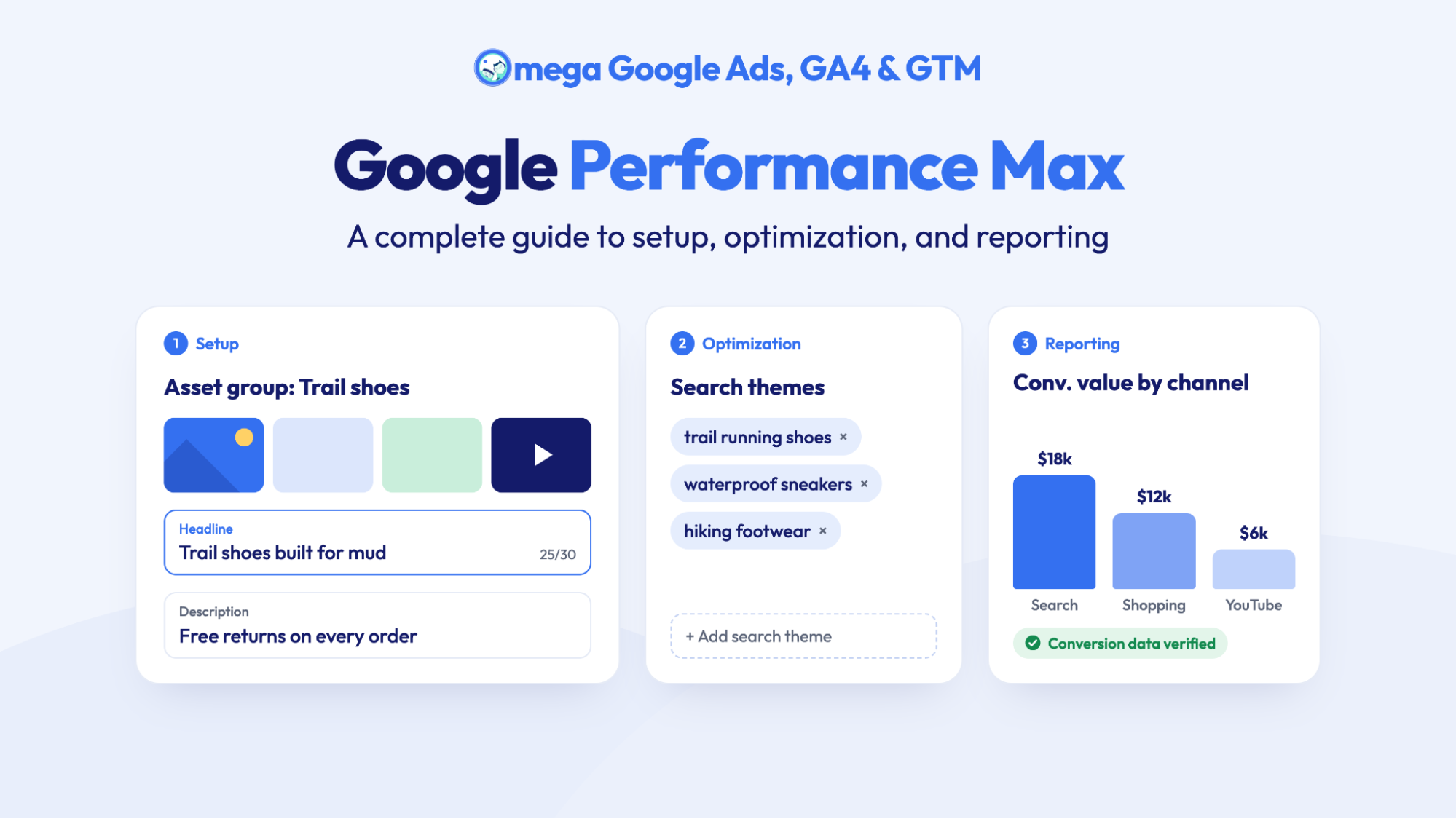
Google Performance Max: A complete guide to setup, optimization, and reporting
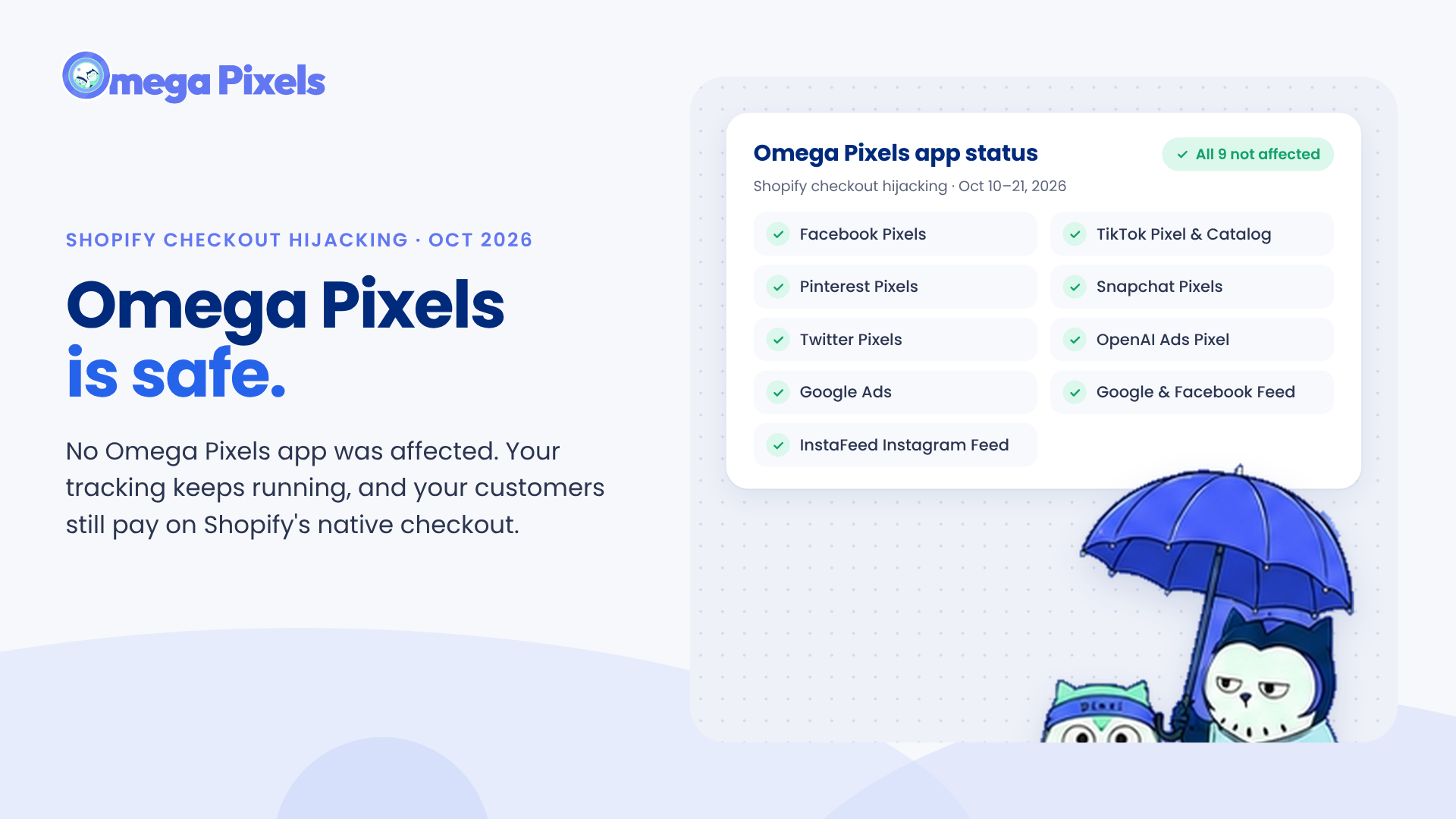
Are Omega Pixels Safe After the Shopify Checkout Hijacking? Yes, Here's Why
New in Omega TikTok Pixel: Connect your catalog to a pixel
11+ ChatGPT ads examples for online stores (with copy templates)
Omega Facebook Pixels Catches Catalog and Pixel Mismatches Before Your Match Rate Drops
Google Performance Max: A complete guide to setup, optimization, and reporting