TikTok Ad Alerts in Shopify Flow | Omega TikTok Pixels


Running paid traffic on TikTok moves quickly, but operational misalignments between your store inventory and ad campaigns can quietly drain your budget. When an advertised hero product sells out or a checkout issue causes conversion rates to plummet, TikTok Ads will keep spending your daily budget until someone manually spots the problem and intervenes. For busy marketing teams and e-commerce operators, manually cross-checking inventory levels, ad manager tabs, and conversion funnels throughout the day creates friction and delayed responses.
To eliminate this manual overhead and protect your return on ad spend (ROAS), Omega TikTok Pixels now integrates directly with Shopify Flow. This integration brings real-time TikTok campaign, ad group, catalog, and conversion funnel data straight into your automated Shopify workflows, empowering your team to act instantly through email or Slack without constant dashboard monitoring.
What’s New: Automated TikTok Ad Monitoring in Shopify Flow
The new integration bridges the gap between Shopify store events and TikTok advertising performance through two purpose-built Shopify Flow automation templates. Instead of forcing marketers to jump back and forth between TikTok Ads Manager and the Shopify admin, Omega passes campaign-level context directly into your chosen communication channels.
Flow 1: Out-of-Stock Alerts for Active TikTok Ad Products
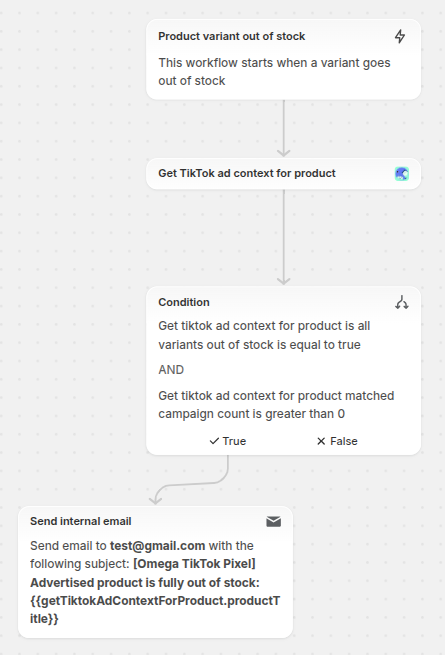
What it does: This workflow continuously monitors your Shopify inventory levels. When every variant of a product sells out, and that product is actively running in a TikTok campaign, Shopify Flow instantly sends a contextual alert to your team.
How it works under the hood:
- Trigger: Shopify's native Product variant out of stock trigger.
- Condition: Evaluates whether all variants of the product are out of stock. If only one size or color sells out while others remain purchasable, the workflow avoids triggering noise.
- Omega Action (Get TikTok ad context for product): Queries your linked TikTok account to identify matching active campaigns, ad groups, and product catalogs.
What’s inside the notification:
- Product name, SKU, and direct Shopify admin product link.
- Total number of matched TikTok campaigns.
- Clickable campaign names (linking directly to TikTok Ads Manager) and status.
- Clickable ad group names.
- Linked catalog/product set names (where stable links are supported).
- Impacted TikTok Pixel ID(s).
- Context-aware recommendations (e.g., advising whether to pause an ad group or adjust catalog exclusions).
Situational Decision Framework:
- Single-Product Campaigns: If the ad group only promotes the out-of-stock item, review and consider pausing the specific ad group.
- Broad Catalog Campaigns: If the campaign advertises a large collection, exclude the specific out-of-stock item from the catalog or product set rather than pausing the entire campaign.
- Unmatched Campaigns: Check catalog mapping and product sync status, or ignore if the promotion is no longer running.
Human-in-the-Loop Safeguard: This flow does not automatically pause campaigns. Keeping automated alerts informational ensures human verification, preventing accidental campaign pauses that could hurt active sales from other in-stock variants or products.
Flow 2: Automated TikTok Conversion Funnel Drop Detection
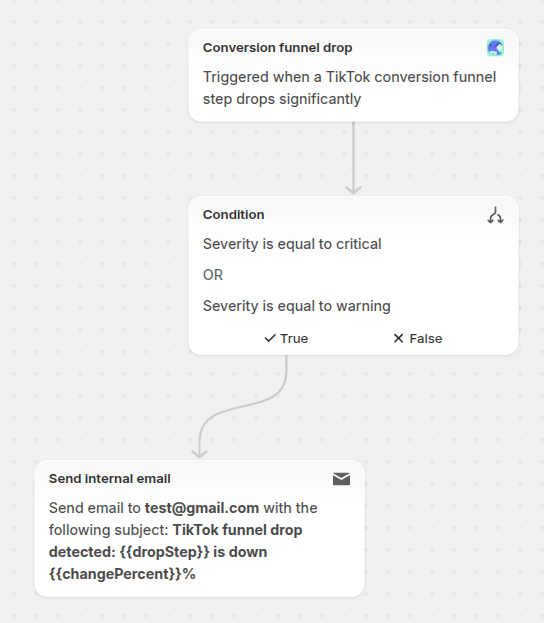
What it does: Omega tracks visitor progression across key TikTok funnel milestones: View Content → Add to Cart → Initiate Checkout → Purchase. Once a week, the system compares the trailing 7 days against the preceding 7-day period based on your store's timezone and flags statistically significant drops.
How drop detection works:
- Traffic Threshold: Evaluates a funnel step only when there are at least 30 events at the preceding stage, ensuring small sample sizes don't trigger false alarms.
- Warning Severity: Fires when a step-by-step conversion rate drops by 20% or more compared to the prior 7-day period.
- Critical Severity: Fires when a conversion rate drops by 40% or more, or drops to zero from a previously active state.
- Smart Deduplication: You will not receive repeat notifications for the same issue within the same period unless severity escalates (e.g., moving from Warning to Critical).
What’s inside the notification:
- Store and Pixel ID (or "All Pixels" when aggregated).
- Analyzed time period (current 7 days vs. previous 7 days).
- Identified drop stage, previous vs. current step conversion rate, and percentage change.
- Assigned severity level (Warning or Critical).
- Likely root cause, actionable troubleshooting guidance, and a direct link to Omega’s Conversion Analytics dashboard.
Troubleshooting by Funnel Stage:
View Content→Add to CartDrop: Often points to product page mismatches, unexpected pricing/shipping changes, weak offer positioning, or low-quality traffic. Action: Audit landing page speed, offer clarity, creative alignment, and stock availability.Add to Cart→Initiate CheckoutDrop: Frequently indicates cart drawer UX friction, unexpected shipping fees, hidden taxes, or faulty promo code fields. Action: Test cart functionality, inspect shipping thresholds, and check checkout CTA responsivenessInitiate Checkout→PurchaseDrop: Usually caused by payment gateway failures, cash-on-delivery errors, device/browser-specific checkout bugs, or broken Purchase tracking/CAPI events. Action: Audit payment gateways, test multiple browser/device checkouts, and verify TikTok Conversions API tracking.
Why Automated TikTok Alerts Matter for Shopify Stores
Managing paid acquisition requires constant vigilance over ad spend efficiency and website technical health. Integrating Omega TikTok Pixel with Shopify Flow helps merchants streamline operations and protect store revenue in three specific ways:
Eliminating Wasted Ad Spend on Depleted Inventory: Leaving ads running on sold-out products burns ad budget and creates customer frustration. Immediate notification with direct links to TikTok Ads Manager allows marketers to pause ad groups or update catalog sets in seconds.
Rapid Diagnosis of Technical and Conversion Leaks: Pixel tracking disconnects, broken checkout scripts, and gateway downtime can go unnoticed for days if you only review high-level blended numbers. Automated weekly funnel audits highlight drop-offs before they compound into substantial revenue loss.
Centralized Store Operations in Native Tooling: Instead of requiring team members to log into multiple platforms daily, all alerts arrive natively in the tools your team already uses - such as internal email or connected Slack channels.
Step-by-Step Setup: Connecting Omega TikTok Pixel to Shopify Flow
Setting up these automations takes only a few minutes using pre-configured Shopify Flow templates directly inside your Shopify admin.
Prerequisites
Before installing the templates, ensure the following setup is complete:
- Omega TikTok Pixel is installed and connected to your active TikTok Business account.
- Your store products are synced to a TikTok catalog or product set.
- Shopify Flow is available on your store (accessible via Shopify admin apps).
- You have at least one active TikTok campaign referencing the products you plan to monitor.
Installation Steps
- In your Shopify admin, navigate to Apps > Shopify Flow (or search "Flow" in the admin search bar).
- Click Browse templates, then enter
Omega TikTok Pixelin the search bar. - Select the template you want to deploy:
- Notify team when an advertised product goes fully out of stock
- Notify team when TikTok conversion funnel drops
- Review the pre-filled triggers, conditions, and Omega actions. The default settings are pre-configured for standard e-commerce setups.
- Under the Action step, choose your preferred notification destination:
- Send internal email (default option).
- Slack (select your Slack workspace and channel if you have connected the Slack app to Shopify Flow).
- (Optional) Add logging or store metafield actions if you keep internal audit trails.
- Click Install workflow, review the setup details, and click Turn on workflow.
Customization and Limitations
- Workflow Adjustments: Shopify Flow gives you full flexibility to customize these templates after installation. You can add extra condition steps to filter alerts by specific product tags, vendors, or collections, adjust recipient lists, or modify severity thresholds.
- Current Operational Notes: Flow 1 provides actionable notifications rather than automated ad pausing, allowing your team to assess catalog breadth. Flow 2 runs on a weekly evaluation schedule comparing rolling 7-day windows in your store's timezone.
Get Started with Automated TikTok Ad Monitoring
Protecting ad spend and monitoring conversion health shouldn't require manual routine checks. Install the new pre-built Shopify Flow templates in Omega TikTok Pixels to automate your store monitoring today. If you need assistance configuring your workflows or customizing alert parameters, reach out to our in-app live chat support team.


New in Omega TikTok Pixel: Connect your catalog to a pixel
11+ ChatGPT ads examples for online stores (with copy templates)
ChatGPT ads: What they are, how they work, and what advertisers need to know in 2026
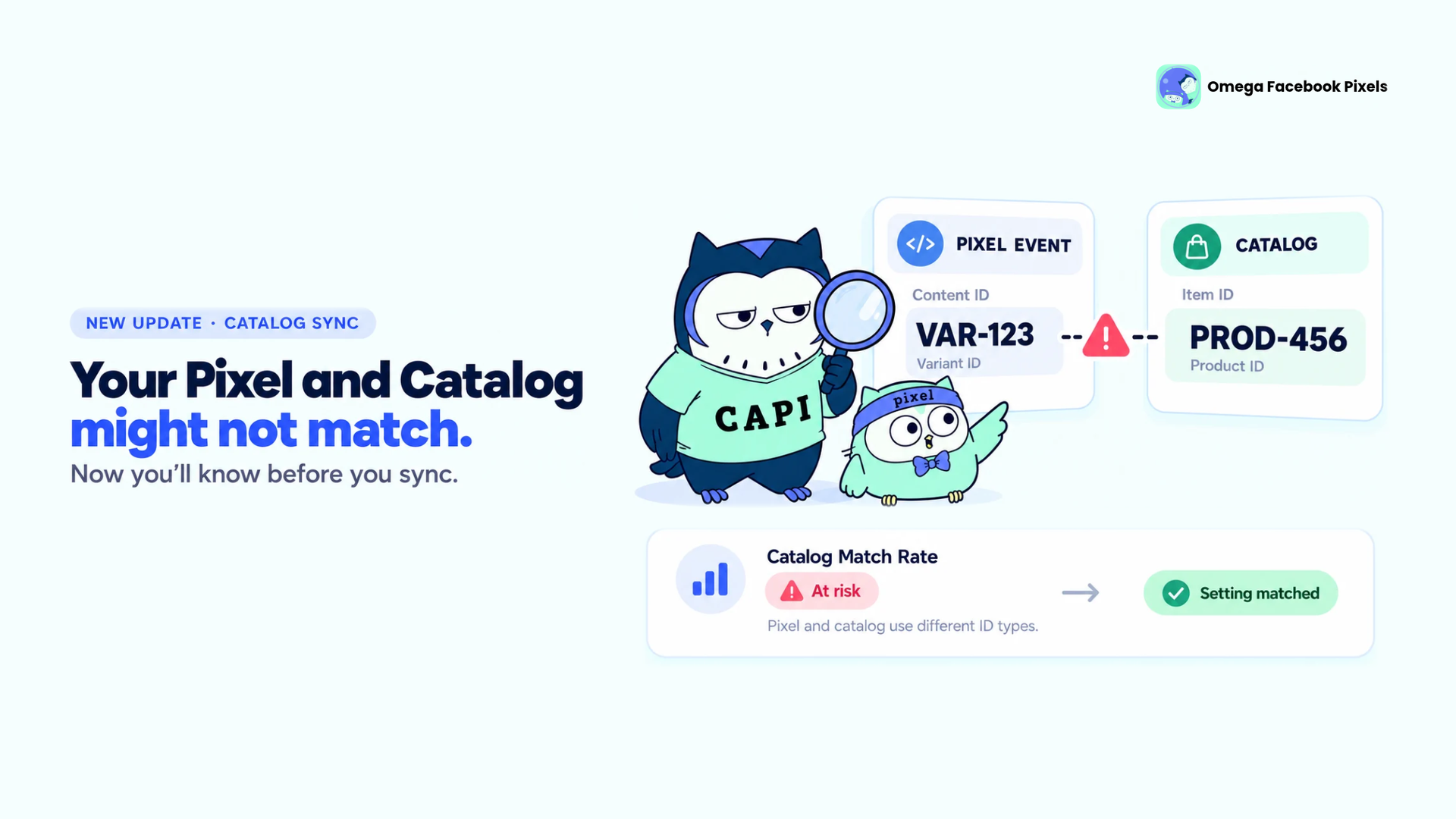
Omega Facebook Pixels Catches Catalog and Pixel Mismatches Before Your Match Rate Drops
New in Omega TikTok Pixel: Connect your catalog to a pixel
11+ ChatGPT ads examples for online stores (with copy templates)
Omega Facebook Pixels Catches Catalog and Pixel Mismatches Before Your Match Rate Drops
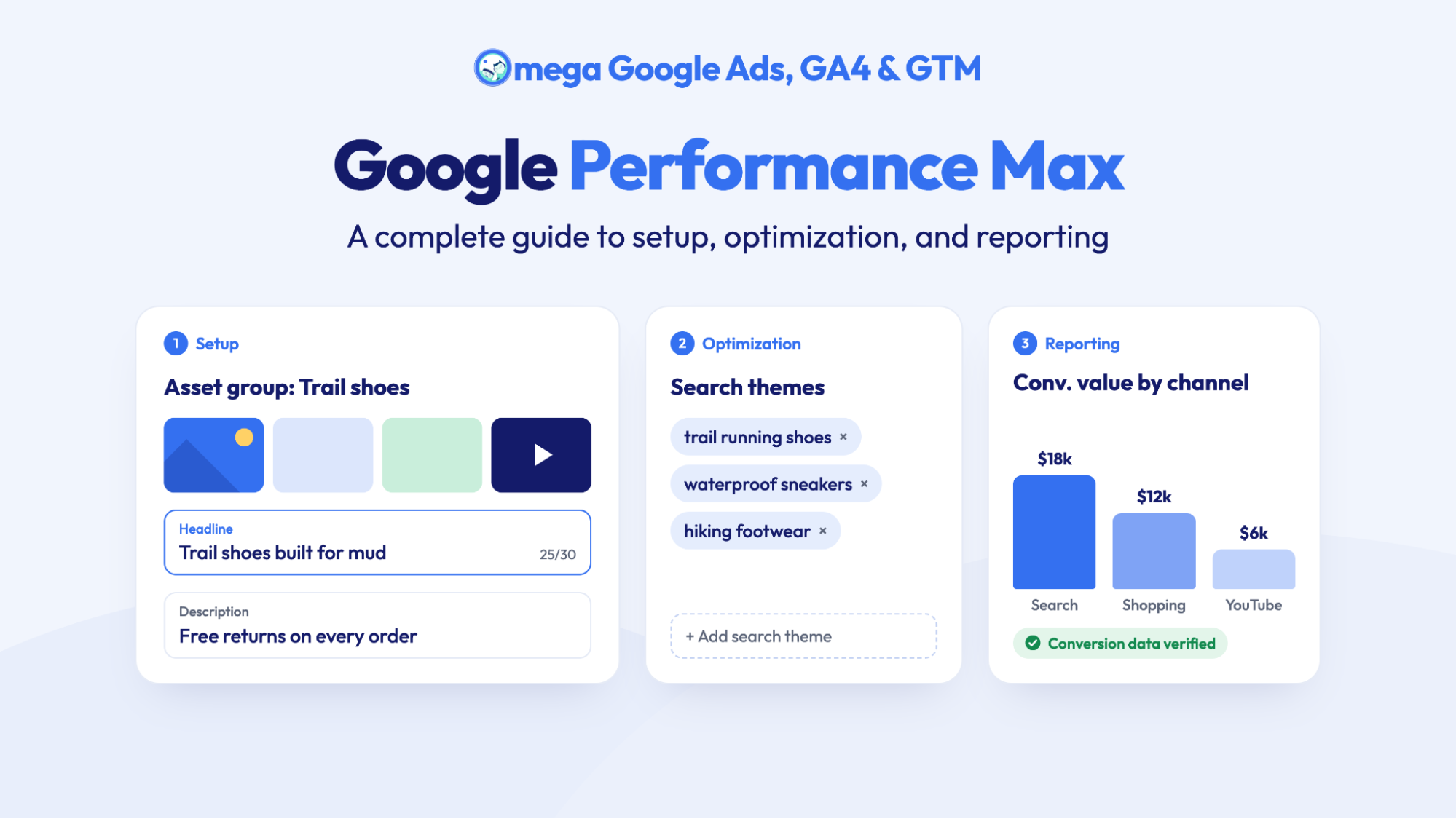
Google Performance Max: A complete guide to setup, optimization, and reporting
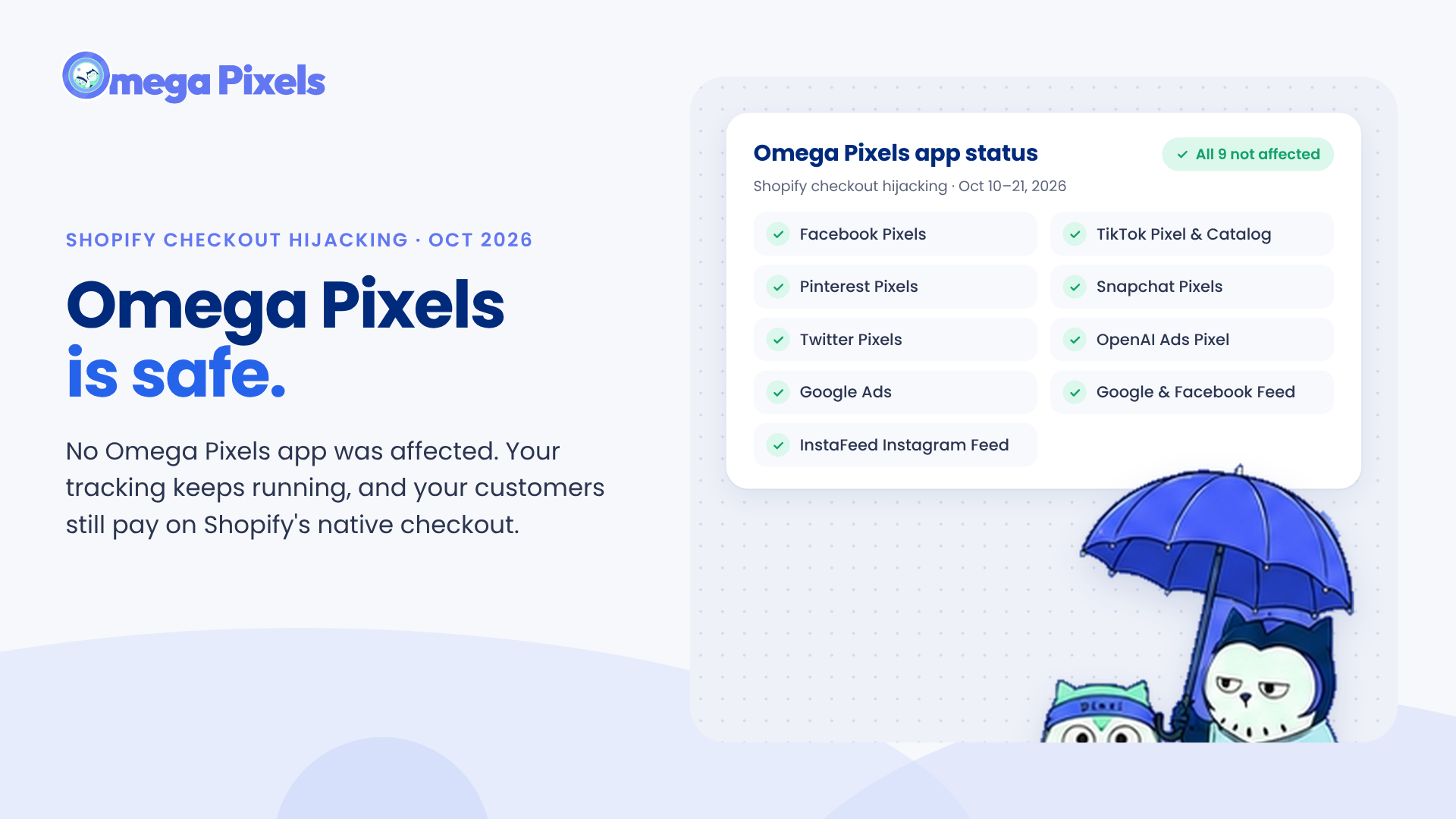
Are Omega Pixels Safe After the Shopify Checkout Hijacking? Yes, Here's Why
New in Omega TikTok Pixel: Connect your catalog to a pixel
11+ ChatGPT ads examples for online stores (with copy templates)
Omega Facebook Pixels Catches Catalog and Pixel Mismatches Before Your Match Rate Drops
Google Performance Max: A complete guide to setup, optimization, and reporting