Where Meta One-Click CAPI fails (Shop App, Post-purchase, Upsells)


Meta just made a big move. In April 2026, they rolled out Meta One-Click CAPI, a free, no-code way for any merchant to connect Conversions API without a third-party app. On top of that, their new AI-Powered Pixel can automatically read product names, prices, and inventory straight from your website. No manual setup, no developer needed.
| What you’ll learn in this article: ● What Did Meta Just Update? ● The Real Problem for Merchants ● Where Does Meta's One-Click CAPI Fall Short? ● How Do These Gaps Affect Your ROAS? ● How to Fill the Gaps in Meta's One-Click CAPI |
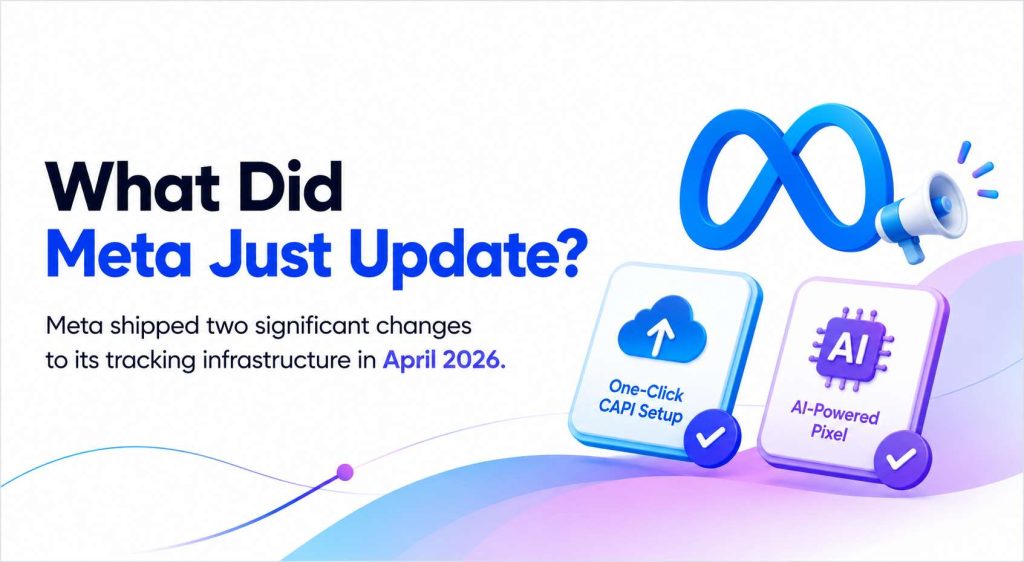
What Did Meta Just Update?
Meta shipped two significant changes to its tracking infrastructure in April 2026.
April 15, 2026: One-Click CAPI Setup
Meta launched One-Click CAPI, letting merchants connect Conversions API directly through Meta Business Manager in a single step. No code, no third-party app, no subscription fee.
Previously, setting up server-side tracking required a developer or a paid app. Now any merchant can do it in minutes.
April 15, 2026: AI-Powered Pixel
Meta also shipped an updated Pixel that removes manual event configuration entirely. The new AI-Powered Pixel scans your website automatically and pulls in product names, prices, currency, and availability status without any setup. Dynamic ads and catalog campaigns get the data they need out of the box.
2025–2026: CAPI Becomes Table-Stakes
Neither update came out of nowhere. Between 2025 and 2026, CAPI had already become standard across most pixel apps, every major tool on the Shopify App Store had it.
Meta's move effectively commoditizes what used to be a paid feature. For merchants, the reaction is immediate: “If Meta does this for free, why pay for an app?”
The Real Problem for Merchants
One-Click CAPI sounds like everything merchants have been asking for. Server-side tracking, no developer, no monthly fee. The dashboard shows events firing. Everything looks green. So merchants move on, and that's exactly where things go wrong.
Problem 1: Everything looks like it's working
Meta Events Manager shows Purchase events firing. ROAS looks stable. Merchants assume tracking is done and shift focus to creative and budget. But the native setup only covers the part of the funnel Meta can see.
Post-purchase upsells, order bumps, and thank-you page conversions sit outside that window entirely, and nothing in the dashboard flags them as missing.
Problem 2: The gaps are invisible until ROAS slips
A store running both browser Pixel and One-Click CAPI reports healthy conversion numbers. A merchant running multiple Meta ad accounts assumes all their pixels are tracking the same purchases. In reality, native One-Click CAPI only sends events to a single data destination in many setups, leaving secondary pixels partially blind.
A store doing $50K per month in revenue has $15K coming from post-purchase flows that Meta never sees. None of these show up as errors.
They show up later, as audiences that stop converting, CPAs that quietly climb, and retargeting campaigns that spend more and return less.
Problem 3: There is no way to diagnose it
When performance drops, merchants check creative, budget, and audience. Tracking is rarely the first suspect because everything still appears to be firing.
The native setup has no event log, no real-time monitor, and no way to verify whether a specific event matched correctly. By the time the gap is identified, weeks of budget have already been spent optimizing toward the wrong signal.
What Does Meta's One-Click CAPI Actually Track?
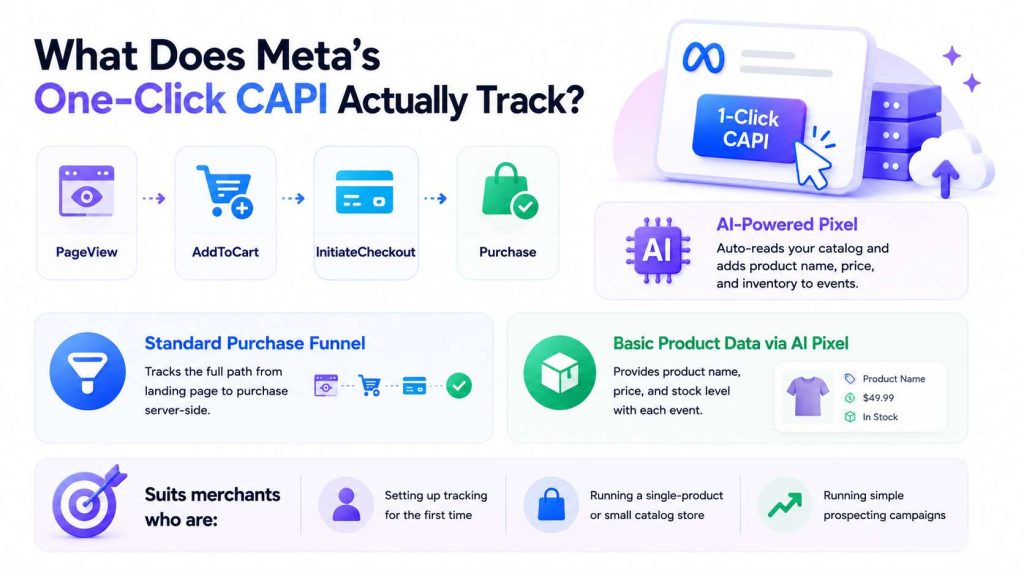
One-Click CAPI covers the standard events Meta needs to run and optimize your ads. Out of the box, it tracks:
- PageView
- AddToCart
- InitiateCheckout
- Purchase
AI-Powered Pixel adds another layer on top. It reads your product catalog automatically and maps basic product data to each event, so Meta's algorithm gets product name, price, and inventory without any manual configuration.
For a straightforward store with a simple checkout flow, that coverage is enough to get campaigns running.
Standard purchase funnel
Meta One-Click CAPI tracks the full path from landing page to completed purchase. Every standard touchpoint in between gets captured server-side, which means the data reaches Meta even when a browser blocks the Pixel.
Basic product data via AI Pixel
AI-Powered Pixel pulls product information directly from your website. Meta's algorithm receives product name, price, and stock level alongside each event, so dynamic ads and catalog campaigns have the data they need to run.
So, One-Click CAPI suits merchants who are:
- Setting up tracking for the first time
- Running a single-product or small catalog store
- Running simple prospecting campaigns without complex audience segmentation
Where Does Meta's One-Click CAPI Fall Short?
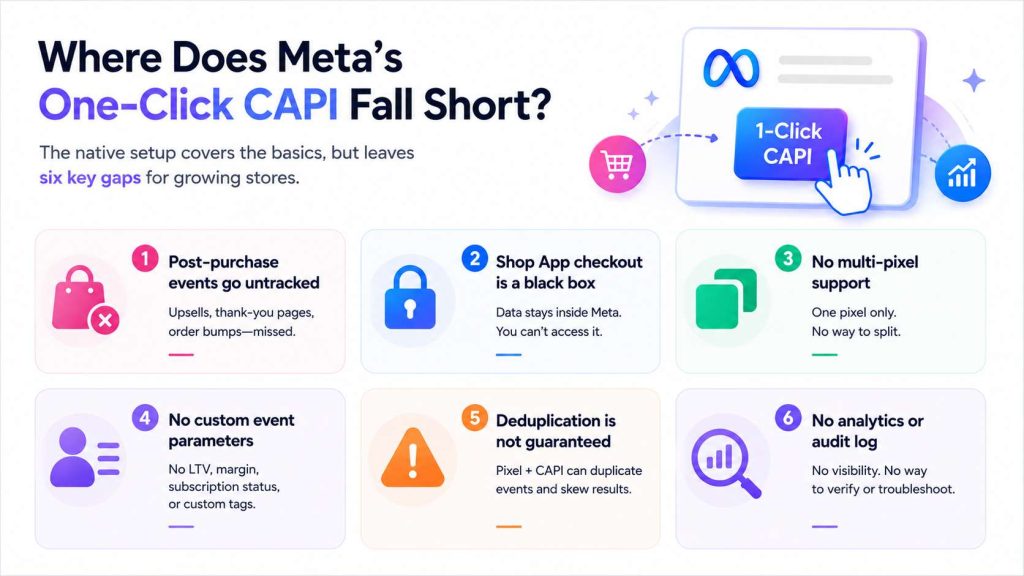
The basics are covered. But for stores running upsells, multiple ad accounts, or any post-purchase flow, the native setup leaves significant blind spots. Here are the six gaps merchants run into.
1. Post-purchase events go untracked
Tracking stops at the Purchase event. Everything that happens after checkout falls outside the scope of the native setup:
- Post-purchase upsell acceptances
- Thank-you page conversions
- Order bumps
Well-optimized Shopify stores generate 8–15% of total revenue from upsell and cross-sell offers. Meta never sees any of it, so the algorithm optimizes toward an incomplete picture of your actual buyers.
2. Shop App checkout is a black box
Merchants selling through Shop App hit a hard wall. Shop App runs on Shopify's own native checkout, so transaction data stays inside Shopify's ecosystem.
Merchants cannot access, export, or pass that data to external tracking tools. What happens inside Shop App, stays inside Shop App.
3. No multi-pixel support
The native setup connects one pixel to one store. It offers no way to route events to separate pixels for different purposes, such as:
- Splitting audiences by funnel stage
- Running separate pixels for different product lines
- Isolating data for different ad accounts
Stores that rely on audience segmentation have no path forward with the native setup.
4. No custom event parameters
Meta's algorithm performs best when it receives rich signal data. The native setup only passes standard parameters. Merchants cannot send:
- Customer lifetime value (LTV)
- Subscription status
- Product margin
- Custom audience tags
Without these parameters, Meta treats a first-time $30 buyer the same as a repeat $500 customer.
5. Deduplication is not guaranteed
Most stores keep their browser Pixel active alongside server-side CAPI. When both fire for the same event, Meta can receive duplicate signals.
The result is inflated event counts, overstated conversions, and CPAs that look lower than they actually are. One-Click CAPI deduplicates browser Pixel and server events automatically - but 'automatically' is not the same as reliably.
Merchants have no way to configure the event_id logic, verify it's functioning correctly, or audit deduplication rates in real time. A misconfiguration or timing mismatch can still result in double-counted conversions, and the native setup gives no signal that this is happening.
6. No analytics or audit log
Merchants have no visibility into what events actually fired. There is no event log, no real-time monitor, and no way to verify whether a specific event matched correctly. When something breaks, there is no tool inside the native setup to diagnose it.
How Do These Gaps Affect Your ROAS?
Tracking gaps do not just affect data quality. They affect how Meta spends your budget. Meta's algorithm optimizes toward the signals it receives.
Missing post-purchase events skew your audience
Meta only sees revenue from the standard checkout flow. Post-purchase upsells, order bumps, and thank-you page offers sit outside that window entirely. The algorithm learns from Purchase events only, so it builds lookalike audiences based on customers who bought once at the front-end price.
Repeat buyers, high-LTV customers, and upsell converters are invisible. Over time, Meta optimizes toward the wrong people.
Duplicate events inflate your CPA
When both browser Pixel and server-side CAPI fire for the same Purchase event, Meta counts it twice. Reported conversions go up. Reported CPA goes down.
The numbers look good in Ads Manager, but the budget is being wasted on duplicate signals. Worse, Meta's algorithm treats inflated conversion data as real and adjusts bidding accordingly.
No audience segmentation means weaker retargeting
With a single pixel, every visitor goes into the same pool. Merchants cannot separate window shoppers from add-to-cart users, or first-time buyers from repeat customers. Retargeting campaigns end up targeting too broadly, which drives up costs and reduces relevance.
What this looks like for a real store
For example, consider a Shopify store doing $50,000 per month in total revenue:
- $45,000 comes from the standard checkout flow: Meta sees this
- $5,000 comes from post-purchase upsells and thank-you page offers: Meta sees none of it
In this scenario, Meta is optimizing campaigns based on 90% of actual revenue. The audiences it builds, the bids it places, and the creatives it favors are all calibrated to an incomplete signal. That gap compounds every month the store keeps scaling.
Do You Still Need a Pixel App If Meta Has One-Click CAPI?
Yes, but not for the reasons you might think.
Meta One-click tracking is a solid foundation for most stores getting started. For a brand new store with no technical resources, it gets server-side tracking live in minutes. But a foundation is not a full stack. One-Click CAPI sets the floor. A pixel app raises the ceiling.
The role of a pixel app is not to replace what Meta built. It sits on top of the native setup and fills the layer Meta does not provide: post-purchase tracking, multi-pixel routing, custom parameters, deduplication control, and an analytics layer merchants can actually see and act on.
A complete tracking stack covers:
- All funnel events including post-purchase and upsell conversions
- Multi-pixel routing for audience segmentation across ad accounts
- Custom event parameters such as LTV, subscription status, and product margin
- Advanced deduplication so that browser Pixel and CAPI do not double-count
- Full event visibility with audit logs, debugging tools, and real-time monitoring
The biggest difference is visibility. Meta's native setup sends events automatically, but merchants have limited insight into what was sent, when it was sent, or whether it matched correctly.
A pixel app provides an event-level audit trail, making it possible to see exactly which events fired, which pixel received them, and where tracking issues occur. Instead of assuming tracking works, merchants can verify it directly.
| Feature | Meta One-Click CAPI | Full Pixel App |
|---|---|---|
| Standard funnel events | ✓ | ✓ |
| Server-side CAPI | ✓ | ✓ |
| Post-purchase event tracking | ✗ | ✓ |
| Multi-pixel support | ✗ | ✓ |
| Custom event parameters | ✗ | ✓ |
| Advanced deduplication | ✗ | ✓ |
| Event visibility, debugging & audit log | ✗ | ✓ |
How to Fill the Gaps in Meta's One-Click CAPI
Fixing the gaps does not mean starting over. The native setup stays in place. The goal is to build on top of it.
Keep One-Click CAPI enabled
The native setup still provides real value as a base layer. Server-side tracking through Meta's own infrastructure is reliable and free. There is no reason to remove it.
Add server-side tracking for post-purchase flows
Post-purchase upsells, thank-you page conversions, and order bumps need to be tracked as separate events. Set these up server-side so Meta receives the full revenue picture, not just the front-end purchase.
Set up multi-pixel routing
If your store runs segmented audiences or multiple ad accounts, route events to the correct pixel based on funnel stage, product line, or customer type. A single pixel cannot support this level of segmentation.
Enable custom event parameters
Pass LTV, subscription status, and product margin alongside each event. With richer signals, Meta's algorithm can distinguish high-value customers from one-time buyers and optimize accordingly.
Use an app with deduplication control and an event audit log
The native setup is Meta's baseline offering, built to get the average merchant tracking faster. It was never designed to handle the complexity of a scaling store.
The gaps are structural. Multi-pixel routing, custom event parameters, advanced deduplication, and a real-time audit log are features that serve a more sophisticated use case than the native tool is built for.
A pixel app like Omega Facebook Pixels fills exactly that layer. Instead of copying the browser Pixel, it reads order data straight from Shopify over a server-to-server connection, so a purchase still reaches Meta even when the Pixel is blocked. Because those events are built from the order, it can attach richer hashed customer data - email, name, phone, and address - to lift Event Match Quality, backfill recent orders to seed a new pixel and shorten its warm-up, and sync your full catalog so even products with no traffic stay covered. Not by replacing what Meta built, but by covering the signals, audiences, and visibility that the native setup cannot provide.
Conclusion
Meta One-Click CAPI is a real improvement. It removes a genuine barrier for merchants who have been avoiding server-side tracking, and it works well as a starting point. But for stores that are actively scaling, the native setup covers only part of the picture.
The gaps show up silently in ROAS. A pixel app like Omega Facebook Pixels sits on top of the native setup and fills every one of them, without replacing what Meta already built.
Learn More: Facebook One-Click CAPI vs Omega Facebook Pixels: Which Is Better for Shopify?
Stop Bots From Training Your Meta Ads: Introducing Bot & Fraud Protection
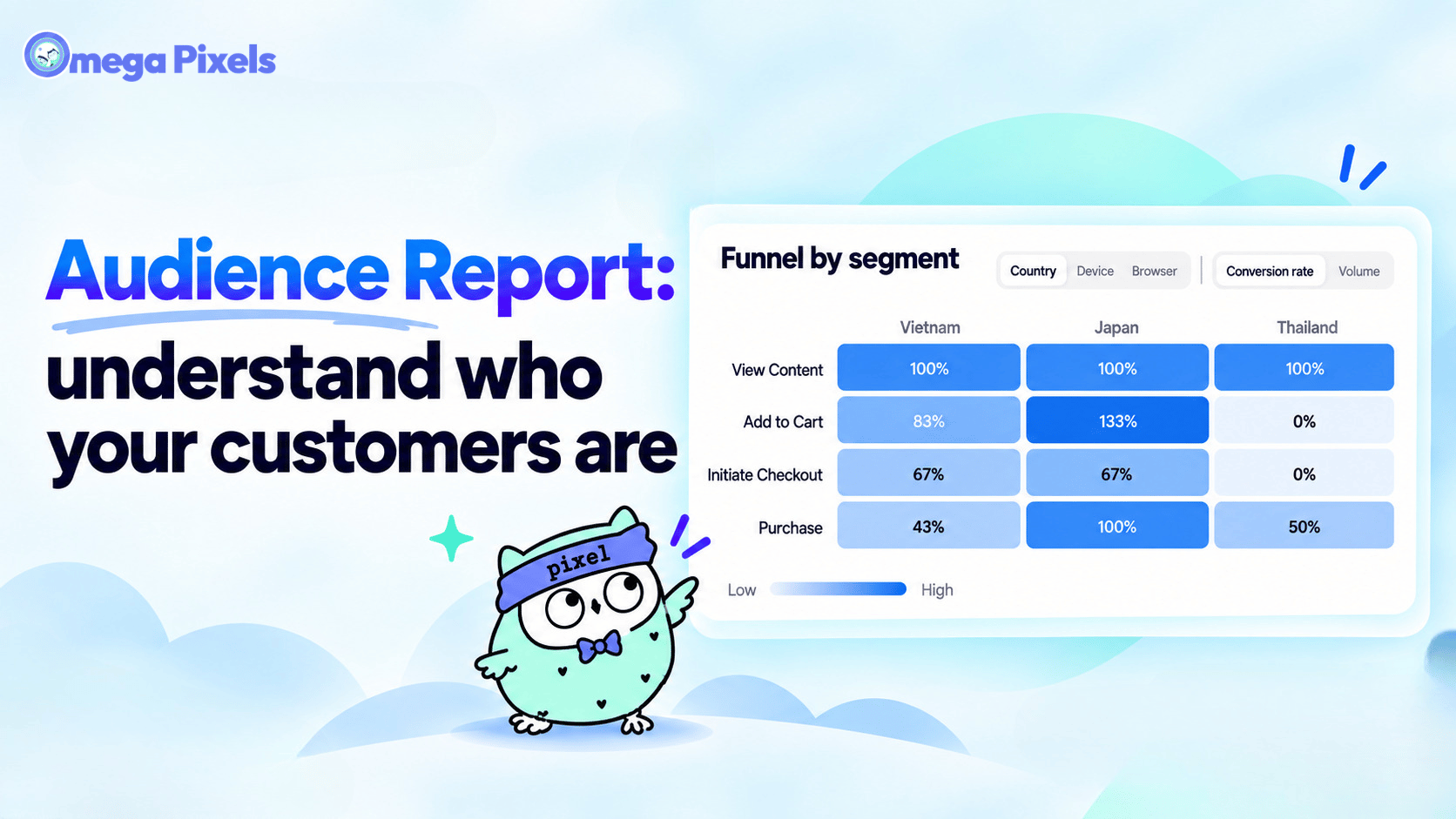
New in Omega Facebook Pixel: Audience Report
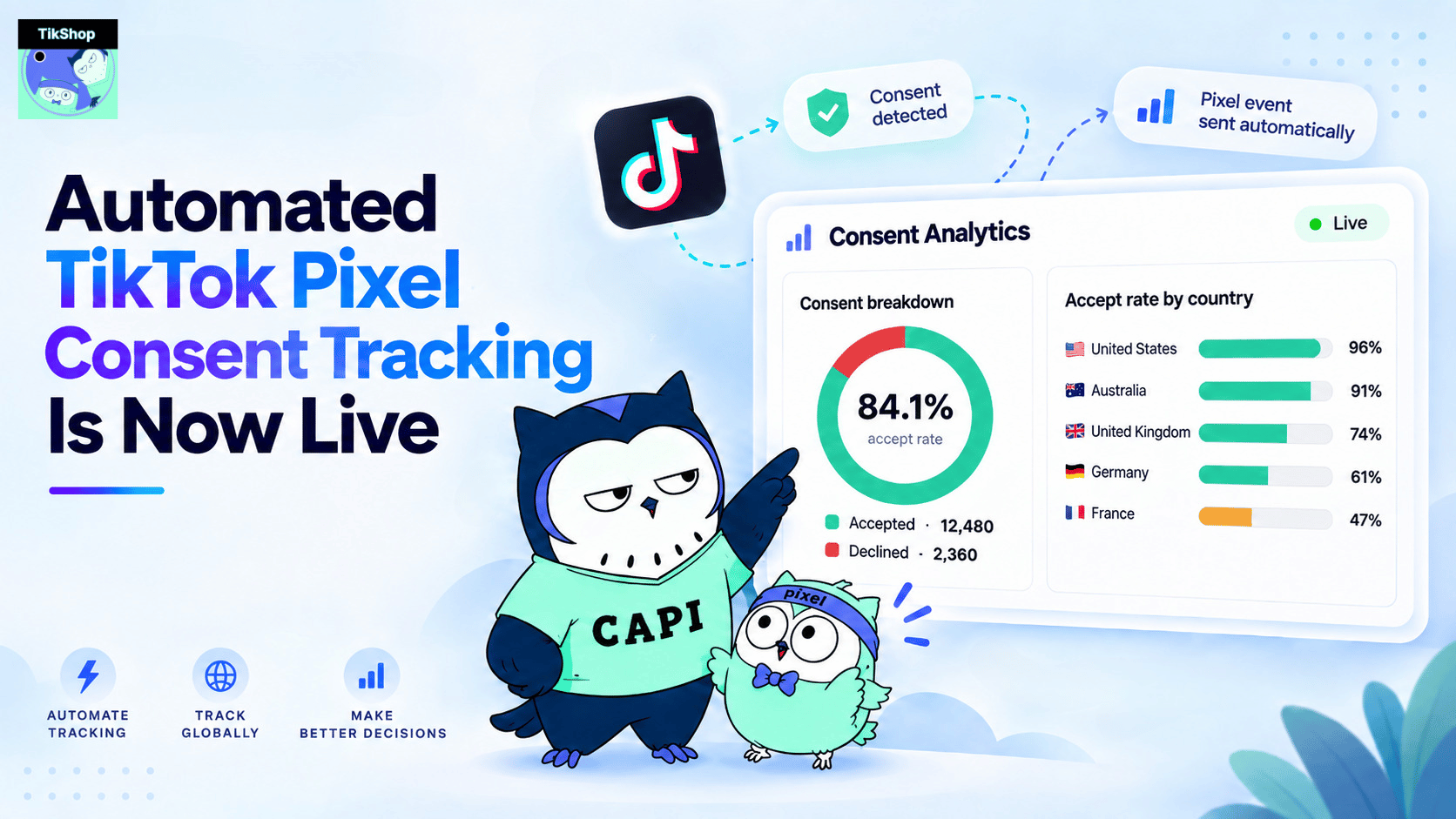
Automated TikTok Pixel Consent Tracking Is Now Live
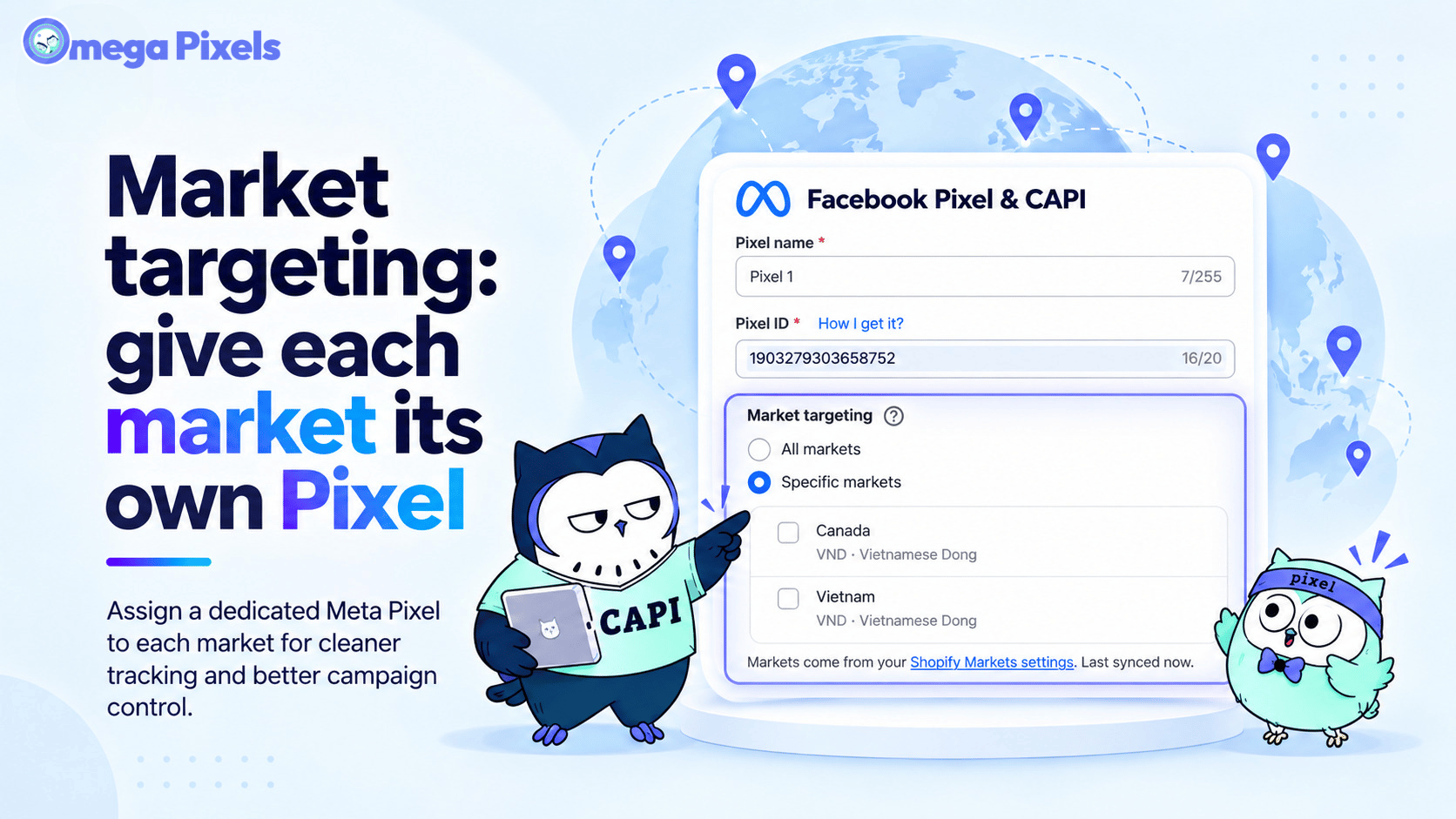
Track Each Shopify Market Separately with Specific-Market Facebook Pixels
![Facebook Conversion API 101: Free explanation and action guide [2026]](https://twoowls.io/wp-content/uploads/2022/06/Add-a-heading-6.png)
Facebook Conversion API 101: Free explanation and action guide [2026]
What Is Aggregated Events Measurement And Why Should You Care
Conversion API vs Facebook Pixel: Which one to choose?

From Facebook Pixel To Conversion API: An Upgrade Journey
![[2026] How To Fix Facebook Ads Attribution After IOS 14](https://twoowls.io/wp-content/uploads/2022/12/Add-a-heading-12.png)
[2026] How To Fix Facebook Ads Attribution After IOS 14
Facebook Conversion API 101: Free explanation and action guide [2026]
What Is Aggregated Events Measurement And Why Should You Care
Conversion API vs Facebook Pixel: Which one to choose?
From Facebook Pixel To Conversion API: An Upgrade Journey