Clean Your Meta Ad Signal with Omega Facebook Pixel’s New Advanced Settings


If you run a Shopify store, you know that Meta’s algorithm is only as smart as the data you feed it.
Here’s the hidden problem catching thousands of eCommerce merchants off guard: Meta optimizes for events, not actual revenue.
When a Cash on Delivery (COD) order gets canceled at the door, or a $0 free gift gets auto-added to a cart, your pixel still fires. Meta registers a successful conversion, celebrates a job well done, and spends your budget hunting down more people who won't actually pay you.
To help you eliminate pixel noise and optimize for real bottom-line revenue, we just shipped Advanced Event Rules for Omega Facebook Pixels.
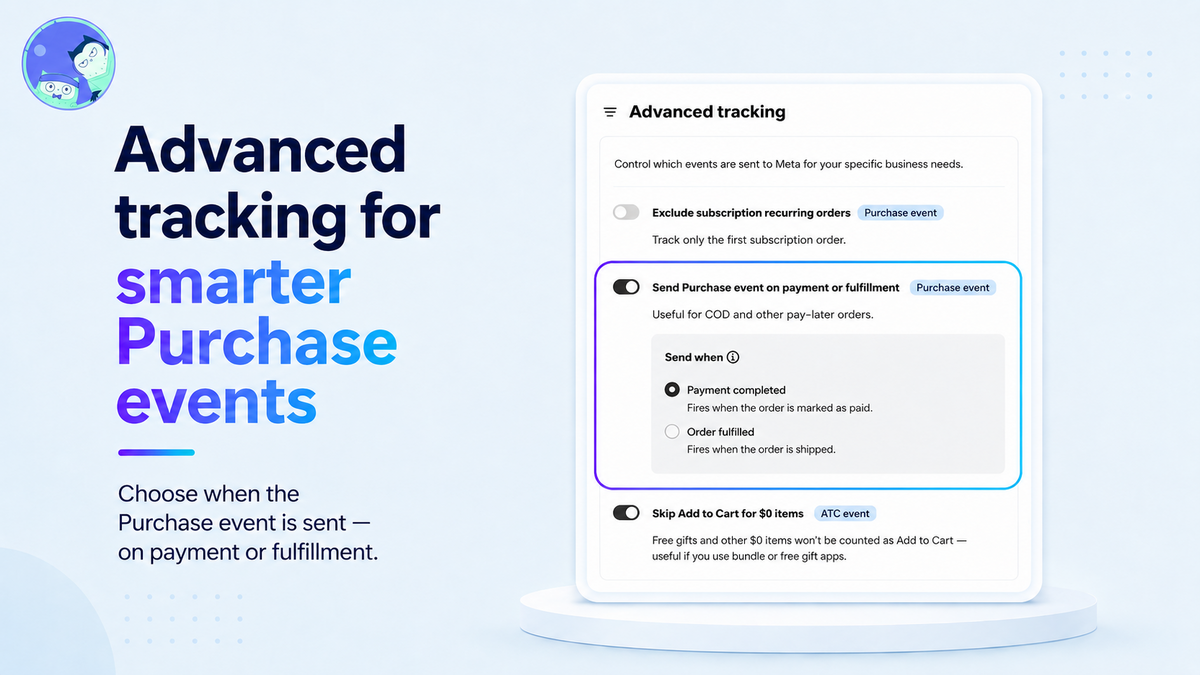
3 New Rules to Clean Up Your Meta Signal
You can now fine-tune exactly when and which events Omega Pixels sends back to Meta. These rules are designed for specific business models and are turned off by default, giving you total control over your event pipeline.
1. Send Purchase Event on Payment or Fulfillment
Best for: COD stores, Pre-orders, and Pay-Later models.
The Pain Point: In regions like Southeast Asia, India, MENA, and Latin America, COD cancellation rates can reach 20% - 40%. When a customer places a COD order, the pixel fires a
Purchaseimmediately. Three days later, the customer fails to answer the door. The order is canceled, but Meta never learns about it. Your reported Return on Ad Spend (ROAS) looks amazing, but your bank account tells a very different story.The Fix: Omega Facebook Pixels now lets you delay the
Purchaseevent until the order status changes to Payment completed or Order fulfilled. Orders canceled or refunded before that point are never sent to Meta.The Result: The algorithm only learns from actual, paying customers. Your targeting sharpens, and your reported ROAS reflects real revenue.
Note on Attribution Windows: Meta attributes sales within a 7-day window from the ad click. If an order takes longer than 7 days to fulfill or collect payment, it may fall outside Meta’s attribution window.
2. Exclude Subscription Recurring Orders
Best for: Subscription & recurring billing stores.
The Pain Point: When an existing subscriber renews their monthly plan, a new order is generated in Shopify. If your pixel fires a
Purchasefor every renewal, Meta takes credit for repeat orders that your active ad campaigns didn't directly earn. This artificially inflates your ad ROAS and tricks you into overscaling underperforming campaigns.The Fix: Enable this rule to track only the initial subscription purchase. Automatic renewals are automatically filtered out.
The Result: You get an accurate view of First-Time Customer Acquisition Cost (CAC) and real campaign efficiency.
3. Skip Add to Cart for $0 Items
Best for: Stores running free gifts, bundles, or promotional apps.
The Pain Point: Many popular Shopify apps automatically push a $0 bonus item or free sample into the cart. This triggers a standard
AddToCartevent, flooding Meta with low-intent signals from shoppers who merely hit a cart threshold rather than showing explicit intent for high-margin products.The Fix: Omega Facebook Pixels automatically suppresses
AddToCartevents for any item priced at $0 (including items discounted 100% off). In mixed carts, your paid items continue to fire normally.The Result: Meta’s optimization focuses strictly on high-value product intent.
How to Set It Up in 60 Seconds
Setting up these rules takes less than a minute directly inside your Shopify admin.
Navigate to Settings Inside Omega Facebook Pixels
Open your Omega Facebook Pixels app dashboard on Shopify and click on Settings in the left-hand navigation.
Select Advanced Settings:
Scroll down or click into the Advanced settings section to view the configurable event rules.
Toggle Your Required Rules:
Turn on only the rules that apply to your store setup (e.g., toggle Send Purchase event on payment or fulfillment and select either Payment completed or Order fulfilled).
Save Changes:
Click Save at the top right. Omega Facebook Pixels will immediately begin filtering and timing your Meta pixel events.
Which Rule Should You Enable First?
| Store Type / Offer Structure | Recommended Rule | Why It Matters |
|---|---|---|
| COD / Pay-Later Stores | Send Purchase on Payment/Fulfillment | Prevents Meta from optimizing toward uncollected orders. |
| Subscription / Box Services | Exclude Subscription Recurring Orders | Prevents repeat charges from artificially inflating campaign ROAS. |
| Bundle & Gift-With-Purchase | Skip Add to Cart for $0 Items | Removes low-intent noise caused by auto-added freebies. |
Conclusion
Scaling Meta ads in today's eCommerce climate isn't just about spending more; it's about feeding the algorithm cleaner data. Whether you're battling high COD cancellation rates, managing recurring subscription revenue, or running free-gift promotions, sending phantom signals to Meta damages your targeting and burns ad budget.
By customizing your event triggers with Omega’s Advanced Settings, you protect your pixel from unnecessary noise, ensure Meta optimizes for real cash flow, and keep your reported ROAS aligned with true business growth.
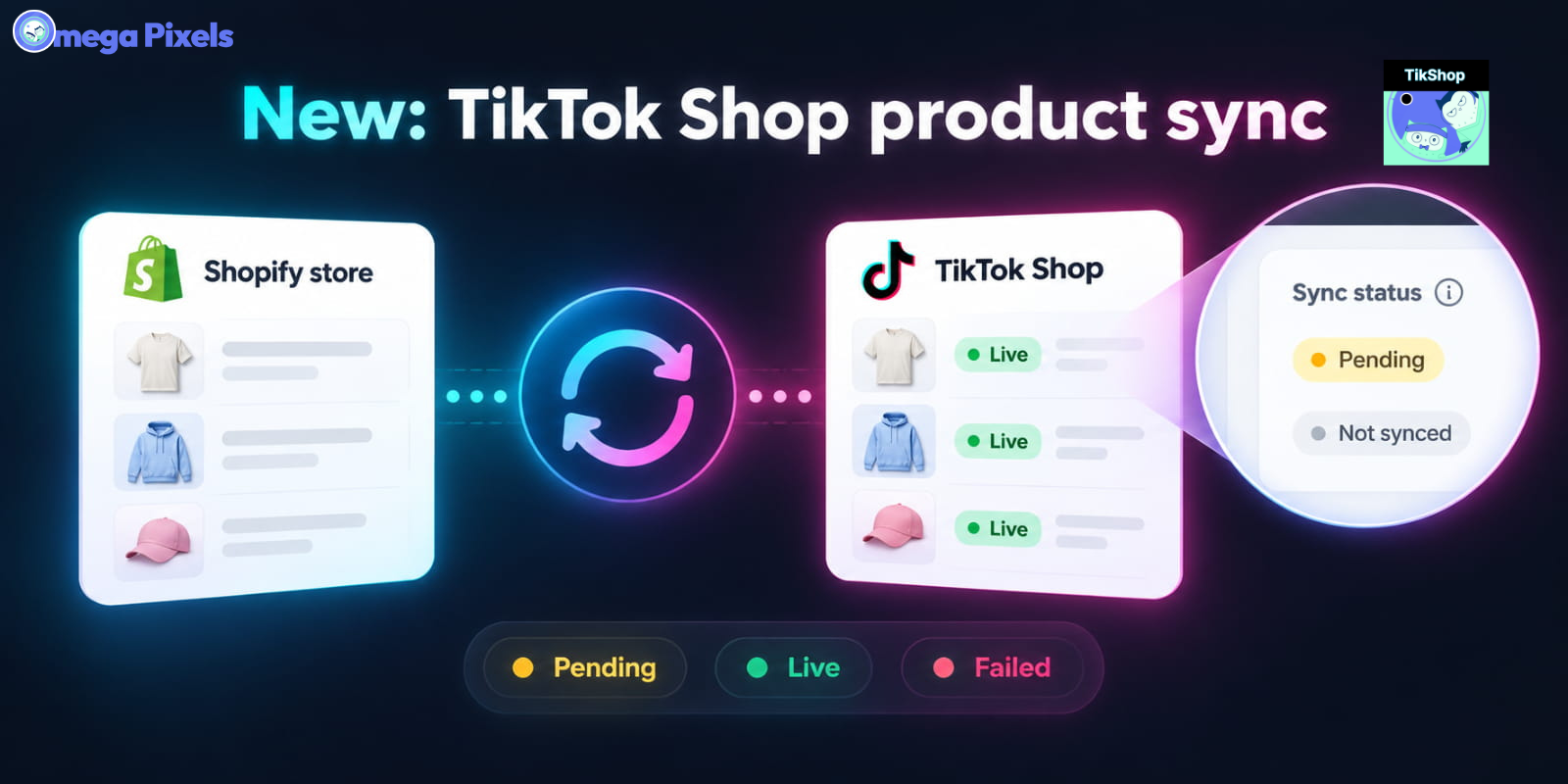
Sync Shopify Products to TikTok Shop directly with Omega TikTok Pixels
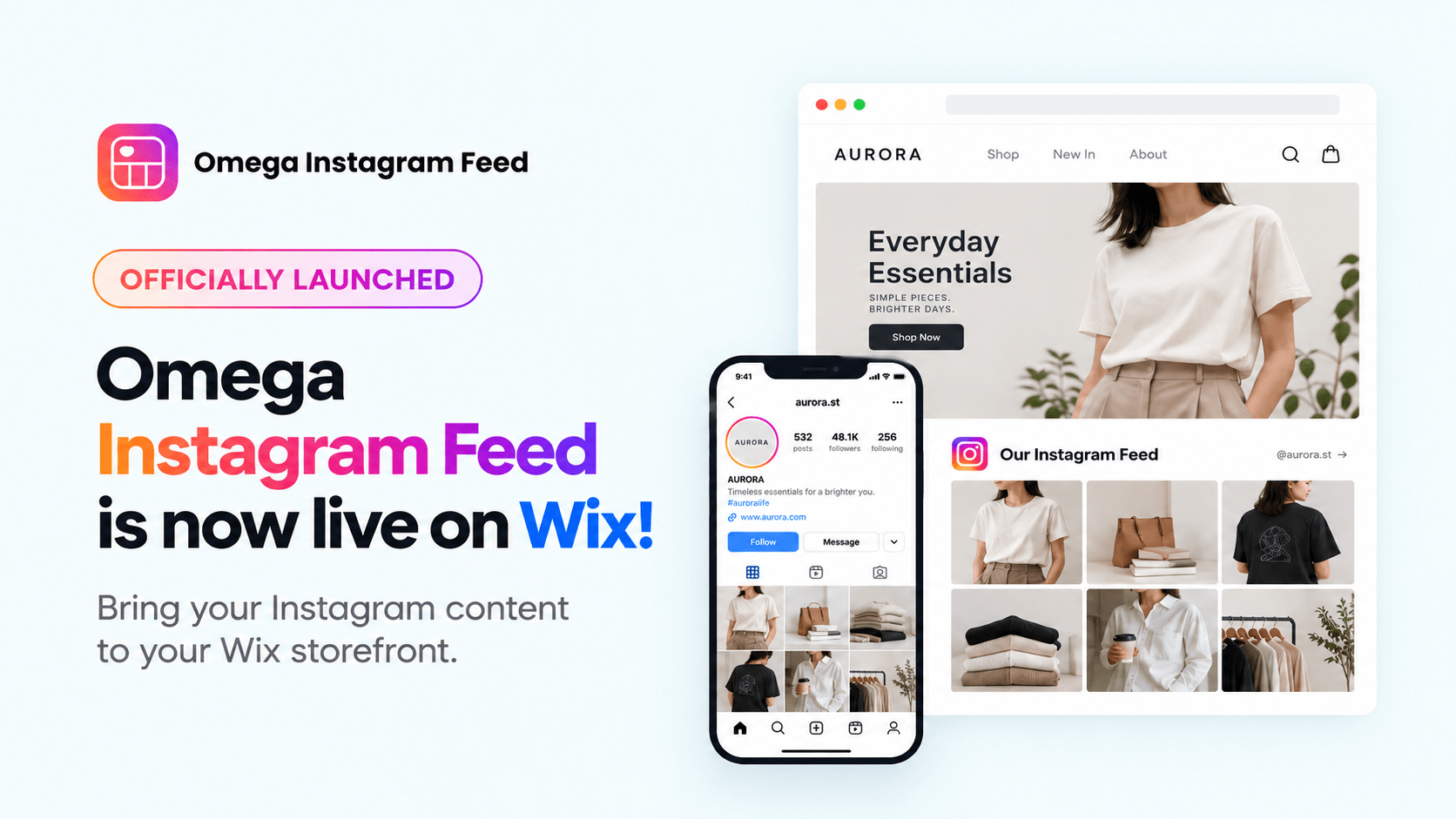
Transform Wix Storefronts with Shoppable Instagram Galleries: Omega Instagram Feed Launch

Stop Bots From Training Your Meta Ads: Introducing Bot & Fraud Protection
New in Omega Facebook Pixel: Audience Report
Sync Shopify Products to TikTok Shop directly with Omega TikTok Pixels
Transform Wix Storefronts with Shoppable Instagram Galleries: Omega Instagram Feed Launch
Stop Bots From Training Your Meta Ads: Introducing Bot & Fraud Protection
New in Omega Facebook Pixel: Audience Report
Automated TikTok Pixel Consent Tracking Is Now Live
Sync Shopify Products to TikTok Shop directly with Omega TikTok Pixels
Transform Wix Storefronts with Shoppable Instagram Galleries: Omega Instagram Feed Launch
Stop Bots From Training Your Meta Ads: Introducing Bot & Fraud Protection
New in Omega Facebook Pixel: Audience Report