Automated Consent Tracking in Omega Google Ads: Zero-Setup Privacy Compliance for Your Shopify Store


Managing customer privacy compliance across regional banner setups and tracking scripts often creates operational friction and compliance risks for e-commerce merchants. Previously, store owners using Omega Google Ads had to manually choose between tracking modes like "Track all" and "Respect consent," leaving room for configuration errors and inconsistent data handling across marketing channels.
With our latest update, consent tracking in Omega Google Ads is now always on and completely automated. The app automatically reads visitor consent signals and aligns data sharing with Google Ads and GA4 accordingly. You get zero-setup privacy compliance for shoppers in regulated regions while keeping your internal order reporting accurate and untouched.
What’s New: Core Feature Breakdown
To eliminate setup complexity and reduce human error, Omega Google Ads now manages consent processing entirely in the background. Instead of requiring store owners to manually decide how tracking scripts behave in different regions, the app integrates directly with privacy banners to ensure data collection strictly aligns with shopper preferences.
Always-On Automated Consent Handling
Omega Google Ads automatically detects visitor consent choices via Shopify's Customer Privacy API or supported third-party consent banners and respects them per channel. If a visitor declines consent or if their preference is not yet known while the banner loads, data is not sent to the relevant Google channel.
Granular, Channel-Specific Logic
Consent is evaluated independently for each Google destination. Analytics consent controls event forwarding to GA4, while marketing consent controls Google Ads. Declining one channel does not block the other if the shopper accepted them separately.
Updated Dashboard & Event Overview UI
The app Home screen explicitly displays consent tracking as "On," and the Event Overview provides a clear confirmation that all collected events comply with visitor preferences.
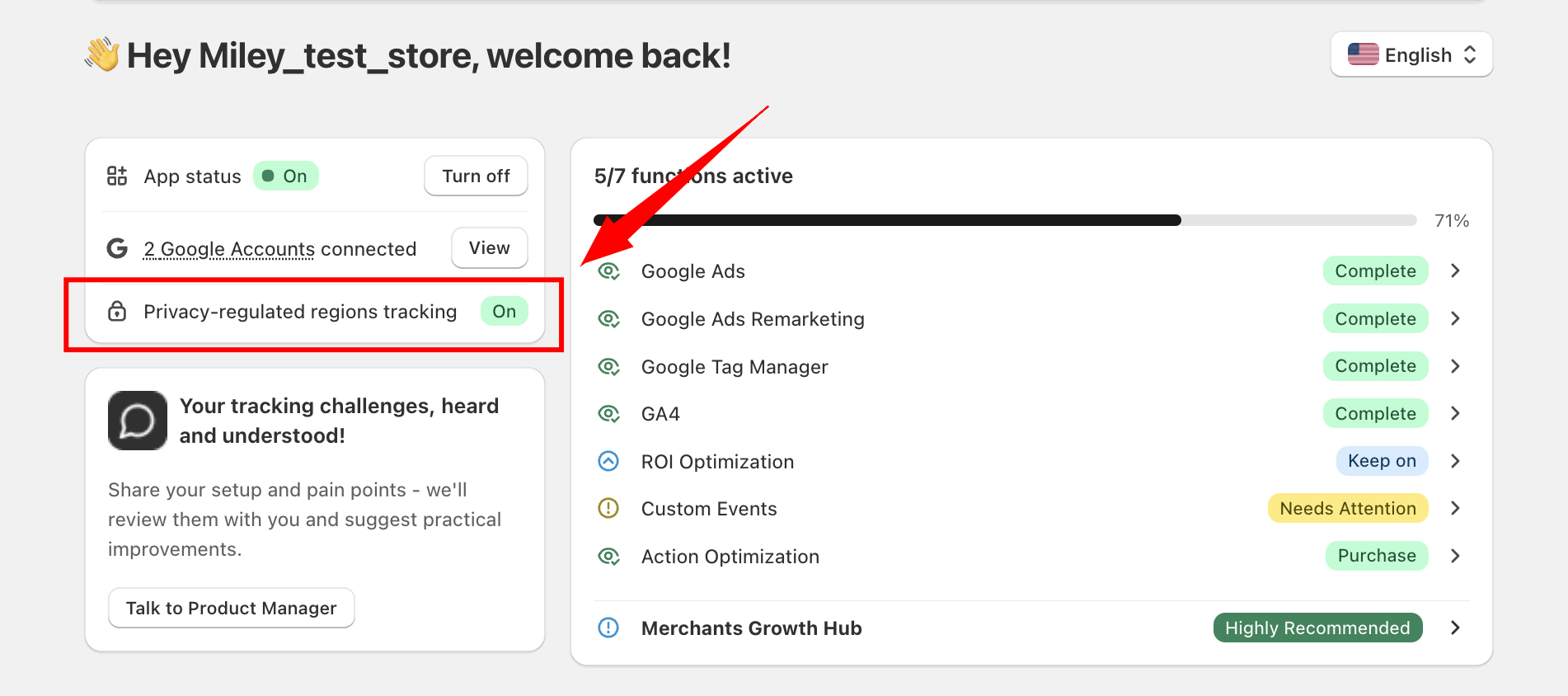
Zero-Setup Maintenance
Store owners do not need to choose tracking modes or configure settings inside Omega Google Ads. The update is already enabled and active for all stores.
Why This Matters for Your Shopify Store
Navigating privacy regulations across the EU/EEA, UK, and US states like California can be daunting for growing e-commerce brands. This update gives store owners confidence that their tracking pipeline adheres to privacy laws without compromising critical operational data.
Guaranteed Privacy Compliance Without Sales Data Loss
Shoppers in privacy-regulated markets have their preferences strictly respected without manual intervention. Crucially, your store’s orders remain fully visible inside the Omega Google Ads dashboard regardless of shopper consent - consent choices only dictate what data is shared externally with Google Ads and GA4.
Elimination of Configuration Errors & Safe Defaults
By removing manual toggles like "Track all," Omega Pixels prevents accidental non-compliance. The app defaults to blocking event transmission until consent is known, relying entirely on Shopify's consent signals rather than guessing regional status by IP address or overriding shopper choices.
👉 Learn more about consent tracking
How to Get Started
The update is already live on your account with zero app configuration required. Follow these three quick steps to confirm your setup and verify tracking:
1. Enable a Consent Banner in Shopify
Go to Shopify Admin → Settings → Customer privacy and turn on a consent banner for regulated regions (or use a supported third-party app). Without an active banner, Shopify cannot flag regulated visitors to apply consent rules.
2. Check Your Dashboard Status
Open Omega Google Ads to view your Home screen and Event Overview. You will see confirmation that consent tracking is On and that collected events comply with visitor preferences.
3. Test "Accepted" and "Declined" Paths
Use the in-app Test event feature to place test orders under both consent choices. Test events run safely without altering live data, allowing you to verify that accepted events reach Google while declined events are blocked.
Conclusion
Automating visitor consent tracking allows you to maintain shopper trust and comply with global privacy standards while keeping your store operations running smoothly. The update is already live and active in your account - no manual setup required.
If you have questions or need support, reach out to the team via live chat in the app or reply directly to our support emails.

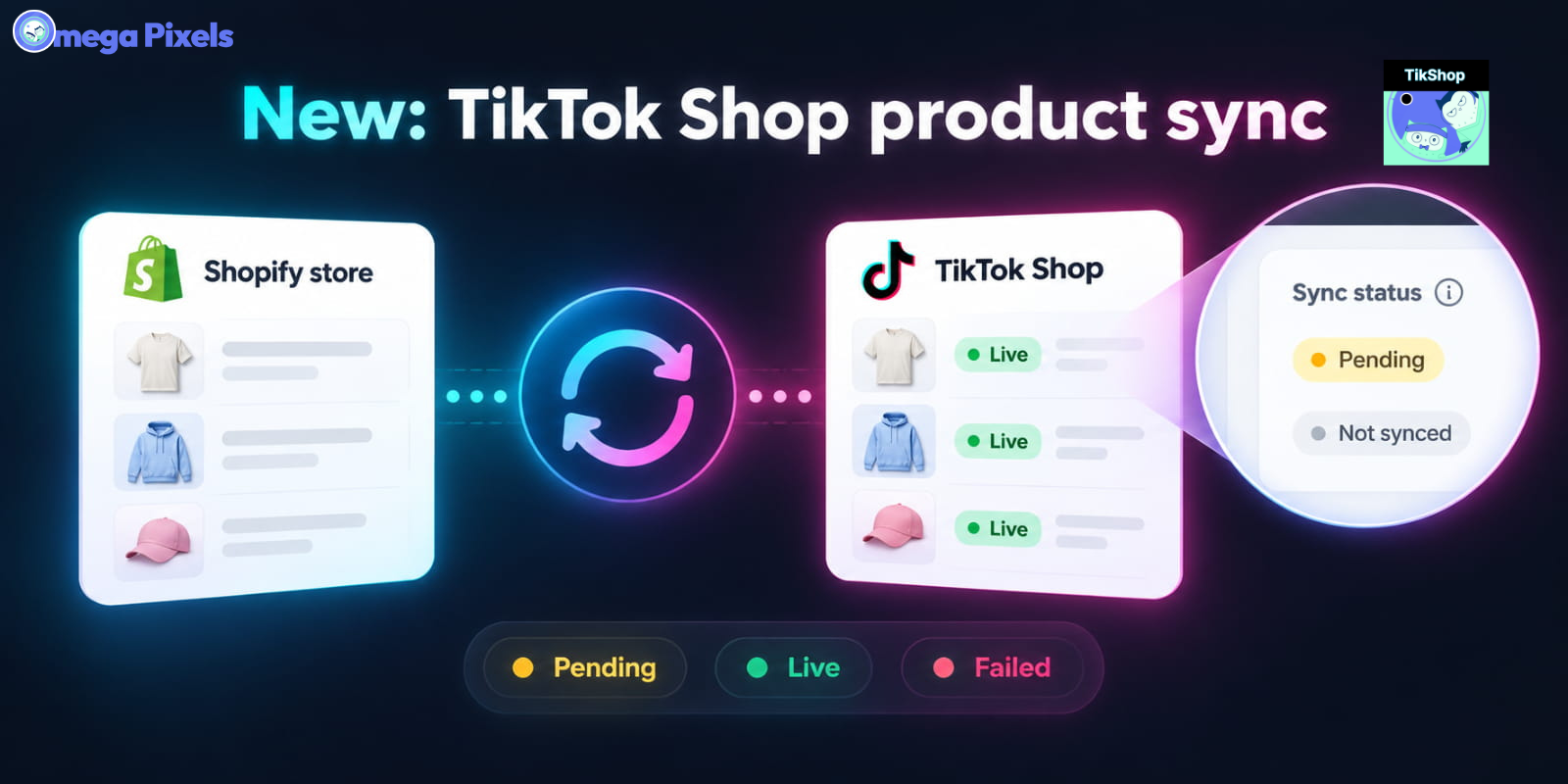
Sync Shopify Products to TikTok Shop directly with Omega TikTok Pixels
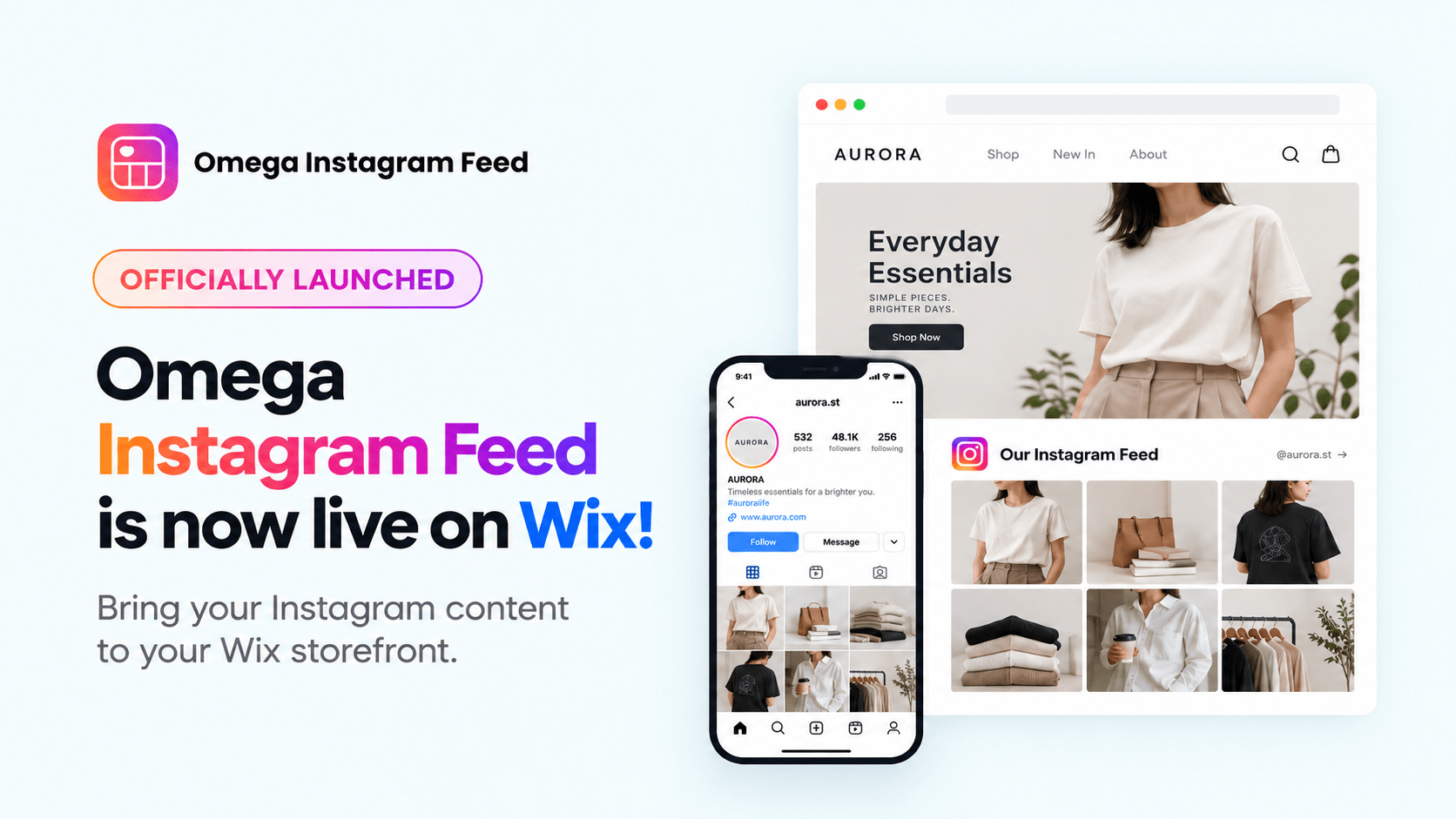
Transform Wix Storefronts with Shoppable Instagram Galleries: Omega Instagram Feed Launch

Stop Bots From Training Your Meta Ads: Introducing Bot & Fraud Protection
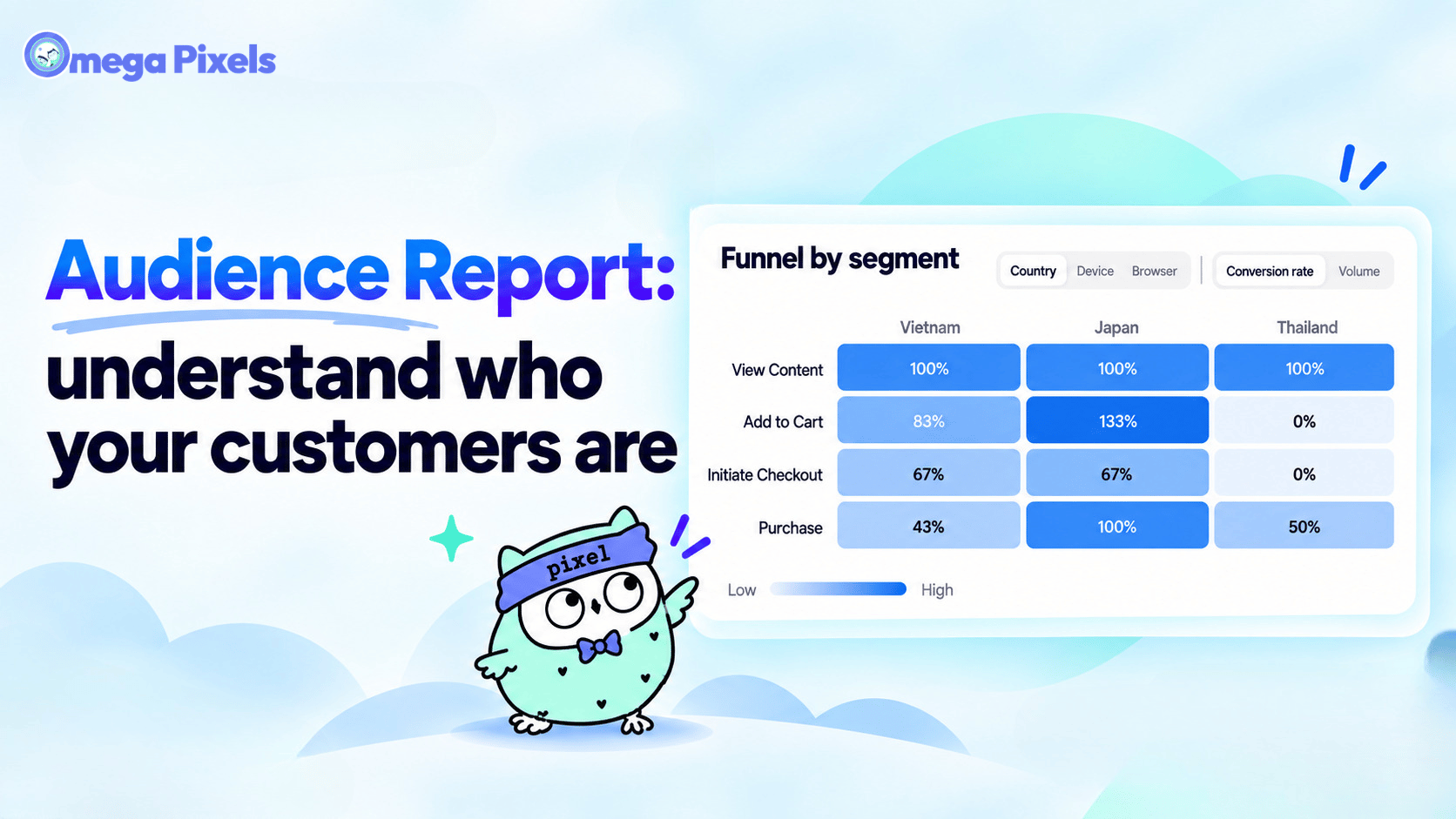
New in Omega Facebook Pixel: Audience Report
Sync Shopify Products to TikTok Shop directly with Omega TikTok Pixels
Transform Wix Storefronts with Shoppable Instagram Galleries: Omega Instagram Feed Launch
Stop Bots From Training Your Meta Ads: Introducing Bot & Fraud Protection
New in Omega Facebook Pixel: Audience Report
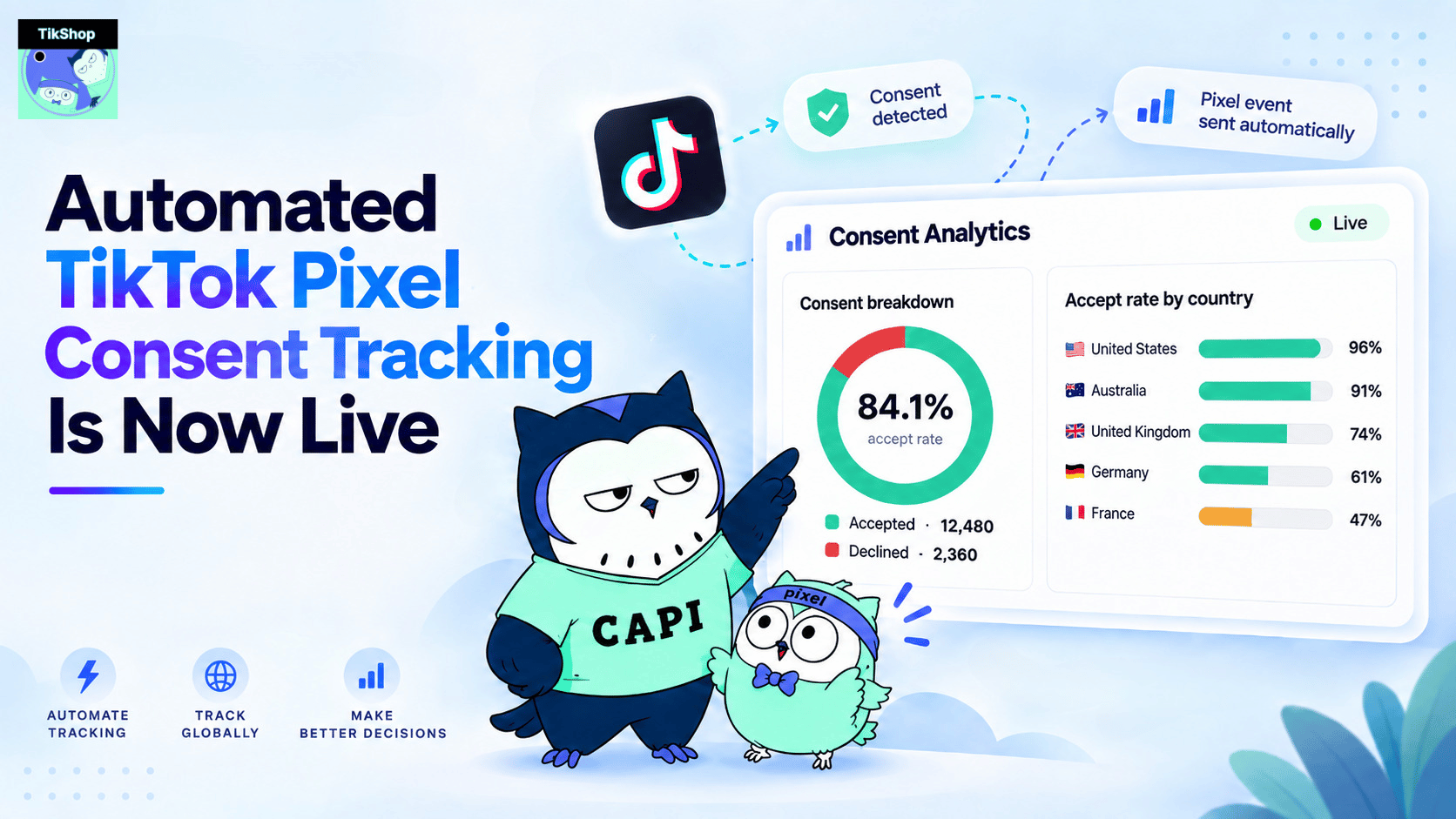
Automated TikTok Pixel Consent Tracking Is Now Live
Sync Shopify Products to TikTok Shop directly with Omega TikTok Pixels
Transform Wix Storefronts with Shoppable Instagram Galleries: Omega Instagram Feed Launch
Stop Bots From Training Your Meta Ads: Introducing Bot & Fraud Protection
New in Omega Facebook Pixel: Audience Report