Clearer TikTok UTM Parameters for Shopify Order Tracking


A TikTok order lands in your store. Was it the retargeting ad group or the new video creative? When TikTok UTM parameters don't follow one consistent format, answering that question means jumping between Ads Manager, spreadsheets and order notes.
Omega TikTok Pixels now takes that step out. Every purchase event shows its UTM source and UTM medium right in the table, and newly generated UTM links follow TikTok's standard fields. You see where each order came from at a glance, and the data lines up with other analytics tools like GA4.
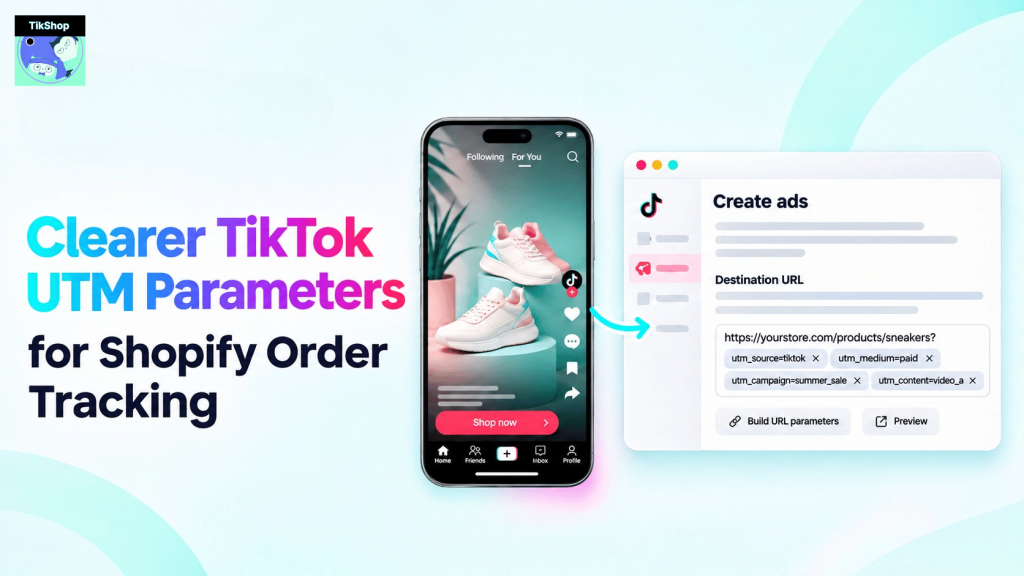
TikTok UTM Parameters Now Show Source and Medium on Every Purchase
This update touches three places in the Omega TikTok Pixels app:
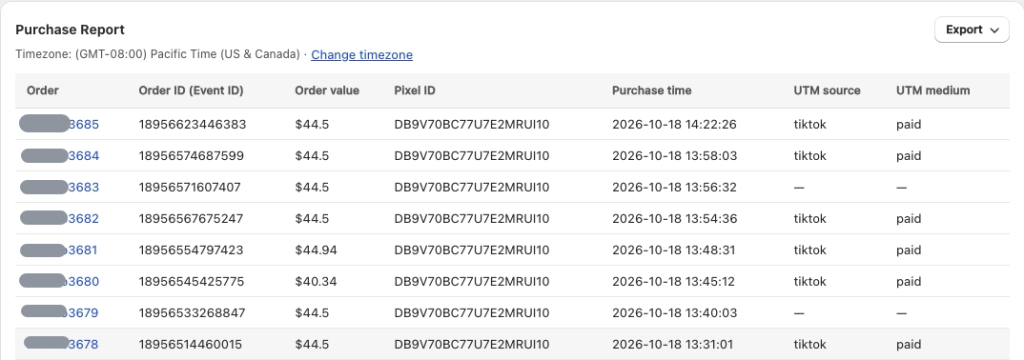
- Purchase events table: two new columns, UTM source and UTM medium, show the origin of each purchase without opening the order.
- UTM report: a new UTM medium column sits right after UTM source, so you can compare traffic types side by side.
- New UTM links in TikTok's standard format: links now include
utm_medium=paidby default, pass the ad group name inutm_termand the ad name inutm_content. - Custom parameters: optional custom parameters work the same as before.
Availability: UTM attribution and order paths are part of the Growth plan and above. All paid plans include a 7-day free trial.
Why Standard TikTok UTM Tracking Makes Attribution Faster
UTM data is only useful when every link speaks the same language. Older links had no utm_medium and used a few custom fields, which made it slower to read where an order came from. With TikTok's standard fields, paid TikTok traffic is labeled the same way in Omega as in tools like GA4, so you compare one set of numbers instead of translating between two.
What You See in Purchase Events and the UTM Attribution Report
Open the Purchase events table and each order now carries its UTM source (for example tiktok) and UTM medium (for example paid). In the UTM attribution report, the new UTM medium column appears directly after UTM source, alongside your campaign, ad group and ad data.
You can still filter the report by campaign, ad group, ad, date range or individual UTM parameter, and open the order list for each level. Data updates in real time, so a fresh order shows up with its source and medium as soon as it is tracked.
Here is what each parameter in the new link records:
| Parameter | What it records |
|---|---|
utm_source | The platform the visit came from (tiktok) |
utm_medium | The traffic type (paid by default for TikTok ads) |
utm_campaign | Your TikTok campaign name |
utm_term | Your TikTok ad group name |
utm_content | Your TikTok ad name |
utm_id | Your TikTok campaign ID |
How to Update Your TikTok UTM Parameters in Omega
Quick setup (4 steps)
- In Omega TikTok Pixels, open Set up UTM Parameters for TikTok ads (from the UTM report, click Set up now or Setup UTM) and copy the new UTM link.
- In TikTok Ads Manager, go to the Campaign tab -> Create. TikTok doesn't let apps edit the URL of a published ad, so add the link to a new ad.
- At the ad level, paste the link into the Destination section, then click Publish ad or Save.
- Wait for TikTok to review the ad. Once approved, the link is active and new orders show UTM source and UTM medium in Omega.
Customizing the destination URL (optional)
This is the default link the app generates:
your-store.myshopify.com/?utm_source=tiktok&utm_medium=paid&utm_campaign=__CAMPAIGN_NAME__&utm_term=__AID_NAME__&utm_content=__CID_NAME__&utm_id=__CAMPAIGN_ID__&ad_group_id=__AID__&ad_id=__CID__You can swap your-store.myshopify.com/ for a product or collection URL and change the value of utm_medium. Keep every other parameter as it is, since changing or mixing them with other UTM schemes can leave orders untracked. You can also add your own custom parameters if you need them.
Old UTM Links: What Stays the Same and What Changes
- Campaign, ad group and ad tracking continue: orders from ads that still use an older Omega link are attributed to the right campaign, ad group and ad as usual.
- UTM medium shows "--": older links don't include
utm_medium, so those orders show "--" in the UTM medium column. Orders without any UTM data show the same. - Medium appears once you switch: UTM medium is recorded from the moment a new ad with the newly generated link goes live.
You don't have to rebuild running campaigns today. Use the new link as you create your next ads, and your UTM medium data fills in from there.
Start Tracking UTM Medium in Omega TikTok Pixels Today
The update is live now. Open Set up UTM Parameters for TikTok ads, copy the new link, and add it to your next TikTok ads. For screenshots of each step, read the UTM attribution report guide in our help center, or reach our team on 24/7 live chat if you want your UTM setup reviewed.
See where every TikTok order comes from
Track purchases by campaign, ad group, ad, UTM source and UTM medium in one Shopify dashboard.
Try Omega TikTok Pixel
- 1 TikTok UTM Parameters Now Show Source and Medium on Every Purchase
- 2 What You See in Purchase Events and the UTM Attribution Report
- 3 How to Update Your TikTok UTM Parameters in Omega
- 4 Old UTM Links: What Stays the Same and What Changes
- 5 Start Tracking UTM Medium in Omega TikTok Pixels Today
- 6 See where every TikTok order comes from

New in Omega TikTok Pixel: Connect your catalog to a pixel
11+ ChatGPT ads examples for online stores (with copy templates)
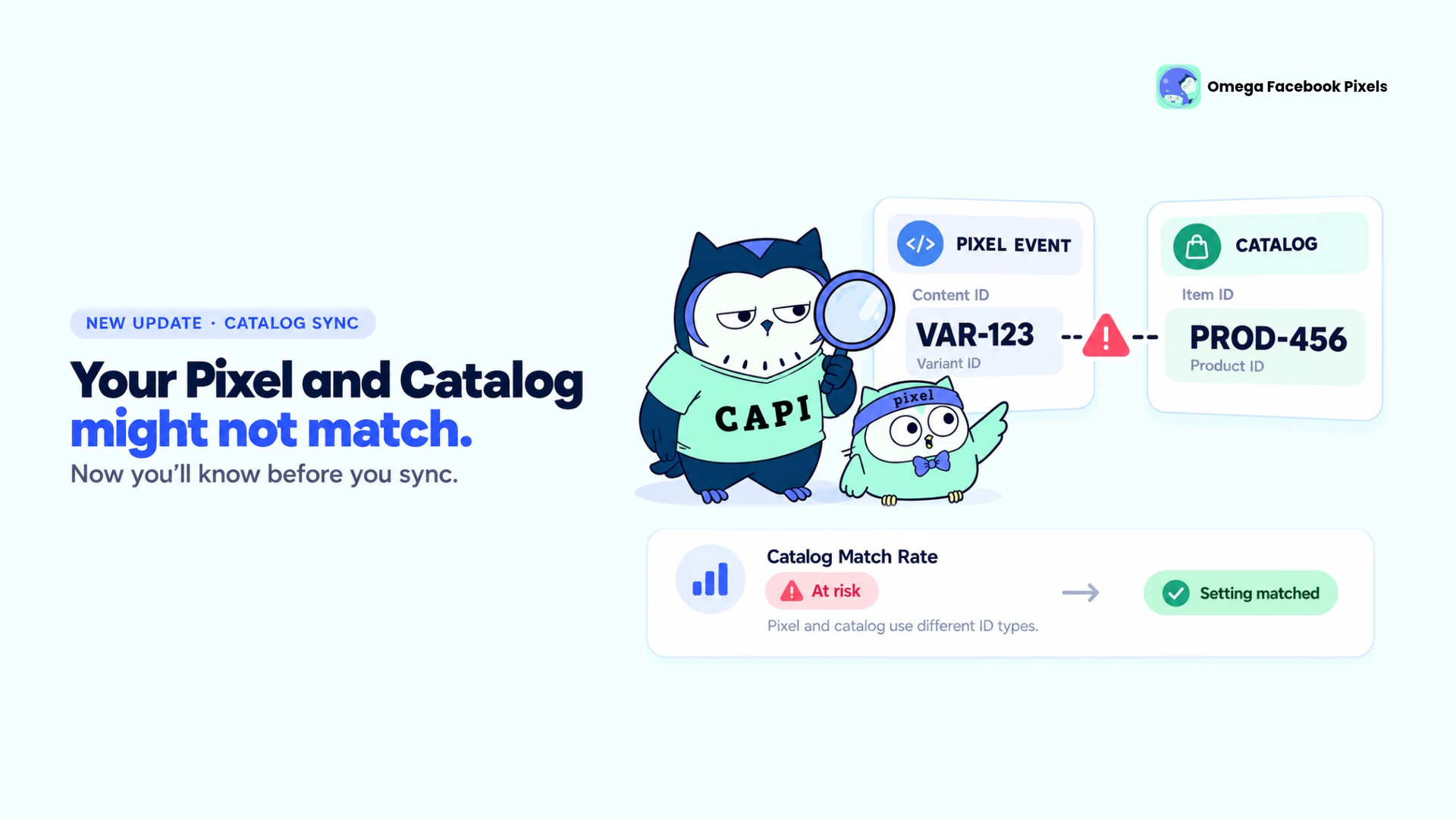
Omega Facebook Pixels Catches Catalog and Pixel Mismatches Before Your Match Rate Drops
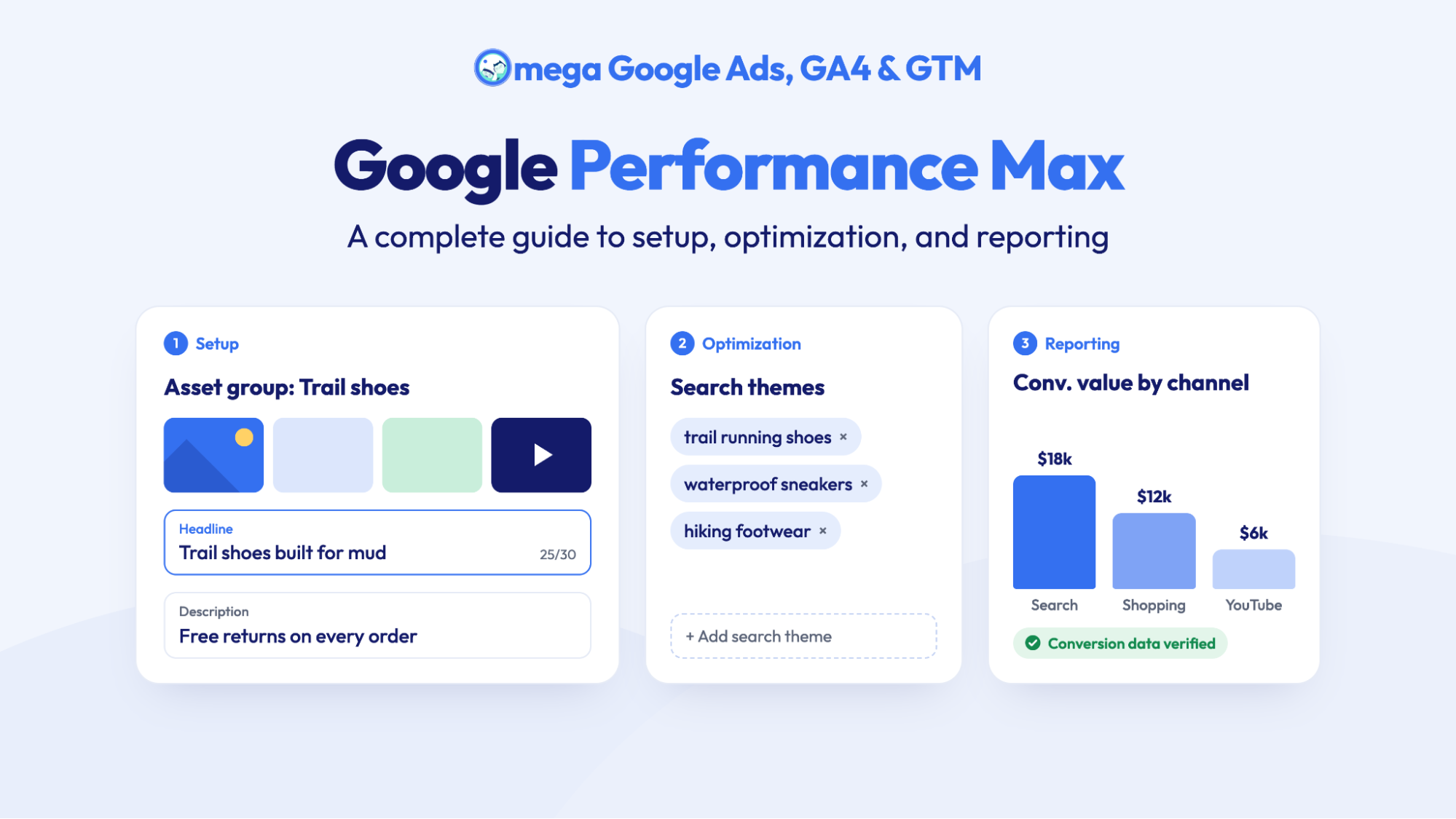
Google Performance Max: A complete guide to setup, optimization, and reporting
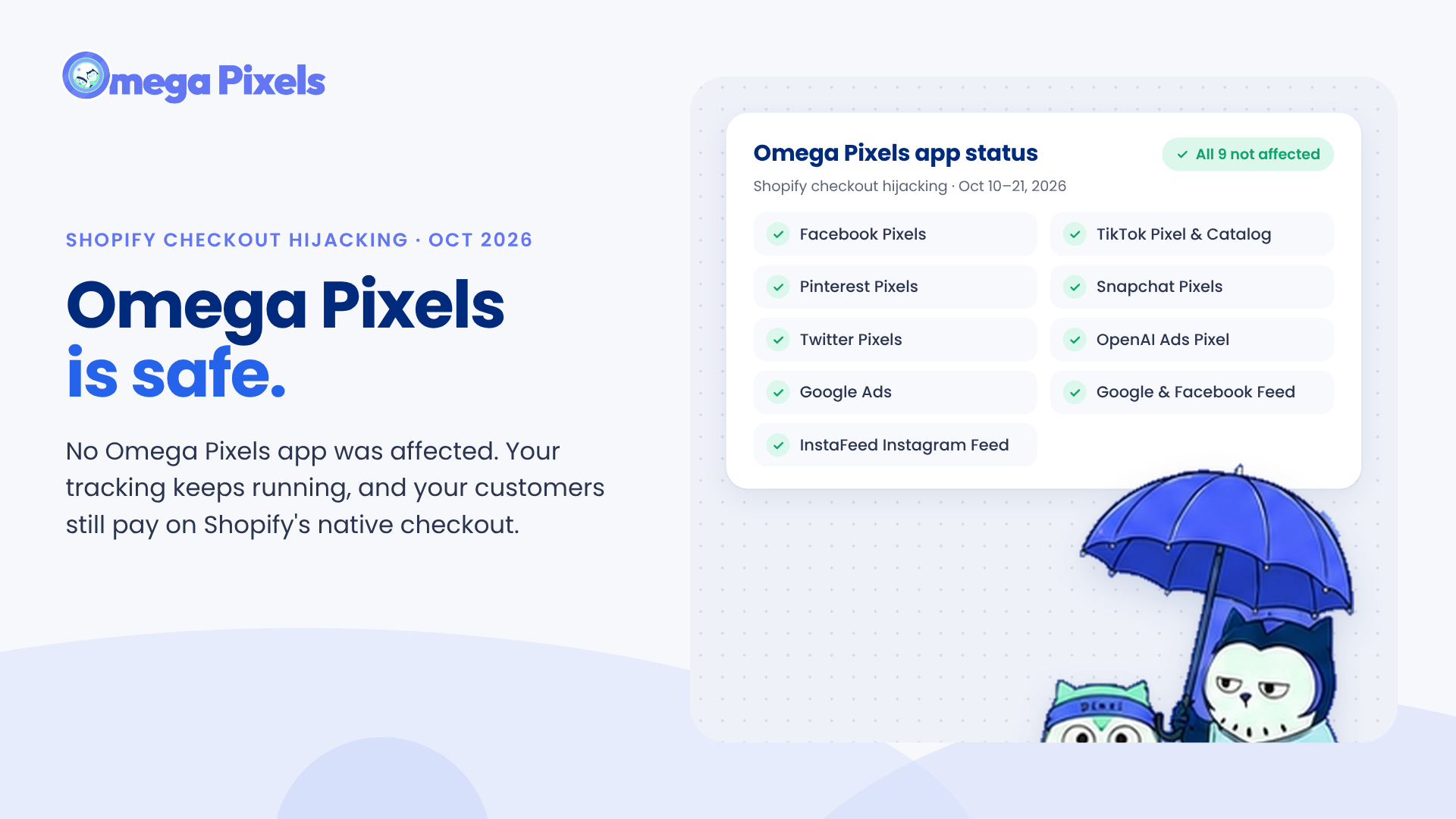
Are Omega Pixels Safe After the Shopify Checkout Hijacking? Yes, Here's Why
New in Omega TikTok Pixel: Connect your catalog to a pixel
11+ ChatGPT ads examples for online stores (with copy templates)
Omega Facebook Pixels Catches Catalog and Pixel Mismatches Before Your Match Rate Drops
Google Performance Max: A complete guide to setup, optimization, and reporting