Introducing Multi-Instagram Accounts Support in Omega InstaFeed


Most Instagram feed apps on Shopify share a fragile, outdated assumption: they assume you have exactly one brand, one account, and one linear feed. But if you are scaling a modern e-commerce setup, you already know how quickly that assumption breaks down.
Whether you are a multi-brand retailer managing dedicated Instagram handles for individual labels, an international enterprise running regional accounts for local markets, a creator pushing distinct product lines, or an agency balancing a fleet of client storefronts - you all hit the exact same roadblock. You are forced into tedious workarounds, buying multiple app subscriptions, or sacrificing your cross-brand social strategies completely.
We built a permanent fix. Omega InstaFeed has officially shipped Multi-Instagram Accounts support. You can now seamlessly link multiple Instagram profiles to a single Shopify store, curate highly specific feeds from any combination of accounts, and deploy them across different strategic touchpoints on your site.
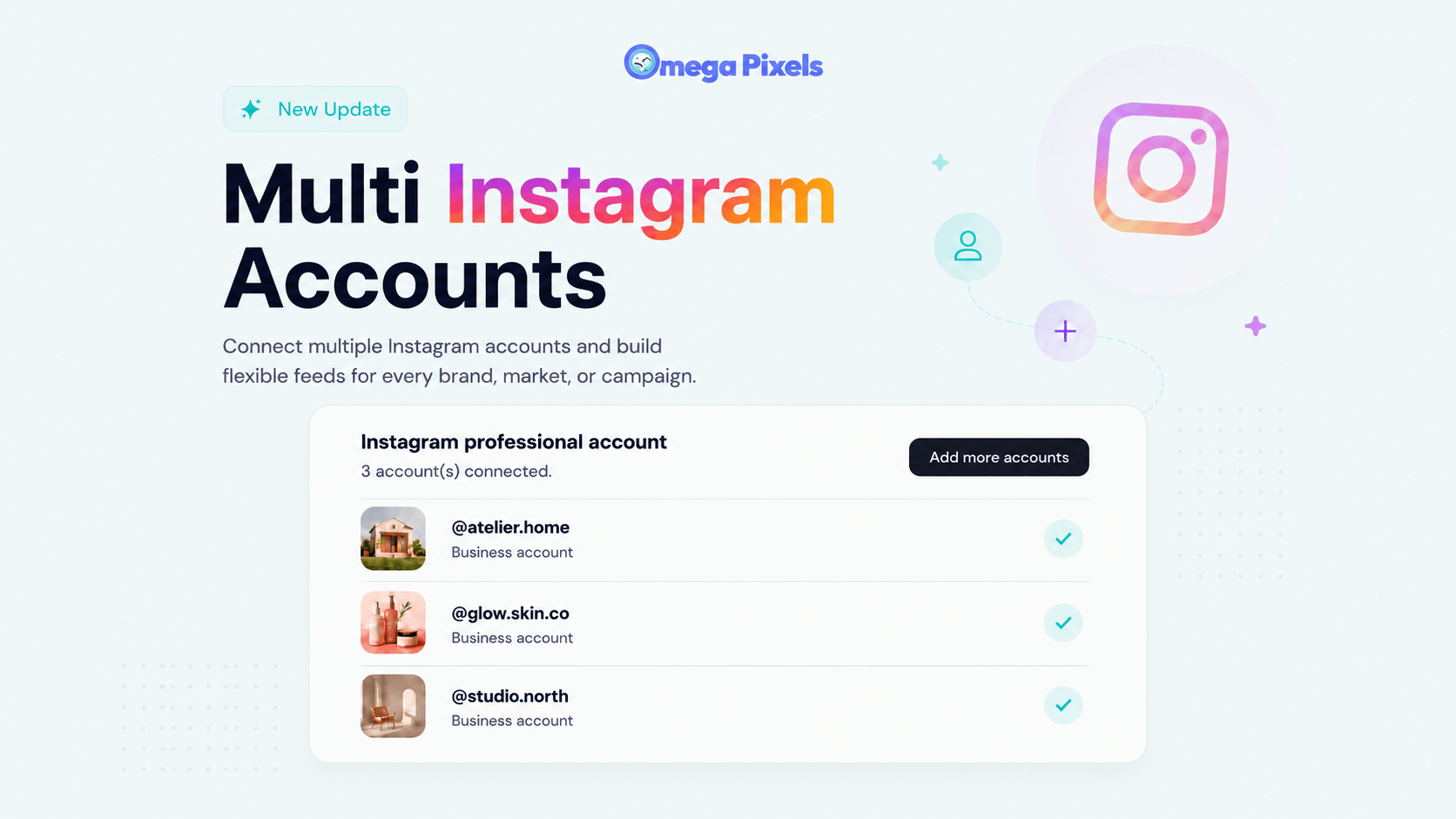
One Dashboard, Endless Flexibility: Key Capabilities
This update transforms Omega InstaFeed from a simple display widget into a multi-tenant social commerce hub for your storefront. Here is what this looks like in practice:
Unified Brand Aggregation: Seamlessly authorize and hold connections to multiple distinct Instagram accounts simultaneously without disconnecting previous profiles.
Context-Aware Feed Deployment: Build unique feeds mapped to specific business intents. Place your global flagship brand feed on your homepage, localized regional feeds on market-specific pages, or distinct campaign-driven galleries on dedicated landing pages.
Multi-Source Hybrid Feeds: Create a dynamic layout that streams media from a single profile or aggregates a collective gallery pulled from multiple connected accounts at once.
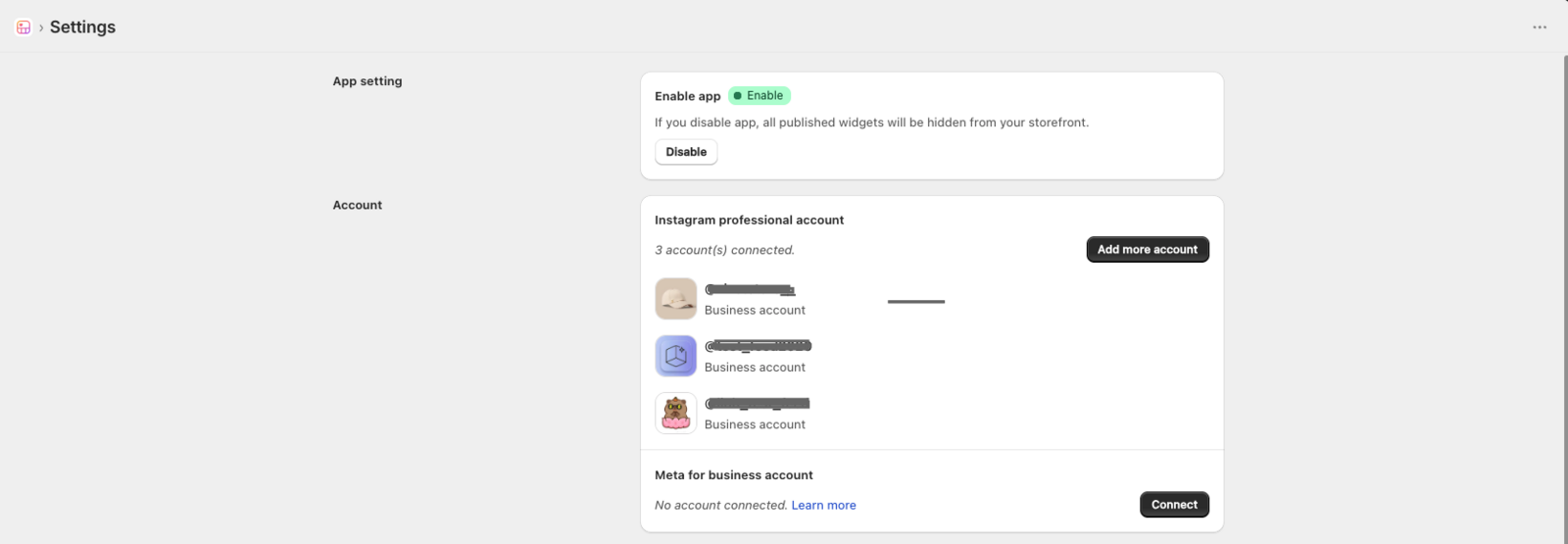
Available Plans: This advanced capability is unlocked exclusively for merchants on our Growth and Plus plans, giving growing businesses and high-volume brands the precise architecture they need to scale social commerce.
A Deep Dive into Your New Content Workflows
To ensure this added power didn't add complexity, we have completely upgraded the app's media engine and interface layout. Connecting, tracking, and displaying visual assets is now entirely intuitive.
Frictionless Multi-Account Authorization
Adding secondary accounts fits naturally into your existing workflow. You can expand your portfolio via two core touchpoints:
Via the Media Library: When importing fresh content, simply open the media import modal and click the new "Add more" option to authenticate an additional handler on the fly.
- Via App Settings: Manage your entire matrix of brand profiles directly within a clean, centralized list inside your Settings page.
Complete Visibility in Your Media Library
When you look at a unified media dashboard, tracking where assets come from can get messy. To fix this, your Media Table now includes a dedicated "Account" column. Every imported image, video, and Reel is explicitly tagged with its originating handle, ensuring your team retains absolute clarity over asset origins.
How the Architecture Adapts to Your Business Model
| Business Model | Strategic Implementation with Multi-Accounts |
|---|---|
| Multi-Brand Retailers | Run independent galleries for distinct labels. Display Label A's feed on its exclusive collection pages, while keeping Label B's assets cleanly separated. |
| International Stores | Match your social context with consumer location. Display local community content from regional accounts based on localized store languages or international domains. |
| Influencer & Creator Brands | Blend product-centric brand assets from your corporate handle alongside lifestyle-heavy media from personal or founder profiles into a high-converting hybrid grid. |
| Campaign & Event Portfolios | Isolate short-term campaign lookbooks or event handles onto high-intent landing pages without disrupting your main site's social presence. |
Maintaining full control over your social pipelines is straightforward. If you ever need to clean up your workspace or cycle out client accounts, head directly to your Settings dashboard. Simply hover your cursor over any active profile row to reveal the instant "Disconnect account" action. This immediately drops the connection and updates your feed structure cleanly without breaking standard operations.
Stop letting rigid single-account apps dictate your e-commerce multi-brand setup. If you're on the Free plan and want to try it out, upgrading takes less than a minute - and both paid plans come with a 7-day free trial.

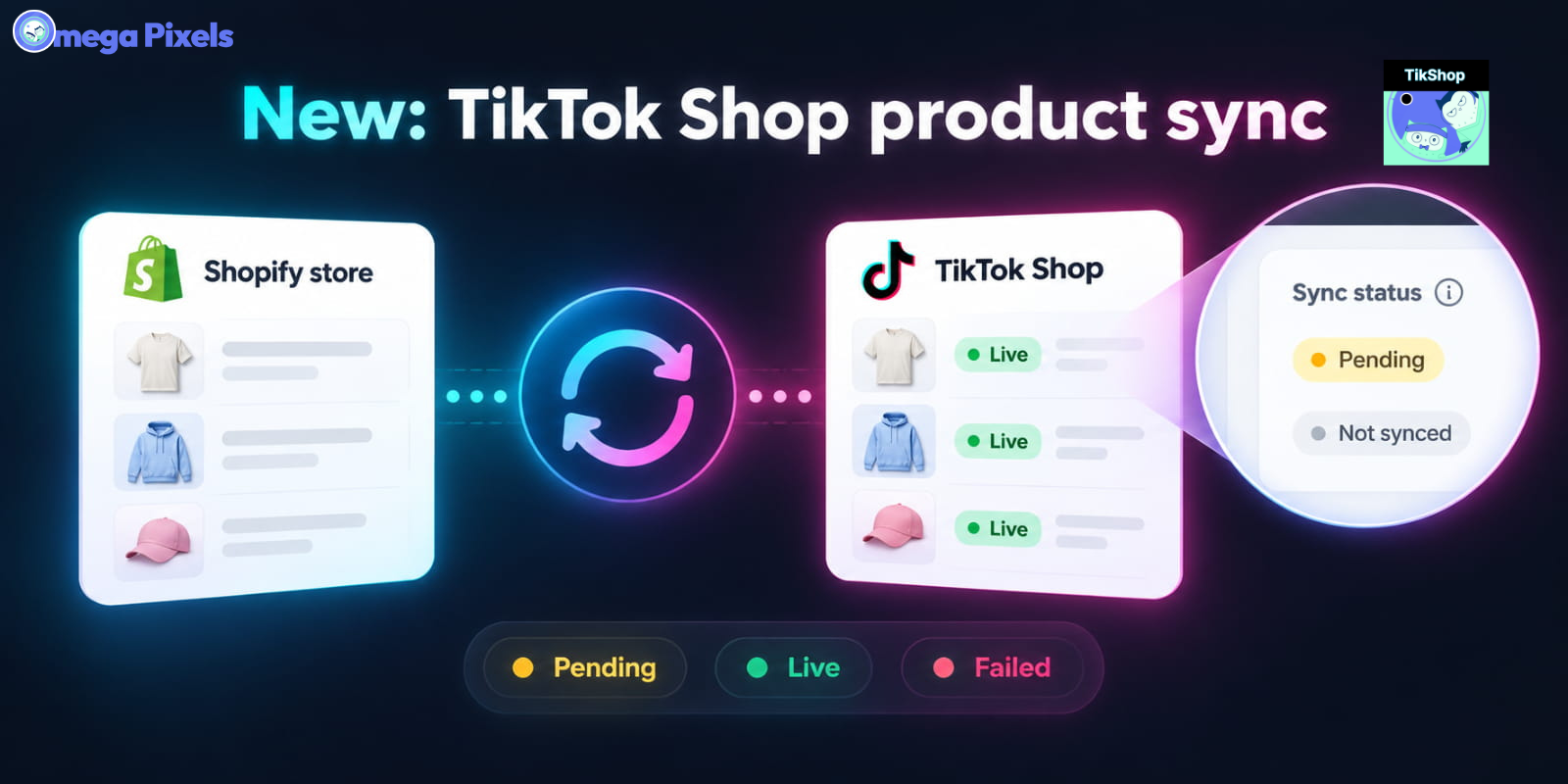
Sync Shopify Products to TikTok Shop directly with Omega TikTok Pixels
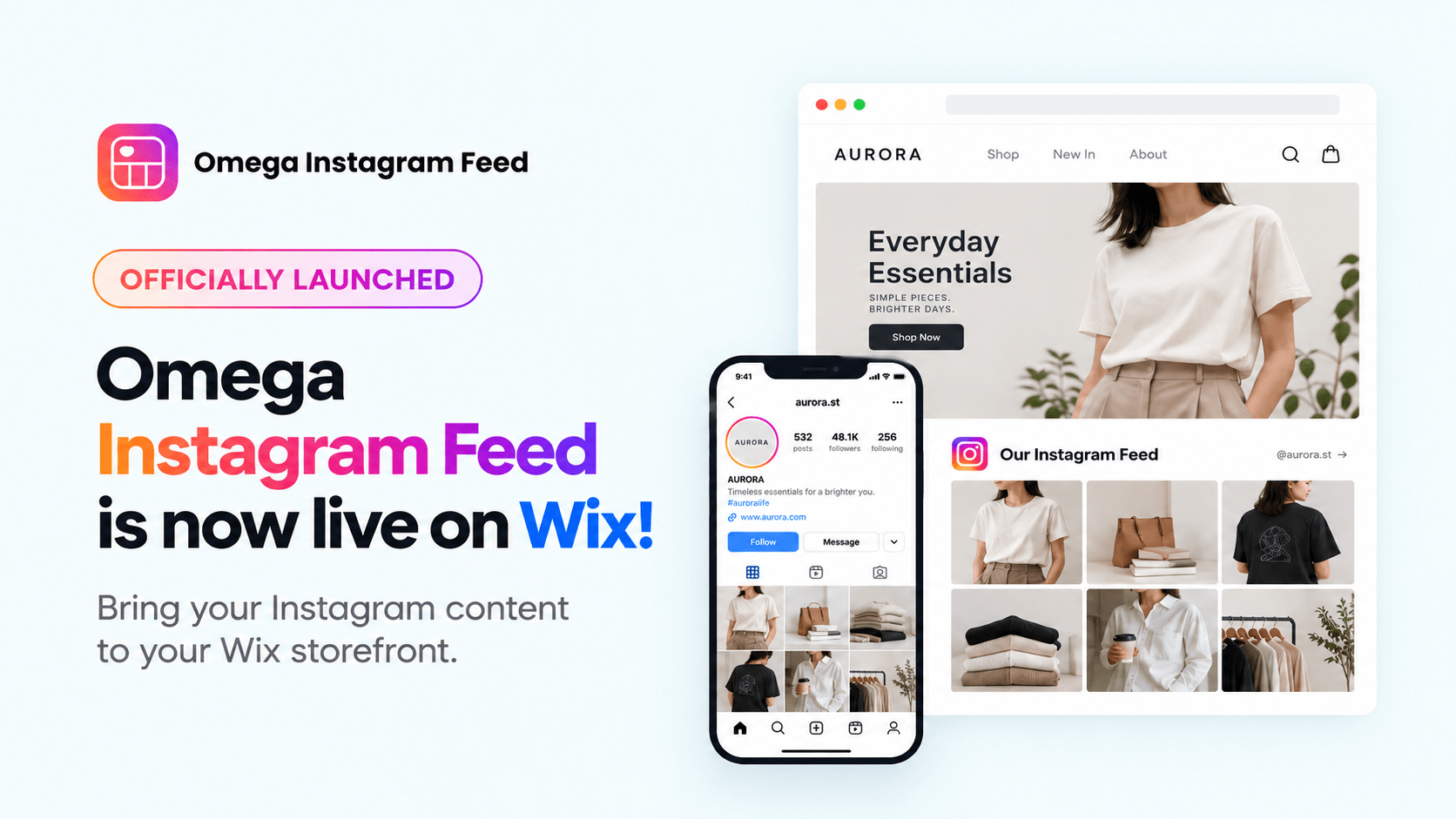
Transform Wix Storefronts with Shoppable Instagram Galleries: Omega Instagram Feed Launch

Stop Bots From Training Your Meta Ads: Introducing Bot & Fraud Protection
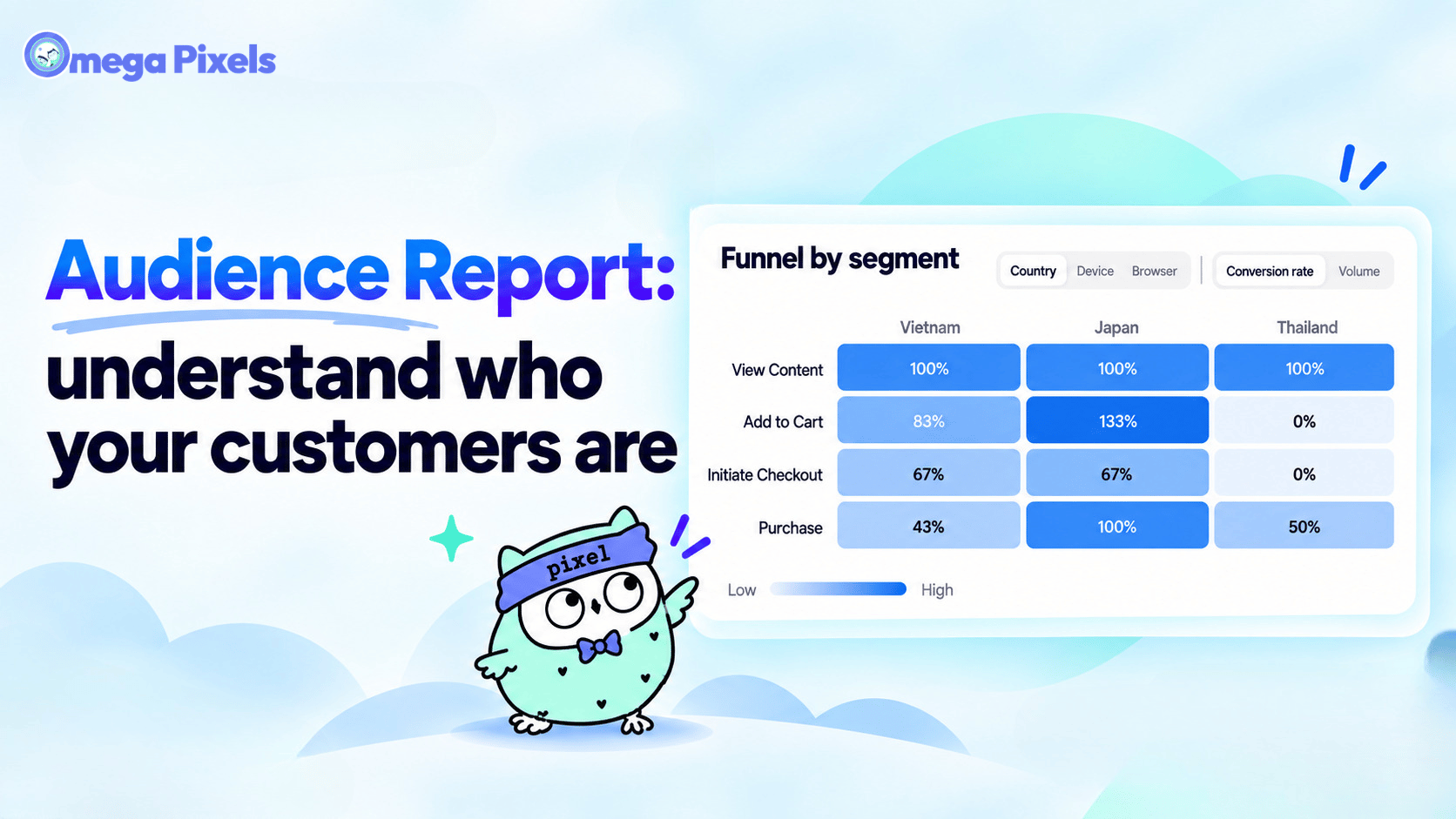
New in Omega Facebook Pixel: Audience Report
Sync Shopify Products to TikTok Shop directly with Omega TikTok Pixels
Transform Wix Storefronts with Shoppable Instagram Galleries: Omega Instagram Feed Launch
Stop Bots From Training Your Meta Ads: Introducing Bot & Fraud Protection
New in Omega Facebook Pixel: Audience Report
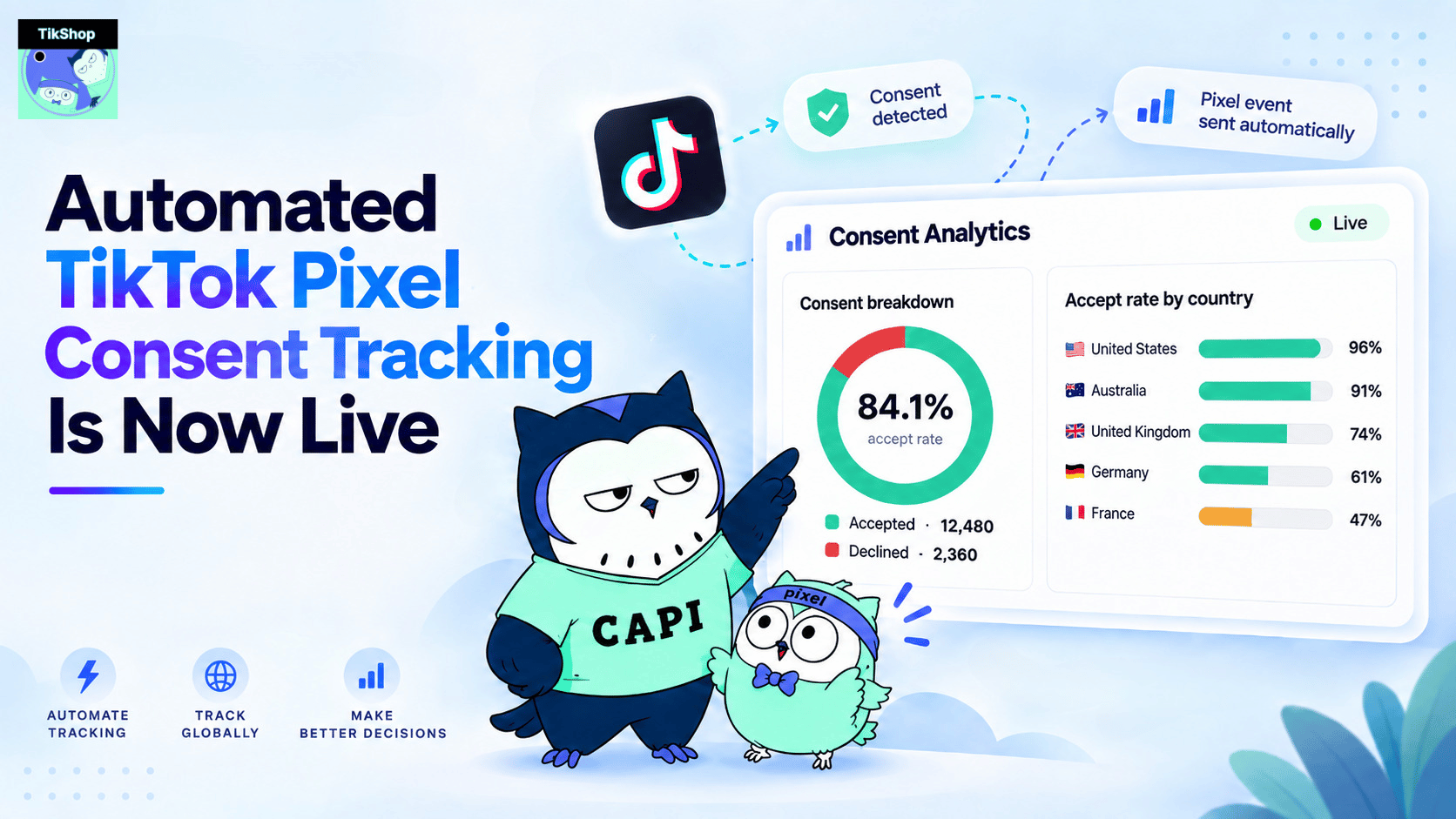
Automated TikTok Pixel Consent Tracking Is Now Live
Sync Shopify Products to TikTok Shop directly with Omega TikTok Pixels
Transform Wix Storefronts with Shoppable Instagram Galleries: Omega Instagram Feed Launch
Stop Bots From Training Your Meta Ads: Introducing Bot & Fraud Protection
New in Omega Facebook Pixel: Audience Report