Fix Shopify Product Feed Errors Before You Submit


You submit a product feed to Google or Facebook, then wait. Half an hour later the channel tells you some products were rejected, and the reason is a code like item_missing_required_attribute. You fix one thing, re-sync, and wait again.
Omega Feed now ships Omega Health Check, which helps you fix Shopify product feed errors before the channel ever sees them. Every time a feed syncs, Omega checks each product against Google's and Facebook's official product data specs and shows the problems right away, with the attribute to change and the way to fix it.
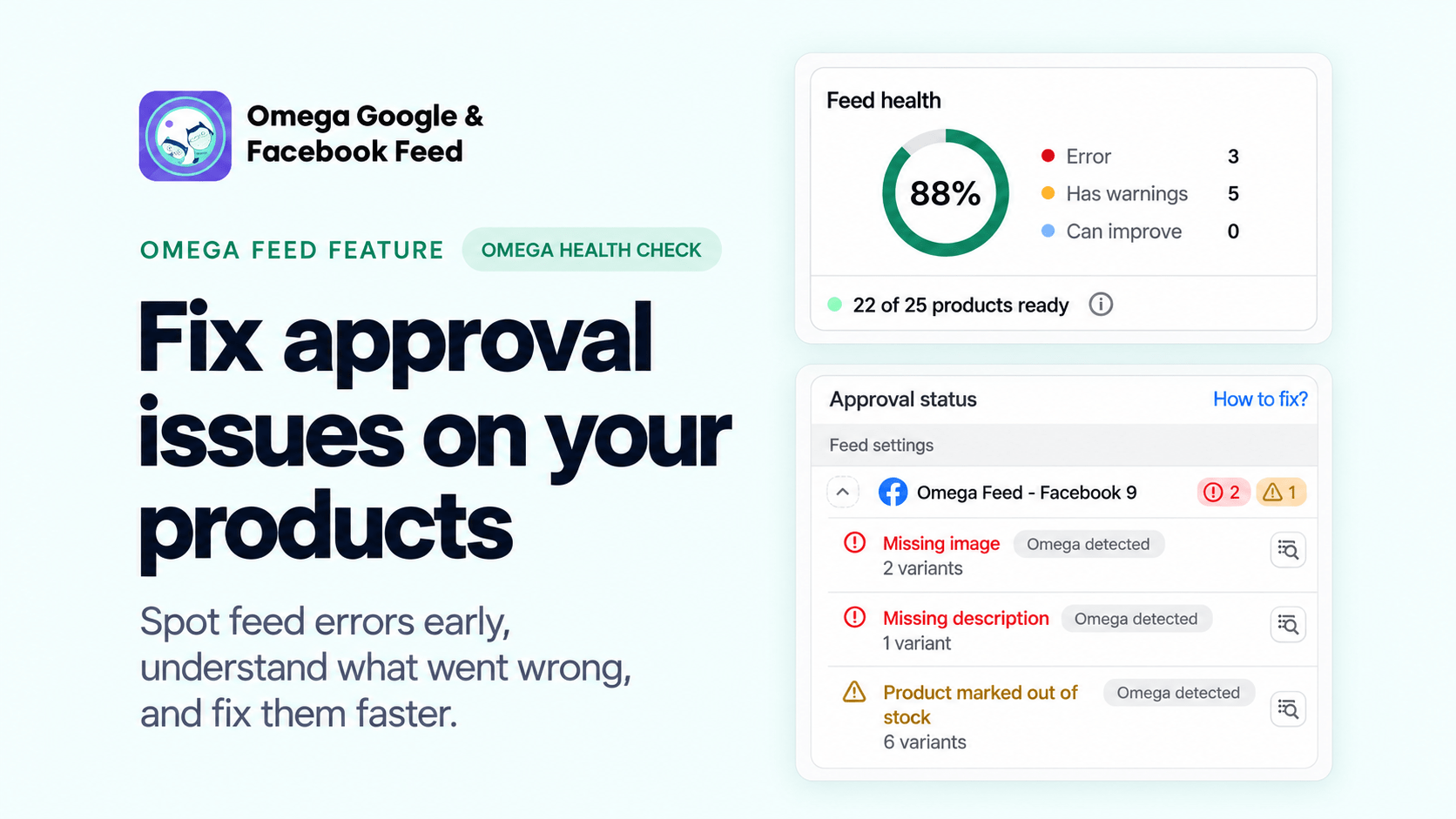
Omega Health Check Now Flags Feed Errors the Moment a Feed Syncs
Before this update, a channel's review was the first time you learned what was wrong. Omega Health Check moves that check to your side of the submission, so you see the quality of every feed instantly.
- Instant feed quality: The Feed health card shows how many products can run ads right now as a ring and an "X of Y products ready" count.
- Errors before submission: Issues found by the pre-check carry an Omega detected badge, often before Google or Facebook has reviewed the product.
- Three fix methods: Edit one product, bulk edit a group, or change the mapping to correct every product in the feed at once.
- Safe edits: Changes you make in the feed never touch your product data in Shopify, so you can tailor values per channel.
Availability: Omega Health Check is included on all plans, including Free. Editing a product's feed values and Bulk edit start on the Basic plan; Mapping fields need the Scale plan or higher. Scale gives you every fix method.
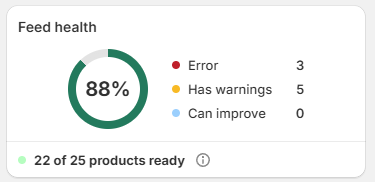
Why Pre-Submission Checks Speed Up Shopify Feed Approval
Every rejected product is a product that can't show in Shopping ads or your Facebook catalog. Catching the error first shortens the loop between "something is wrong" and "it's live".
- No waiting on the channel: See issues right after the sync instead of waiting for Google or Facebook to finish its review.
- Higher approval odds: The channel applies the same rules Omega checks, so fixing Omega detected issues avoids a rejection instead of reacting to one.
- Fewer blind re-syncs: Each issue names the attribute that caused it, so you change the right value the first time.
- Clean data every sync: Every sync re-checks each product from scratch, so an issue you fixed disappears after the next sync.
How to Fix Shopify Product Feed Errors in 3 Steps
- Review errors. Open Feed -> Products, switch to the Not approved tab and click the red N issues badge to see each error and the attribute behind it.
- Fix issues with the method that fits:
- Edit single product: change the value this feed sends for one product.
- Bulk edit: update many selected products at once.
- Attribute mapping: correct one attribute across every product in the feed in one go.
- Re-sync the feed. Press Resync product for one product, or Sync now for the whole feed.
Good to Know Before You Fix Feed Errors
- Shopify data stays untouched: Feed edits don't change your products in Shopify, so you can customize values per channel.
- Common errors only: Health Check catches common data errors. Policy issues and more complex cases still depend on the channel's official review.
- Fix account issues first: An expired login or a suspended Merchant Center blocks every product, however clean the data is.
Check Your Shopify Feed Health Today
Omega Health Check is live in Omega Google & Facebook Feed now. Open any feed to see its health and the errors to fix before your next sync. Need help with an error? Press Request error fix on the issue card or reach us through live chat in the app.
Get Your Product Feeds Approved Faster
Catch Shopify feed errors on Google and Facebook before you submit, and fix them in one place.
Try Omega Feed free
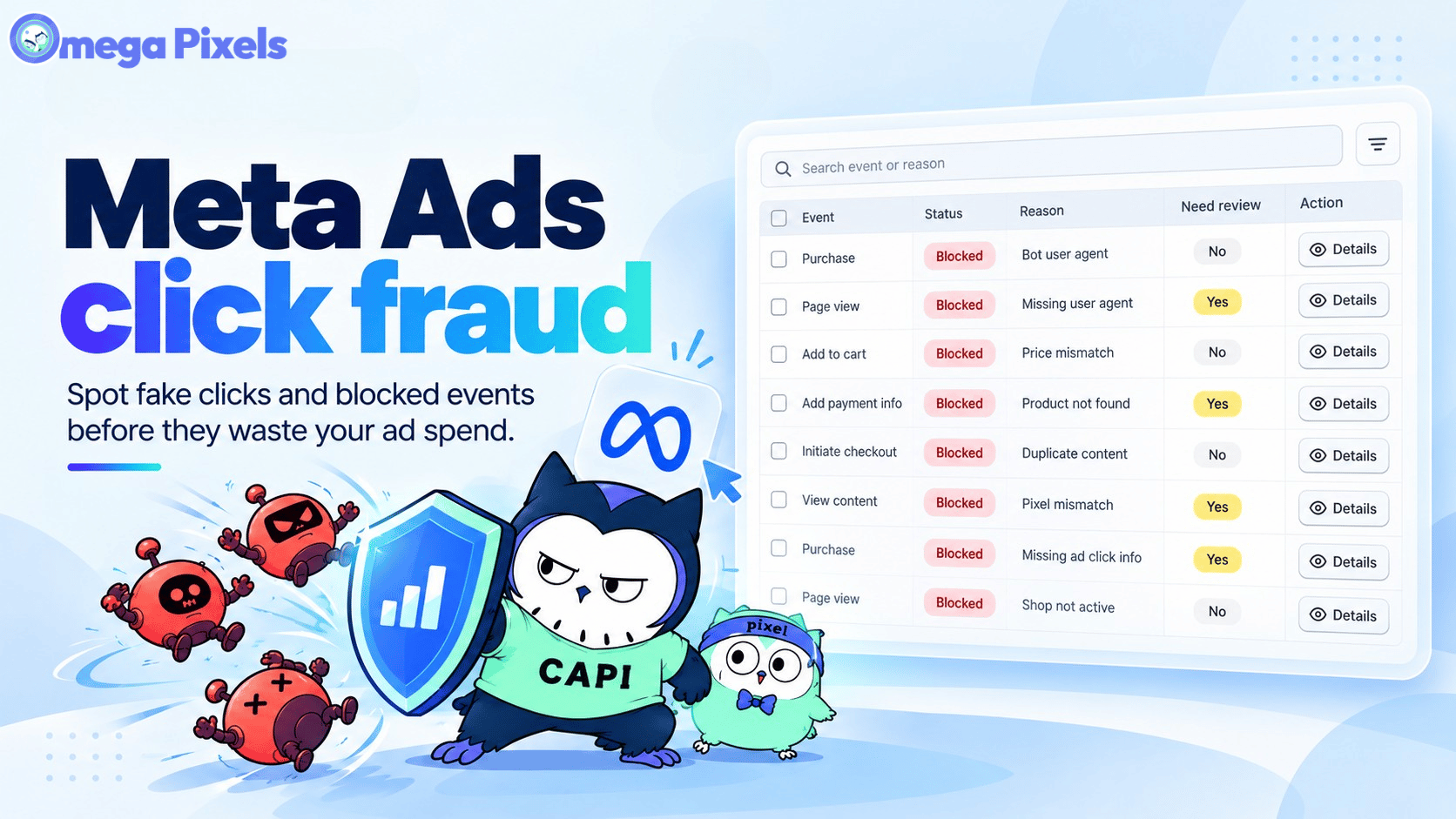
Meta Ads Click Fraud: How Bots Drain Your Budget and Poison Your Pixel (2026 Guide)
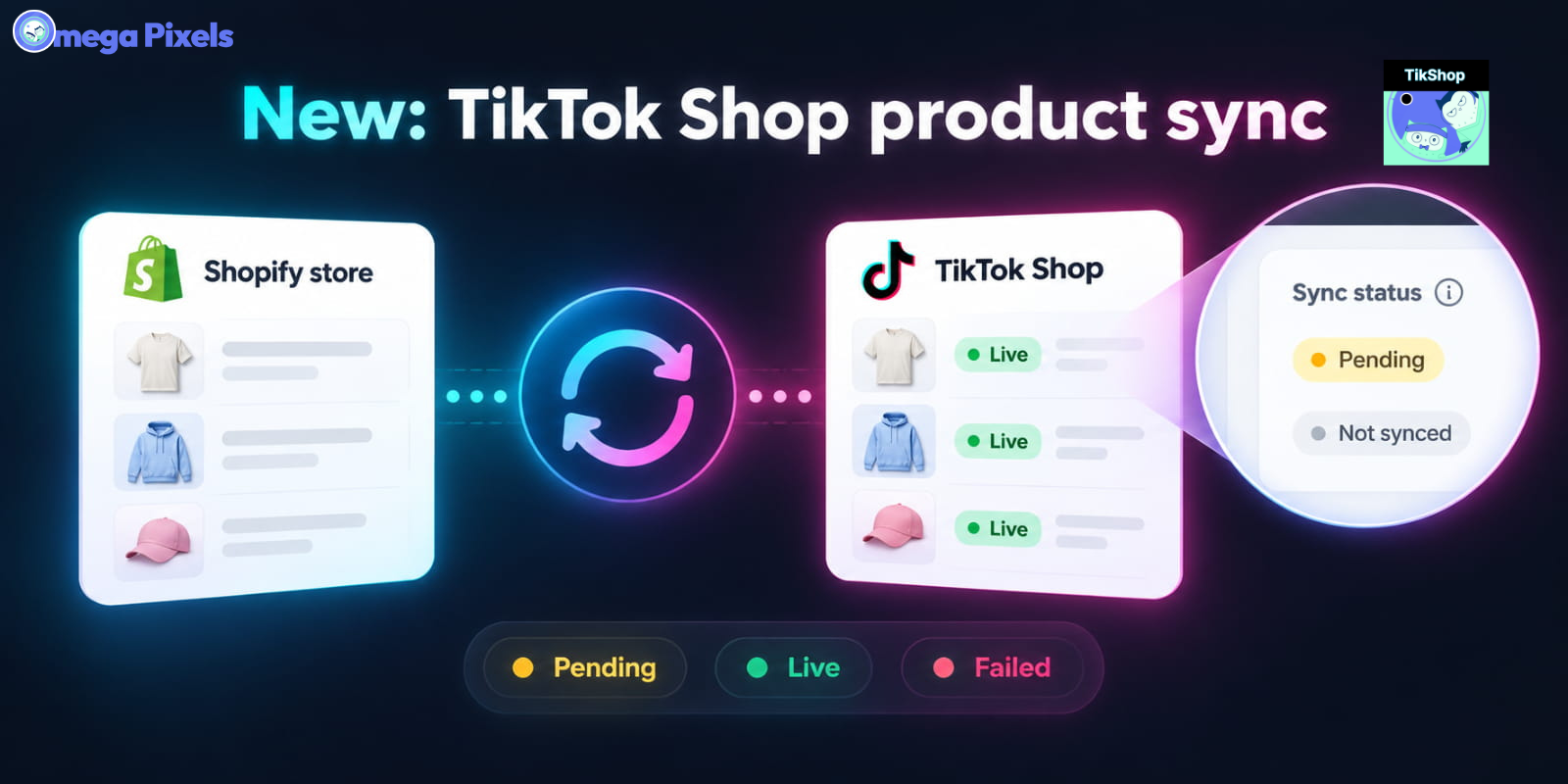
Sync Shopify Products to TikTok Shop directly with Omega TikTok Pixels
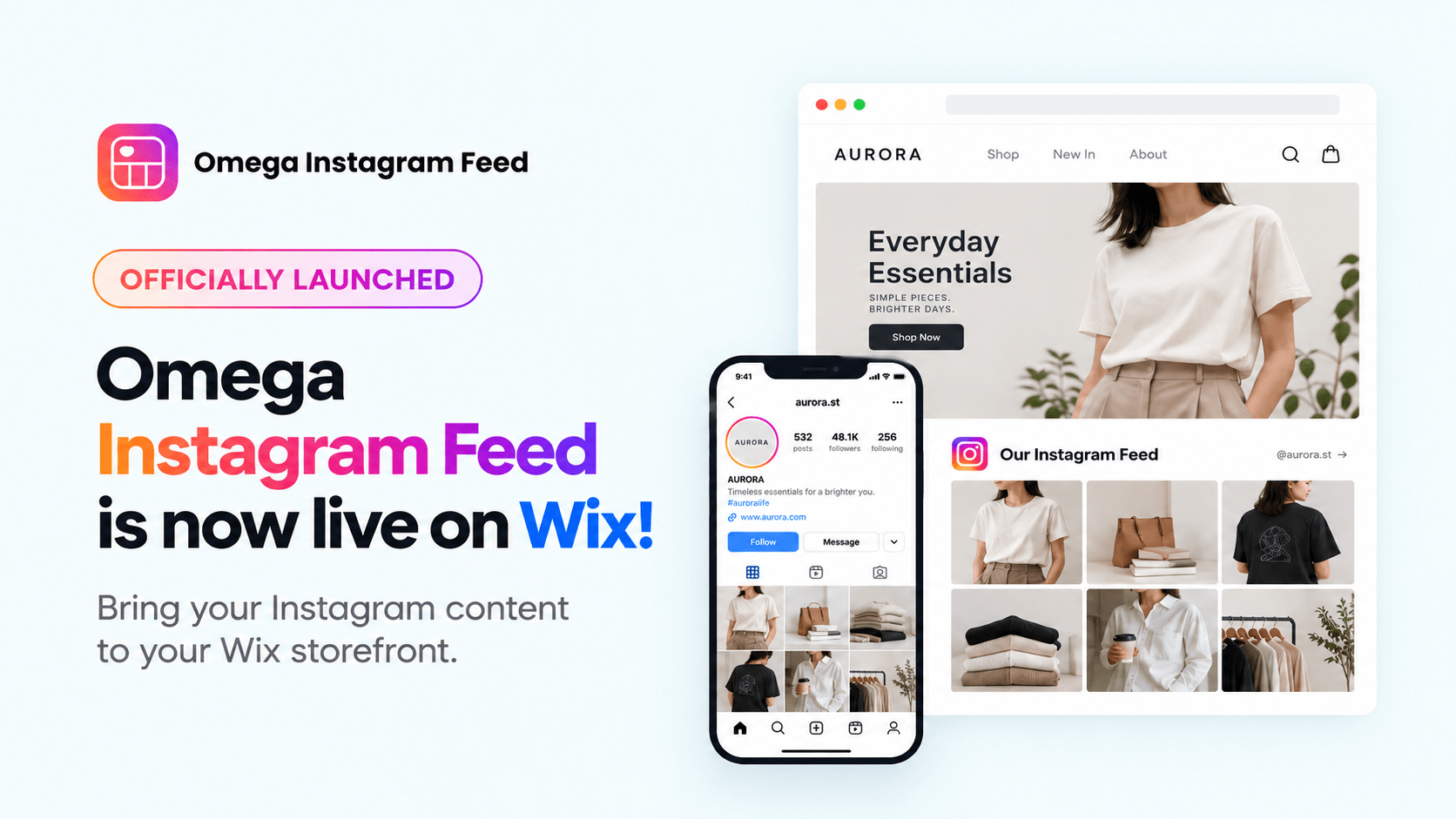
Transform Wix Storefronts with Shoppable Instagram Galleries: Omega Instagram Feed Launch
Sync Shopify Products to TikTok Shop directly with Omega TikTok Pixels
Transform Wix Storefronts with Shoppable Instagram Galleries: Omega Instagram Feed Launch

Stop Bots From Training Your Meta Ads: Introducing Bot & Fraud Protection
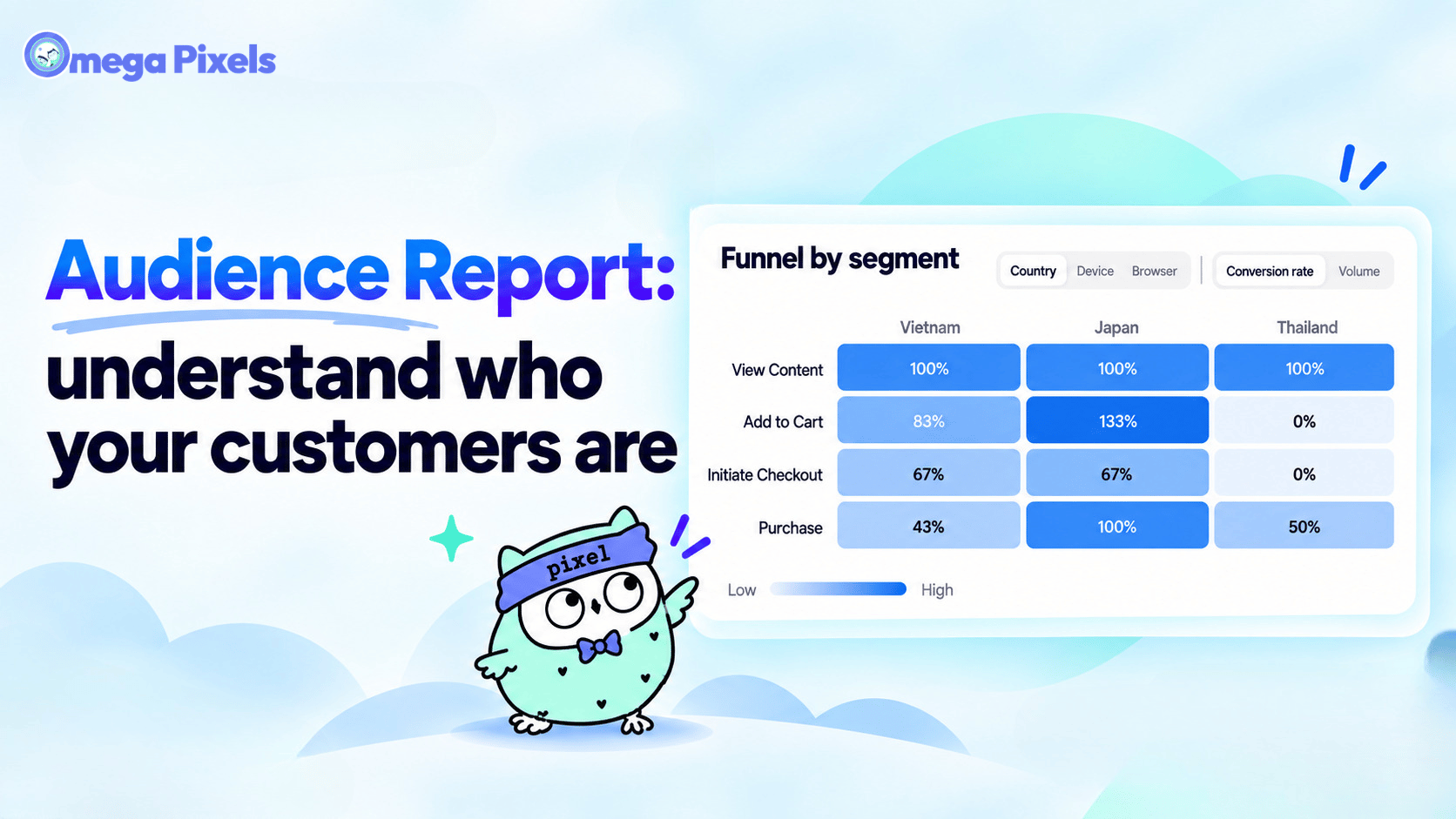
New in Omega Facebook Pixel: Audience Report
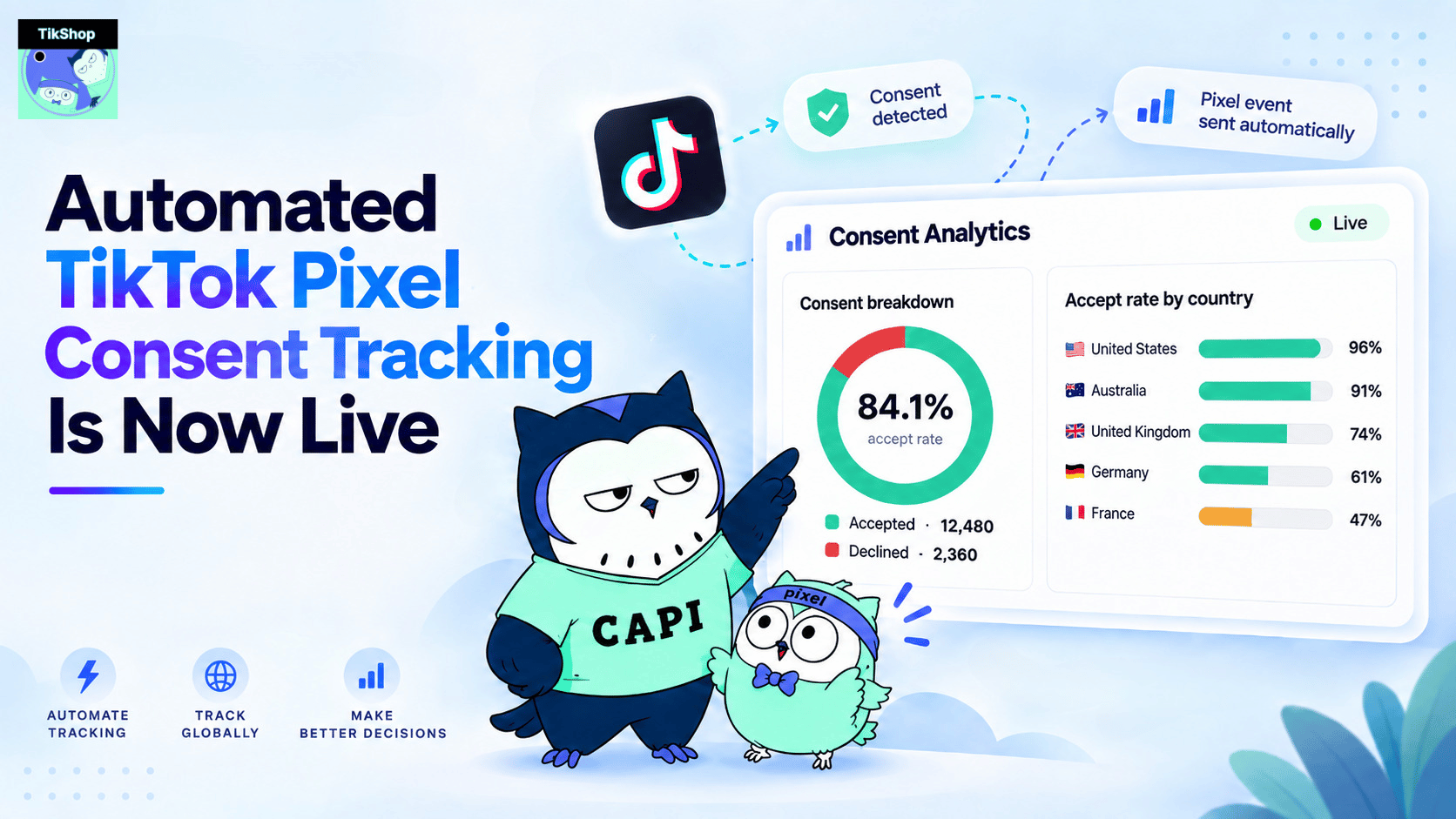
Automated TikTok Pixel Consent Tracking Is Now Live
Sync Shopify Products to TikTok Shop directly with Omega TikTok Pixels
Transform Wix Storefronts with Shoppable Instagram Galleries: Omega Instagram Feed Launch
Stop Bots From Training Your Meta Ads: Introducing Bot & Fraud Protection
New in Omega Facebook Pixel: Audience Report